এপিকিপিউর এ নিরাপদ এবং দ্রুত APK ডাউনলোড
APKPure বিরুদ্ধ সংকেতচিহ্ন যাচাইকরণ ব্যবহার করে আপনাকে ভাইরাস মুক্ত File Locker APK ডাউনলোড উপলব্ধ করানোর জন্য।

Encrypt and secure your private files.
Features:
• Browse files on your device through four main sections: Images - Videos - Audios - Documents.
• Encrypt and secure your private files using a password.
• Files are fully encrypted and secured.
• Files become unreadable to other apps(Mobile and PC).
• Files are encrypted locally on your device. Your privacy is protected.
• Encrypt hundreds of files within seconds.
• File Locker has elegant user interface, clean design, great reliability, and extremely high performance.
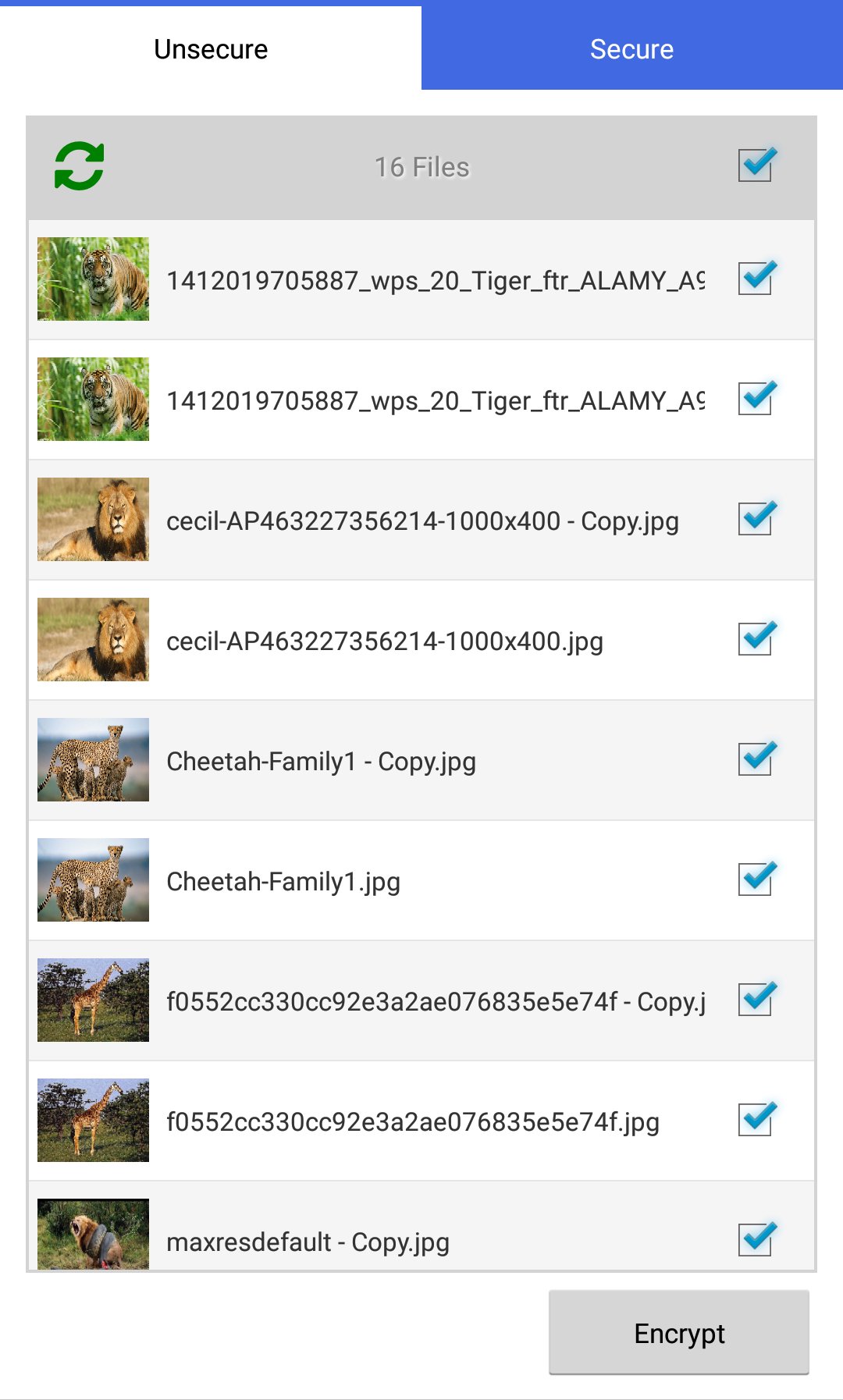
To encrypt files:
• In the tab Unsecure. Select target files.
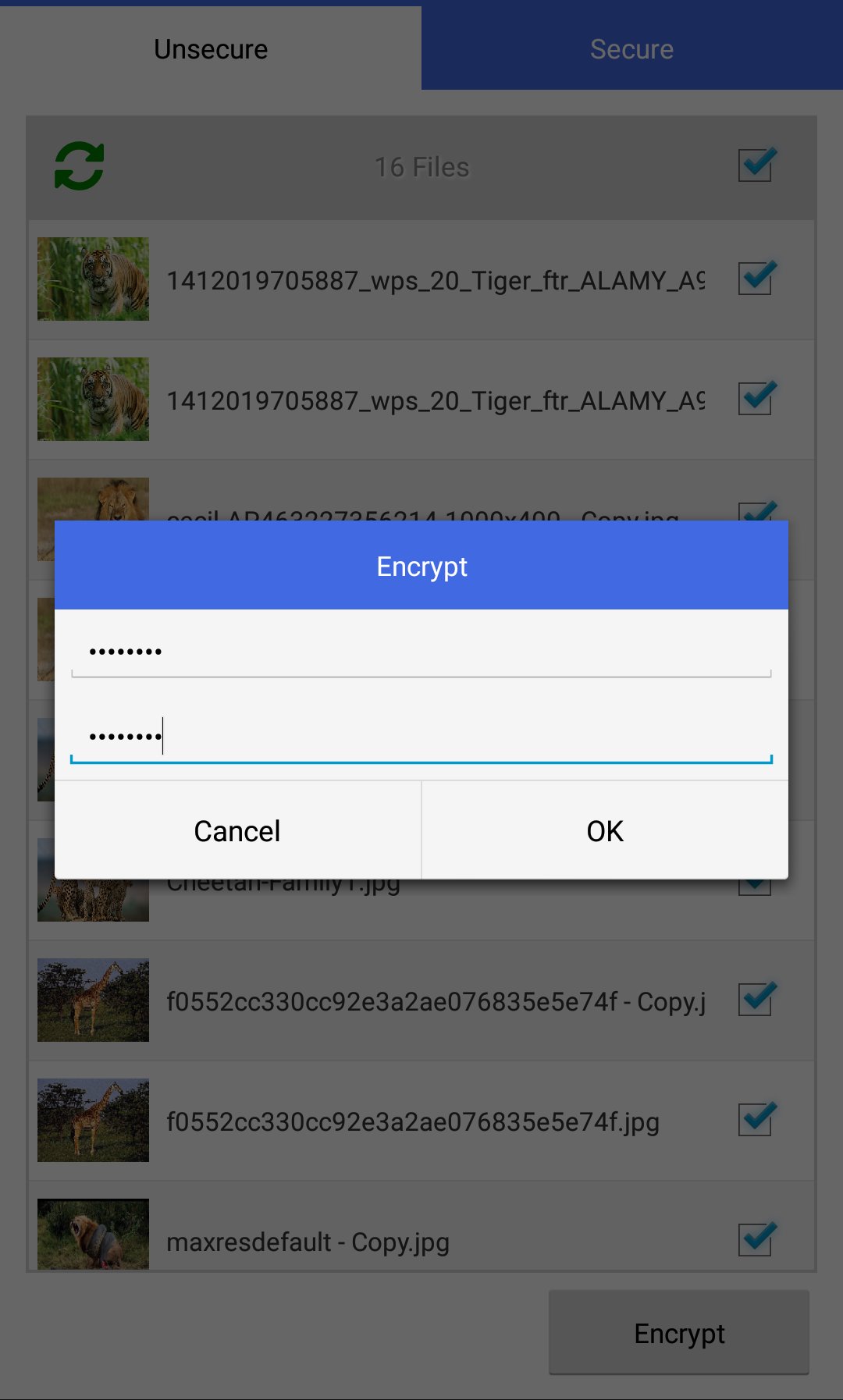
• Press the button Encrypt. Set encryption password.
• Files are moved to the tab Secure. Files become unreadable to other apps.
To decrypt files:
• In the tab Secure. Select target files.
• Press the button Decrypt. Enter decryption password.
• Files are moved to the tab Unsecure. Files become readable again.
NOTICE: There is no password recovery procedure because File Locker does not store the password anywhere(Security Feature).




Android-এ XAPK/APK ফাইল ইনস্টল করতে এক-ক্লিক করুন!

আপনার রেটিং এবং প্রতিক্রিয়া জন্য ধন্যবাদ!
আপনি ইতিমধ্যে রেট করেছেন।