
Muat turun APK Selamat & Cepat di APKPure
APKPure menggunakan pengesahan tandatangan untuk memastikan muat turun APK Smart Voice tanpa virus untuk anda.

Find your smartphone using voice recognition.
Smart Voice uses voice recognition to help you quickly find a misplaced smartphone. When your phone screen locks Smart Voice begins to listen for your keyword so when you misplace your phone start calling out your keyword in the area where you think your phone is located and once you are close enough to your phone's microphone Smart Voice will use voice recognition to match your keyword, light up your phone and begin making your phone ring. For best results call out your keyword pause less than a second and then call out your keyword again.
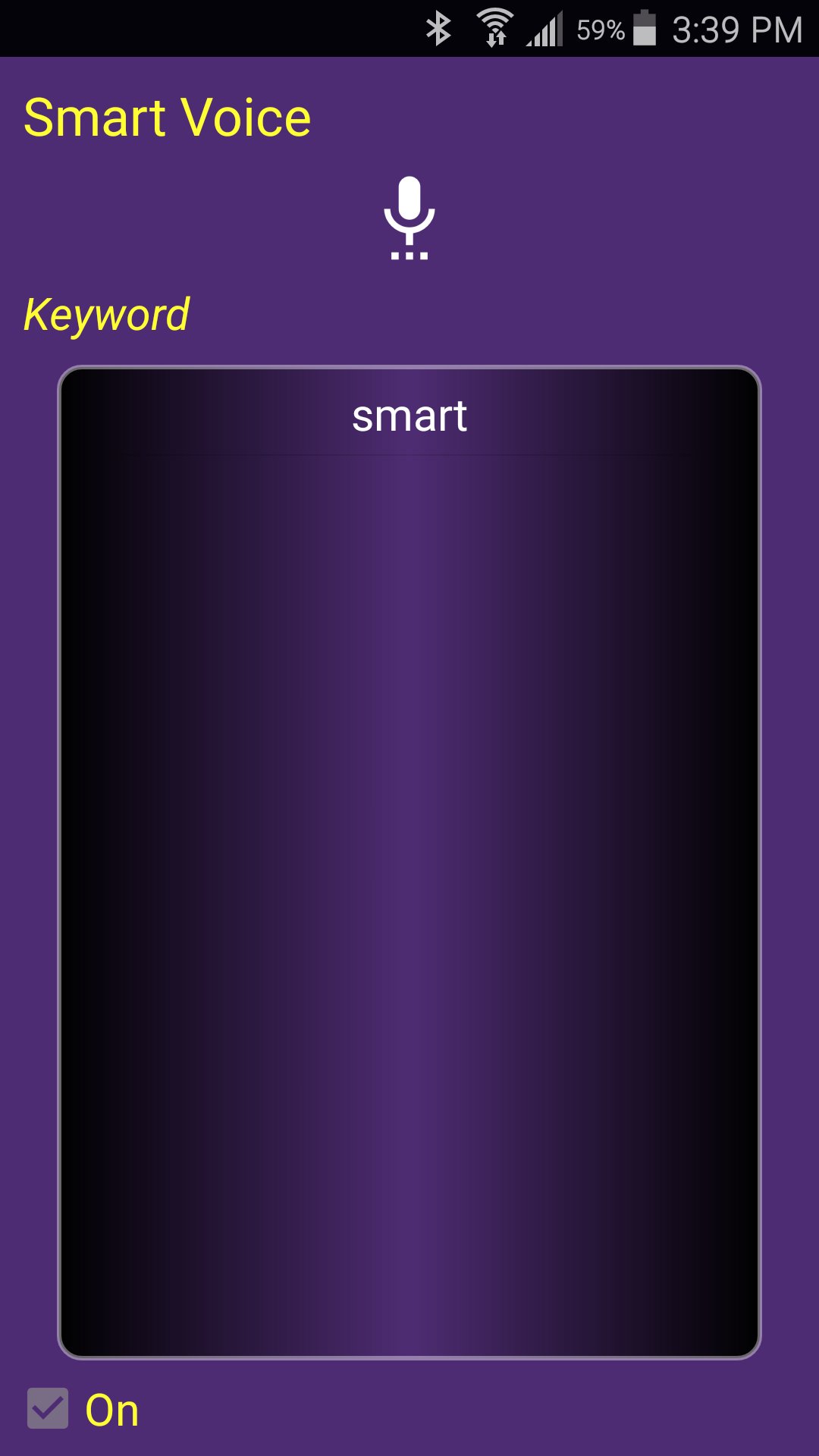
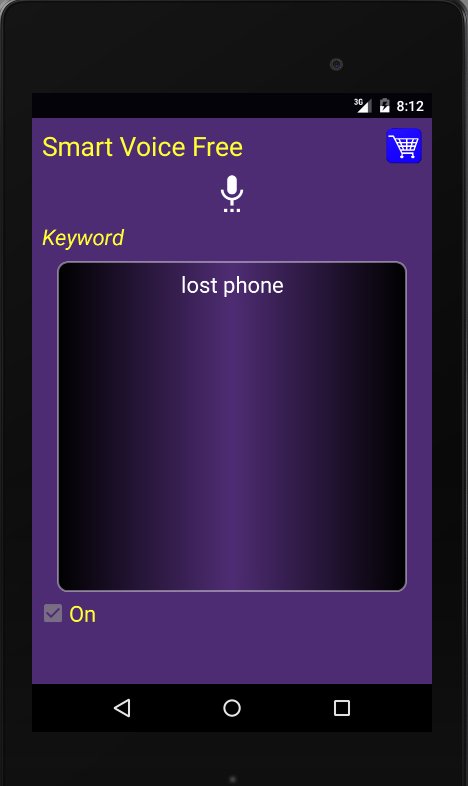
Smart Voice's initial keyword is "smart" but it also allows you to change your keyword to whatever you would like. Simply go into the app, click on the microphone and change the keyword to whatever you would like. It is recommended that you use a single word keyword.
The free version of Smart Voice will generate a notification after each use. In order to reset Smart Voice to use again click on the notification. Once you view the advertisement Smart Voice will reset the voice recognition and be ready to use again.
If you would like to purchase the ad free version we recommend that you make sure the free version works on your phone first. If the free version works then you can be sure the paid version will work as well. To purchase the ad free version go into the app, click on the cart and once purchased smart voice will no longer need to be reset after each use.
If you would like to temporarily turn off Smart Voice and turn off the voice recognition uncheck the on/off check box near the bottom of the app, which will disable Smart Voice. The check box needs to be checked for Smart Voice to work. If Smart Voice does not appear to be working make sure the “On” check box is checked.
If your smartphone supports offline voice recognition and it is setup properly on your phone then this app will support it and not need a network connection. Note you will need a network connection to reset the free version. If your smartphone supports voice recognition and does not support offline voice recognition then Smart Voice will require a network connection to work properly.
If you have a Samsung phone and receive a prompt to choose Samsung text or Google text more than once you should be able to prevent that dialog by going to settings, languages, text to speech options and choosing one of the two options. After doing that you should not receive that prompt again.




Satu klik untuk memasang fail XAPK/APK pada Android!

Terima kasih atas penilaian dan maklum balas anda!
Anda sudah dinilai.