Applocker - Select Days and Times - Patent Pending

Applocker - Select Days and Times - Patent Pending

Pluggdd Mobile
Aug 20, 2019
  • 8.0

    1 Recensies

  • 12.2 MB

    Bestandsgrootte

  • Everyone

  • Android 5.0+

    Android OS

Over Applocker - Select Days and Times - Patent Pending

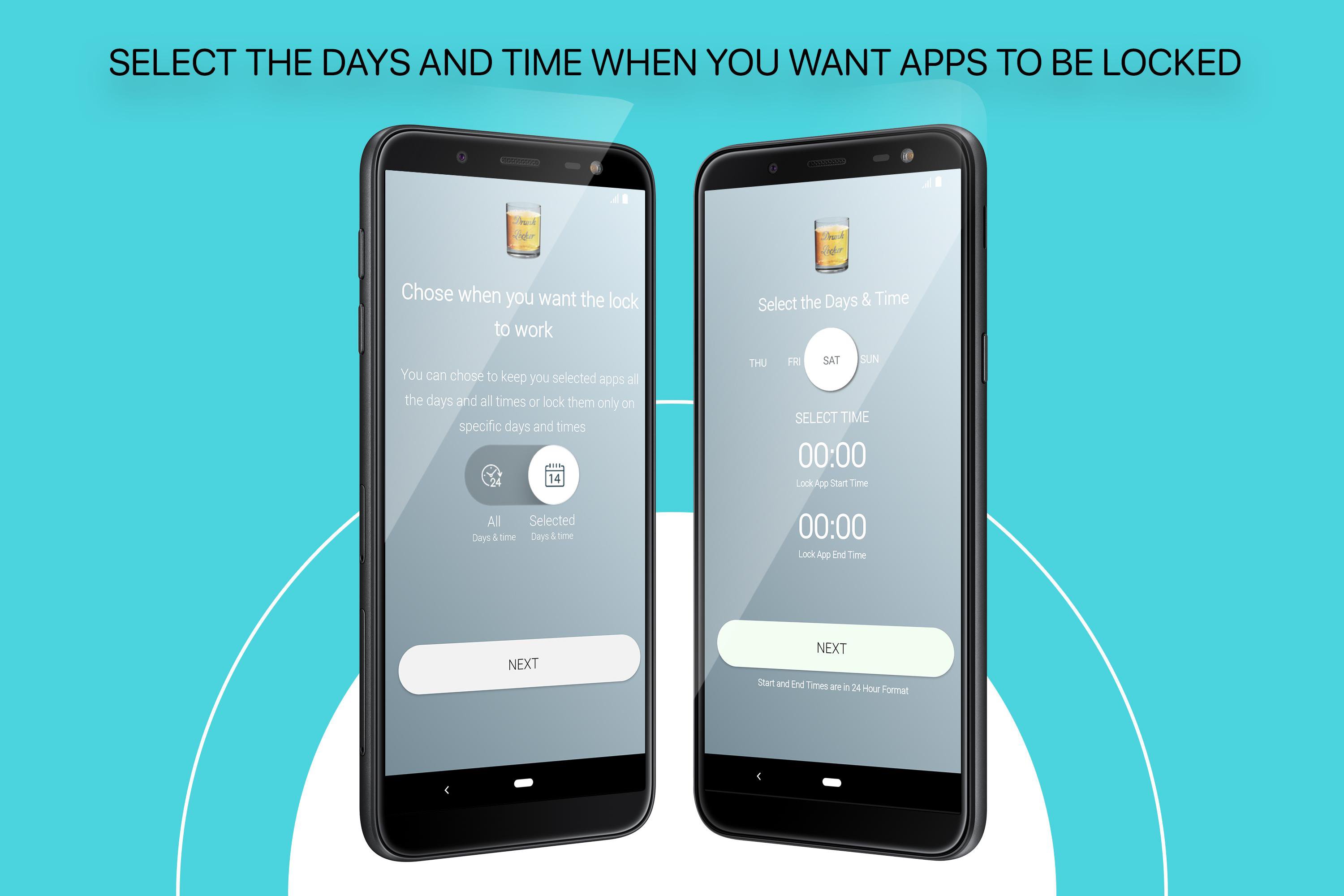
Een app-locker waar je de dagen en de tijd kunt instellen waarop je je apps wilt vergrendelen

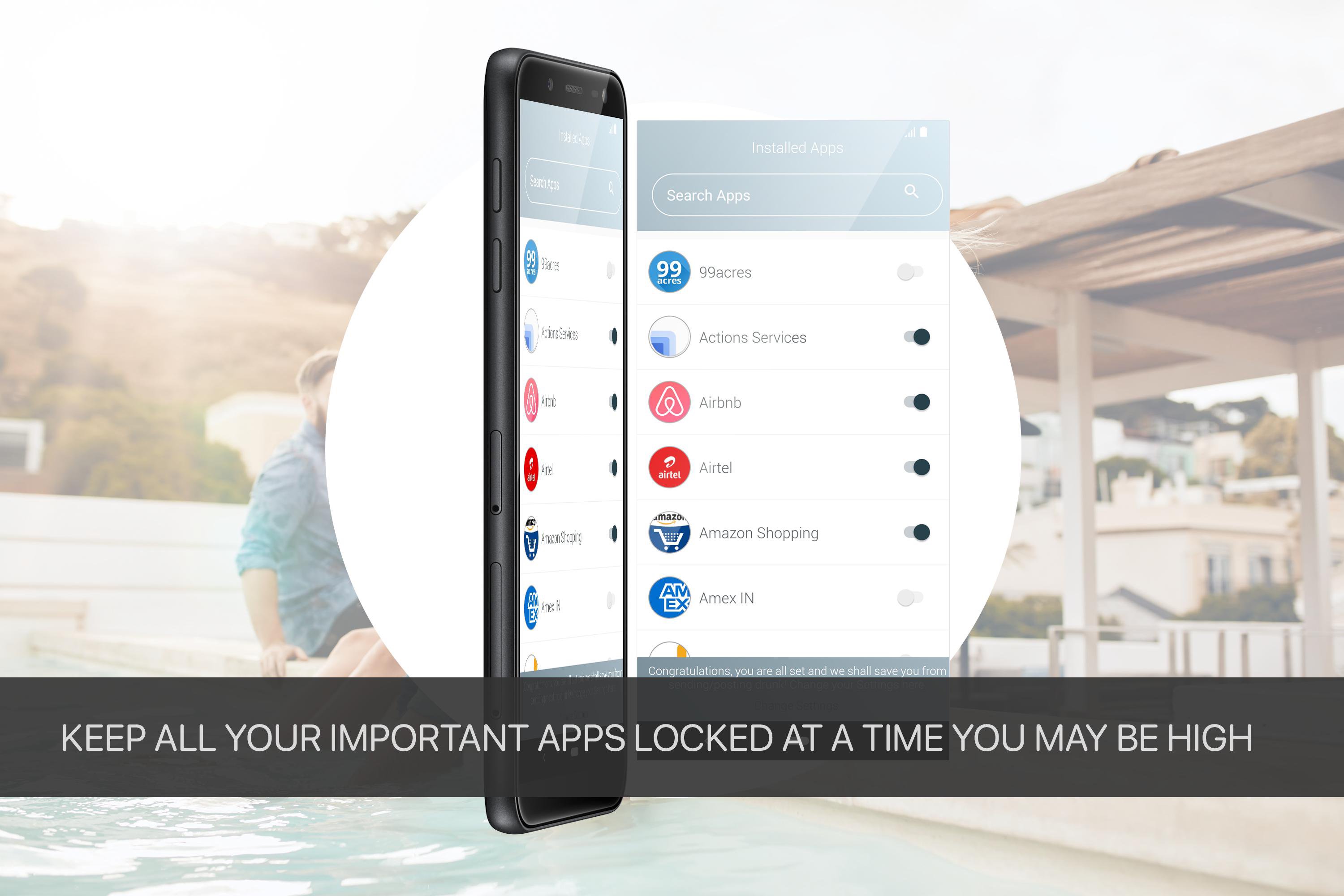
How often have you realized that you went partying and got a bit high? Texting someone or posting on social media when you are high, can be really dangerous and embarrassing.

Use the app to lock your communication apps when you are high. So you know you may go partying on Fridays and Saturdays, so just lock the apps for those days and may be from 10:00 PM to 4:00 AM only. The app gives you this flexibility

Meer Info

What's new in the latest 22.0.02

Last updated on Aug 20, 2019
Minor bug fixes and improvements. Install or update to the newest version to check it out!
Meer Info

Video's en screenshots

  • Applocker - Select Days and Times - Patent Pending voor officiële Androidtrailer
  • Applocker - Select Days and Times - Patent Pending screenshot 1
  • Applocker - Select Days and Times - Patent Pending screenshot 2
  • Applocker - Select Days and Times - Patent Pending screenshot 3
  • Applocker - Select Days and Times - Patent Pending screenshot 4

Applocker - Select Days and Times - Patent Pending APK -informatie

Laatste versie
22.0.02
Categorie
Tools
Android OS
Android 5.0+
Bestandsgrootte
12.2 MB
Ontwikkelaar
Pluggdd Mobile
Inhoudsbeoordeling
Everyone
Veilige en snelle APK Downloads op APKPure
APKPure gebruikt handtekeningverificatie om virusvrije Applocker - Select Days and Times - Patent Pending APK downloads voor u te garanderen.
APKPure-icoon

Supersnel en veilig downloaden via de APKPure-app

Eén klik om XAPK/APK-bestanden op Android te installeren!

Downloaden APKPure
thank icon
We use cookies and other technologies on this website to enhance your user experience.
By clicking any link on this page you are giving your consent to our Privacy Policy and Cookies Policy.
Learn More about Policies