Quick Apps Backup and Share

Quick Apps Backup and Share

Code Lab
Aug 9, 2015
  • 732.8 KB

    Bestandsgrootte

  • Everyone

  • Android 2.3.2+

    Android OS

Over Quick Apps Backup and Share

1 touch apps/apk backup, share and many more.

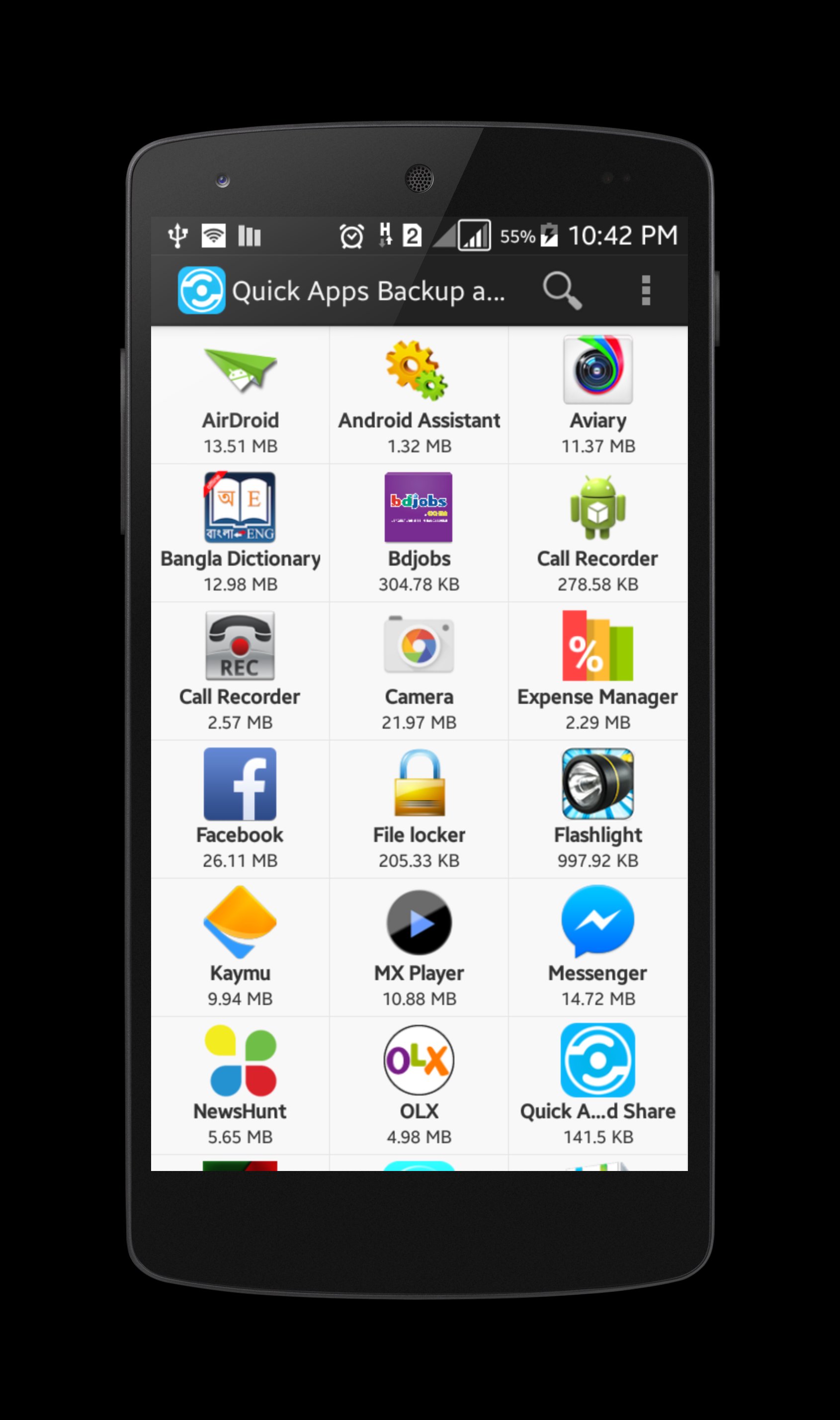
Are you looking for an all in one app management tools? Then “Quick Apps Backup and Share” is absolutely for you. Now you can backup apps to your SD card, you can share them also easily and more quickly. You can also find relative app from your app list just by a single tap. Launch and Uninstall any app will be easier also.

Key features:

Backup apps to SD card

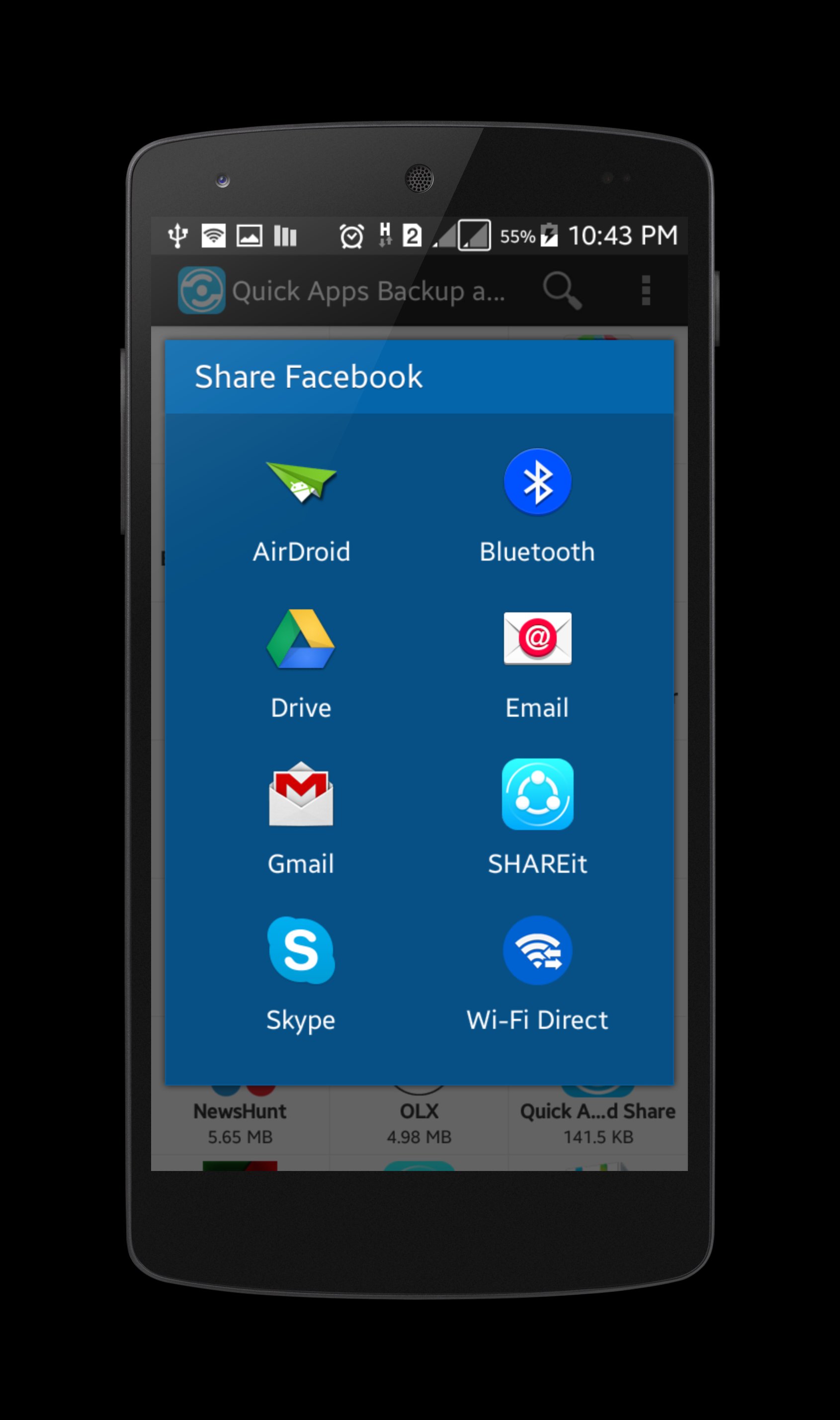
Share apps over any sharing medium including Bluetooth

Share apps as mail attachment

Easy and quick launch any app

Quick uninstall app from app list

Search related apps from play store

Quick apps list with name and size

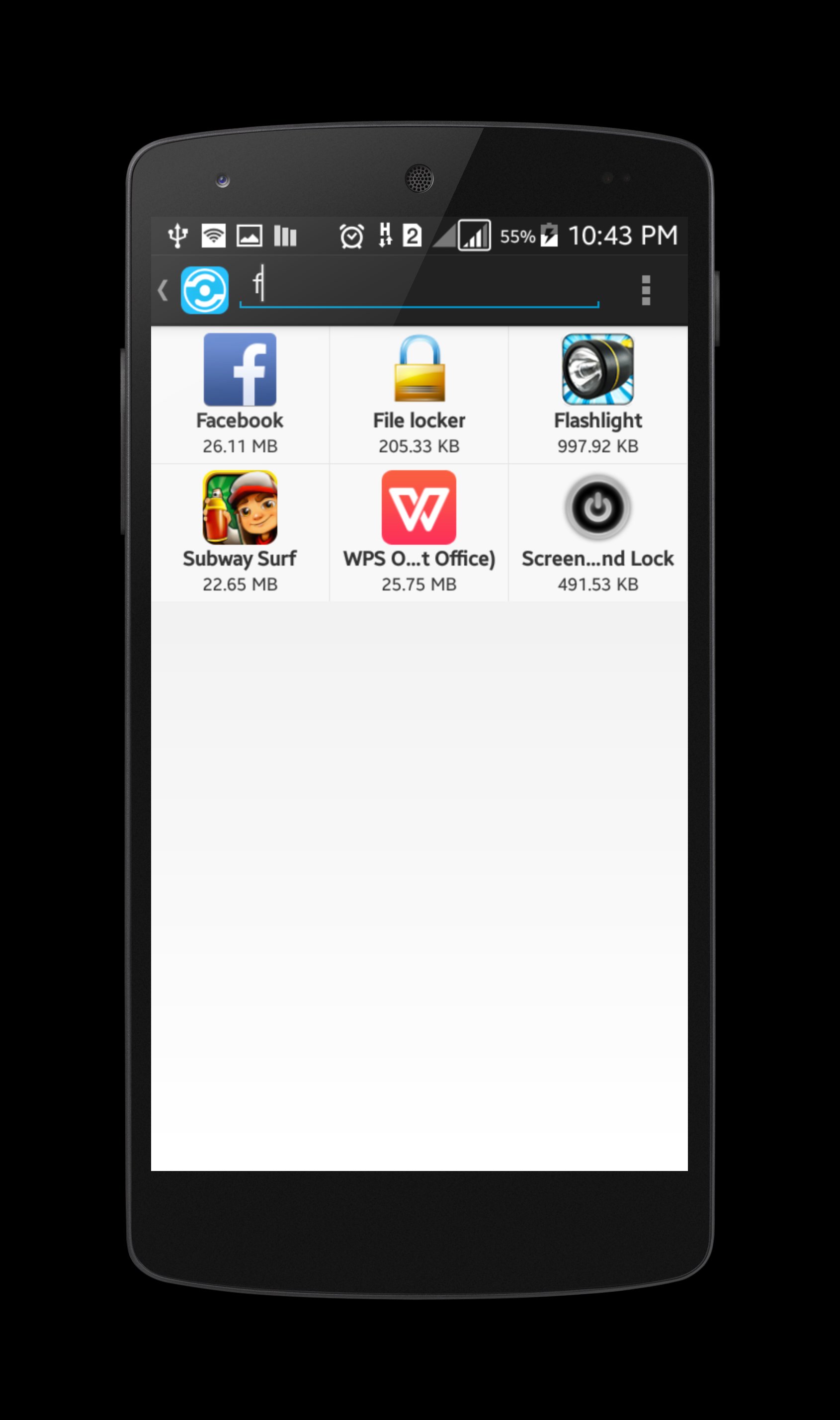
Quick search and access installed app

Easy and simple to use

Its free

Meer Info

What's new in the latest 1.4

Last updated on 2015-08-09
- Improve memory efficiency
- Improve app loading system
- Improve backup system
Meer Info

Video's en screenshots

  • Quick Apps Backup and Share voor officiële Androidtrailer
  • Quick Apps Backup and Share screenshot 1
  • Quick Apps Backup and Share screenshot 2
  • Quick Apps Backup and Share screenshot 3
  • Quick Apps Backup and Share screenshot 4
  • Quick Apps Backup and Share screenshot 5

Quick Apps Backup and Share APK -informatie

Laatste versie
1.4
Categorie
Tools
Android OS
Android 2.3.2+
Bestandsgrootte
732.8 KB
Ontwikkelaar
Code Lab
Inhoudsbeoordeling
Everyone
Veilige en snelle APK Downloads op APKPure
APKPure gebruikt handtekeningverificatie om virusvrije Quick Apps Backup and Share APK downloads voor u te garanderen.


Oude versies van Quick Apps Backup and Share

APKPure-icoon

Supersnel en veilig downloaden via de APKPure-app

Eén klik om XAPK/APK-bestanden op Android te installeren!

Downloaden APKPure
thank icon
We use cookies and other technologies on this website to enhance your user experience.
By clicking any link on this page you are giving your consent to our Privacy Policy and Cookies Policy.
Learn More about Policies