APKPure پر محفوظ اور تیز APK ڈاؤن لوڈ کریں
APKPure آپ کے لئے وائرس سے پاک Datecs Barcode Wedge APK ڈاؤن لوڈ میسر کرنے کے لئے سائنیچر تصدیق استعمال کرتا ہے۔

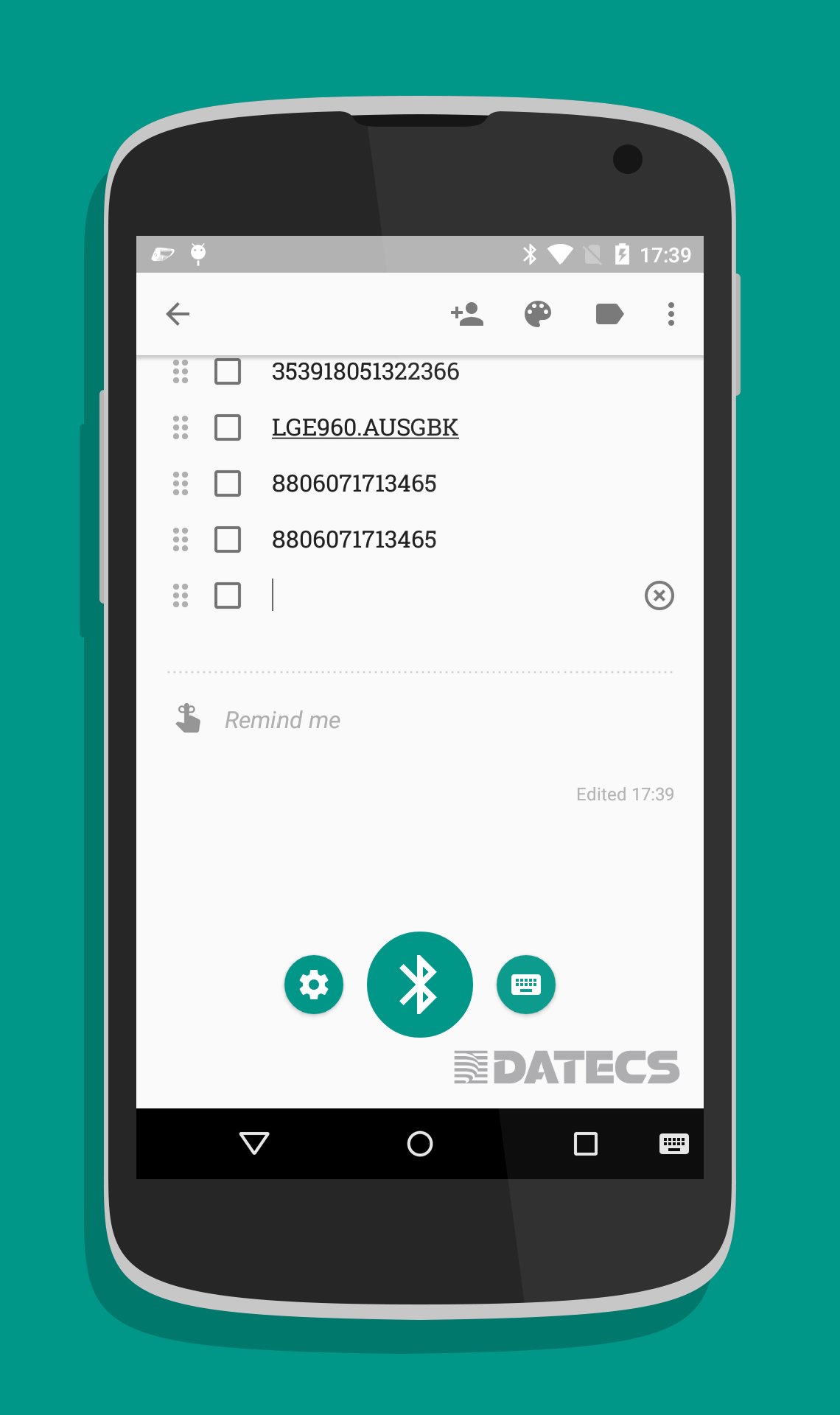
Datecs Barcode wedge emulator input method
Datecs keyboard wedge emulator receives data from DBS-55 portable barcode scanner and posts it in any input field of foreground application running on your Android device.
FEATURES:
- Requires Android OS 2.1 or Higher.
- Barcode prefix and suffix.
- Post control characters (carriage return and tabulation).
- Connect and disconnect notifications.
- Integrated with Android's native extensible input method framework for use across the entire system.
DETAILS:
- Barcode prefix and suffix: Ability to insert additional text content before and/or after the scanned barcode data.
- Additional control characters: Configuration to post additional control characters after the barcode data (i.e carriage return and tabulation).
- Connect and disconnect notifications: A notification status bar icon shows when the scanner device is connected/disconnected to Android.
USAGE:
After successful installation go to Settings->Language and input (or similar) and check BarcodeWedge. Then, when you need a scanner you must choose it as the input method into the application.



Android پر XAPK/APK فائلیںانسٹالکرنےکےلیےایککلککریں!

آپ کی درجہ بندی اور آراء کا شکریہ!
آپ پہلے ہی درجہ بندی کر چکے ہیں۔