APKPure پر محفوظ اور تیز APK ڈاؤن لوڈ کریں
APKPure آپ کے لئے وائرس سے پاک File Locker APK ڈاؤن لوڈ میسر کرنے کے لئے سائنیچر تصدیق استعمال کرتا ہے۔

Encrypt and secure your private files.
Features:
• Browse files on your device through four main sections: Images - Videos - Audios - Documents.
• Encrypt and secure your private files using a password.
• Files are fully encrypted and secured.
• Files become unreadable to other apps(Mobile and PC).
• Files are encrypted locally on your device. Your privacy is protected.
• Encrypt hundreds of files within seconds.
• File Locker has elegant user interface, clean design, great reliability, and extremely high performance.
To encrypt files:
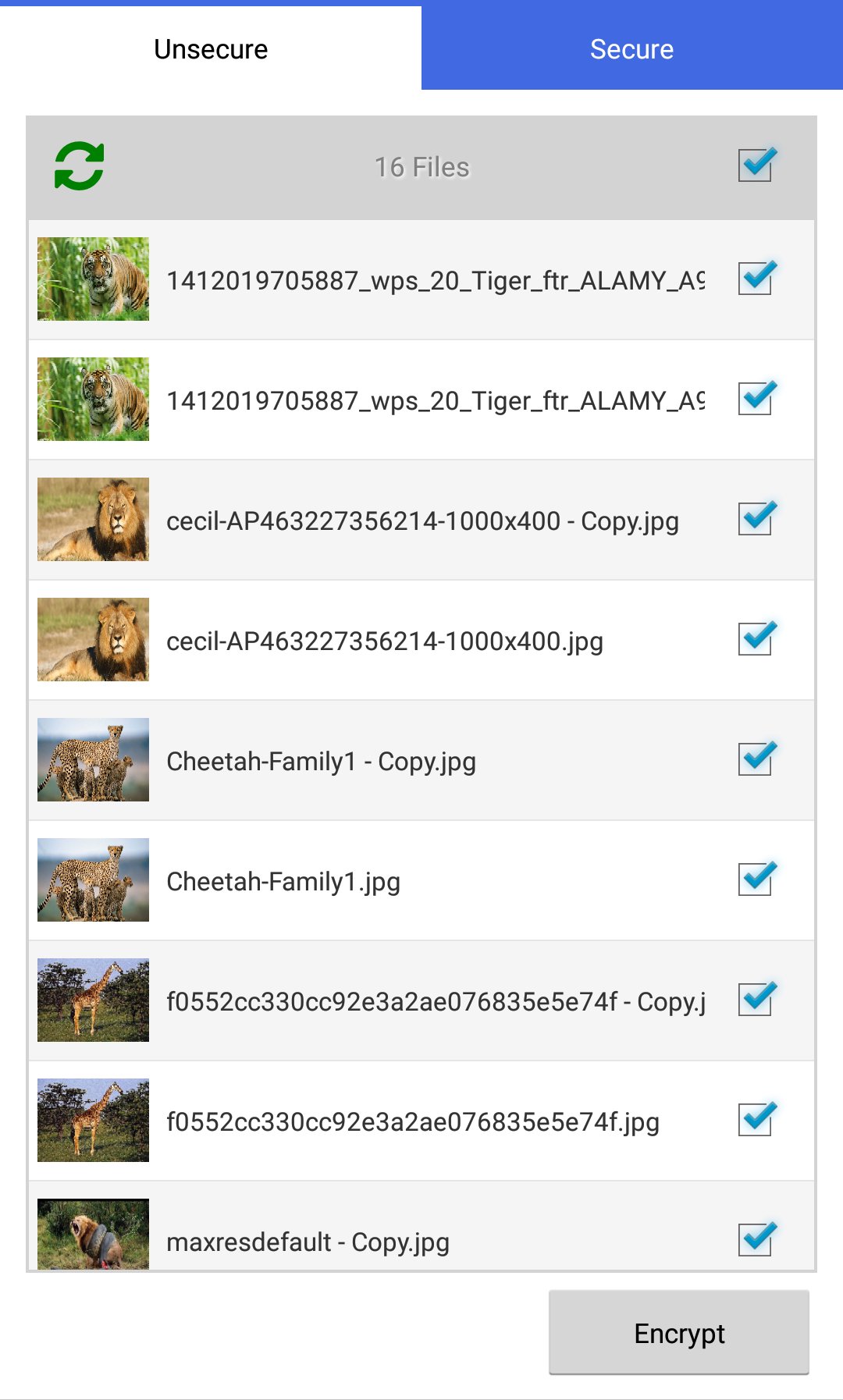
• In the tab Unsecure. Select target files.
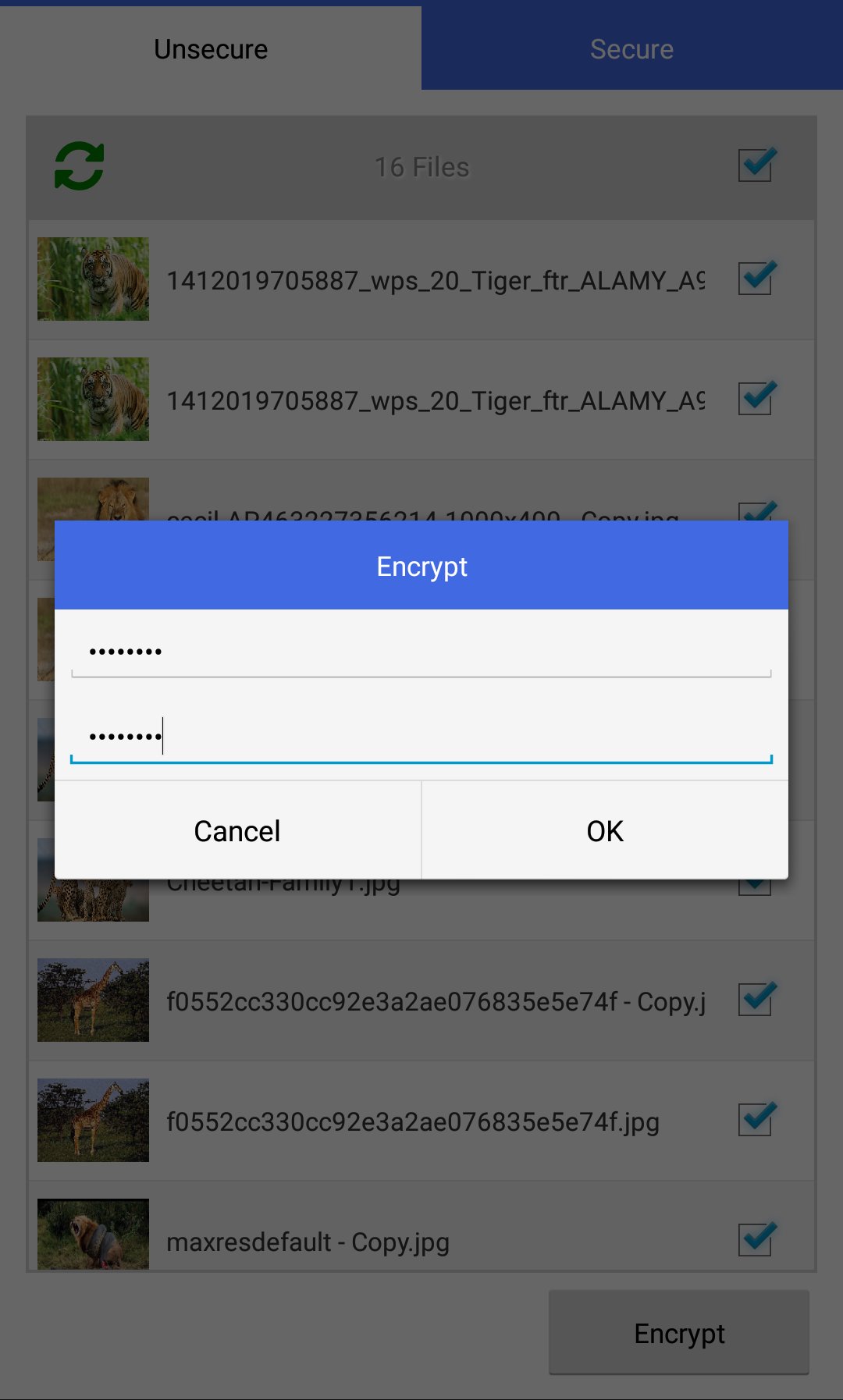
• Press the button Encrypt. Set encryption password.
• Files are moved to the tab Secure. Files become unreadable to other apps.
To decrypt files:
• In the tab Secure. Select target files.
• Press the button Decrypt. Enter decryption password.
• Files are moved to the tab Unsecure. Files become readable again.
NOTICE: There is no password recovery procedure because File Locker does not store the password anywhere(Security Feature).




Android پر XAPK/APK فائلیںانسٹالکرنےکےلیےایککلککریں!

آپ کی درجہ بندی اور آراء کا شکریہ!
آپ پہلے ہی درجہ بندی کر چکے ہیں۔