
এপিকিপিউর এ নিরাপদ এবং দ্রুত APK ডাউনলোড
APKPure বিরুদ্ধ সংকেতচিহ্ন যাচাইকরণ ব্যবহার করে আপনাকে ভাইরাস মুক্ত APatch APK ডাউনলোড উপলব্ধ করানোর জন্য।

Obtain root permissions by patching the Android kernel
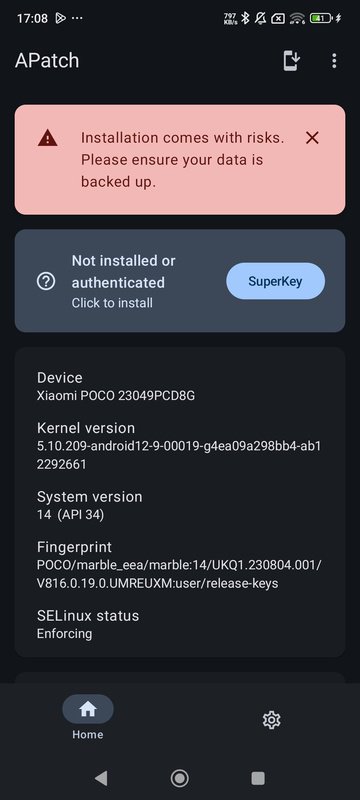
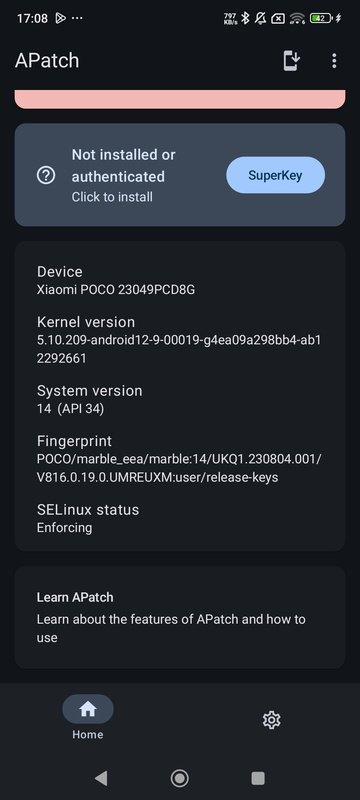
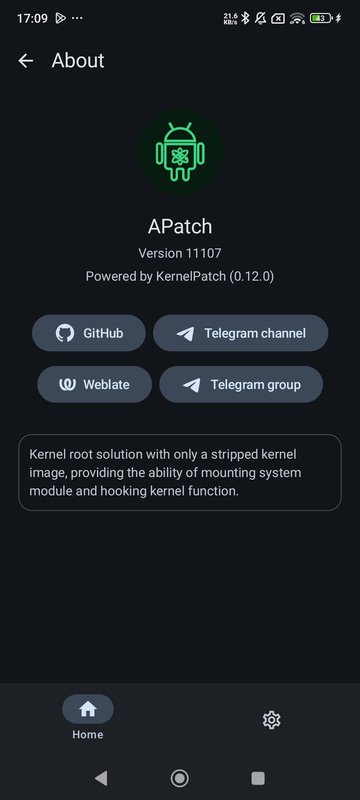
APatch is an app for modifying the Android kernel to obtain superuser permissions and root your Android device as a result. In a similar way to Magisk, APatch allows you to patch the system with modules, gaining access to functionalities that are not available by default. APatch is aimed at advanced users and should only be used on compatible devices, as performance and stability issues have been known to occur on other devices.
Advanced kernel patching and modificationAPatch allows Linux kernels on compatible ARM64 devices (versions 3.18 to 6.1) to be modified. The system deploys KernelPatch as the main engine, allowing you to modify paths, install modules, and apply hooks in real time. APatch features two main modules: APM for modules similar to Magisk; and KPM to modify and inject code directly into the kernel. When executed in the kernel space, APatch is more easily hidden from the most commonly used detection methods in comparison with the traditional root.
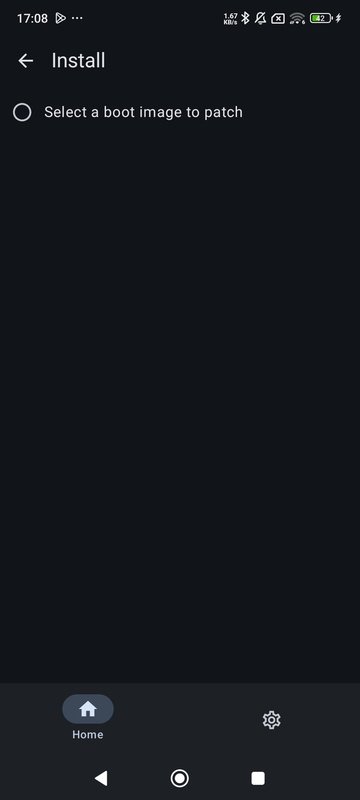
To obtain root permissions through APatch, you need to have the device's bootloader unlocked. After that, you need to obtain the boot.img file from the installation image of your Android device, which is found in the ROM available online, keeping in mind that it must be exactly the same firmware as your device's, otherwise it won't work. This file needs to be modified with APatch so that, once patched, it can be installed via a custom recovery or other suitable tool on your PC. Once installed, you will have root permissions and can manage access to your apps from APatch.
Flexible modules and Magisk-like supportAPatch supports the installation and management of modules through APM, a feature that replicates Magisk's famous modular system, but under a kernel-based structure. With this, you can add, remove, or modify Android functions and the kernel itself, using a host of community-created modules.
Compatibility and technical requirementsFor APatch to work correctly, your kernel must have the CONFIG_KALLSYMS options enabled and, preferably, CONFIG_KALLSYMS_ALL. APatch is not compatible with Samsung devices with advanced protection.
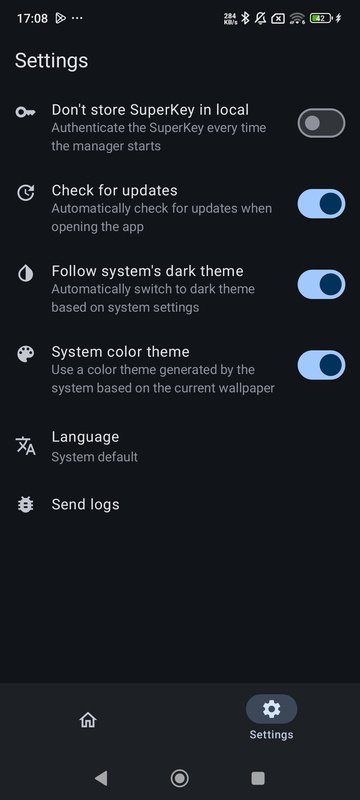
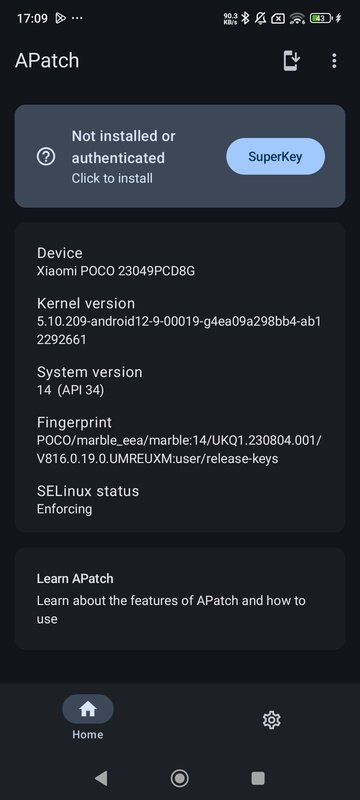
Interface and functionalities based on KernelSUThe APatch interface, as well as the module structure (APModule), is based on KernelSU, but has been modified to suit your needs. From the control panel, you can manage permissions, apply or revert patches, and control root access for each app.
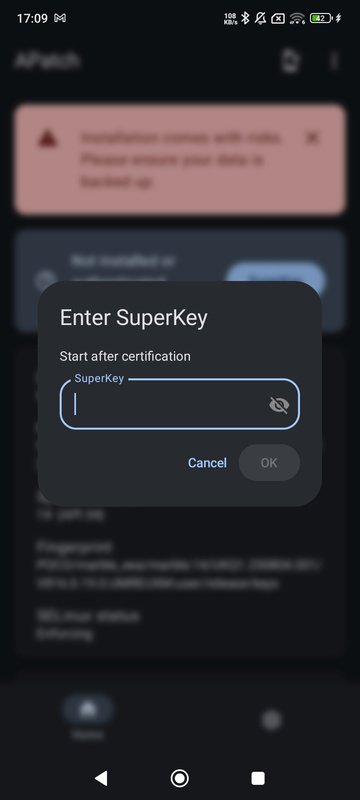
Security, keys, and SuperKey privilegesThe SuperKey system allows you to obtain privileges that go above and beyond traditional root access. For this reason, it is essential to take care with the keys you use for this purpose, as a weak or hacked key can expose your device to unauthorized access. APatch doesn't allow you to set a weak password, and it must be between 8 and 63 characters in length.
Download the APatch APK and enjoy the most advanced and flexible root access on Android, customizing your kernel and system with one of the most flexible tools available for this purpose.

Android-এ XAPK/APK ফাইল ইনস্টল করতে এক-ক্লিক করুন!

আপনার রেটিং এবং প্রতিক্রিয়া জন্য ধন্যবাদ!
আপনি ইতিমধ্যে রেট করেছেন।





