




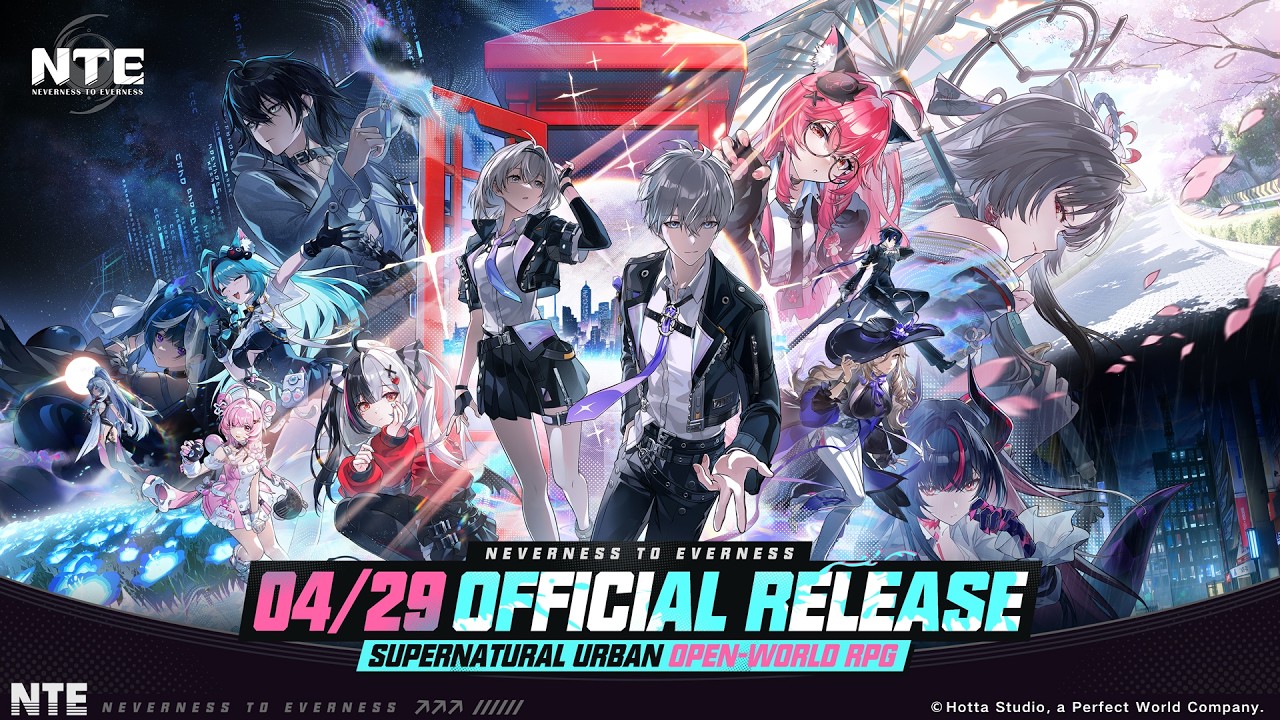
Perfect World Games has officially opened the pre‑download for NTE: Neverness to Everness, letting global players install the game client and resources ahead of launch. The supernatural open‑world RPG is set to go live globally on April 29 at 11:00 (UTC+8), with pre‑download now available across all major platforms.

ناهنجاریها را شکار کنید. در شهر پرسه بزنید. هر لحظه را از آن خود کنید.
NTE Launch Time & All Available Platforms
NTE launches as a cross‑platform, cross‑progression title, with servers opening in tandem on April 29 at 11:00 (UTC+8). Depending on your region, this corresponds to 20:00 PDT on April 28, 23:00 EDT on April 28, and 12:00 JST/KST on April 29, among other local times.
| Time Zone | PDT | CDT | EDT | BRT | GMT | CEST | EEST | KST | JST | AEST |
| Global Launch Times | 2026/4/28 20:00 (UTC-7) | 2026/4/28 22:00 (UTC-5) | 2026/4/28 23:00 (UTC-4) | 2026/4/29 00:00 (UTC-3) | 2026/4/29 03:00 (UTC+0) | 2026/4/29 05:00 (UTC+2) | 2026/4/29 06:00 (UTC+3) | 2026/4/29 12:00 (UTC+9) | 2026/4/29 12:00 (UTC+9) | 2026/4/29 14:00 (UTC+11) |
NTE players on any platform can party up and play together (dungeons, open-world co-op, matchmaking). All progress (characters, levels, story, inventory, currency) syncs across devices via PWG account. All supported platforms include
| All Available Platforms | Windows PC | PS5 & PS5 Pro | iOS | Android | Mac |
How to Pre‑Download NTE on Android
On Android, NTE: Neverness to Everness pre‑download is accessible directly through APKPure. To get started:
- Visit NTE: Neverness to Everness APK detail page on APKPure.
- Tap the "Download APK" button.
ناهنجاریها را شکار کنید. در شهر پرسه بزنید. هر لحظه را از آن خود کنید.
- Let the files download and install over a stable Wi‑Fi connection, given the large file size.
- After launch, open the app and sign in with your PWG Account to sync your progress.
Once installed, additional assets may download on first launch, so ensure you have enough storage free before starting the game.
About NTE: Neverness to Everness APK
NTE: Neverness to Everness is a next‑gen urban fantasy RPG developed by Hotta Studio and published by Perfect World Games. It casts players as the first "unlicensed" Anomaly Hunter operating in the mysterious city of Hethereau, where they work alongside the antique shop Eibon to take on strange commissions and solve urban anomalies. The story blends supernatural investigation, character‑driven drama, and open‑world exploration, promising a narrative‑heavy experience with a mix of mystery, humor, and emotional twists.
| Developer | Hotta Studio |
| Publisher | N2E ENTERTAINMENT PTE. LTD. |
| File size | Roughly 20 - 30 GB |
| Cross‑platform | Also available on Windows PC, iOS, Mac, HarmonyOS, PlayStation 5; progression shared via PWG Account |
| Android OS | Android 10 or later |
| RAM (minimum) | 6 GB |
| Storage (minimum) | At least 20 GB free for installation and patches |
NTE Launch FAQs
Q: What servers does NTE have, and is account data shared between them?
NTE runs on four separate servers: Asia, America, Europe, and Southeast Asia. Each server is independent, so progress on one (for example, America) does not carry over to another (such as Europe). Your data is tied to the server you choose at account creation, and there is no cross‑server transfer for characters or items.
Q: Which login methods are supported in NTE?
On iOS and Mac, you can link a PWG Account plus Facebook, Google, Sign in with Apple, or email. On PC, PWG Account plus Facebook, Google, or email is supported. On PS5/PS5 Pro, use PSN or email. Accounts created with different third‑party logins are separate and do not share data, even if they use the same PWG Account.
Q: What pre‑launch rewards can I get?
At launch, logged‑in players receive Beetle Coins x30,000, Elite Hunter Guides x20, Fabricated Dice x20, A‑Class character Haniel x1, and the "Officer Whisker" glider livery, plus more. Players who joined the "Hethereau Residents Guide" web event will also receive their claimed items in the mailbox after it opens.
Q: Can I update directly from the beta client to the launch client?
No, you cannot update directly from any beta‑test launcher or beta app to the global launch version. You must fully uninstall the beta client first, then download the latest launch client from APKPure or NTE's official channels
Q: Why does the mobile app crash when I open it or during play?
If NTE crashes on launch, uninstall the app, download it again, and keep it in the foreground during the full download and update. Frequent crashes during play may come from background tools like Astrill VPN. Closing or updating them can significantly reduce crashes.