
Paketname:com.autoclick.pro
Mehr anzeigen

Auto click and swipe at chosen locations and times
Auto Clicker - Tự Động Click is an app that helps you set up repeating tap and swipe gestures on your Android screen.
IMPORTANT: ACCESSIBILITY SERVICE INFORMATION
Auto Clicker - Tự Động Click uses the Android AccessibilityService as its core mechanism to send tap and swipe gestures to the application currently displayed on your screen.
You are in control. You choose the location, order, time interval, and stopping condition for these actions. The operations only start when you press the Play button and can be instantly stopped using the Stop button.
The app does not:
Read the contents of your windows.
Check text or user interface elements.
Collect any Accessibility data.
Transmit any such data off your device.
FEATURES
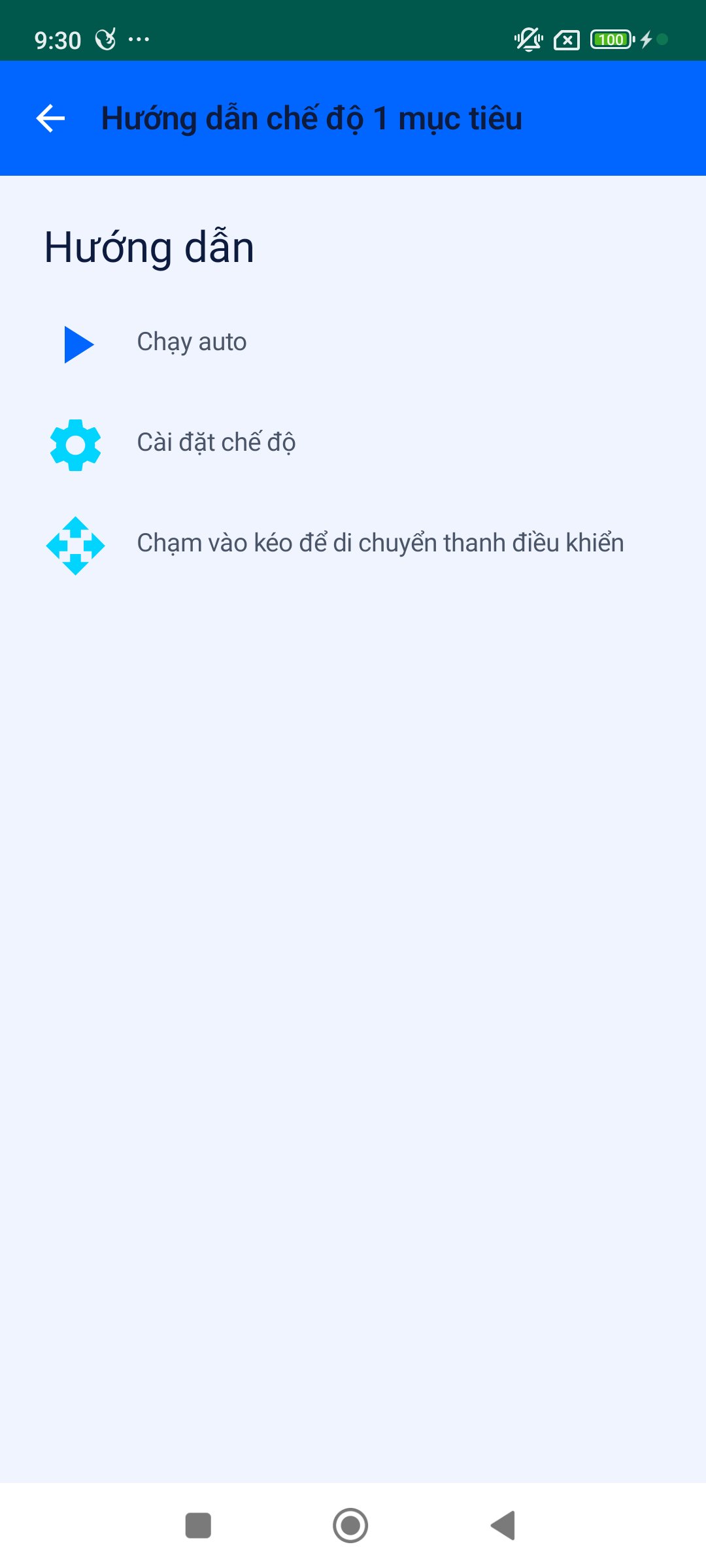
Single Target Mode: Repeatedly taps at a single specified location.
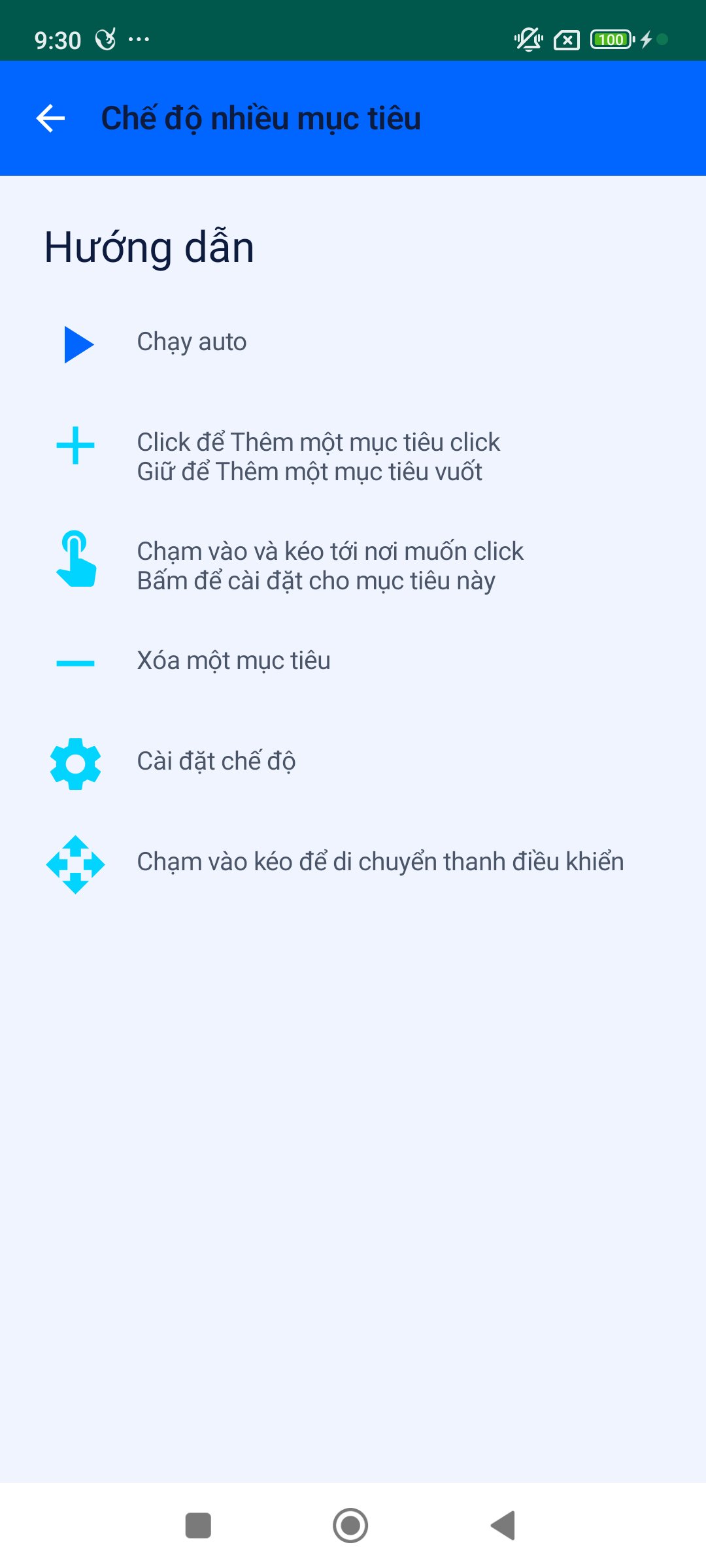
Multi-Target Mode: Executes multiple points in sequence.
Swipe Gesture Support: Supports swipe actions with custom duration.
Customizable Timing: Adjust the time interval and set stopping conditions.
Floating Control Panel: An on-screen floating bar for easy access.
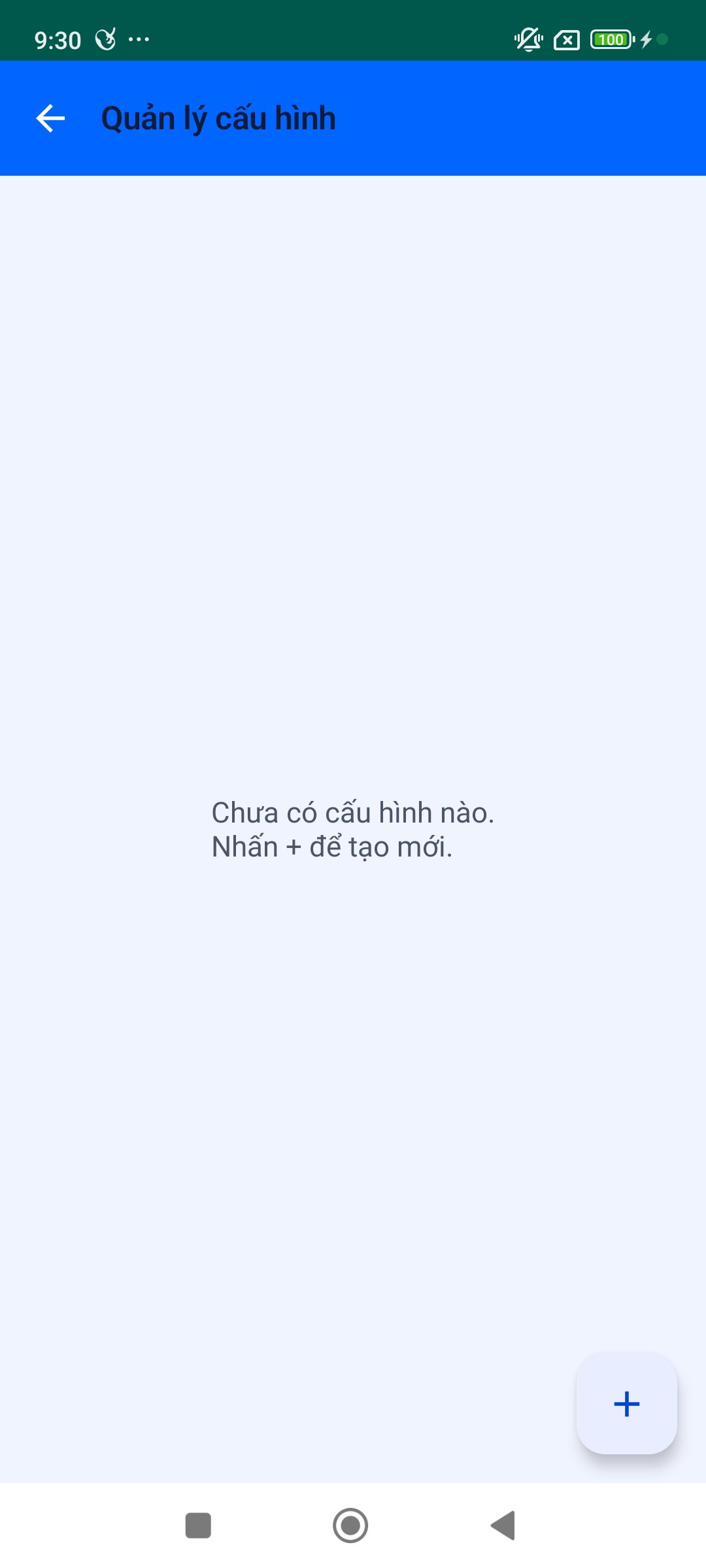
Save & Manage Configurations: Save multiple operation profiles for quick loading.
HOW TO USE
Open Auto Clicker - Tự Động Click.
Read the notification regarding Accessibility Service usage and select "Continue to Settings."
In your Android Settings, select "Auto Clicker - Tự Động Click" and enable the Accessibility Service.
Return to the app and select Single Target or Multi-Target mode.
Set your desired location(s), configure the timing, and press "Play."
Press "Stop" to end the operation session.
PRIVACY
Smart Clicker does not request permission to read window content. Your settings and configurations are saved locally on your device. The application does not sell, share, or transmit Accessibility data to any third parties.
You can disable the Accessibility Service permission at any time by going to Android Settings → Accessibility → Auto Clicker - Tự Động Click.





Ein Klick zur Installation von XAPK/APK-Dateien auf Android!

Vielen Dank für Ihre Bewertung und Ihr Feedback!
Sie haben bereits bewertet.