Sichere und schnelle APK-Downloads auf APKPure
Mit APKPure können Sie DIAL UI APK einfach und sicher mit Signaturüberprüfung herunterladen.

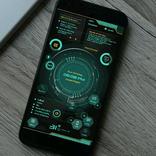
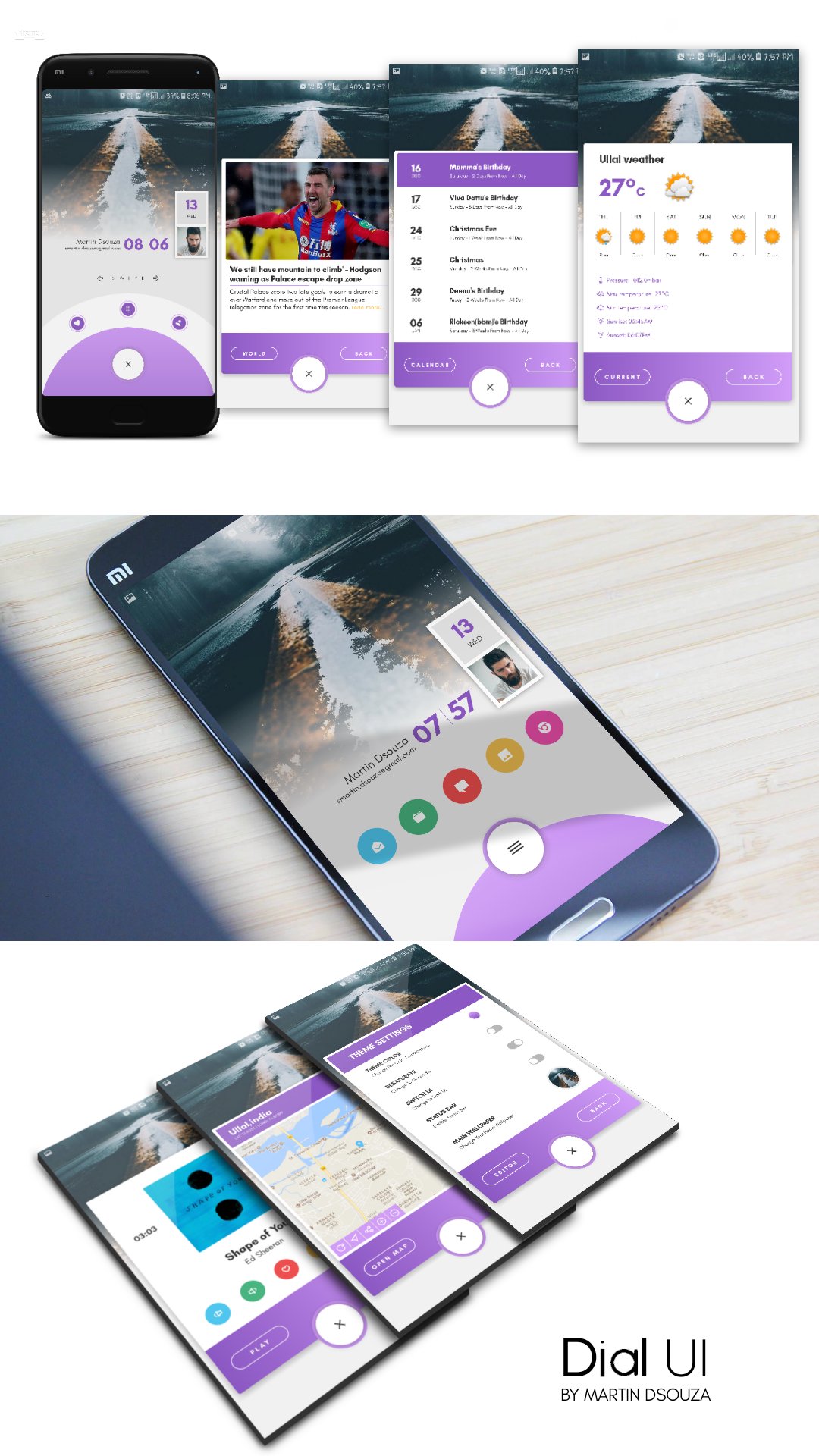
Neues Thema für KLWP
How to use the wallpaper📄
✔ Install KLWP PRO from the play store
✔ Install Nova Launcher (set 3 homescreen pages in the launcher)
✔ Install DIAL UI for KLWP
✔ Open KLWP app and tap on the menu icon on top left, then choose DIAL UI for KLWP wallpaper from the installed list.
✔ At the top right corner set the number of pages to 3
✔ Tap on the save icon in the top right corner to apply the wallpaper
✔ You can check the "Global" section in KLWP to customize any part of the wallpaper (preset is unlocked)
FEATURES:
Supports all screen phone screen sizes..
📌Nav bar & status bar support
📌location and weather information
📌rss news feeds
📌events
📌music player
If you have any queries kindly contact me directly through hangouts or gmail or you may also give your feedback on my Google Plus collection link below ✏
https://plus.google.com/collection/0ENuXB
KINDLY DO NOT POST YOUR QUERIES OR QUESTIONS ON THE REVIEW SECTION OF THE PLAYSTORE.. PLEASE USE THE GOOGLE PLUS LINK TO DO SO..


Ein Klick zur Installation von XAPK/APK-Dateien auf Android!

Vielen Dank für Ihre Bewertung und Ihr Feedback!
Sie haben bereits bewertet.