Paketname:com.quicky.pdf
Mehr anzeigen

85.8 MB
Dateigröße
Everyone
Android 7.0+
Android OS
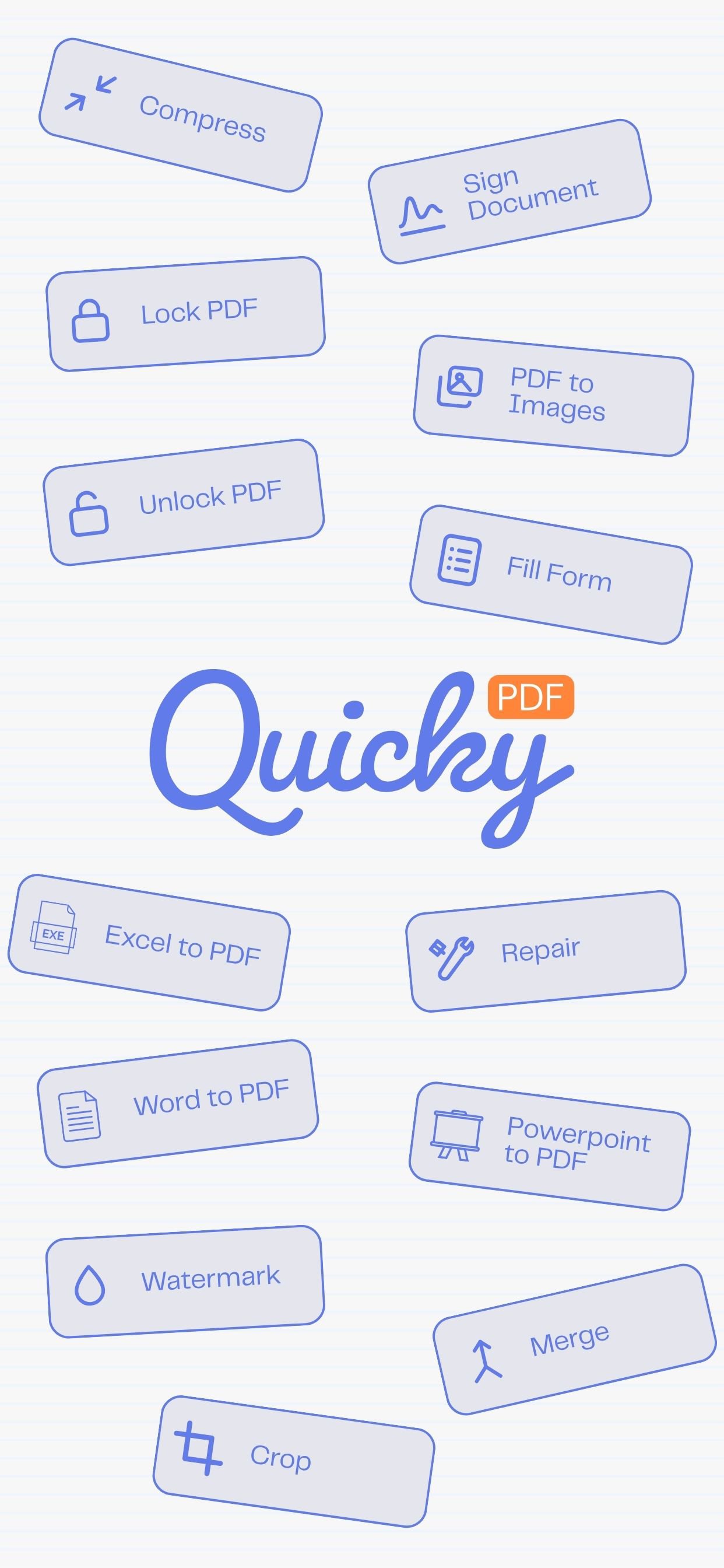
23 PDF tools in one app. Scan, sign, merge, redact, compress & protect.
Twenty-three PDF tools that live on your phone.
Most of them never send your document anywhere. Scanning, signing, merging, redacting, compressing, password-protecting — all of it happens on the device, so a contract, a payslip or a passport scan stays where it already is. Turn on aeroplane mode and almost everything still works.
SCAN AND CREATE
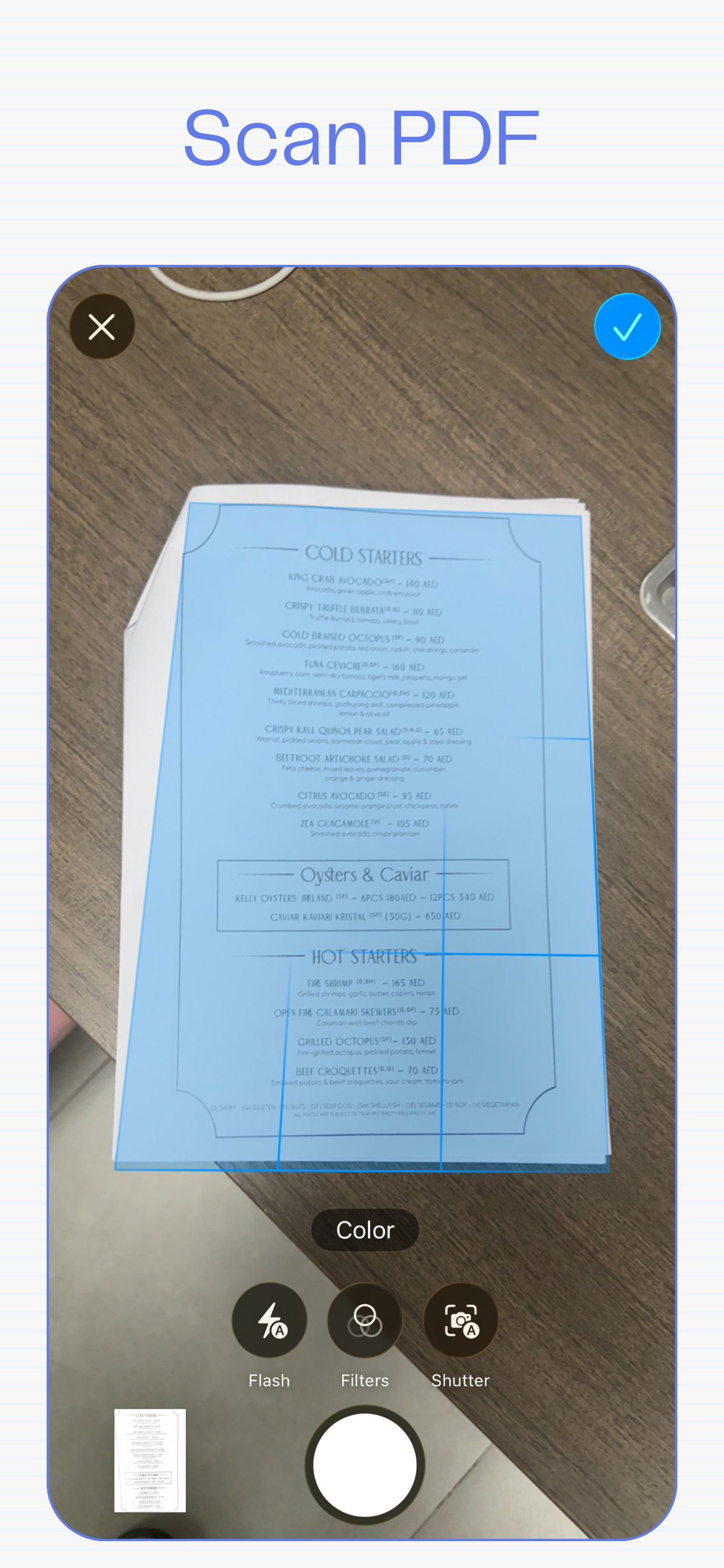
• Scan document — photograph pages straight into a PDF, using the same scanner iOS uses itself
• Images to PDF — turn a roll of photos into one document
• PDF to images — export any page as a JPG
ORGANISE
• Merge — combine several files into one
• Split — break a document into parts
• Organize — drag pages into a new order
• Remove pages, Extract pages, Rotate, Crop
MARK UP
• Sign — draw your signature once and place it where you want it
• Watermark — stamp text across every page
• Page numbers — number a document properly
• Fill form — type into a PDF's own form fields
PROTECT
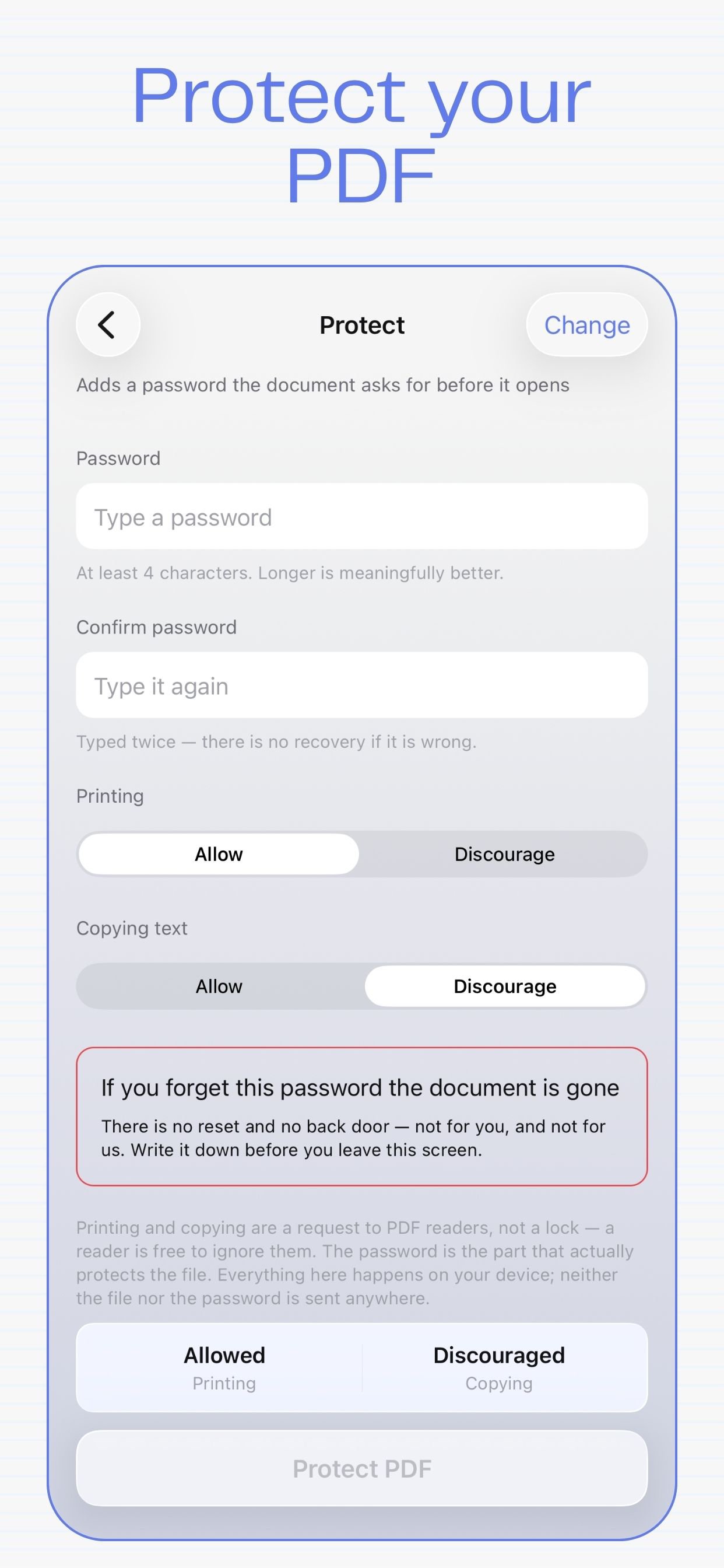
• Protect — lock a file with AES-256 encryption
• Unlock — remove a password you already know
• Redact — black out text so it is genuinely gone, not merely covered up
Redaction here rasterises the page rather than drawing a rectangle over the words. A black box on top of live text can be selected, copied and undone; this removes the text itself, so there is nothing left underneath.
FIX AND COMPARE
• Repair — rebuild a damaged file that will not open
• Compare — find what changed between two versions of a document
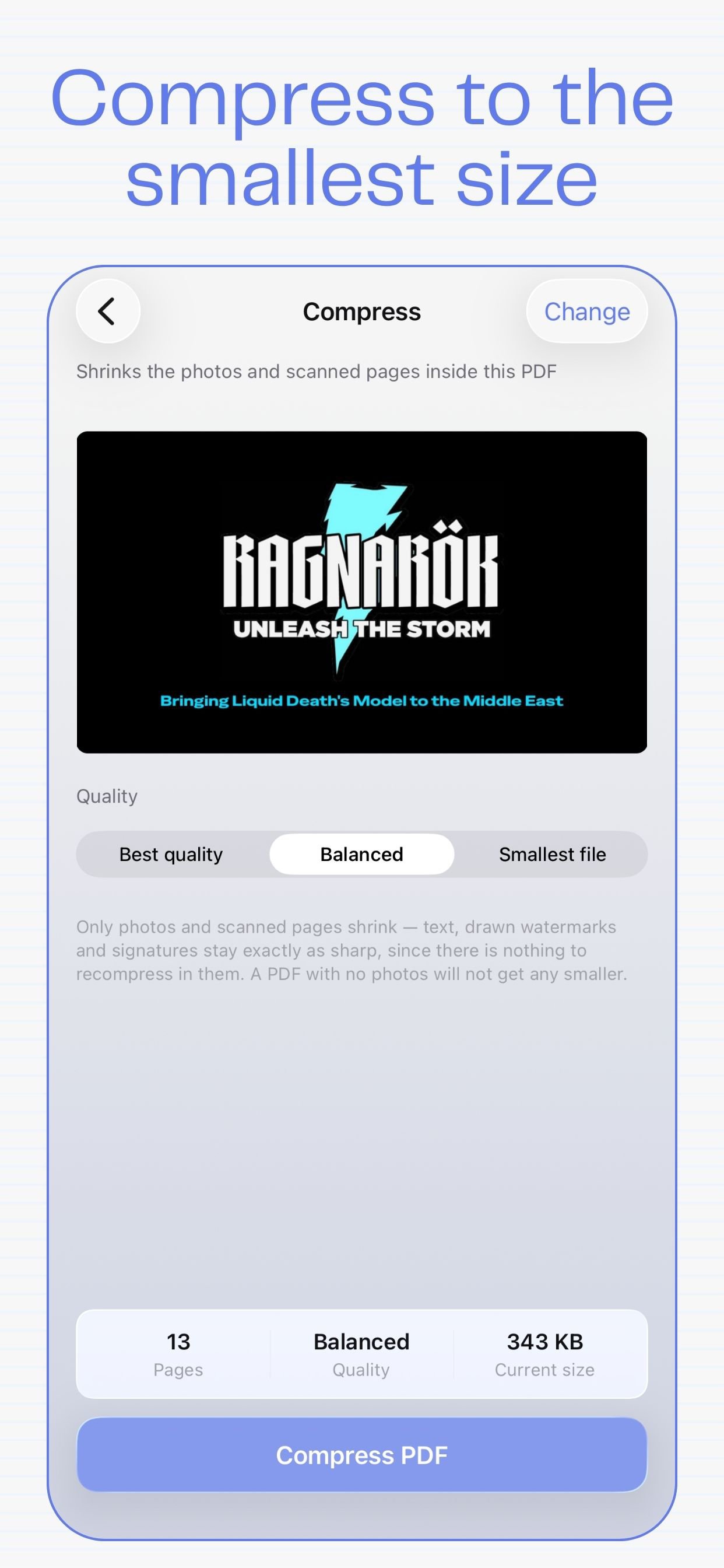
• Compress — shrink the photos and scans inside a PDF
CONVERT
• Word to PDF
• Excel to PDF
• PowerPoint to PDF
WHAT LEAVES YOUR PHONE
Exactly three things, and only when you ask for them: the Word, Excel and PowerPoint conversions. Rendering those formats faithfully needs a real office engine, which cannot run on a phone, so the file goes to our converter, is converted, and is deleted. Nothing else in the app makes a network request at all.
There is no account. There are no adverts. There is no analytics, no tracking and no profile of you anywhere, because there is nothing collecting one.
Quicky PDF is made by Round Social LLC.
Privacy policy: https://www.quickypdf.com/app-privacy
Terms: https://www.quickypdf.com/terms
Support: https://www.quickypdf.com/support





Ein Klick zur Installation von XAPK/APK-Dateien auf Android!

Vielen Dank für Ihre Bewertung und Ihr Feedback!
Sie haben bereits bewertet.