Nombre del paquete:com.quada.cast
Mostrar más

Free receiver: videos & comics from your phone or tablet on your TV
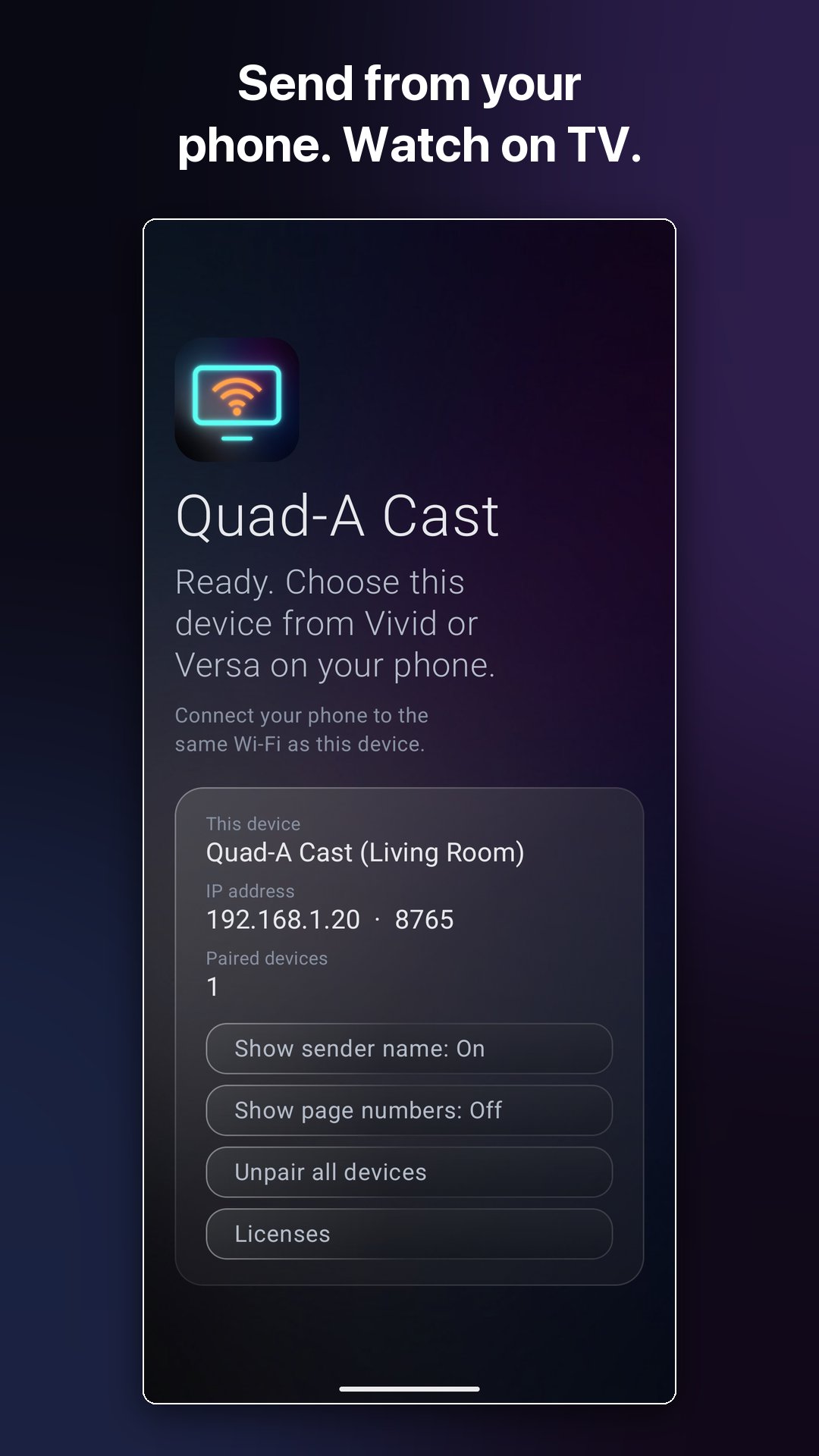
Quad-A Cast is a free receiver app that shows videos and comics sent from Quad-A apps on your phone or tablet on the big screen of your TV.
Install it on Android TV, Google TV or Fire TV — or on an Android phone or tablet. Turn a spare tablet into a second screen for the bedroom or kitchen.
What you can do
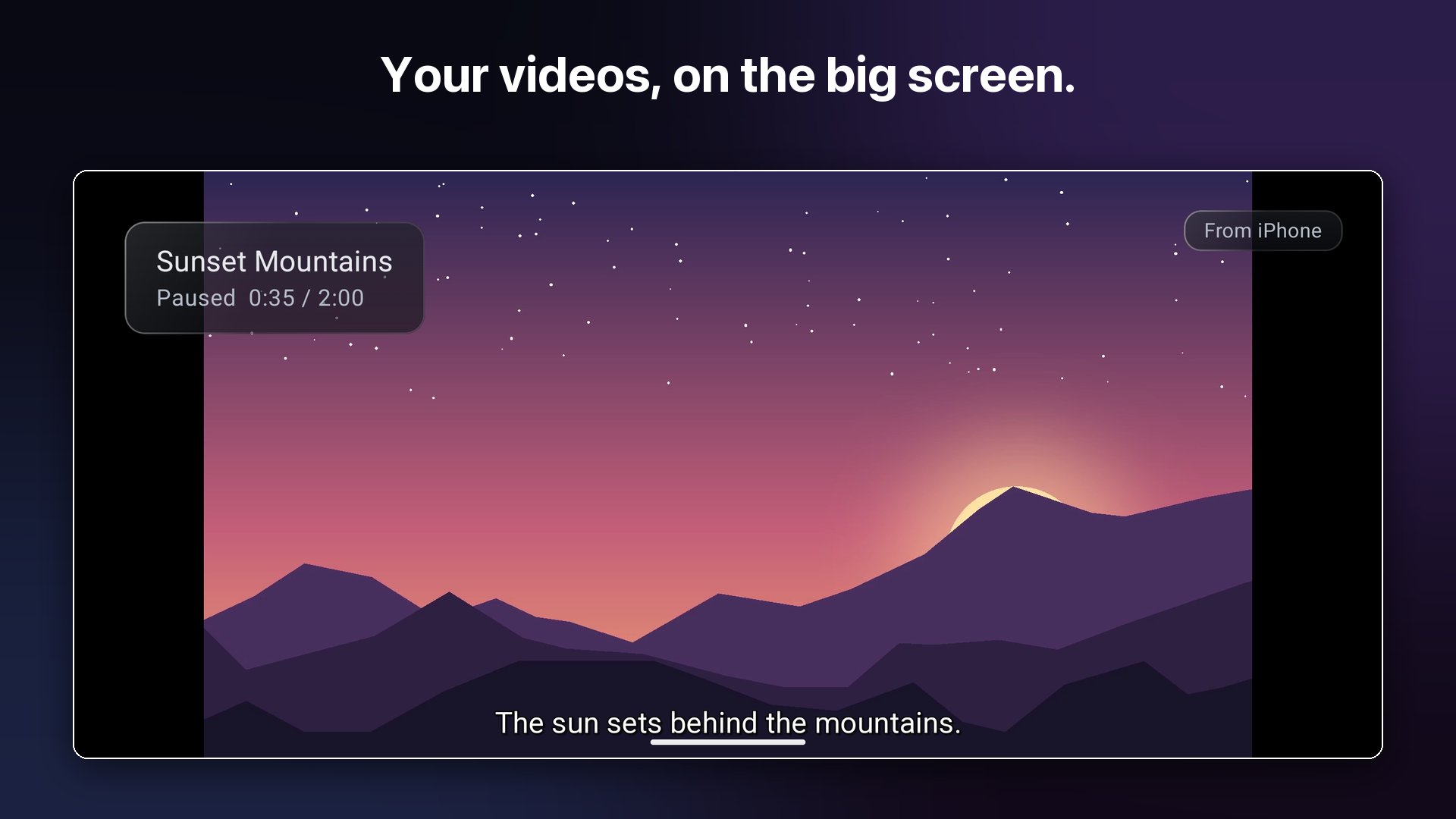
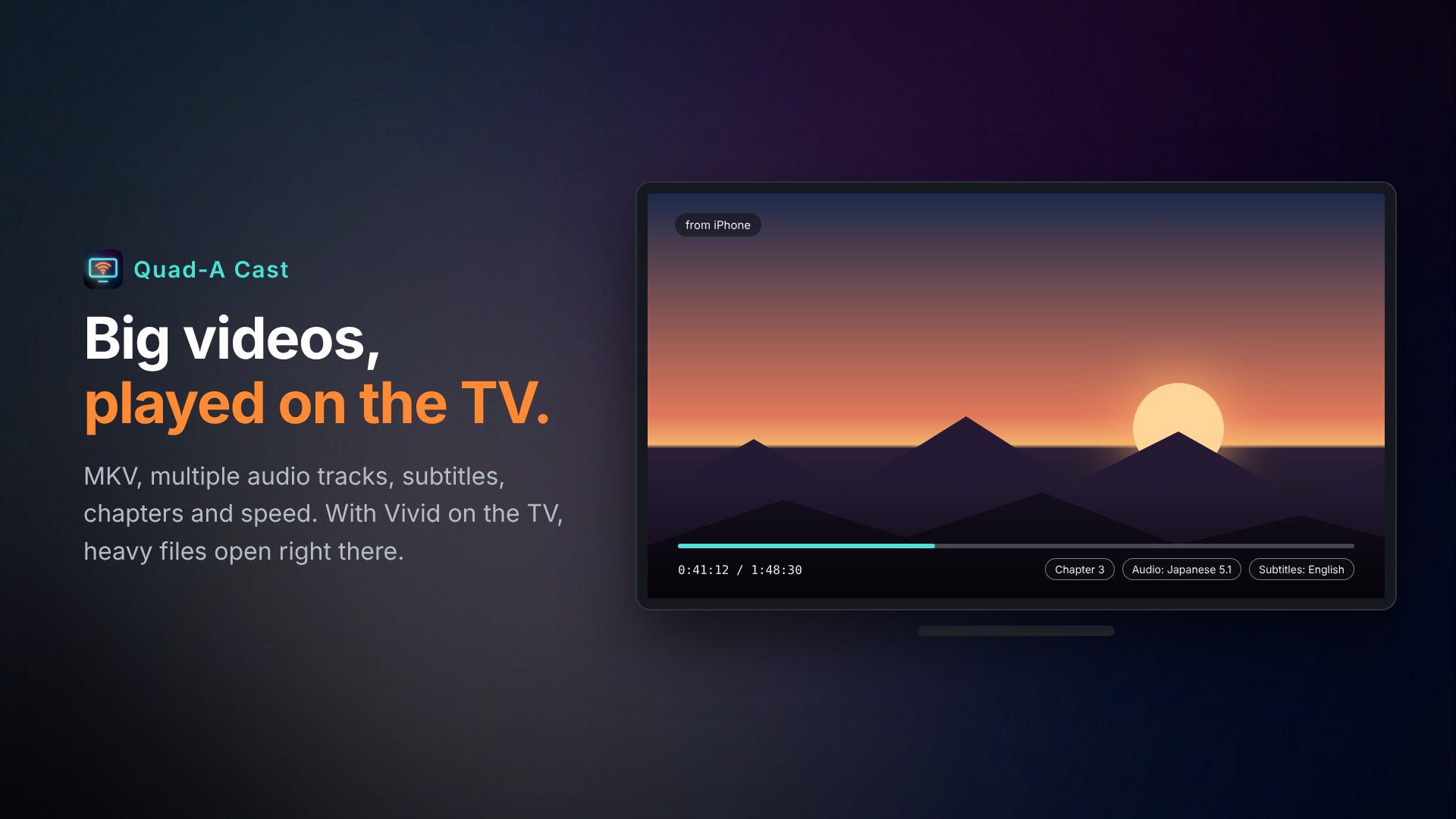
• Videos (from Vivid): MKV, multiple audio tracks, subtitles, chapters and playback speed. Large files are read directly from your NAS by the TV.
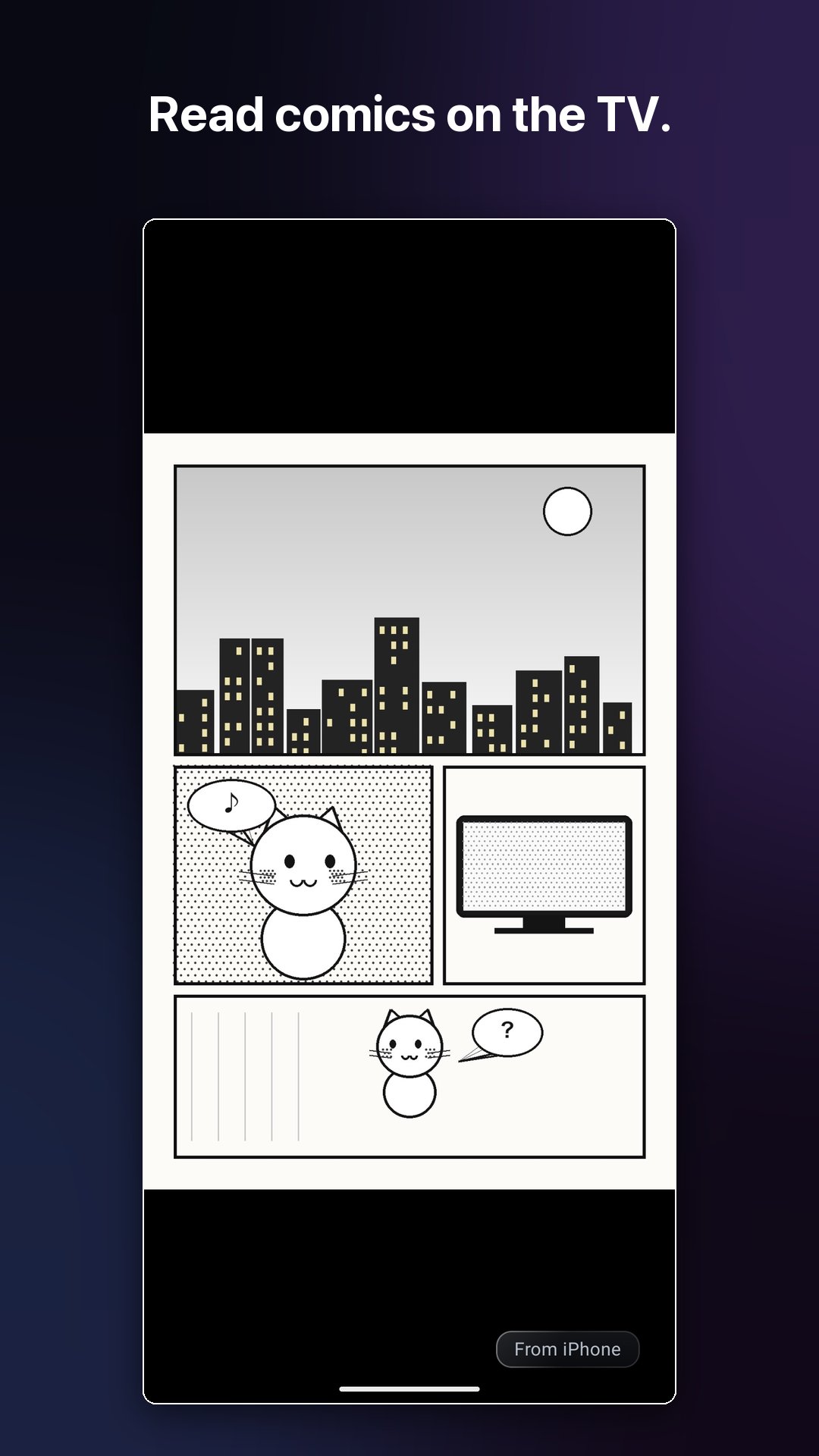
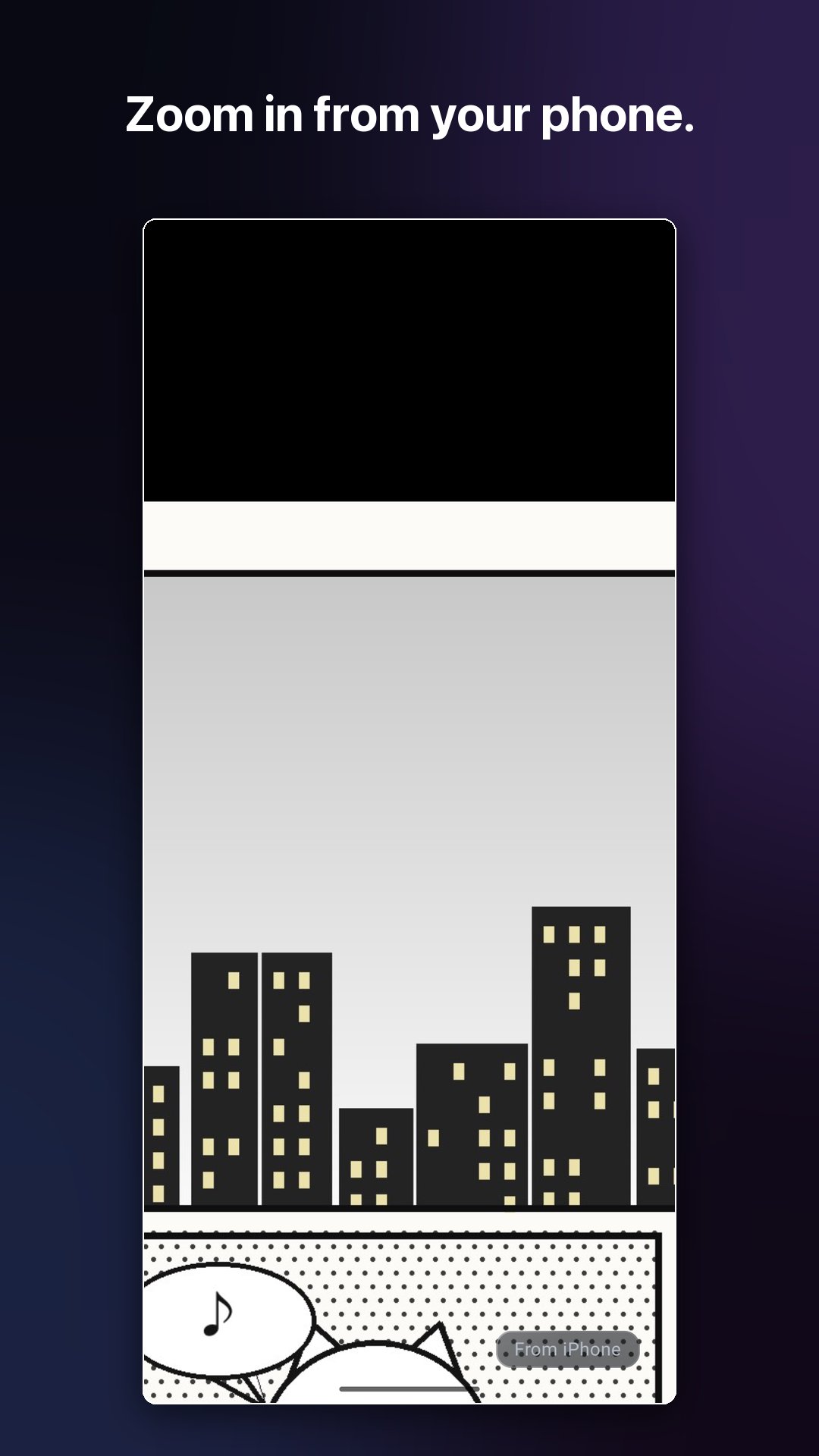
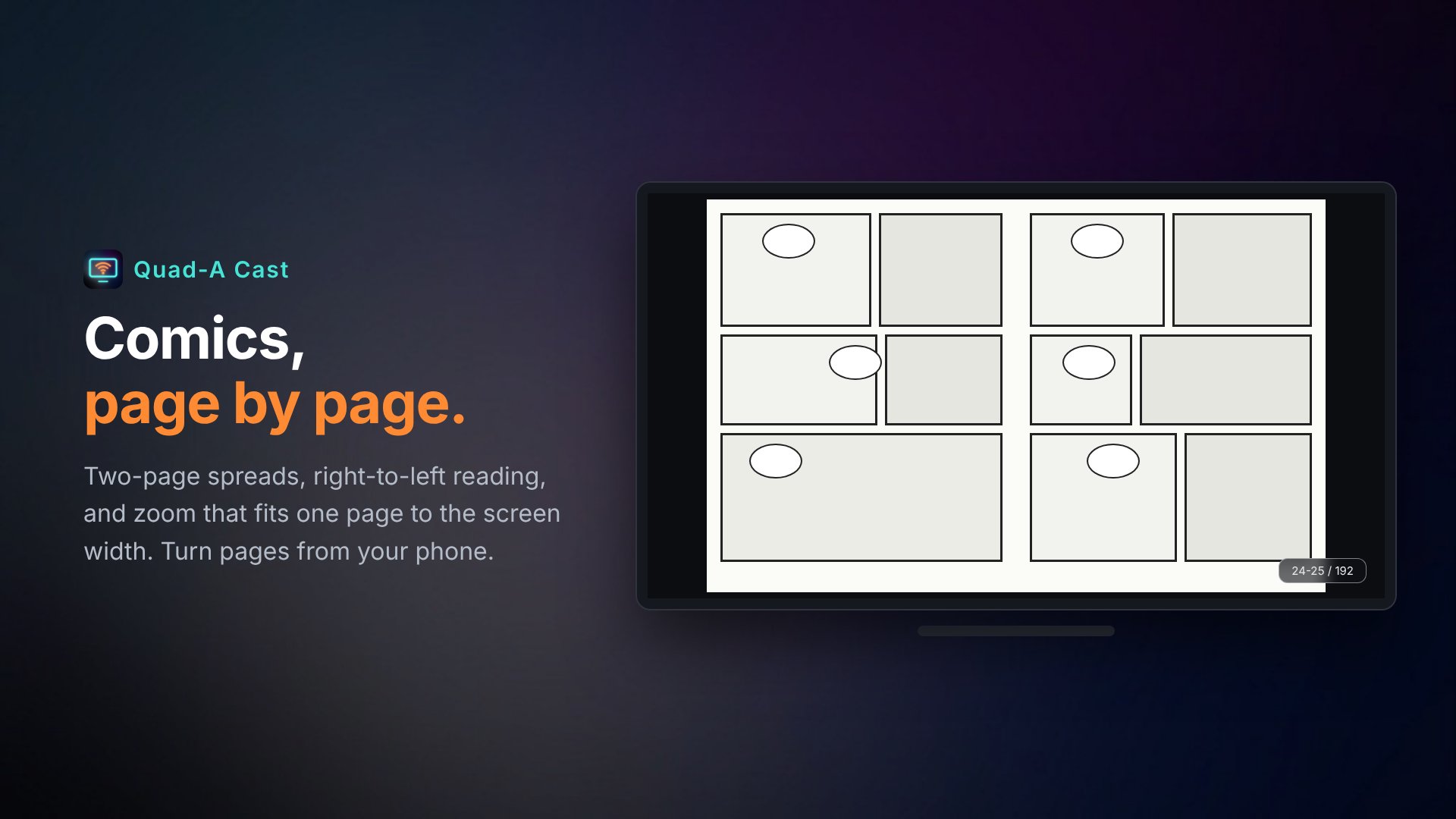
• Comics (from Versa): two-page spreads, right-to-left or left-to-right. Pinch on your phone or tablet to zoom and pan the page on the TV.
• Control everything from your phone or tablet, or use the TV remote to pause, skip and turn pages.
Private by design
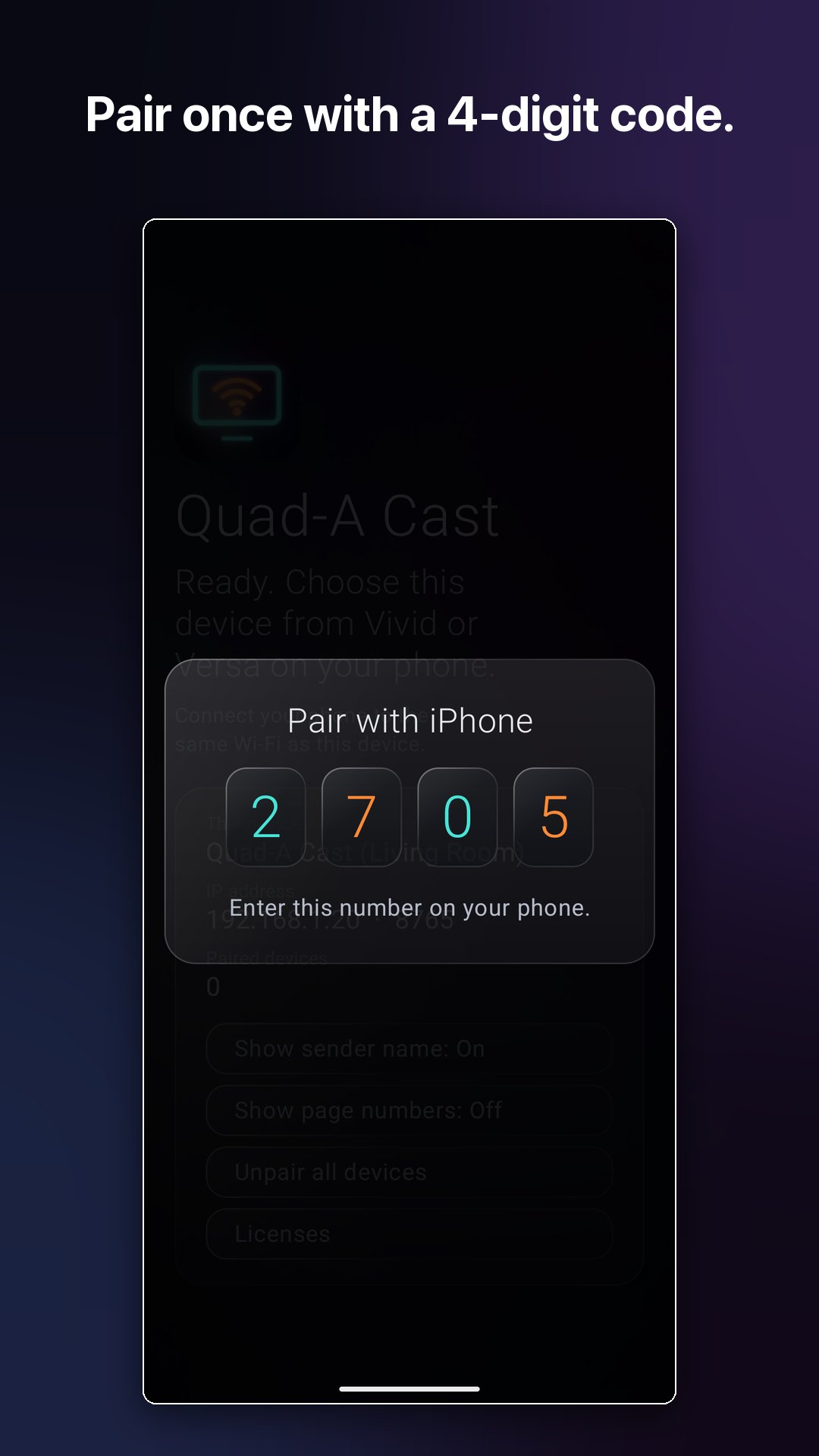
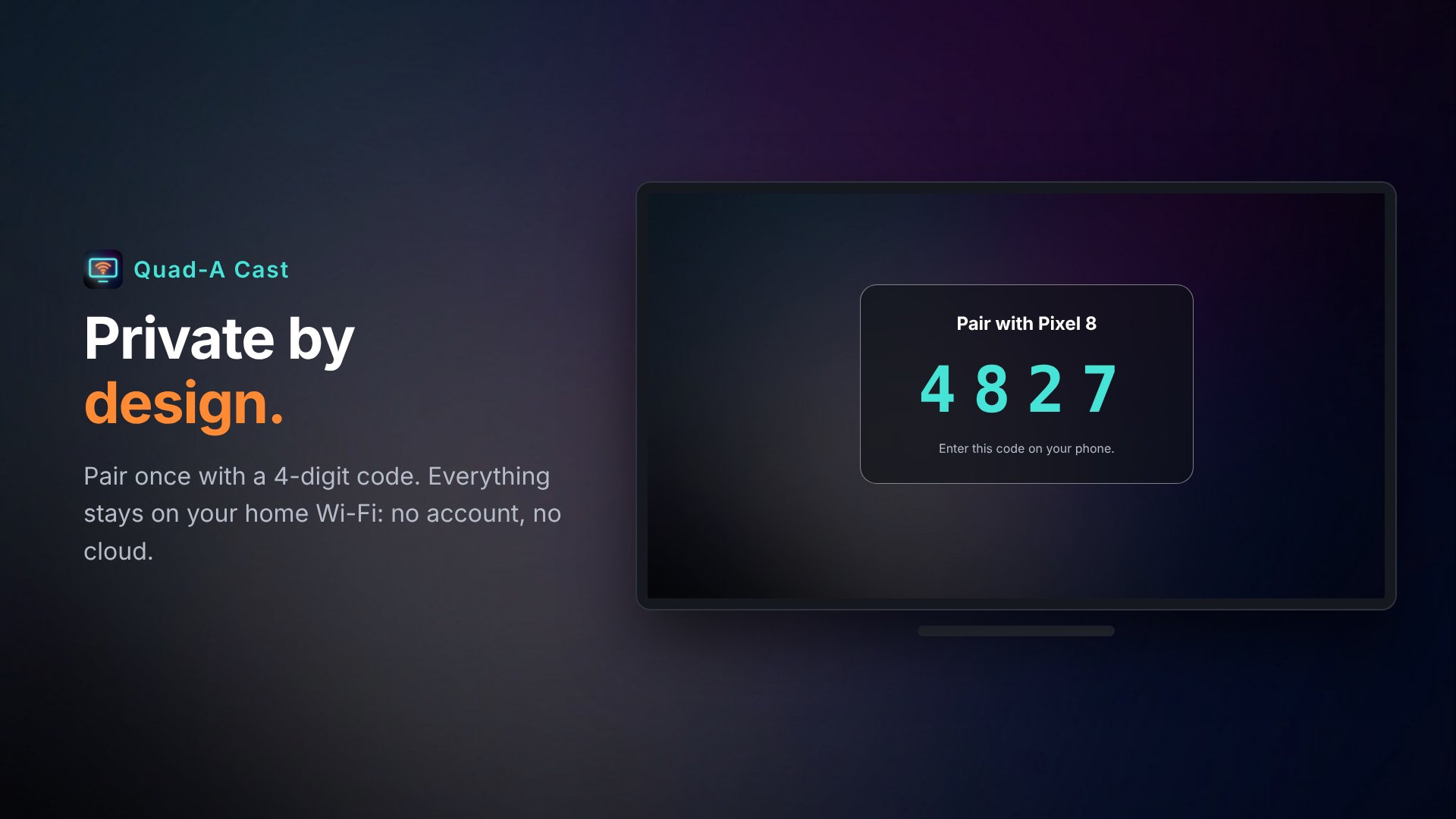
• Pair once with a 4-digit code shown on the TV.
• Your phone or tablet and your TV connect over your home Wi-Fi. No account, no cloud.
• We never receive what you watch.
How to use
1. Open Quad-A Cast on your TV (or on a phone or tablet).
2. On a phone or tablet on the same Wi-Fi, open Vivid or Versa and choose this TV from the cast button.
3. Enter the 4-digit code shown on the TV (first time only).
Requires a Quad-A sender app: Vivid or Versa on an Android phone or tablet. Casting is a Pro feature of each app (7-day free trial).

¡Un clic para instalar archivos XAPK/APK en Android!

¡Gracias por tu valoración y comentarios!
YYa has valorado.