
Nombre del paquete:com.shiftwake.lite
Mostrar más

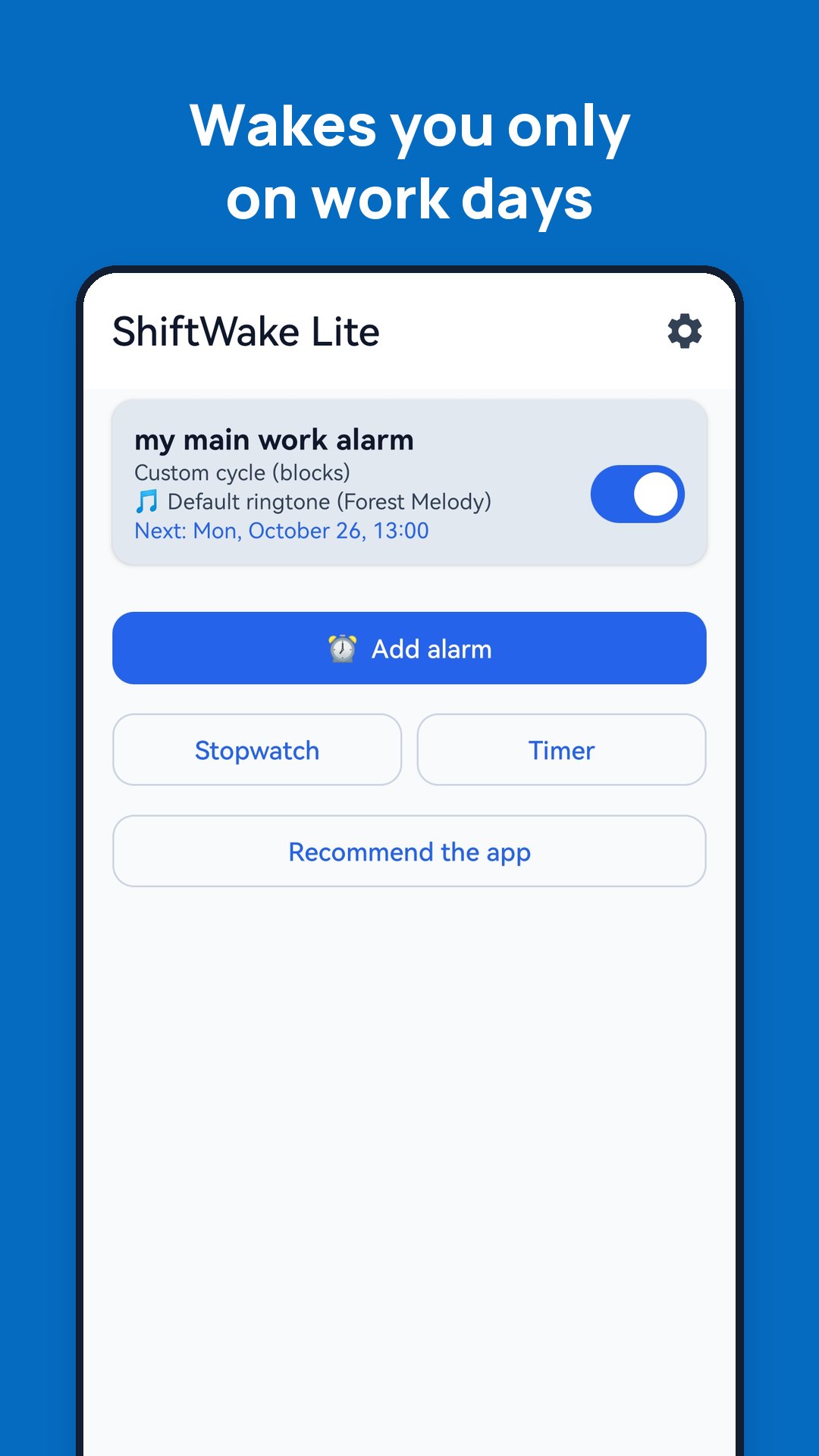
Alarm clock for shift workers. Set your rotation once, wake up on work days.
ShiftWake Lite is a simple alarm clock for people who work shifts. Enter your rotation once – for example 2 mornings, 2 nights and 4 days off – and the alarm rings only on the days you work, at the right time for each shift. On your days off it lets you sleep.
No account, no registration, no email. Your alarms stay on your phone. No ads.
YOUR OWN CYCLE FROM BLOCKS
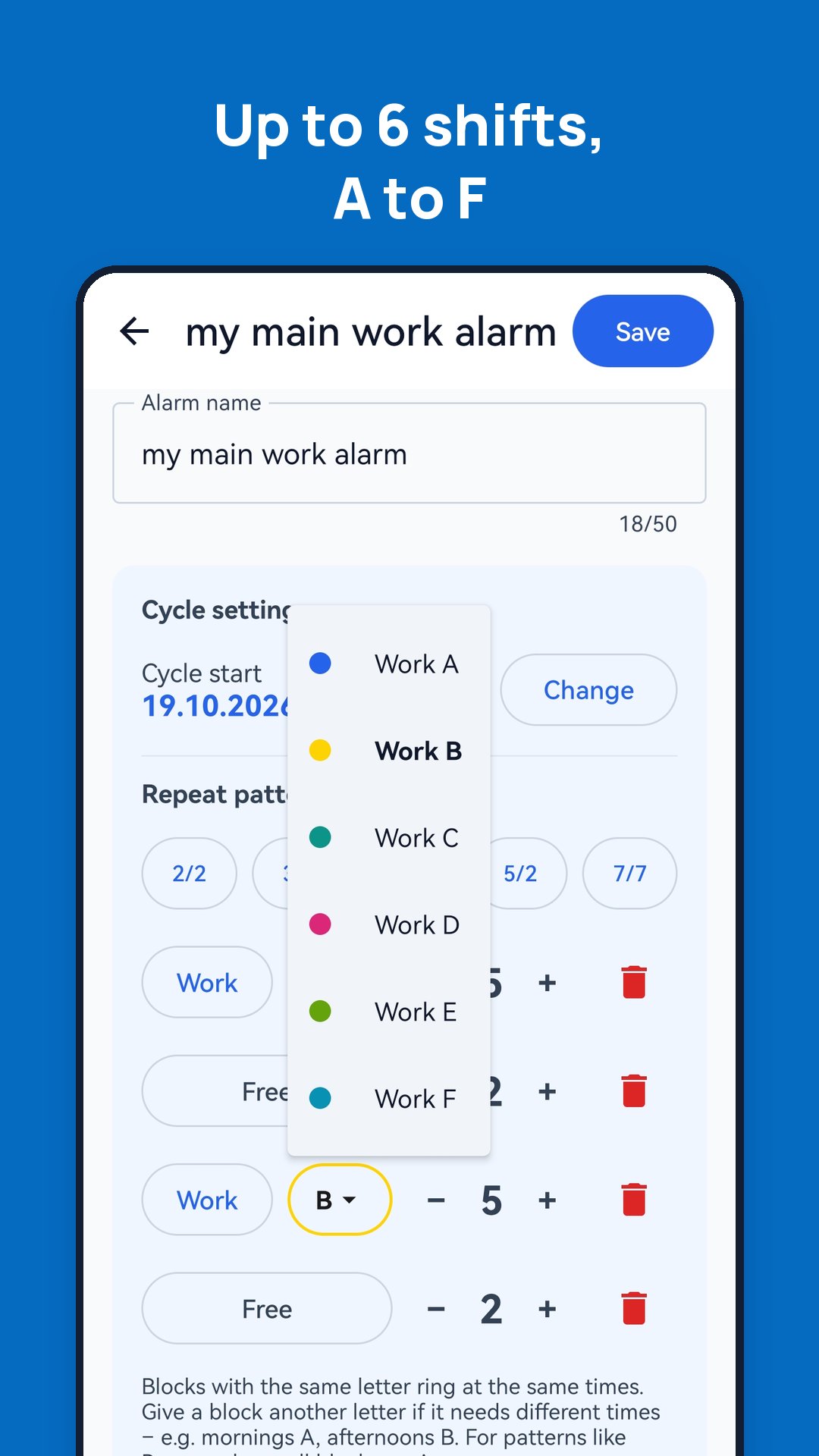
• Build your rotation from blocks of work and days off.
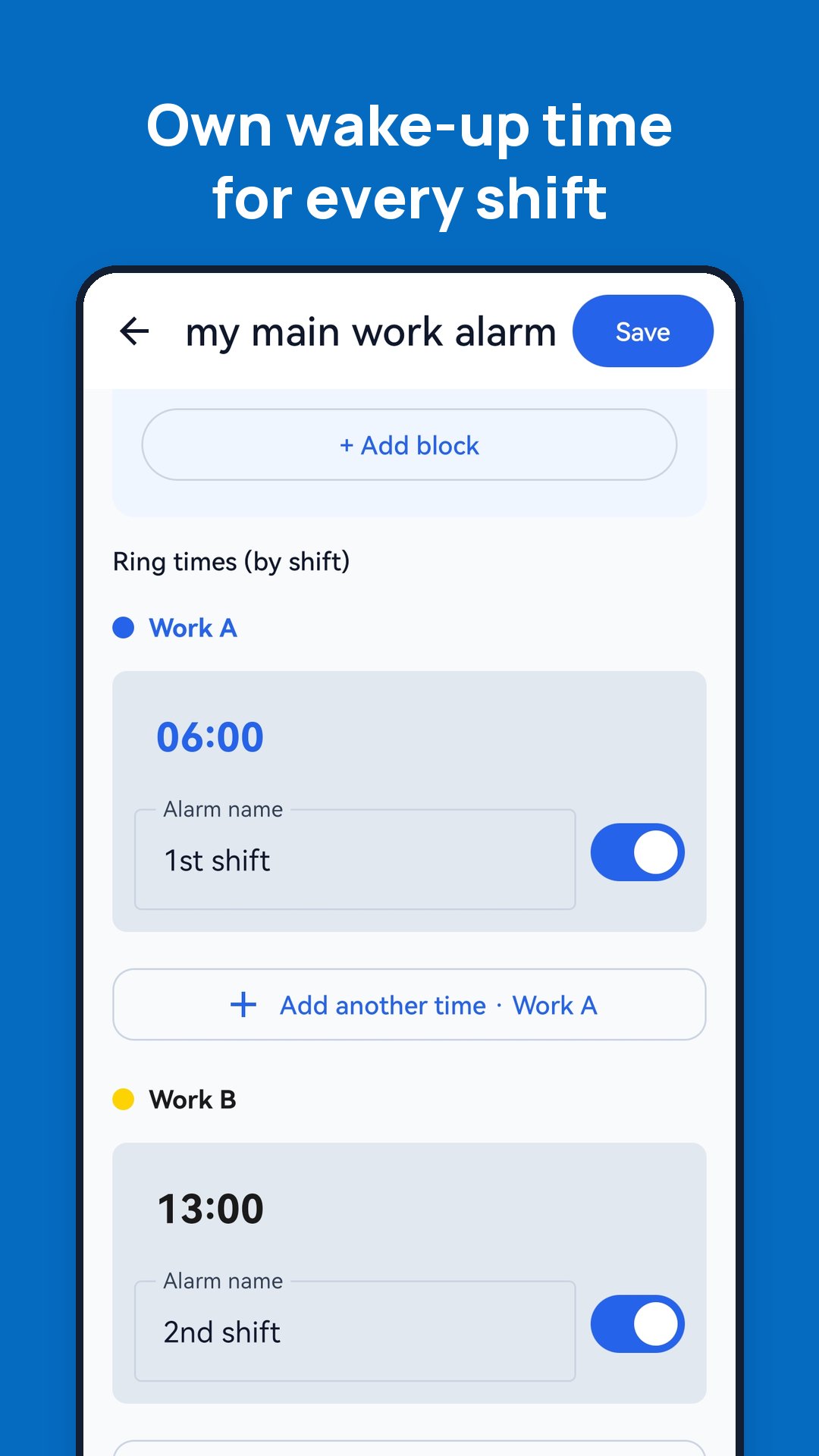
• Every work shift can have its own wake-up time, or several times.
• Ready-made templates such as 2-2-3 or 4-4 – or create your own.
• Up to 6 shifts (A – F) for rotations that alternate morning and afternoon weeks.
MONTHLY CALENDAR
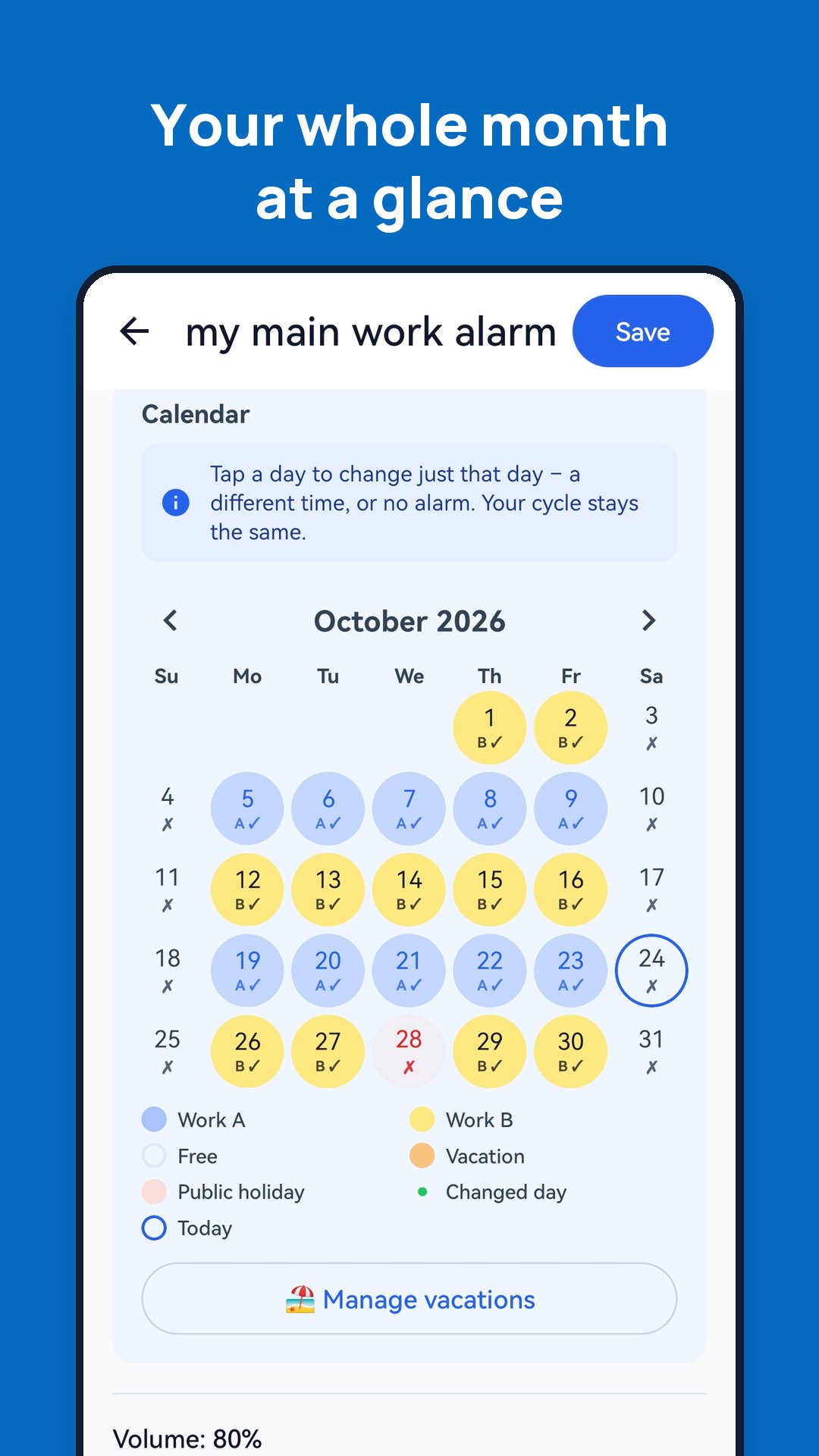
• See the whole month at a glance, each shift in its own colour.
• Tap a day to change the alarm time for that day only, skip it or add an extra alarm. Your cycle stays untouched.
• Enter your vacation from – to in one step. After it, the cycle simply continues.
PUBLIC HOLIDAYS
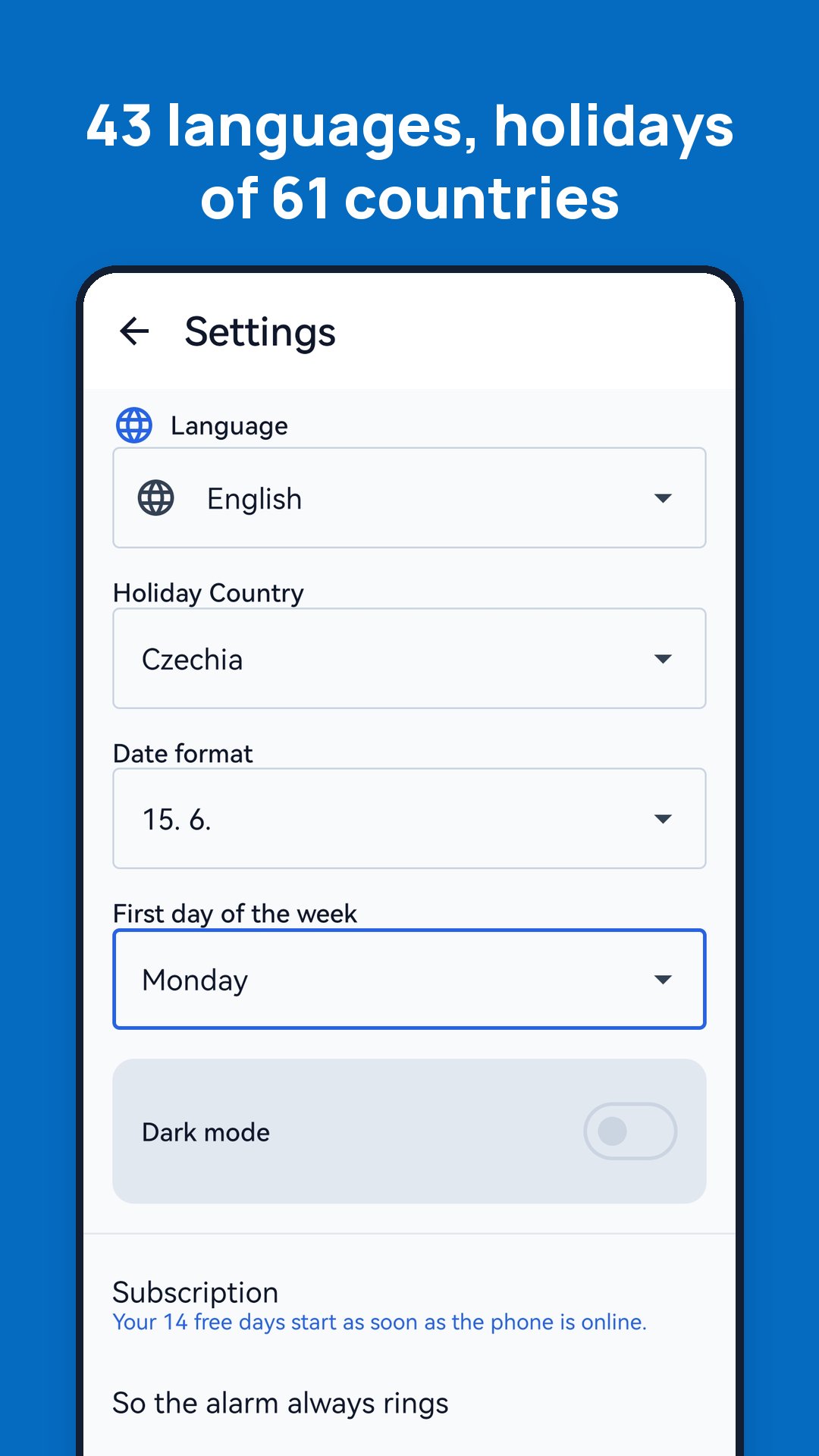
• Public holidays of 61 countries are built into the app and work offline.
• A day or two before a holiday, the app asks whether you are going to work.
AN ALARM THAT RINGS
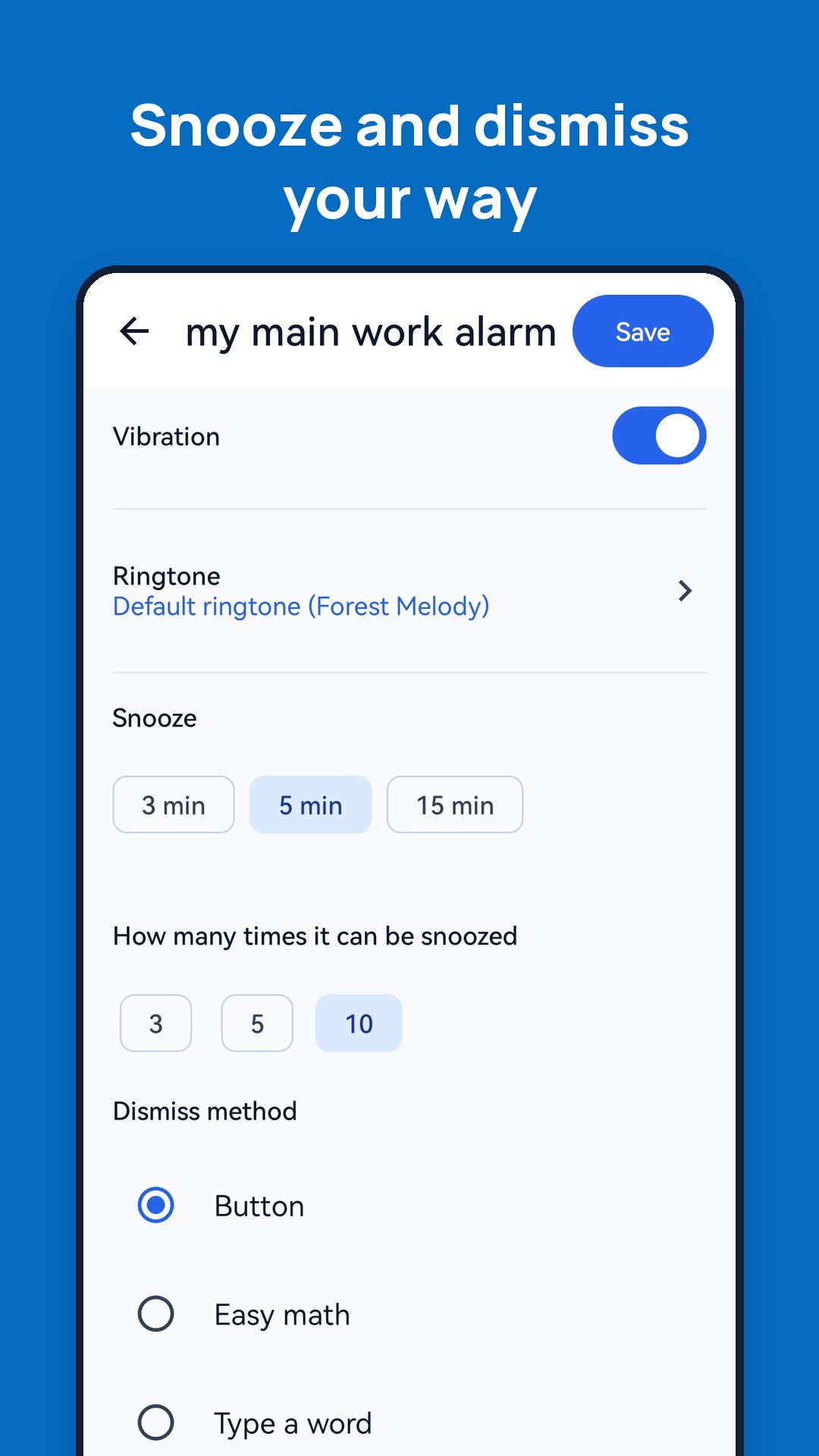
• Choose a melody, vibration, volume and snooze (how many minutes and how many times).
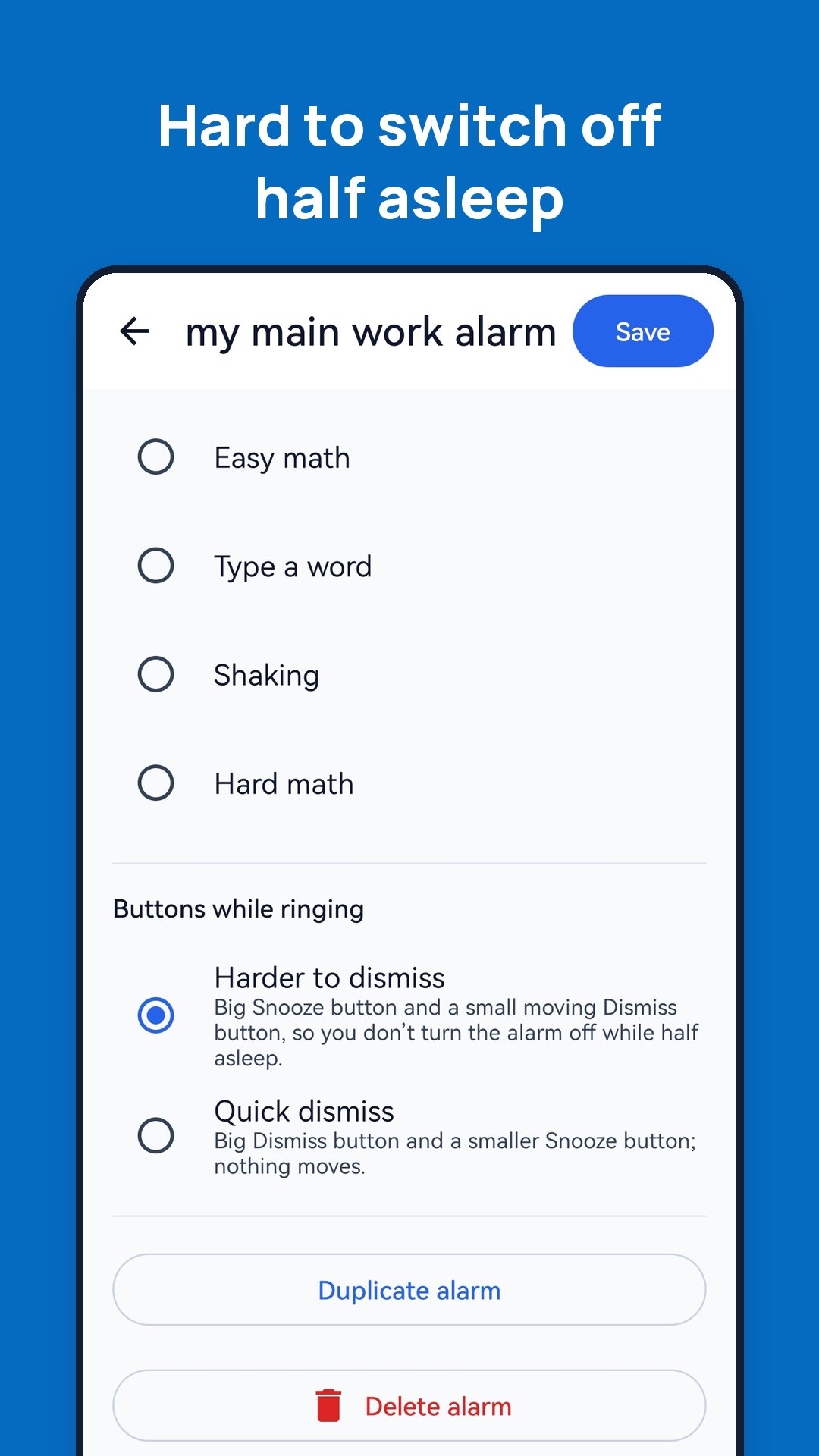
• Turn the alarm off with a button, a maths problem, a word or by shaking the phone.
• Several alarms in a row, and a "today" switch on the home screen that skips only today's ringing.
• A setup guide helps you adjust battery settings so the alarm rings reliably, also on Huawei, Xiaomi and Samsung phones.
ALSO INCLUDED
• Stopwatch and timer
• Home screen widget
• Dark mode
• 43 languages
TRY IT FOR 14 DAYS
Use the whole app for 14 days without entering a card. After that, continue with a monthly subscription through Google Play, which you can cancel at any time. The app reminds you before the trial ends, and the alarms keep ringing for 2 more days – they never stop silently.
Need more? The full version of ShiftWake adds other schedule types, cloud backup on more phones, sharing your schedule with family, swapping shifts with colleagues and Google Calendar sync.
Terms and privacy: https://www.shiftwake.com/en/lite/terms/ · https://www.shiftwake.com/en/lite/privacy/


¡Un clic para instalar archivos XAPK/APK en Android!

¡Gracias por tu valoración y comentarios!
YYa has valorado.