Téléchargements APK sûrs et rapides sur APKPure
APKPure utilise la vérification de la signature pour garantir des téléchargements de Gesture Lock Screen APK sans virus pour vous.

Draw your signature, Gesture or number... to unlock your phone
★★ Gesture Lock Screen is a unique application where you can secure your mobile with letters, signature or a gesture to shoot you or your password.
★★ The Gesture lock screen detects and adjusts each time the letters and the gesture are created and stored on the lock screen with their letters and gesture as your screen lock password.
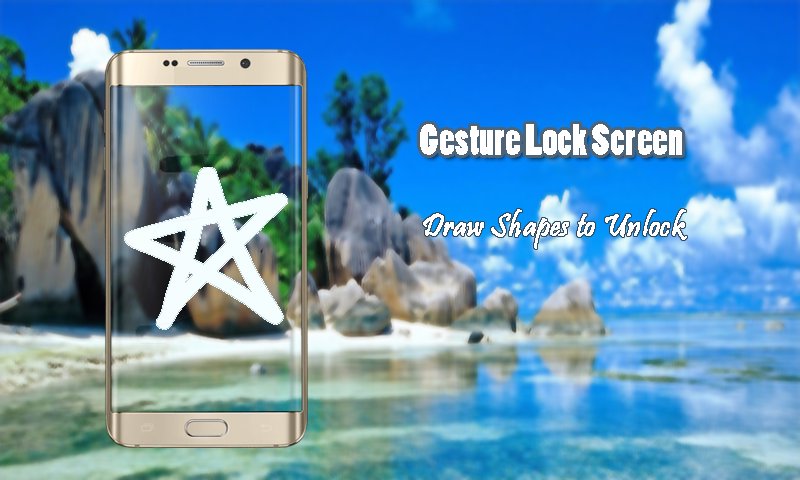
★★ You can draw and save each item as a symbol of the star, heart, triangle, square, circle, etc., or you can use any letter, number or signature of it as password.
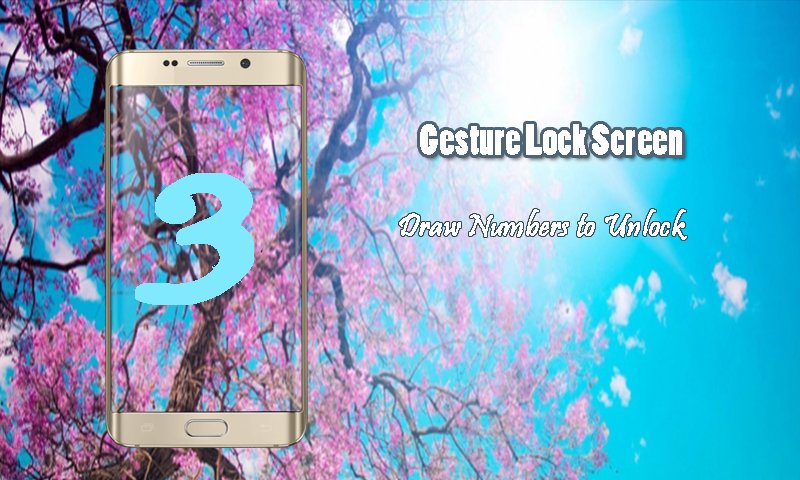
★★ With Screen Lock Letter, you can draw letters, shapes, numbers, signatures and context-sensitive gestures to unlock your phone.
★★ Screen Lock Gesture Features: ★★
✔ Use your recorded gesture or signatures as your screen lock password.
✔ Enter the recovery password or backup password to unlock lock screen gesture
✔ Enter the password in the screen lock gesture to change the gesture
✔ Change Draw gesture on the password (gesture lock screen).
✔ Customize the recovery password (4 to 8 digit passwords) in Screen Lock Gesture.
✔ Launched its application in the new track by pulling gesture on the screen
✔ notifications Show app on lock screen: unread messages, missed calls, music player, alarm
✔ Block the background of the mobile gallery on your screen.
✔ ✔ Lock screen detects and adjusts each time the signature is created and stored in the lock screen with your signature as your password lock screen. You can draw and save each item as the symbol of the star, heart, triangle, square, strapping, etc., or you can use any numeric number or a signature of it as a password.
✔ ✔ Forget about accessing the gesture drawer application to navigate between uses. Accelerate and streamline the use of your smartphone, always acting to interact with the rest of their uses. The finger brings shortcuts that leap from one application to another by simply drawing a gesture with a finger on the screen.
✔ ✔ you can draw your gesture to unlock the passwor lock screen in quicly way
✔ ✔ gesture lock screen is the best way to unlock your phone with a gesture or password
✔ ✔ gesture lock screen How to use
✔ Launched its application in the new track by pulling gesture on the screen
✔ Create your own gesture to remove closing applications
✔ Free to write symbol of gesture, form, alphanumeric, signature, etc., and dedicate it to your request
✔ Change or change the dedicated gesture
✔ master password and gesture for security reasons
✔ Simple and easy to use for anlock with a gesture or password
✔ ✔ THANK YOU FOR DOWNLOADING GESTURE BLOCKING SCREEN
✔ ✔ You will never regret DOWNLOAD GESTURE BLOCKING SCREEN




Un clic pour installer les fichiers XAPK/APK sur Android!

Merci pour votre note et vos commentaires!
Vous avez déjà évalué.