Nom du paquet :com.inkscan.inkscan
Afficher plus

39.1 MB
Taille de fichier
Everyone
Android 7.0+
Android OS
Scan documents, copy text, and share PDFs. No account or subscription needed.
Turn paper documents into a useful digital workspace with InkScan. Capture multiple pages, improve readability, extract text on your device, and export a PDF when you are ready to share.
SCAN AND REVIEW
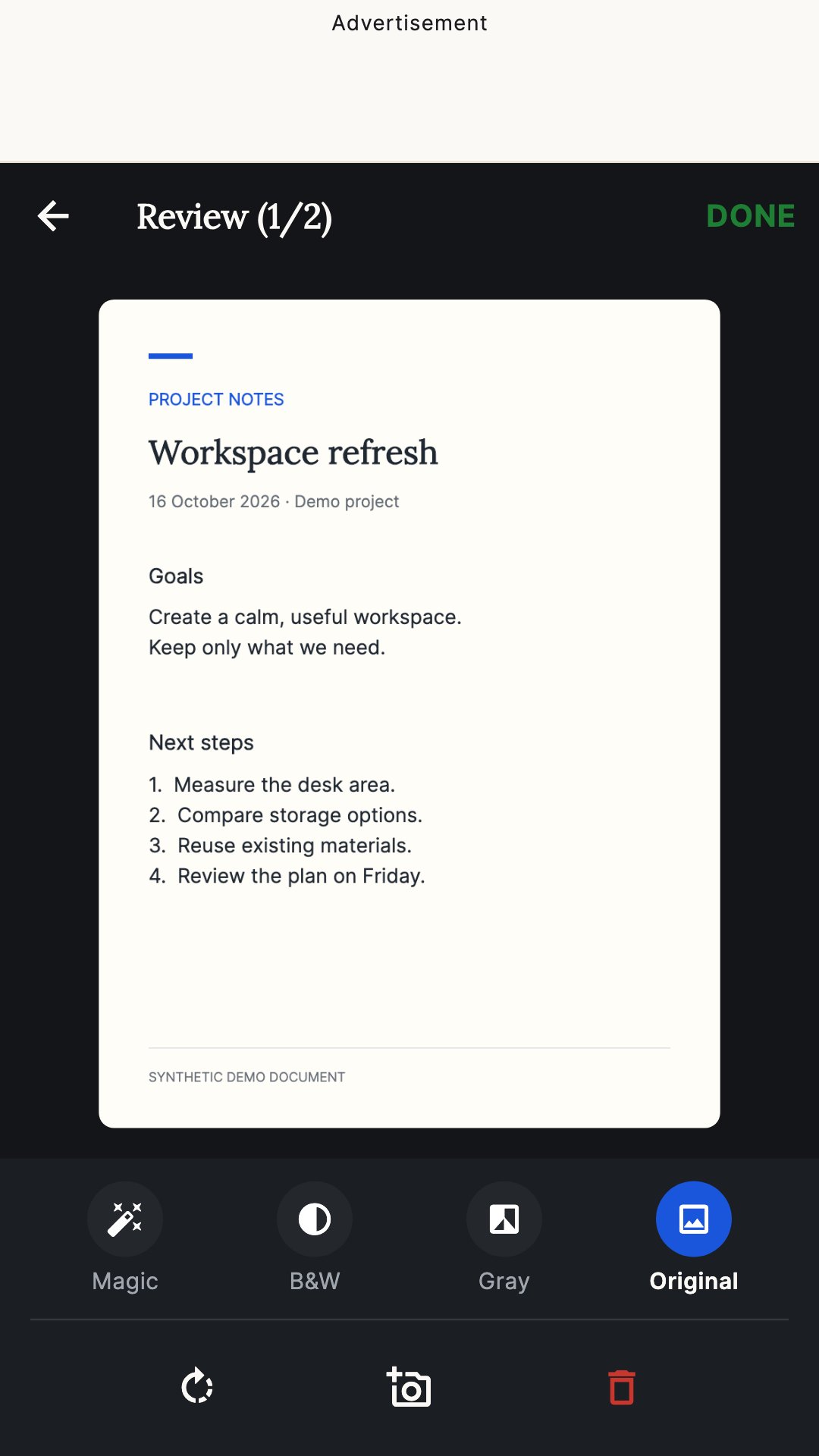
Capture documents with the camera, review each page, rotate pages, add another scan, or remove a page before saving. Choose Original, Magic Color, Black & White, or Grayscale filters.
FIND THE RIGHT DOCUMENT
Browse saved scans in a list or tablet grid. Search document titles, extracted text, and detected details. Use category filters for KYC, Policy, Loan, Claim, Receipt, ID Proof, Signature, and Other documents.
COPY TEXT WITH OCR
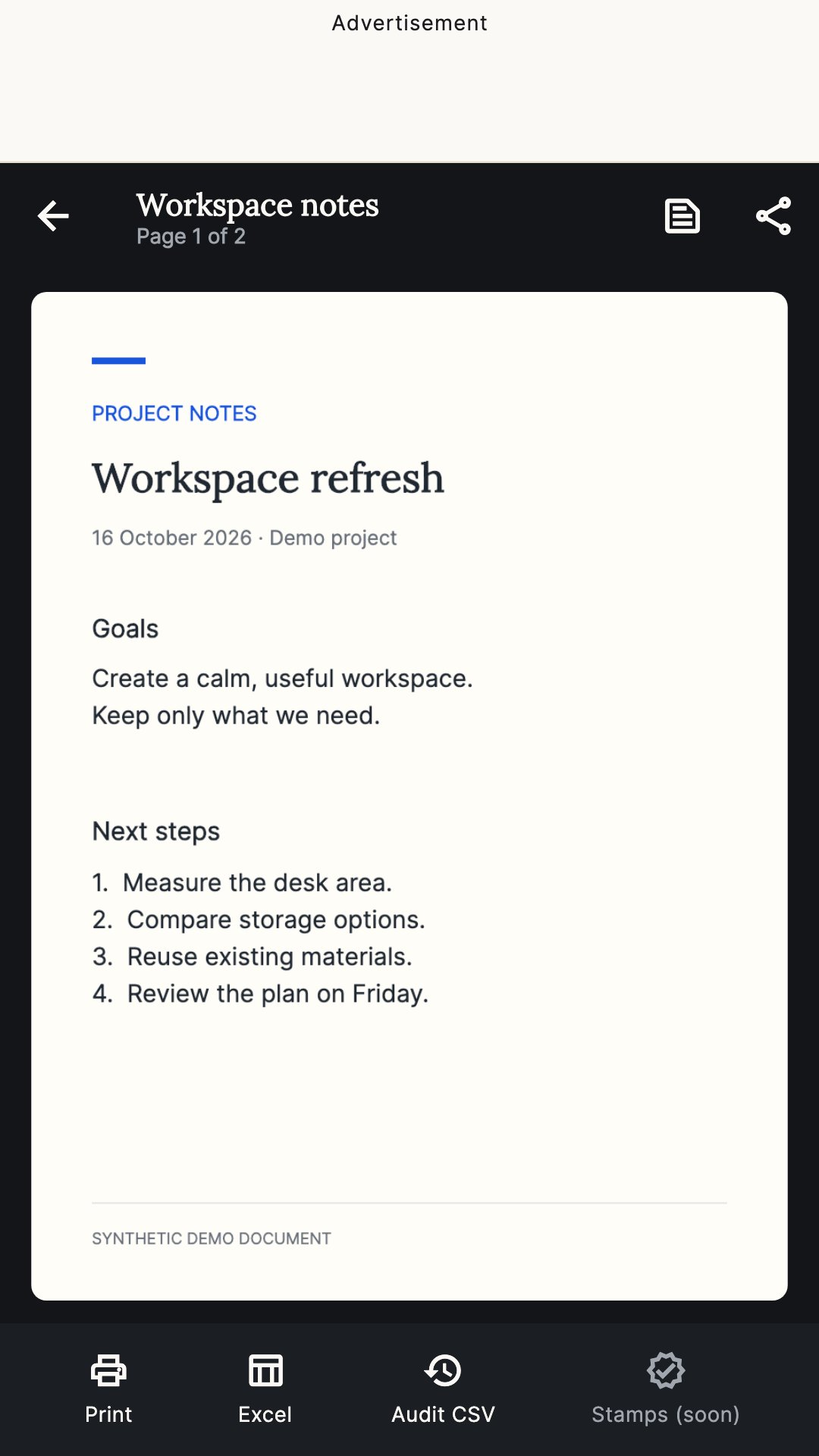
Recognize printed Latin-script text on your device and copy it from the document viewer. InkScan can also detect selected document details such as PAN, IFSC, and policy or loan numbers. Recognition can make mistakes, so check important details against the original.
EXPORT AND SHARE
Create multi-page PDFs with page numbering. PDFs are watermark-free by default, with an optional InkScan watermark. Share through compatible apps or use system printing. Export detected document details to an Excel spreadsheet and document activity records to CSV.
KEEP TRACK OF PAPERWORK
Create document checklists from the included templates, add a client name and optional reference number, and mark items complete as you gather the paperwork.
YOUR DOCUMENTS, ON YOUR DEVICE
Scan images, recognized text, and checklists are stored locally. InkScan has no account, login, subscription, or cloud document-upload service. You choose when to share an exported file. Delete stored app data from Settings.
BANNER ADS ONLY
InkScan is supported by a separate banner ad header above the app screens. There are no rewarded or interstitial ads, and features do not require watching an ad. Google advertising services use a network connection and may collect advertising and diagnostic data as described in the privacy policy.
Before first use, Android may need an internet connection to download scanner components through Google Play services. Document processing is local after the required components are available. Exported PDFs are not password-protected.





Un clic pour installer les fichiers XAPK/APK sur Android!

Merci pour votre note et vos commentaires!
Vous avez déjà évalué.