Téléchargements APK sûrs et rapides sur APKPure
APKPure utilise la vérification de la signature pour garantir des téléchargements de Splice Video APK sans virus pour vous.

Simple mais puissant, Splice facilite la création de solutions entièrement personnalisées et professionnelles.
splice video
Simple yet powerful, Splice makes it easy to create fully customized, professional-looking videos on your mobile phone, tablet. Imagine the performance of a desktop editor, optimized for your mobile device. Just tap to trim clips, adjust transitions, add slow motion effects and more to create beautiful videos you’ll love to share. It’s never been easier to edit like a pro on the go.
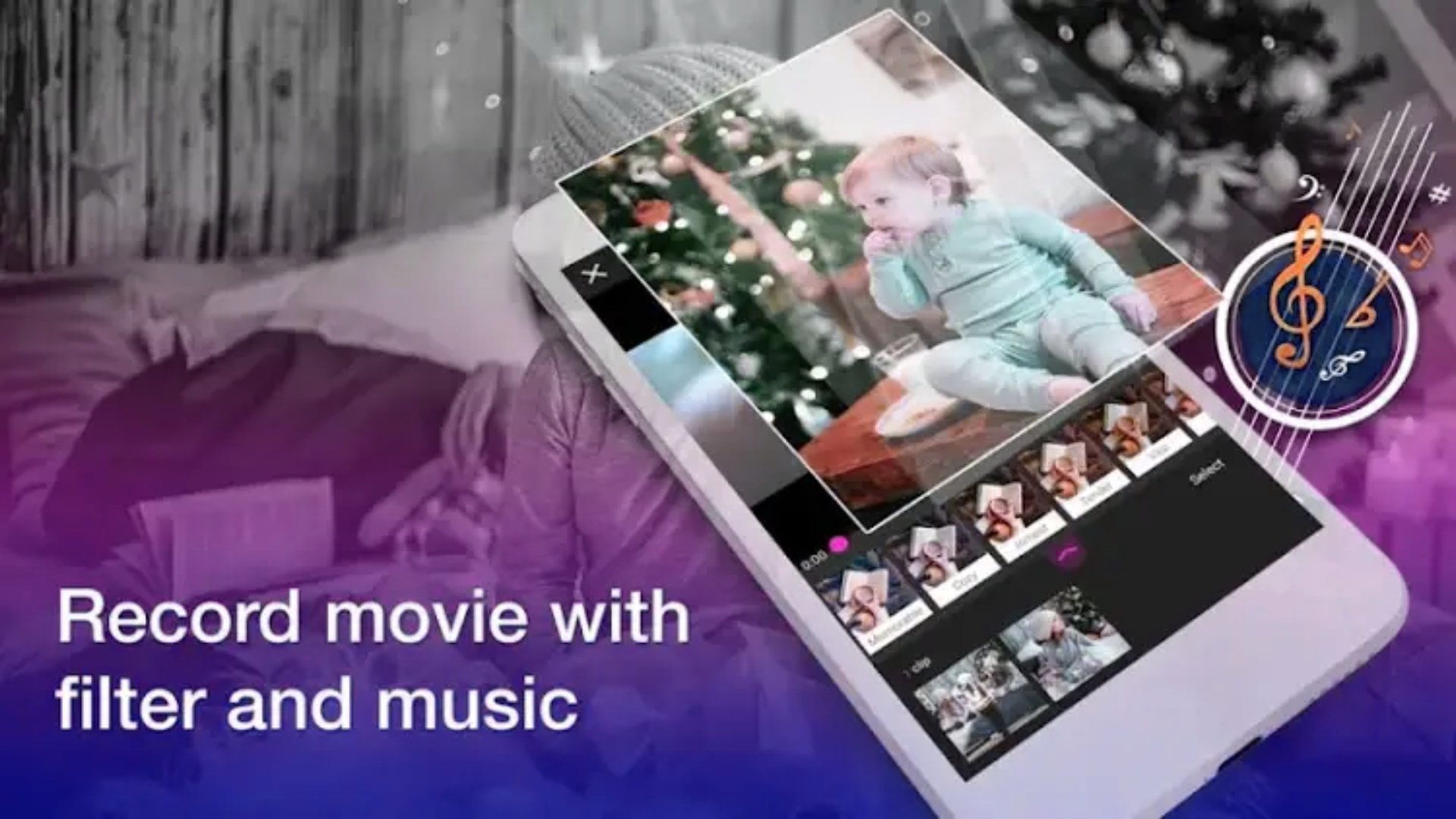
With Splice Video, create great videos in just a few clicks. Let its magic operate on your favorite photos and video clips. Splice Video quickly finds the best moments, adds transitions and effects and synchronizes everything to the rhythm of the music. Personalize your story with text, music and more and share it with your friends. Never has the editing been so fast - or so fun.
--- Main Features ---
ADD PHOTOS VIDEOS
Add up to 75 photos and video clips from your gallery, albums, Dropbox,Google Photos, GoPro Plus or a GoPro Quik Key.
Splice Video recovers data from GoPro sequences (smiles [1], faces [2], voices, laughs, speed, jumps, water, panoramic and still sequences [3]), analyzes them and finds the best moments. Face and color detection and perfect framing.
Choose your own favorite moments with HiLights.
SELECTION OF THE VIDEO THEME
Choose from 23 video styles, all with transitions and carefully created graphics.
Adjust font, filters, and graphics to any video style.
CUSTOMIZING YOUR VIDEO
Rearranging, trimming and rotating photos and video clips.
Customizable story with texts and titles and even with emoticons :)
Let Splice Video do his magic with smart cutouts or choose to play your videos in full.
Acceleration or slowdown of sequences.
Added GPS stickers to show speed. [4]
Automatic activation of audio when voice detection.
Choice of cinema format, square or portrait and easy sharing on Instagram or Snapchat.
Define the duration of photos and titles - automatic adjustment of cuts and transitions.
CHOICE OF THE PERFECT BAND-SOUND
Choose from over 100 free songs or select a song from your own collection. MP3, M4A, MP4, MOV, AAC, ALAC, AIFF and WAV formats supported.
Adjust the music so that it starts at any point of the song.
Splice Video automatically synchronizes transitions to the rhythm of the music.
VIDEO RECORDING AND SHARING
Recording videos in 1080p or 720p HD or 60 ips ultra fluid format.
Share on Instagram, Facebook and more or send a private Splice Video link via SMS or e-mail.
Shared videos are saved as links in your GoPro Plus account [5]
No time to edit? Save a draft of your projects - Splice Video keeps it for 7 days.
VIDEOS FOR YOU
Rediscover your day with 24-hour Flashbacks, ready-made videos of your travels, friends and adventures created from your 24-hour footage.
QUIKSTORIES
Splice Video partners with the free application GoPro App to bring you the Splice Video Stories, great videos created automatically from your latest video footage. [6]
--- Notes ---
+ Compatible with HERO7 Black.
+ Compatible with HERO6 Black.
+ Compatible with HERO5 footageBlack.
+ Compatible with HERO5 Black / HERO6 Black / HERO7 Black.
+ GoPro Plus is a subscription service available in some countries. Cancelable at any time. Cloud access is subject to storage limits. Separate data charges may apply. See gopro.com/more for more info and check availability.
+ Compatible with HERO5 and higher cameras. GoPro and Quik mobile applications required.





Un clic pour installer les fichiers XAPK/APK sur Android!

Merci pour votre note et vos commentaires!
Vous avez déjà évalué.