
Unduh APK dengan Aman dan Cepat di APKPure
APKPure menggunakan verifikasi tanda tangan untuk memastikan unduhan APK Drawing Tools yang bebas dari virus untuk Anda.

Shop Google Play on the web. Purchase and enjoy instantly on your Android phone or tablet without the hassle of syncing.
Drawing Tools gives you access to four drawing tools! Namely clone, effects, partly color and paint. Use the functions to create and edit your pictures.
Clone:
You can position a colored arc, after that you can use the drawing arc to draw what the colored arc is moving over. You can change the transparency.
Effects:
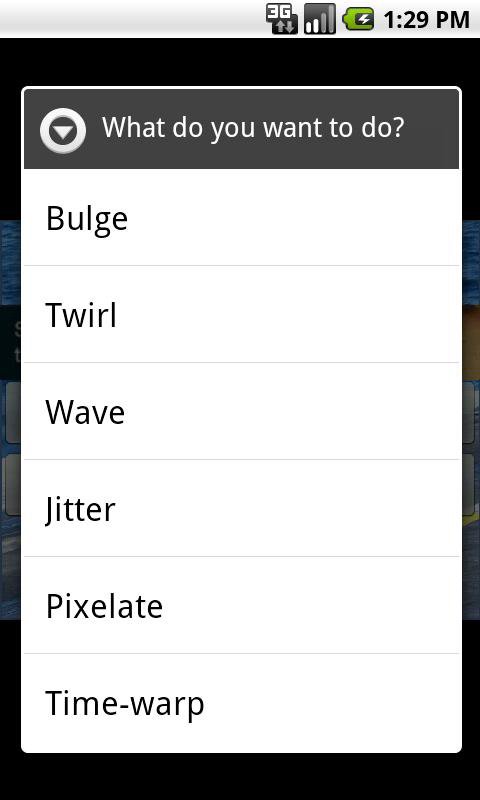
You can put Bulge, Twirl, Wave, Jitter, Pixelate and Time-warp on part of the image to create astonishing effects.
Partly color:
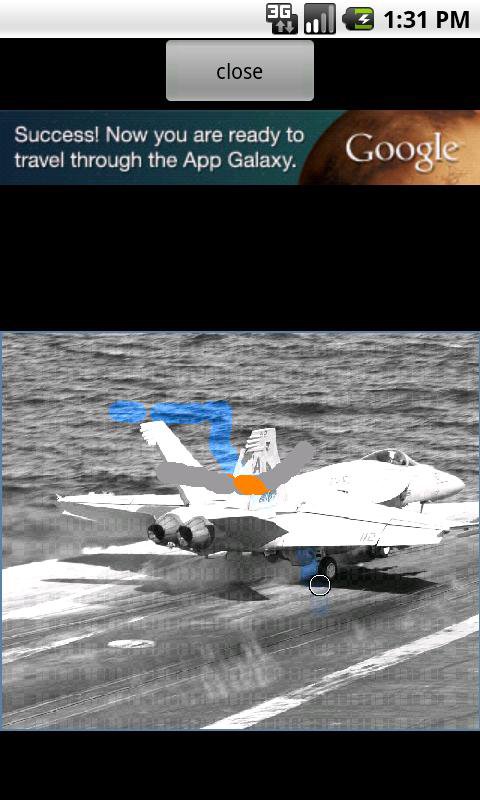
Partly color is one of the coolest functions. You can apply an effect to the base image and an effect to a fill image. After that you can draw the parts of the fill image on top of the base image. That way you can create, for example, a photo where only parts are colored and the rest is grayscale. There are a lot of effects you can choose, just have a look!
Paint:
Pick a color, transparency and the size of the drawing arc and start drawing!
Other features:
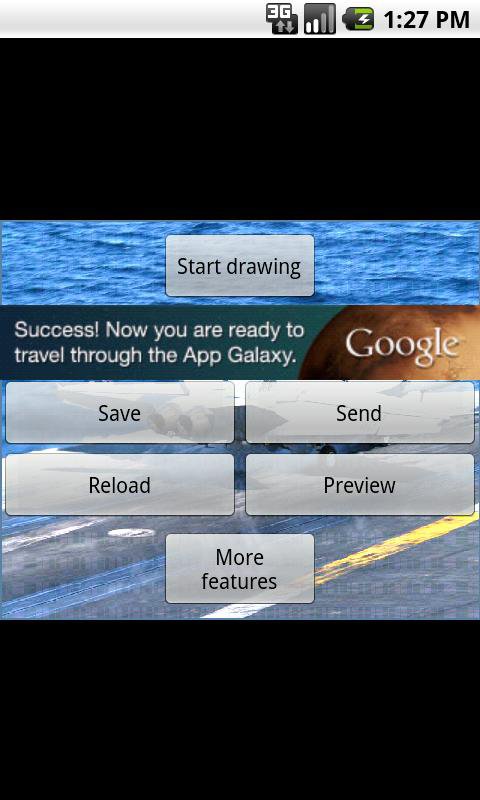
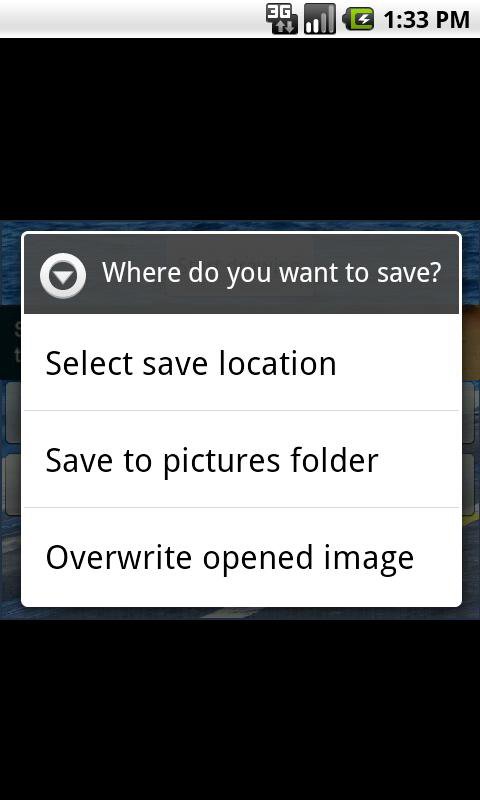
- Save the image to the memory or sdcard using a save file dialog, overwrite the loaded image or save to the pictures folder
- Share the image (facebook, email, etc)
- Upload to Imgur
Features you get when you buy the pro version:
- No ads
- Upload to TwitPic, Tumblr, Glowfoto, ImageShack, your own server with POST (copies url to clipboard)
- Preview the image (zooming supported)
- Preview the image (zooming supported with multitouch)
- Change the settings of the application: change image quality, change filename format, enable/disable popup on closing and change maximum width and height of a loaded image, change the amount of preview images
Keywords:
Drawing, draw, brush, brushes, clone, cloning tool, clone arc, partly color, color filter
Visit us on: http://www.icecoldapps.com/
Follow us on Twitter: https://twitter.com/IceColdApps
Like us on Facebook: http://www.facebook.com/IceColdApps




Sekali klik untuk menginstal file XAPK/APK di Android!

Terima kasih atas peringkat dan umpan balik Anda!
Anda sudah menilai.