Unduh APK dengan Aman dan Cepat di APKPure
APKPure menggunakan verifikasi tanda tangan untuk memastikan unduhan APK Multi Window Manager :Launcher yang bebas dari virus untuk Anda.

4.3 MB
Ukuran file
Everyone
Android 4.0+
Android OS
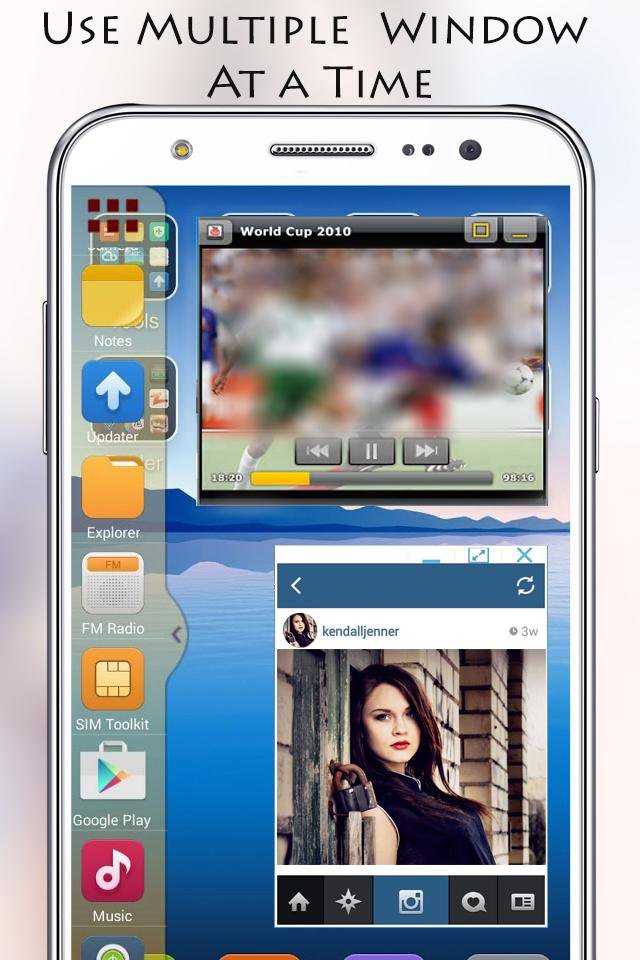
Hal ini paling berguna untuk Anda perangkat Gunakan Beberapa aplikasi pada saat seperti sebagai Desktop.
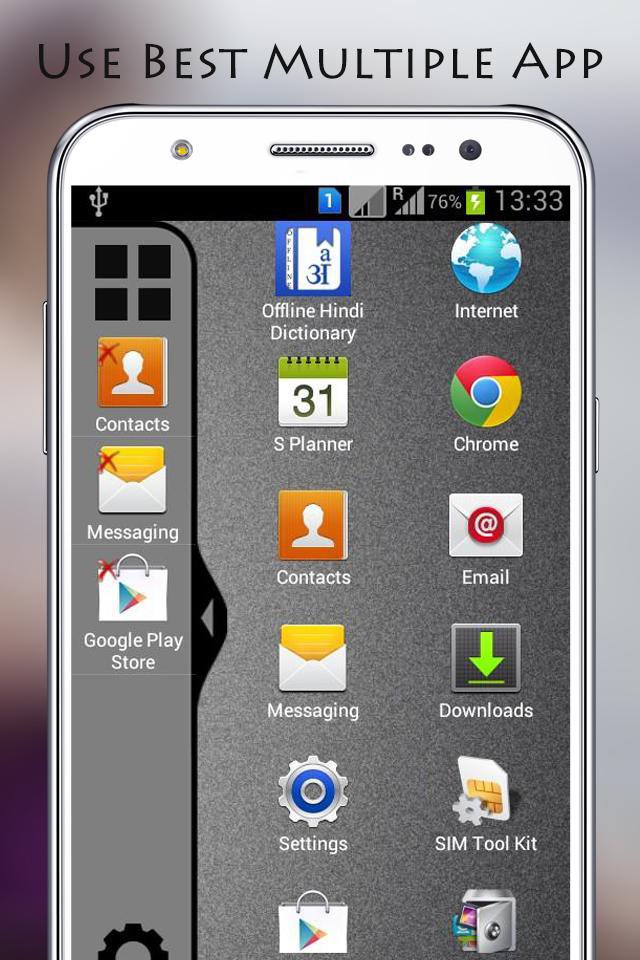
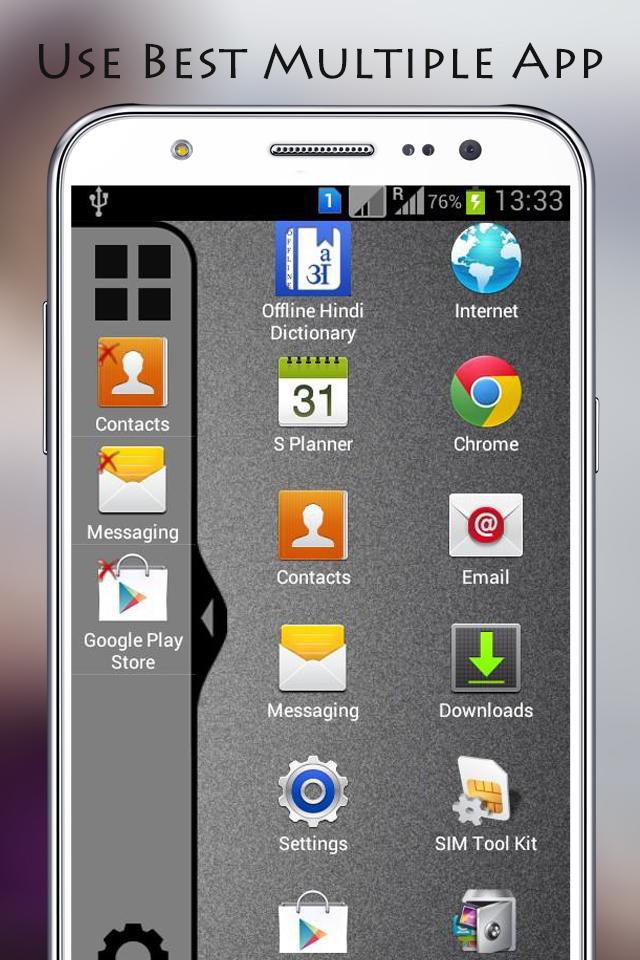
Now Enjoy With Multi Window Experience In Your Mobile Phone Also. Install This Free Tool To Create Your Favorite List Of Installed Icons In Your Phone.
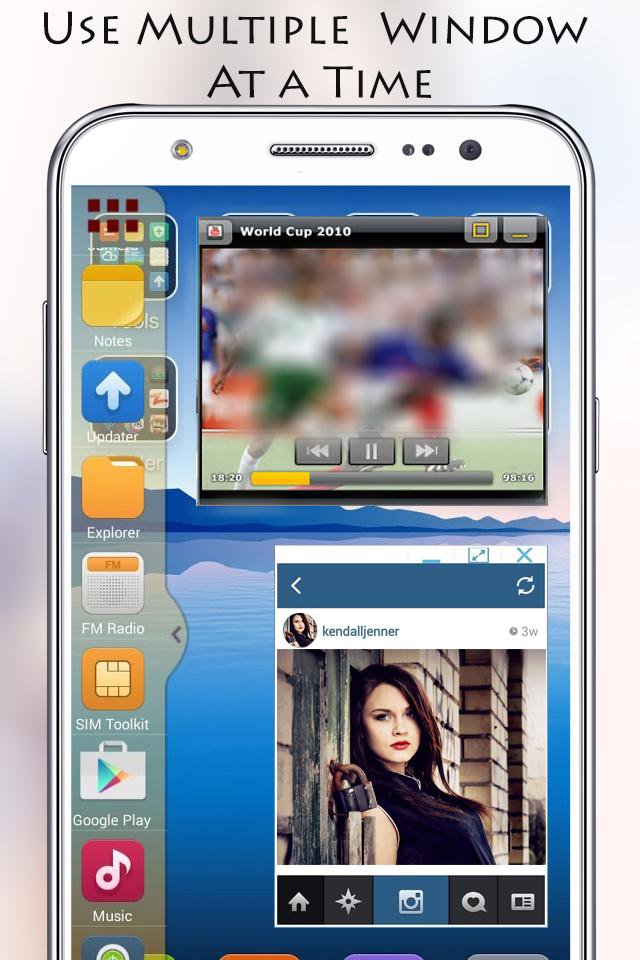
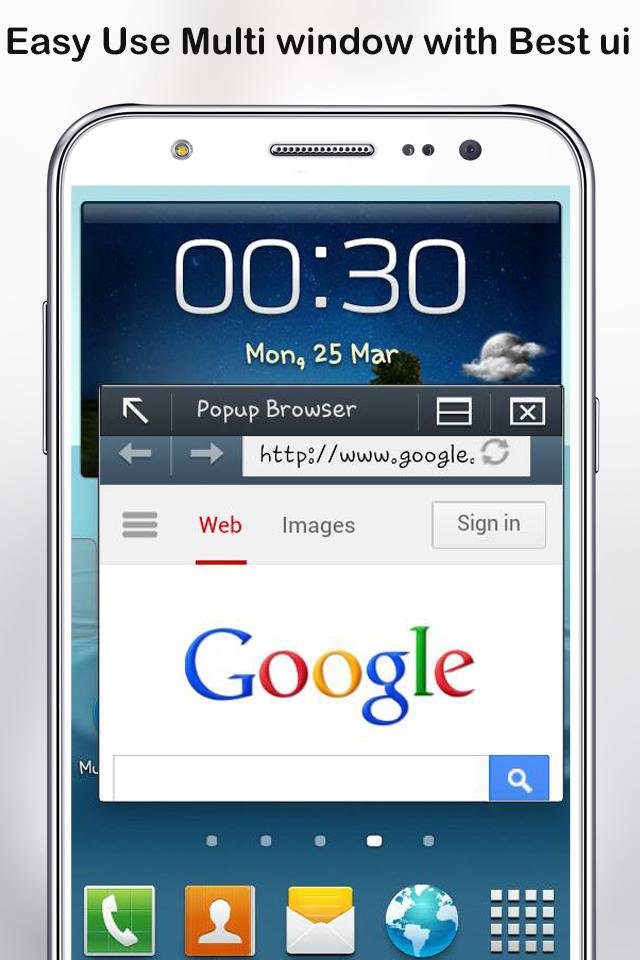
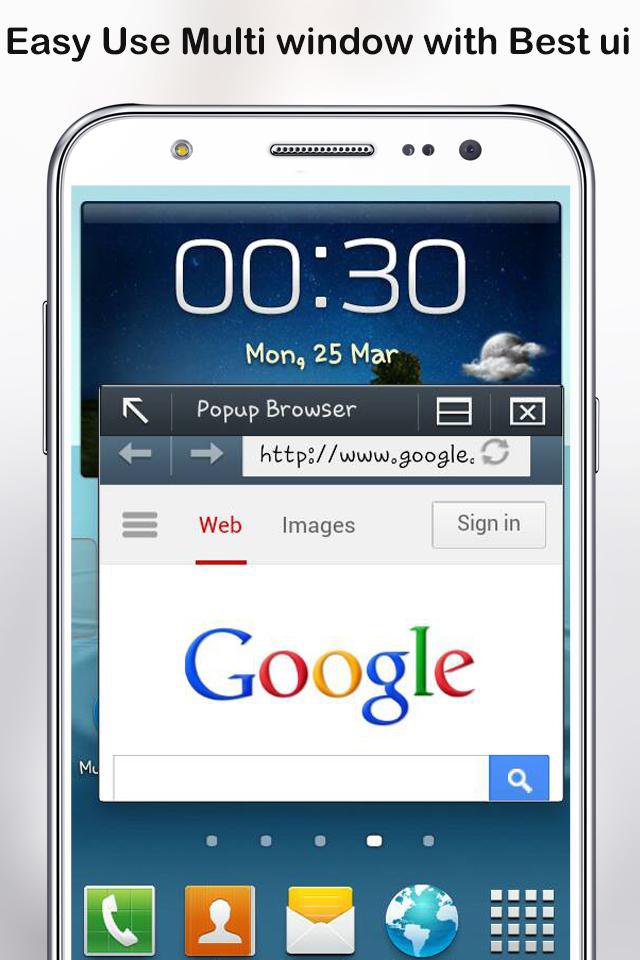
Each floating app is a small application that opens in a window and floats over all other applications allowing real multitasking on your android phone or tablet. Just open floating app and experience multitasking like on your Windows or Mac.
This app makes all apps multi window capable, but only adds the ones you specify to the launch tray. This means you can drag an app from the launch bar onto ANY app and it will launch in split screen...even apps that aren't
explicitly selected to be enabled for multi window.
If you have purchased the Pro Key for the original Samsung Multi Window Manager app, it will unlock pro features for this app as well.
New Features ::
* No root required
* Long press and Drag Drop Icons On Screen For Open App.
* You Can Increase And Decrease Speed Of Multi Window Tray.
* You Can Arrange Icons.
Types: Most used app, Recently used app and Alphabetical Order.
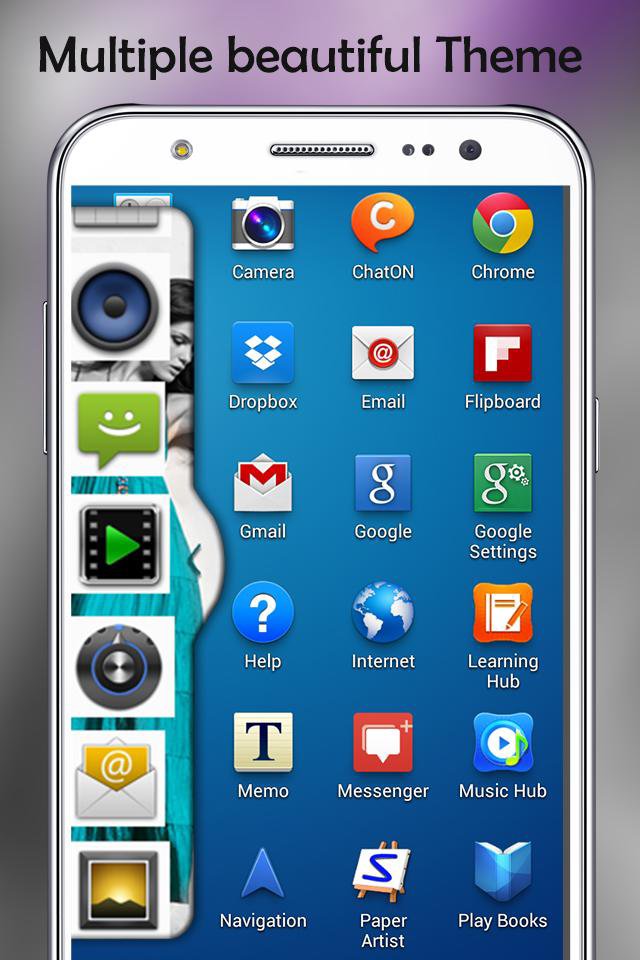
* You Can Select Many Different Default Themes.
* You can hide and unhide On long pressing multi window Sidebar icon. (Follow Help )
* You can change transparency of slide bar.
* Customize color, animation speed,order and opacity.
* Service start automatically when phone restart Fix.
Thanking to you Using this app. and also waiting for your valuable suggestion, ideas and comments. We will consider them for your feature updates!
Thank you……


Sekali klik untuk menginstal file XAPK/APK di Android!

Terima kasih atas peringkat dan umpan balik Anda!
Anda sudah menilai.