Unduh APK dengan Aman dan Cepat di APKPure
APKPure menggunakan verifikasi tanda tangan untuk memastikan unduhan APK PC Remoto yang bebas dari virus untuk Anda.

PC Remoto allows you to get a remote control for your computer.
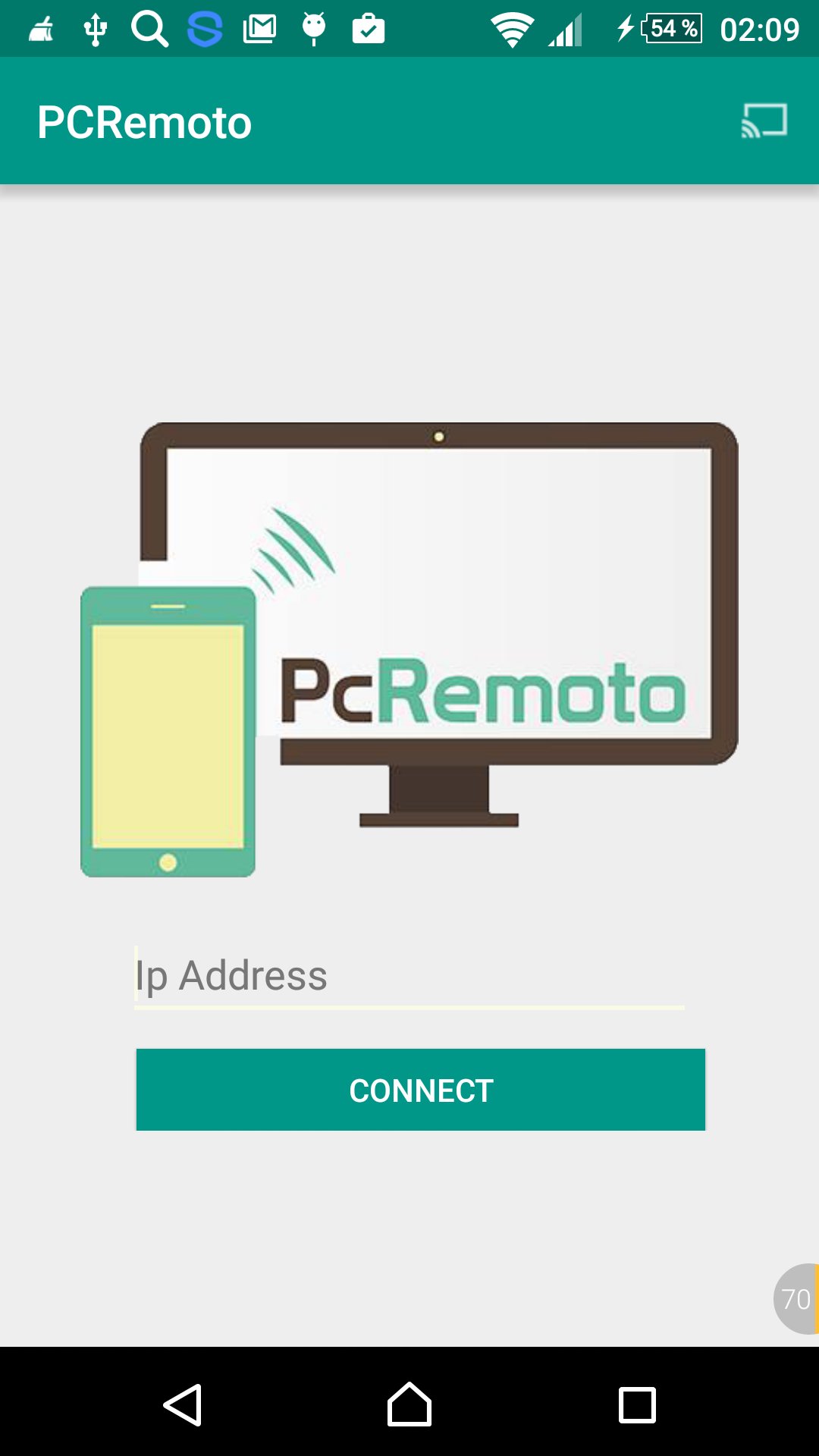
PC Remoto is an application that allows you to get a remote control for your computer with excellent reach, thanks to the technology used for connection, only need your device is connected to the same network as the computer you want to control. Normally be connected to the same local Wi-Fi network will serve (ip address example: 192.168.X.X).
Get access to desktops, laptops and use your favorite programs from a distance. You can control the mouse, keyboard, media, browse the Internet, shutdown your laptops and you can close the page you are working on (with function keys and buttons). This is the best application to use when discussing or PowerPoint presentation at work or at school. You can even use it to deceive members of the family at home!
Get an awesome new version of Remoting on Store and enjoy control devices remotely without getting up.
How To Connect:
1. Install PCRemoto Server from https://goo.gl/ZBdNXX on the remote PC that you want to control.
2. Open PCRemoto app and connect to the remote PC on the same local network.
Requirements to work with your PC and your Android Mobile:
1. PC Remoto Server running on target PC (from https://goo.gl/ZBdNXX).
2. Target PC must be connected to the same network (WiFi or Ethernet).
3. Java 1.6 or above on the PC.
4. Wi-Fi connection between your phone and your PC.
5. Android API 15 or above.
This app was created by :
-Jamil Bouyahi ([email protected]) .
-Othmen Hemmi ([email protected]) .



Sekali klik untuk menginstal file XAPK/APK di Android!

Terima kasih atas peringkat dan umpan balik Anda!
Anda sudah menilai.