
Unduh APK dengan Aman dan Cepat di APKPure
APKPure menggunakan verifikasi tanda tangan untuk memastikan unduhan APK Taskz yang bebas dari virus untuk Anda.

Sebuah mudah untuk menggunakan aplikasi Manajemen Tugas dari Zoho
Taskz is an easy to use Task management application from Zoho.
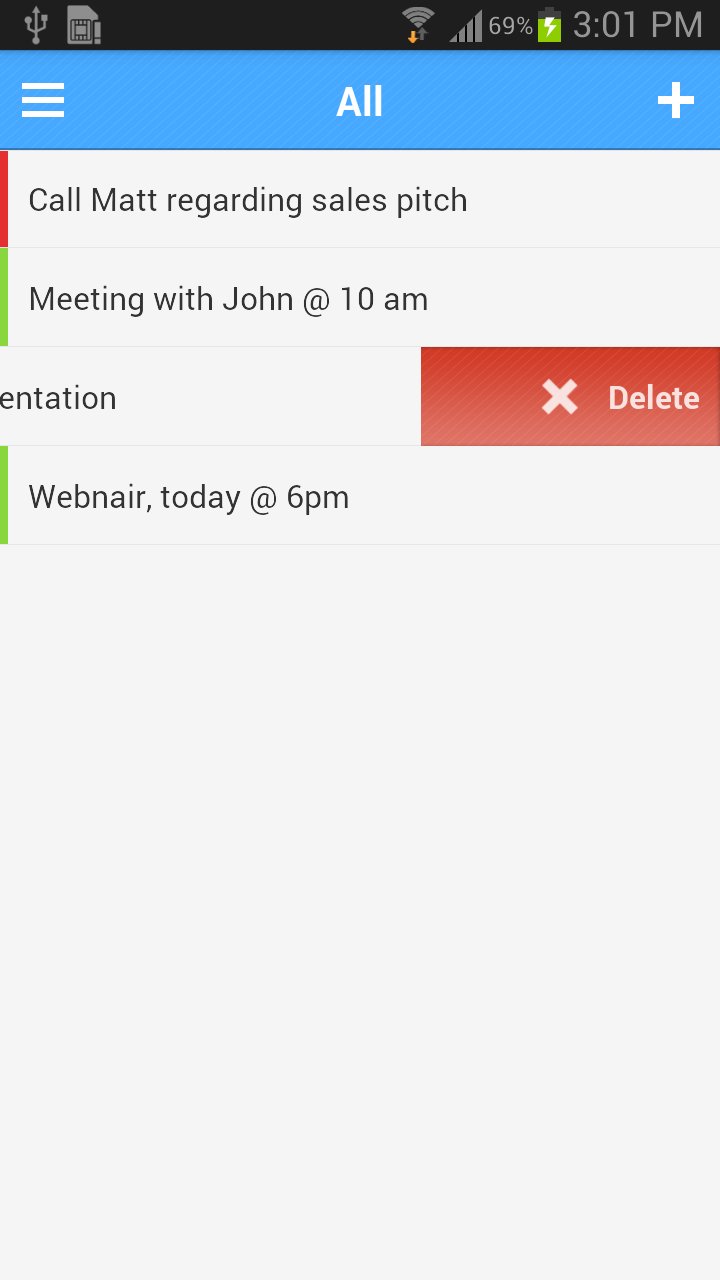
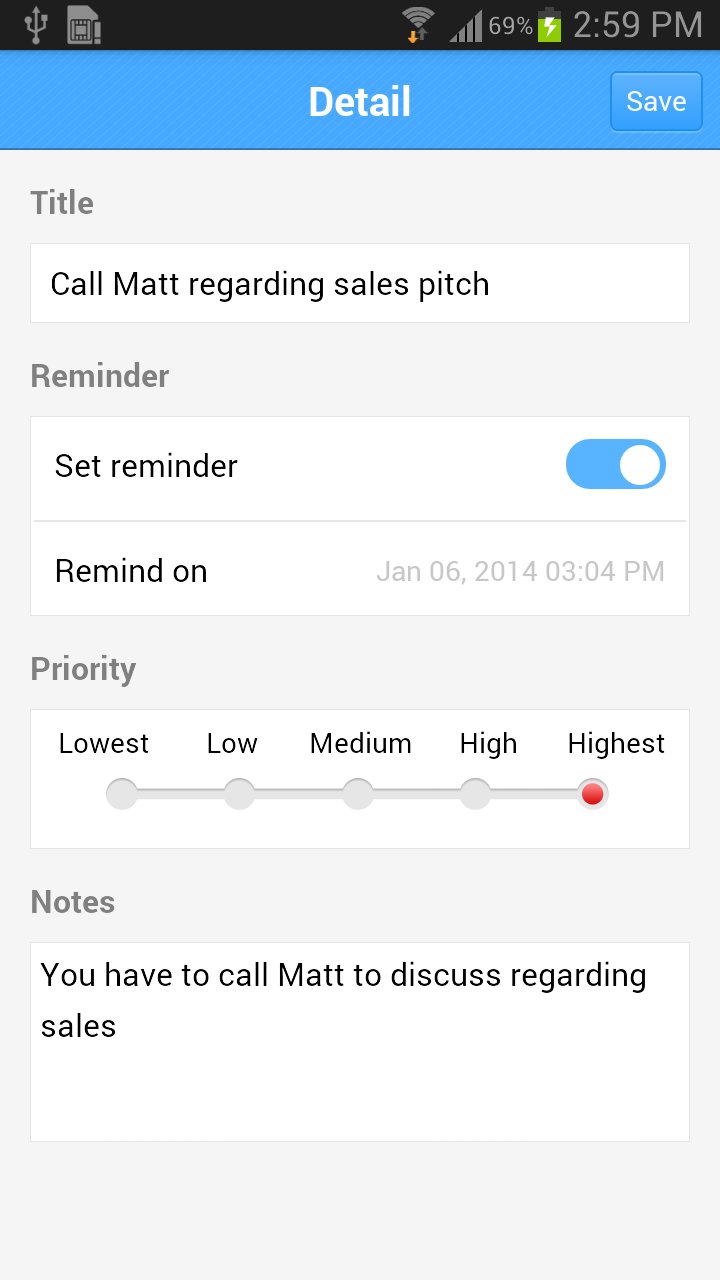
To create a task, pull the screen down, swipe a task to the right to mark as complete and swipe to the left to delete a task. That's how easy it is to use the app.
The left side section has options to manage your tasks based on due date. If you need to complete a task by this week, go to 'This Week' section on the left and create a task. This will automatically set the due date to end of the week. Similarly, due date is automatically chosen based on the section you are in (for Today, Tomorrow, This Week & This Month).
You also have options to view all tasks, pending tasks as well as completed tasks. You can mark a completed task as incomplete by swiping it to the right.
You'll need a Zoho account to use the application. This account will let you synchronize your tasks across various devices as well as Zoho Tasks (tasks.zoho.com). If you are an existing Zoho CRM user, your tasks from Zoho CRM will also show up in the application.
If you have any questions/suggestions, please emails us at [email protected]





Sekali klik untuk menginstal file XAPK/APK di Android!

Terima kasih atas peringkat dan umpan balik Anda!
Anda sudah menilai.