
Download APK sicuri e veloci su APKPure
APKPure utilizza la verifica delle firme per garantire download di APK Axiom : Android Web Browser senza virus per te.

Browser Android semplice, sicuro e personalizzabile (*Progetto di blocco 2020-21)
**Sorry Letter: Hello friend, I (AyaN) made this application during lockdown time (2020-21). Now everything is reopening, and my work also started again. And, maybe in the future, you don't receive any new updates. So, my suggestion is for you to go with other android browsers. Cause this application doesn't give you a time-to-time update (Important to stay updated for security reasons). So, thank you for trying "Axiom". ❤️
Axiom is a free android web browser and this application has a very minimal design layout & easy to use. Here you found many use full tools, those tools help you lot during surfing websites. Now let's talk about all features:
• UI Layout:
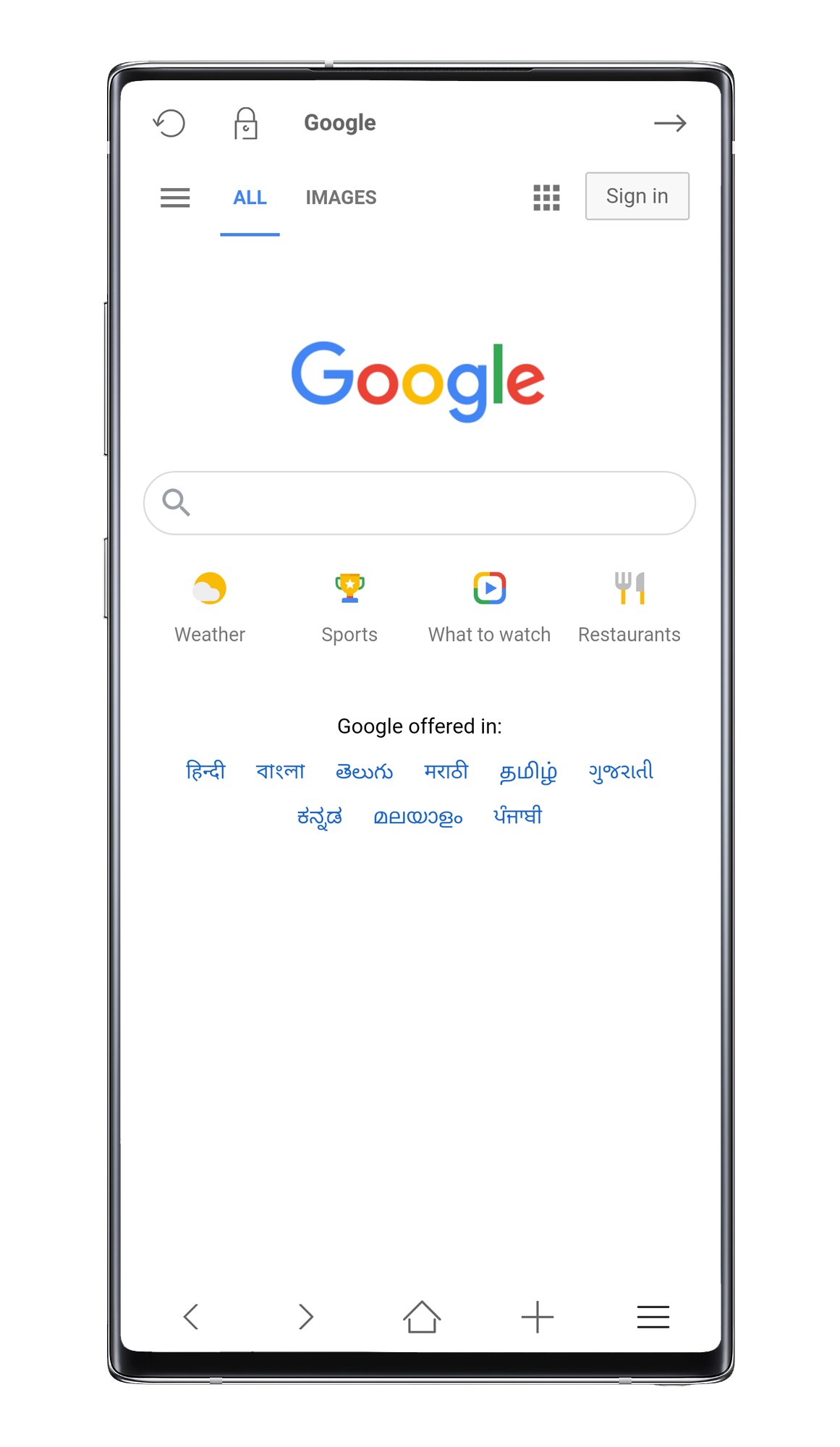
This application has a simple, minimal, user-friendly & customizable layout. Just a single click to work perfectly. Some options have a single tap and long tap gestures like - Long-press navigation buttons to scroll up or down, long press center icon button to exit full-screen, etc. Don't worry it's very easy to find all option gestures. UI layout is highly customizable, you can modify the layout easily. also, You can change the logo or background image.
• No Adds & No Data Stolen:
This application did not show you any type of advertisement and the (Axiom) developer has no interest in any type of surfing data. But still, suggest you - When you surf private things you must use Axiom "Incognito" mode it fully helps you to protect your data.
• Features:
Axiom has very useful features and all features give you the best surfing experience. Yea I always improve all features and make try to make this browser more helpful. Some highlighted features name is - Bookmark, History, Download (System Download Manager), Share, Themes, Full Screen, Desktop Mode, Settings, etc.
• Tools:
This browser also has some useful tools like - Screenshot, Javascript On/Off, View Website Source Code, Speed Up System, Picture Show/Hide, Save Web Page Locally, Save PDF, etc. All tools help you a lot while you surf some web content.
• Dark Theme:
This application supports the dark theme option, now you can use axiom dark theme (night mode). Very easy to activate the dark theme: Menus > Themes > Dark Theme > Apply.
• Web Settings & Security :
You can fully customize your website contents and you can fully control Ads, Tracker, Popup, Alert Messages, etc. Also here You found Multiple Search engine Options and control on incognito mode. I try my best to give the best security option on General and Incognito mode.
• Data Encryption:
This option protects your bookmark, web surfing history data with a secure key. This option protects your bookmark & web surfing history data. But, make sure you exit the proper way. Always use the exit button or double-tap on the back button to exit this application. Axiom starts encrypting your all data when you exit. Don't close the application forcefully when the application shows you a "Please Wait" message. When Encrypting has been completed application automatically closed (*If you try to close forcefully might be your data lost forever). Basically, the application needs 2/3 seconds for the encrypting & decrypting process(If you have much long data then it will take some seconds and it also depends on the mobile system specification). Just a few clicks to activate this option: Menu > Settings > System Settings > Data Encryption.
• Open Local files:
You can open some files extension (example: .HTML, .XML, .MHT, etc. ) on the Axiom browser. This feature helps you to open Saved HTML Codes, Saved Pages & Text Files. Just open a file manager, click on a supportable file then select "Axiom", Done. Now you can see the file contents.
• Open External Links:
This application is also capable to open external links(HTTP/HTTPS). So, when you found some external links on other applications you just select the Axiom browser, Done, Now link starts loading on the browser.
*Last tested OS Android 10, and build/released date Aug 13, 2020.




Basta un clic per installare i file XAPK/APK su Android!

Grazie per la tua valutazione e feedback!
Hai già valutato.