
Download APK sicuri e veloci su APKPure
APKPure utilizza la verifica delle firme per garantire download di APK Com2Cal senza virus per te.

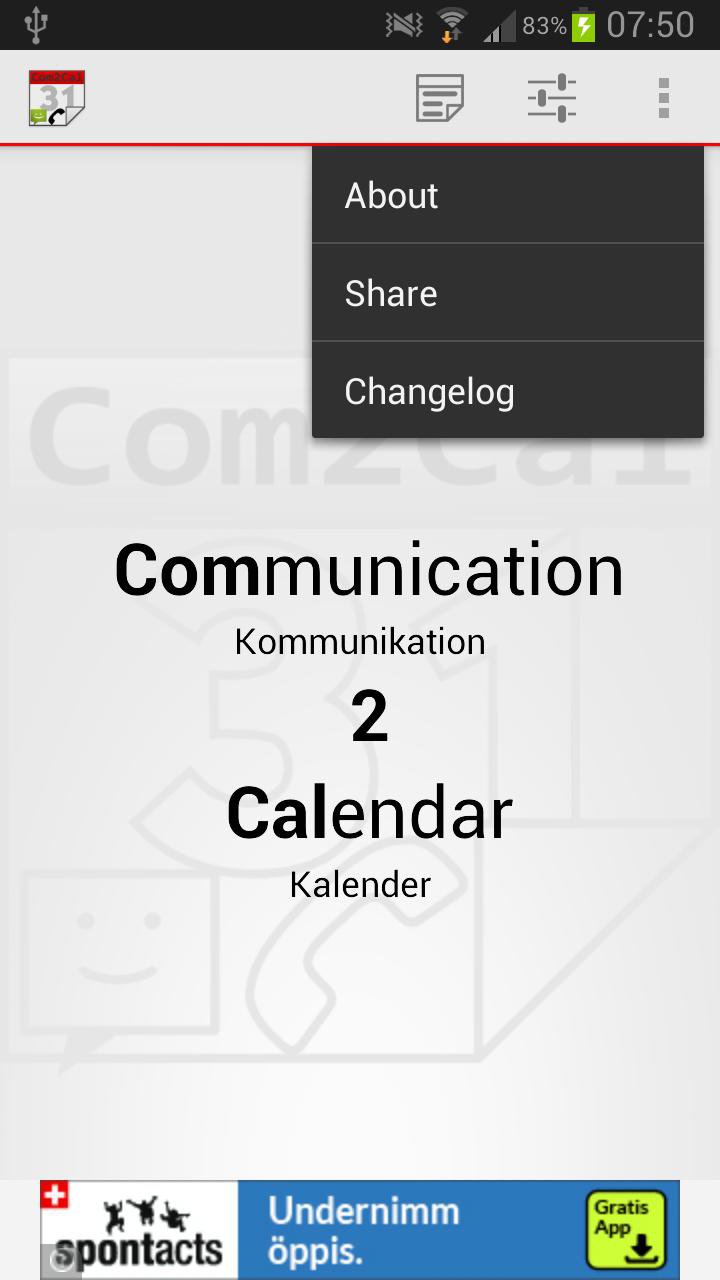
Com2Cal logs all your calls and SMS in your calendar and on all of your devices.
Free Com2Cal log all your calls and text messages in your calendar. You’ll see if you missed a call or received one.
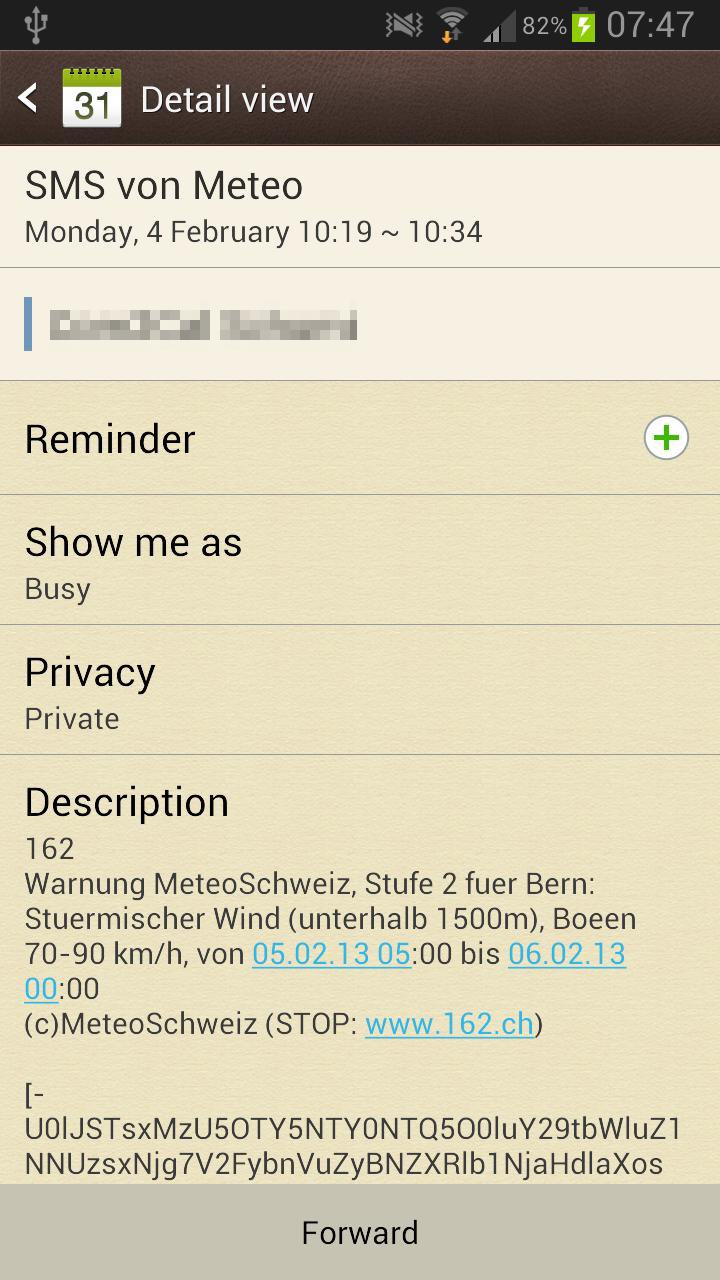
The text message is displayed in your calendar at the time you received it and from whom it came.
Features:
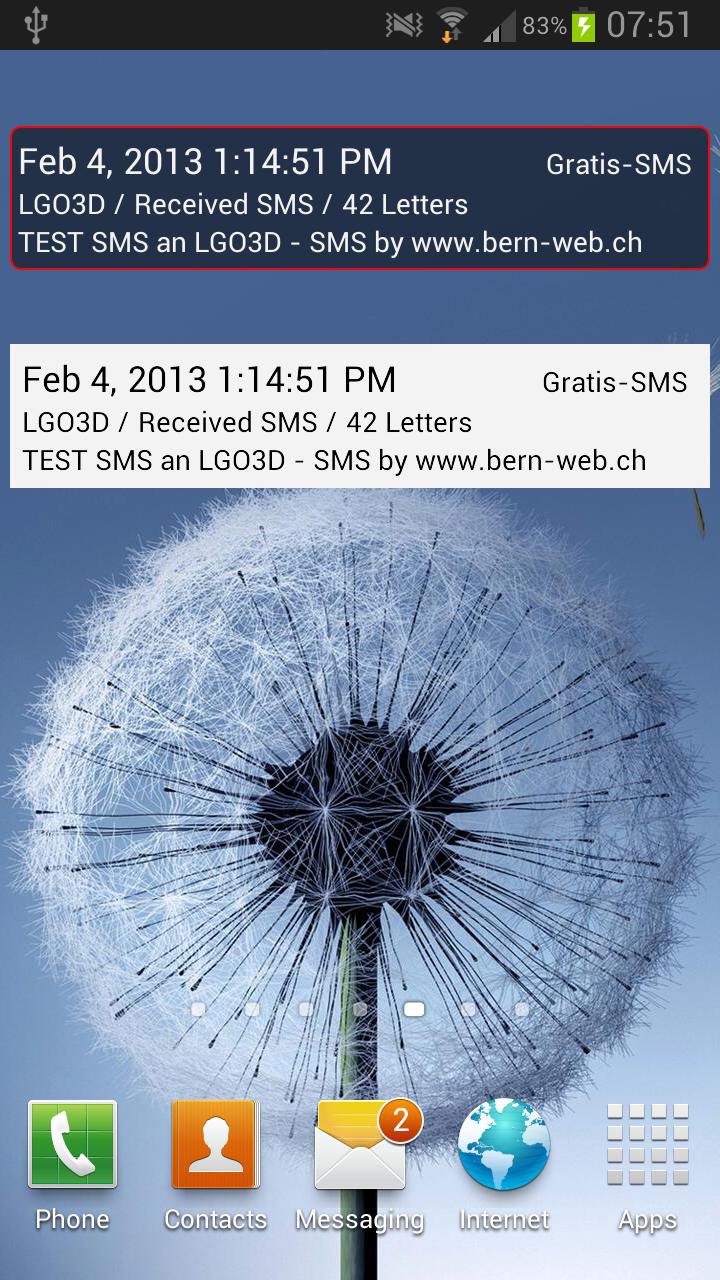
- Notifiy your primary device about ongoing text messages or phone calls on secondary devices.
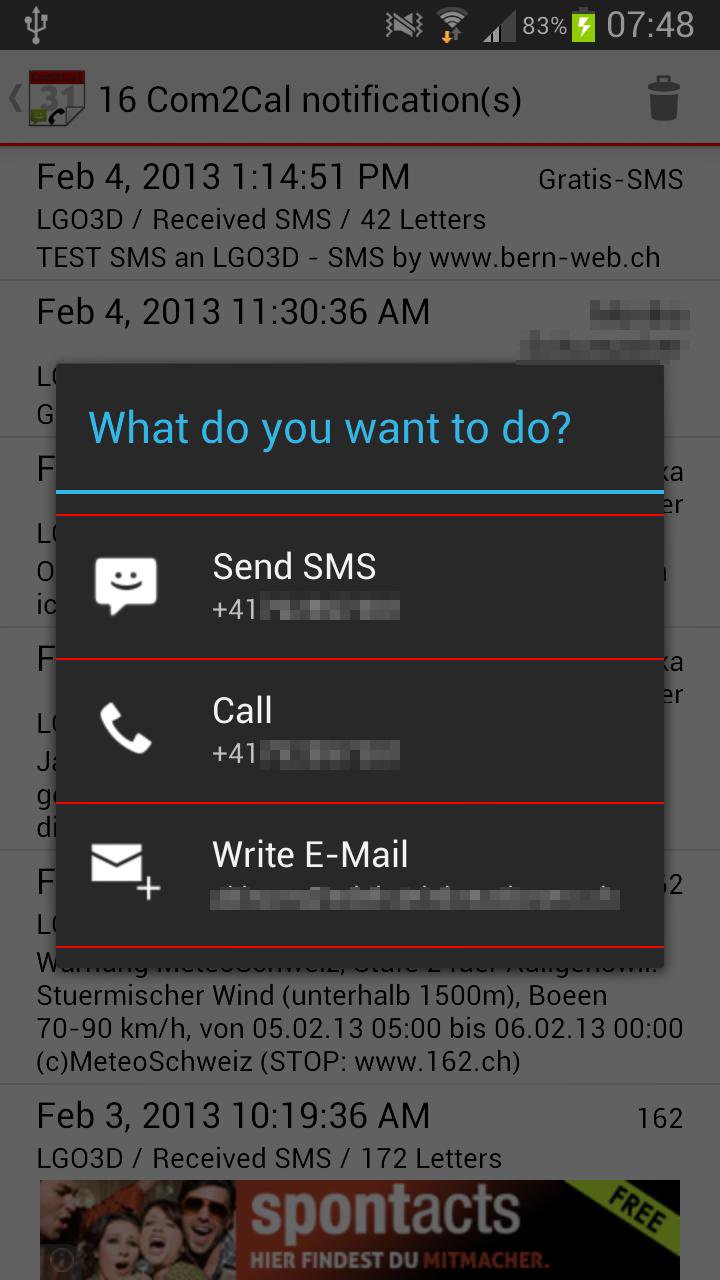
- If you are on a device which supports text messaging or phone calls you can react directly to the notifications and write or call back.
- Log all incoming, outgoing and missed calls. If possible the Phone number will be mapped to your contacts
- Log all incoming and outgoing text messages. Also the text message will be displayed as a entry in your calendar
- You can create a new Google calendar (on the web) to save the data to
- You can choose between your existing calendars which one to use for saving the data
Review: http://goo.gl/WjyEcQ (DE)
Remarks to the permissions
Info
Due to the new Setting and UI Appearance, I had to completely change the whole Settings behavior.
Unfortunately I could not transfer the old Settings to the new Ones. You have to open the app and set your SMS/Call Tracking Settings by your own.
- Localization
This permission is needed for the publicity, depending on which provider you use, they will need to know the rought or exact position.
- Read SMS or MMS
For receiving SMS there is a systemevent known by Android, altough for sending there is none. Therfore this permission is needed.
-Full internet access
This is also due to the publicity which needs to be reloaded. Additionally bugs can be transmited likewise.
- add or modify calendar events and send email to guests without owners' knowledge
Adding calendar entries is self explaining. This permission altough inherits the right to send E-Mails to guests, which I do not use. Sadly there is no other possibility than this right to add calendar entries.
- automatically start at boot
With this permission a service will be started which can react to outgoing SMS. Like I said before there is no other way to react to the outgoing SMS.
FAQ
Q: I do not receive notifications about new events. What’s the matter?
A: This issue can have the following reasons:
1. All Devices MUST use the same calendar or else nothing will happen.
2. The Com2Cal Eventservice must be enabled in the settings.
3. The selected calendar of your Android Device must be synced with the cloud. Com2Cal however does not influence this issue.
Q: I Enabled the Eventservice in the Settings of Com2Cal. In my opinion I have forgotten nothing. None the less I still get no notifications. What could be the problem?
A: The chances are big that Android does not synchronize the calendar automatically. This differs from version to version and from provider to provider. When you insert a new entry into Google Calendar it should be synchronzied. If that’s not the case Com2Cal will not recognise that a new Notification appeared. On my ASUS Transformer PAD Infinity (TF700T) the calendar is not being updated automatically. On my Samsung S3 yes.
Q: How long does it take a Notification to appear from Device A on to Device B?
A: As long as it takes to synchronize your caledar. This could be 30 seconds or a few minutes. Regularly in my case it takes up to 60 seconds.
Q: What’s with the filters?
A: It is very possible that you do not want to be informed about everything. E.g: you would not want to be informed about a received call, but about a missed call. Now you could set in the “Filter send” which notifications other devices should receive.
“Filter receive” you can set which notifications you want to be informed about. Maybe you don’t want to be notified about received calls on other devices eventhough this device would have sended that information.
Q: If I tap on a Notification on the list different actions can be made. e.g: send a message etc. On which device are these actions executed?
A: On the device you’re holding in your hands, if this device allows the action.
2.0.1.7
- fix a small bug
2.0.1.6
- remove Tap for Tap library
- remove AdMob library
- add Google Play service library
- refactoring code











Basta un clic per installare i file XAPK/APK su Android!

Grazie per la tua valutazione e feedback!
Hai già valutato.





