Nome del pacchetto:com.alphard.contactsbackup
Mostra di più

29.9 MB
Dimensione
Everyone
Android OS
Backup & restore contacts, recover lost numbers, merge duplicates & export CSV.
Contacts Backup Cloud Transfer is a simple contacts backup and restore app for Android. Back up your whole phone book in one tap, recover lost or deleted contacts from a backup, and transfer contacts to a new phone with Google Drive or OneDrive.
New phone, factory reset, or worried about losing your phone? Make a backup today. Every backup is saved on your phone as a CSV file, and you can keep a copy in your own Google Drive or OneDrive account, so it stays safe even if your phone is lost or broken.
BACKUP CONTACTS IN ONE TAP
• Save everything with a single tap
• Local backup as a CSV file, always available
• Cloud backup to Google Drive or OneDrive, no computer needed
• Backup summary with totals, skipped duplicates and invalid numbers
• See what is not backed up yet and when you made your last backup
BACKUP AND RESTORE: RECOVER LOST CONTACTS
• Restore contacts from your latest backup, a local backup file, Google Drive or OneDrive
• Restore everything, or search and pick only the ones you need
• Anything already on your phone is skipped, so a restore does not create duplicates
• Recover contacts you deleted by mistake or lost after a factory reset, as long as they are in a backup
• Number recovery made simple: bring back lost phone numbers from your backups
A contacts recovery app can only bring back lost contacts if you have a backup, so make one now and you are covered.
SWITCH PHONE: TRANSFER CONTACTS TO A NEW PHONE
Planning a phone transfer? Move your contacts first. Back up on your old phone, install the app on your new phone, and restore from the same cloud account or from the backup file. Copy contacts from phone to phone with no cables and no computer. Whenever you switch phones, your contact transfer is quick and simple.
CONTACT CLEANUP: DUPLICATE CONTACTS CLEANER
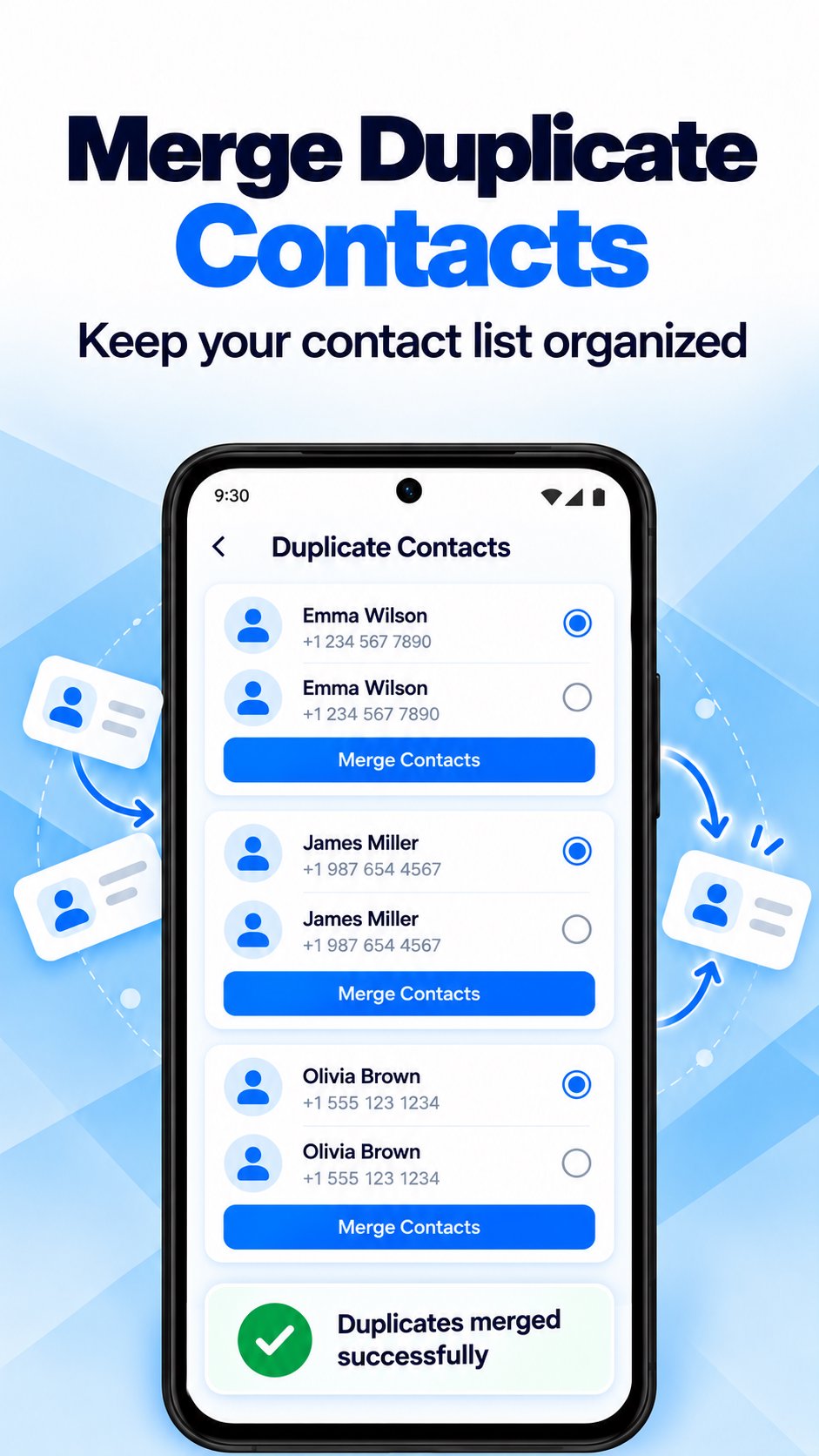
• Find duplicate contacts and merge them one group at a time or all at once
• Merge contacts safely: every phone number and email is kept
• Scan your address book for incomplete entries (missing name, number or email) and invalid numbers, then fix them
MY CONTACTS, ORGANIZED
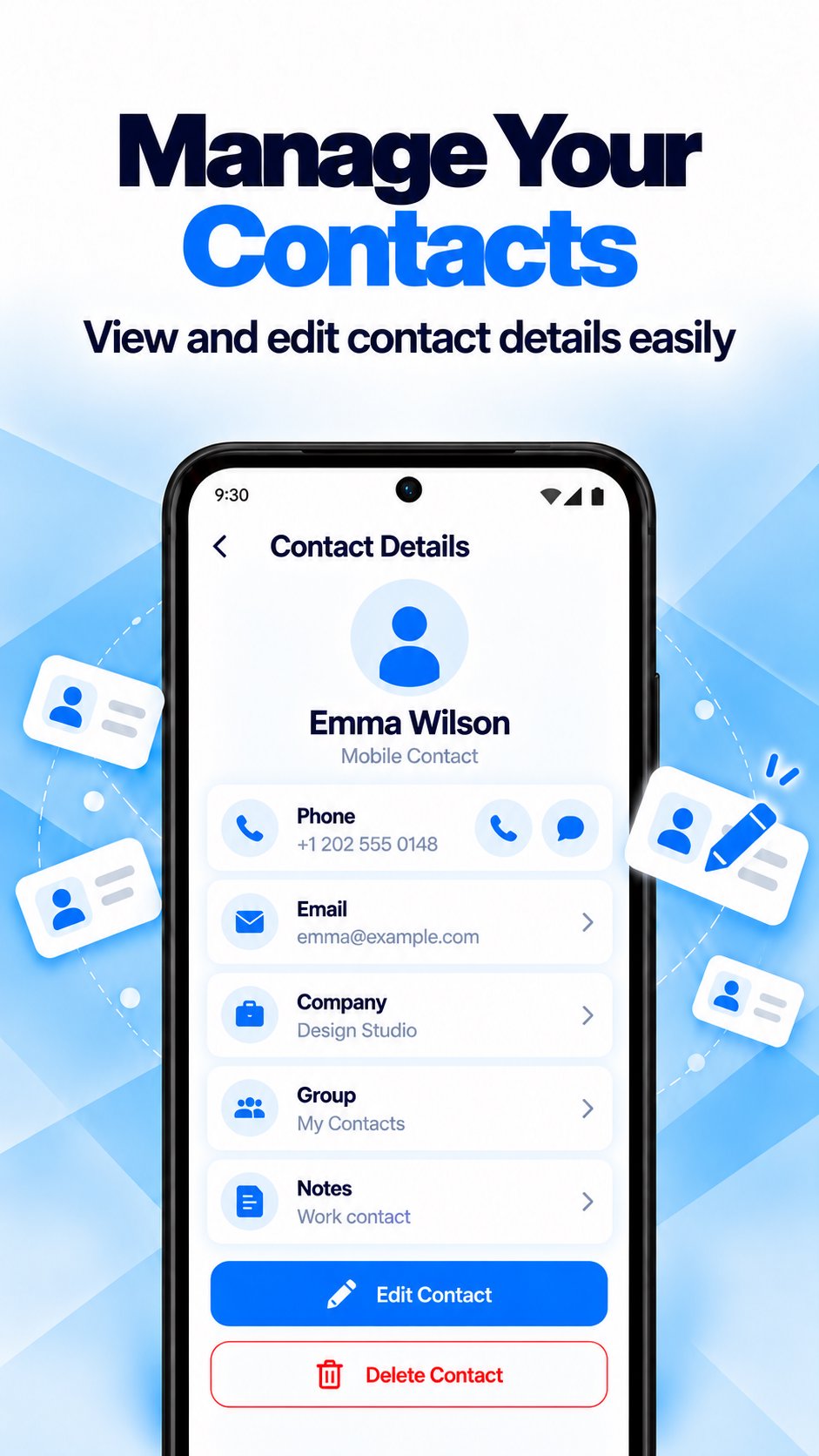
View, search, add and edit contacts in a clean phonebook and contact manager. Add a photo, name, phone number with country code, email, company and group, and keep your address book tidy.
EXPORT CONTACTS TO CSV AND EXCEL
Every local backup is a CSV file, so you can export contacts to Excel or Google Sheets and view your phonebook as a spreadsheet.
KEY FEATURES
• Contacts backup and restore
• Cloud contact backup to Google Drive and OneDrive
• Local backup that works without the cloud
• Restore contacts from your phone or the cloud, without duplicates
• Contacts recovery: bring back lost or deleted numbers from a backup
• Phone transfer made easy: transfer contacts between Android phones
• Duplicate contacts cleaner: merge contacts and tidy up your phone book
• Scan for incomplete entries and invalid numbers
• Backup history you can search by date
• Backup and restore notifications
• Available in multiple languages
FAQ
How do I back up my contacts?
Open the app and tap the backup button. Turn on cloud backup to keep a second copy online.
Where is my contacts backup saved?
On your phone as a CSV file, and in your own Google Drive or OneDrive account if you use cloud backup.
Can I recover contacts I deleted?
Yes, if they are in a backup. Make a backup today so you can bring them back later.
How do I transfer contacts to a new phone?
Back up to the cloud on your old phone, then install Contacts Backup Cloud Transfer on your new phone and restore contacts from the same account.
Will a restore create duplicate contacts?
No. A restore skips what is already on your phone.





Basta un clic per installare i file XAPK/APK su Android!

Grazie per la tua valutazione e feedback!
Hai già valutato.