Download APK sicuri e veloci su APKPure
APKPure utilizza la verifica delle firme per garantire download di APK DLNA Sharing senza virus per te.

Second screen mirror
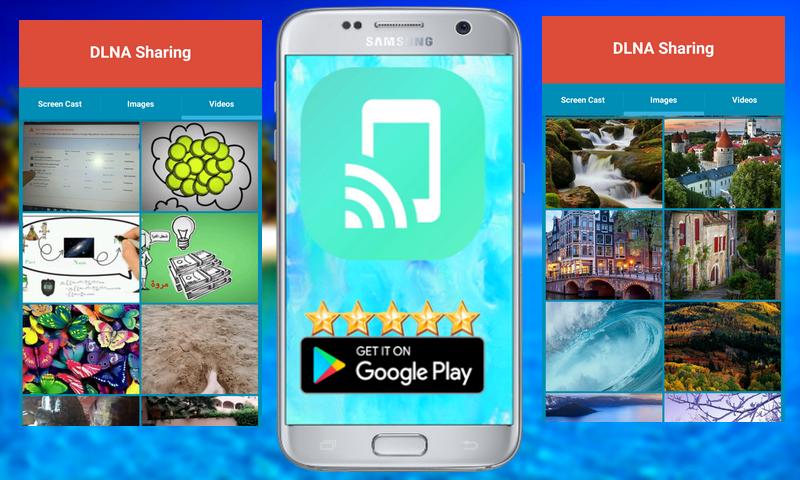
Easy to use, just choose your media and press to play, just one step to play it on your TV!
At any time and anywhere, from any device - enjoy with friends and family - with TV Assist on your phone, you can play your favorite photos, videos and music as you like, Such as a nearby TV. Moments with everyone to see and hear!
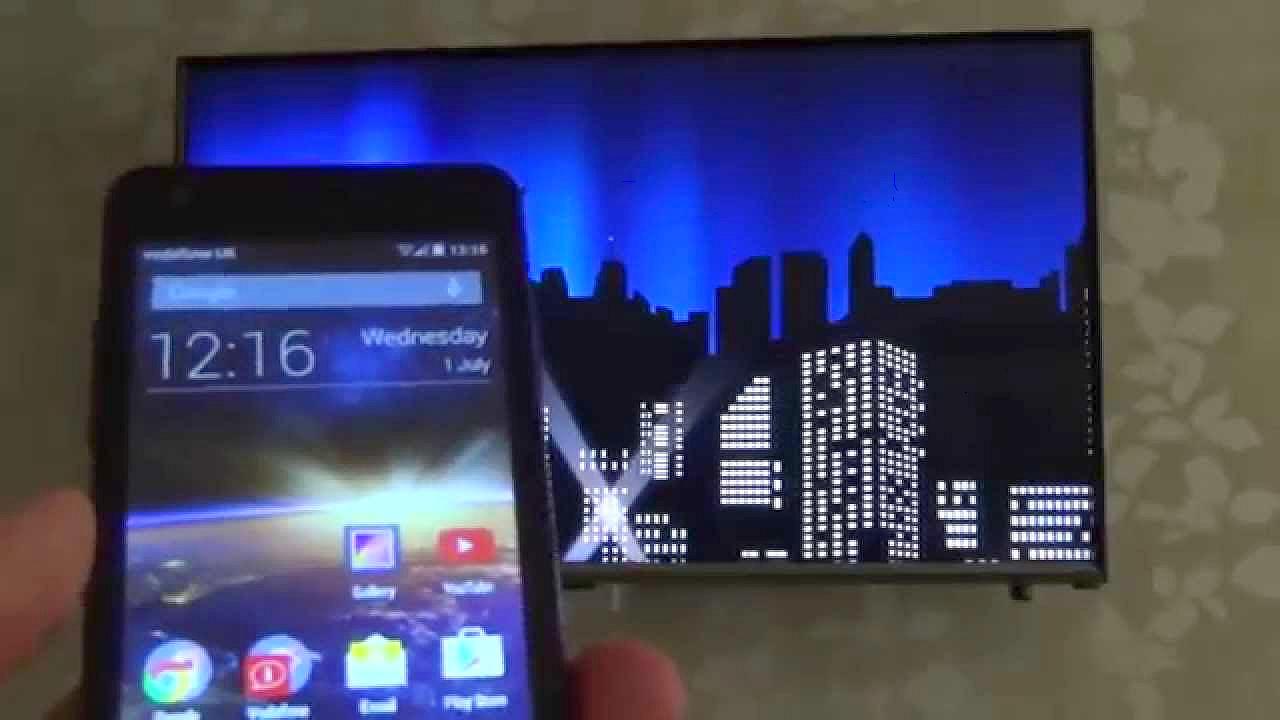
TV Assist can also browse the media on other DLNA devices and play them on your TV or other DLNA device!
TV support can work as a multimedia receiver (rendering), it can also receive media played from other DLNA devices, for example, another iPhone / iPad that works with TV Assist.
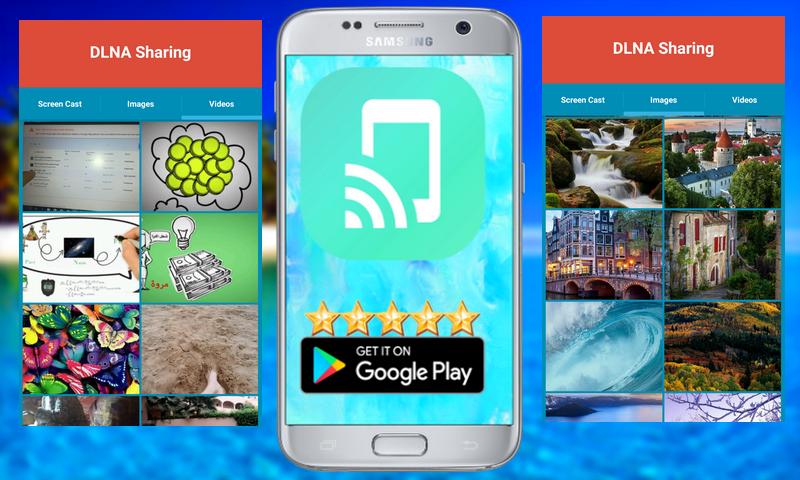
DLNA Sharing (DLNA/UPnP) works as DLNA Server and DLNA Controller
Can help you to stream media in your Phone/Tablet, NAS(Samba Server), DLNA/UPnP Media Servers to any DLNA/UPnP renderer.
* The app also allows banner ads at the bottom of the screen.
You still want to have an extra screen for your Windows computer? There's a demand for that.
With Air Duet Screen, you can use your Android screen as a wireless screen to extend your desktop.
In order for Air Duet Screen to work, your computer and Android device must be connected to the same Wi-Fi network.
As a wireless screen, Air Duet Screen works in two ways:
(1) Expand your computer screen to a second screen, or
(2) Move the special application to your Android screen.
* It will be faster and smoother on Windows 8 because we used a better Desktop Duplication Interface algorithm.
* Preparing the environment is very simple !!!!!!
present:
The performance of Air Duet Screen is extremely reactive, using a unique dynamic compression algorithm.
On a typical Wi-Fi network, refreshments on the mouse cursor can not be distinguished from a wired mouse.
Air Duet Screen makes a laptop much more useful by increasing its usable screen size.
Air Duet Screen does not only give you a wireless screen extender, but also works as a tablet input device.
You can use your finger to draw directly on the surface of the screen. Try it with a calculator, a painting tool or a music control surface.
Simple gestures allow you to use the right mouse button and the scroll wheel. When you rotate the screen, or log out and reconnect.
Your windows are automatically repositioned correctly, so you do not have to return them to the Android screen !!!!!
Features:
★ Share Media from Media Server to TV renderers
★ Share Media from android phone.
★ Full control: Play, stop, pause, volume, seek, loop .....
★ Support Android 4.0.3 or greater

Basta un clic per installare i file XAPK/APK su Android!

Grazie per la tua valutazione e feedback!
Hai già valutato.