
Download APK sicuri e veloci su APKPure
APKPure utilizza la verifica delle firme per garantire download di APK File Manager Solid Explorer senza virus per te.

File Manager File Explorer, Powerful File Manager with booster, cleaner.
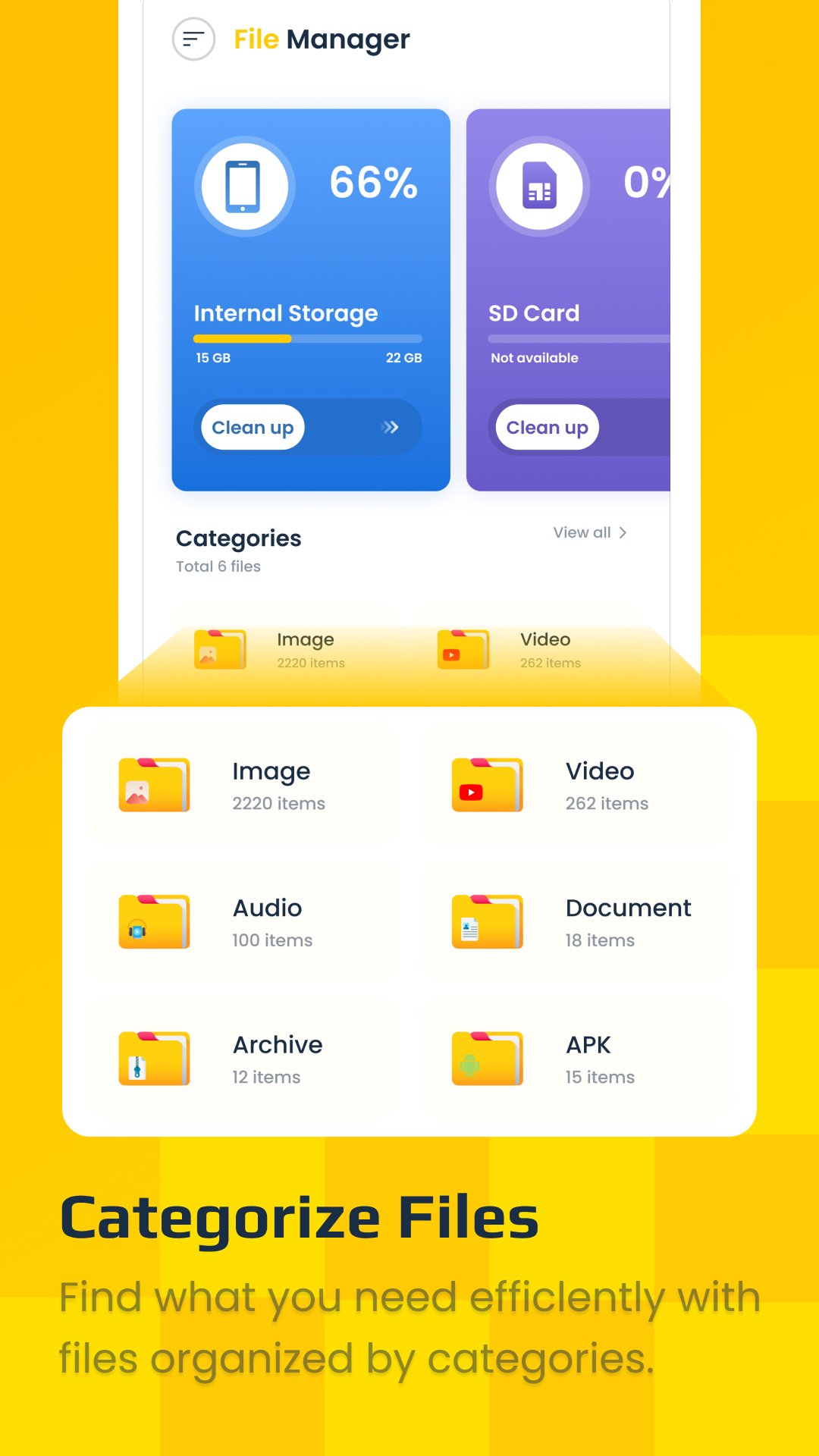
File Manager and Cloud is an easy and powerful file explorer for Android devices. It’s free, fast, and full-featured. Because of its simple UI, it’s effortless to use. You can easily manage storage on your device, and cloud storage. What’s more, you can find how many files & apps you have on your device at a glance immediately after opening the app.
Features List:
* File Manager
Manage your files (file explorer) like you do on your desktop or laptop using Multiple Select, Cut/Copy/Paste, Move, Create, Delete, Rename, Search, Share, Send,Create Shortcut, and Bookmark;
* Application Manager – categorize, uninstall, backup, and create shortcuts to your apps
* Multiple resolutions support
* List and grid view for file explorer
* Compress and decompress support
* Multiple selection and various sorting support
* Thumbnail for photo, video and apk files
* Support file shortcut on Home screen for easily access
* Basic features like cut, copy, delete, compress, extract etc. easily accessible
- Work on multiple tabs at same time
- Navigation drawer for quick navigation
- Quickly access history, access bookmarks or search for any file
- and the list goes on...
* Attractive material Design UI/UX
- Light & smooth
- Simple & clean
* App Manager
- Backup apps
- Unistall apps
- Play store app link
* FTP Server
- Download files and folders from your phone
* Quickly Free up Storage
- Scan large files that take up valuable storage space
- With a few taps, free up more space and speed up your device
* CPU Cooler
- Cooling the CPU heat by detect and close apps that are likely to cause temperature rise.
* Speed Booster
- No more auto-start application in the backend. Laser File Explorer boosts processing speed, clean unnecessary apps that running in background and save battery.
* Battery Saver
- The battery saver can analyze battery usage and monitor all apps that drain power while not in use. Hibernating the apps to stop battery draining and promote battery life.
Note:
Basic read/write operations might not work on external memory on KitKat devices. Don't use cut/paste from or to external SD Card. You might loose your files.
Feedbacks and suggestions
We’d love to hear from you!
Send us your feedbacks at our official email.



Basta un clic per installare i file XAPK/APK su Android!

Grazie per la tua valutazione e feedback!
Hai già valutato.