Download APK sicuri e veloci su APKPure
APKPure utilizza la verifica delle firme per garantire download di APK Gesture Lock Screen senza virus per te.

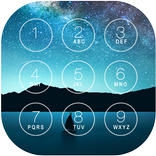
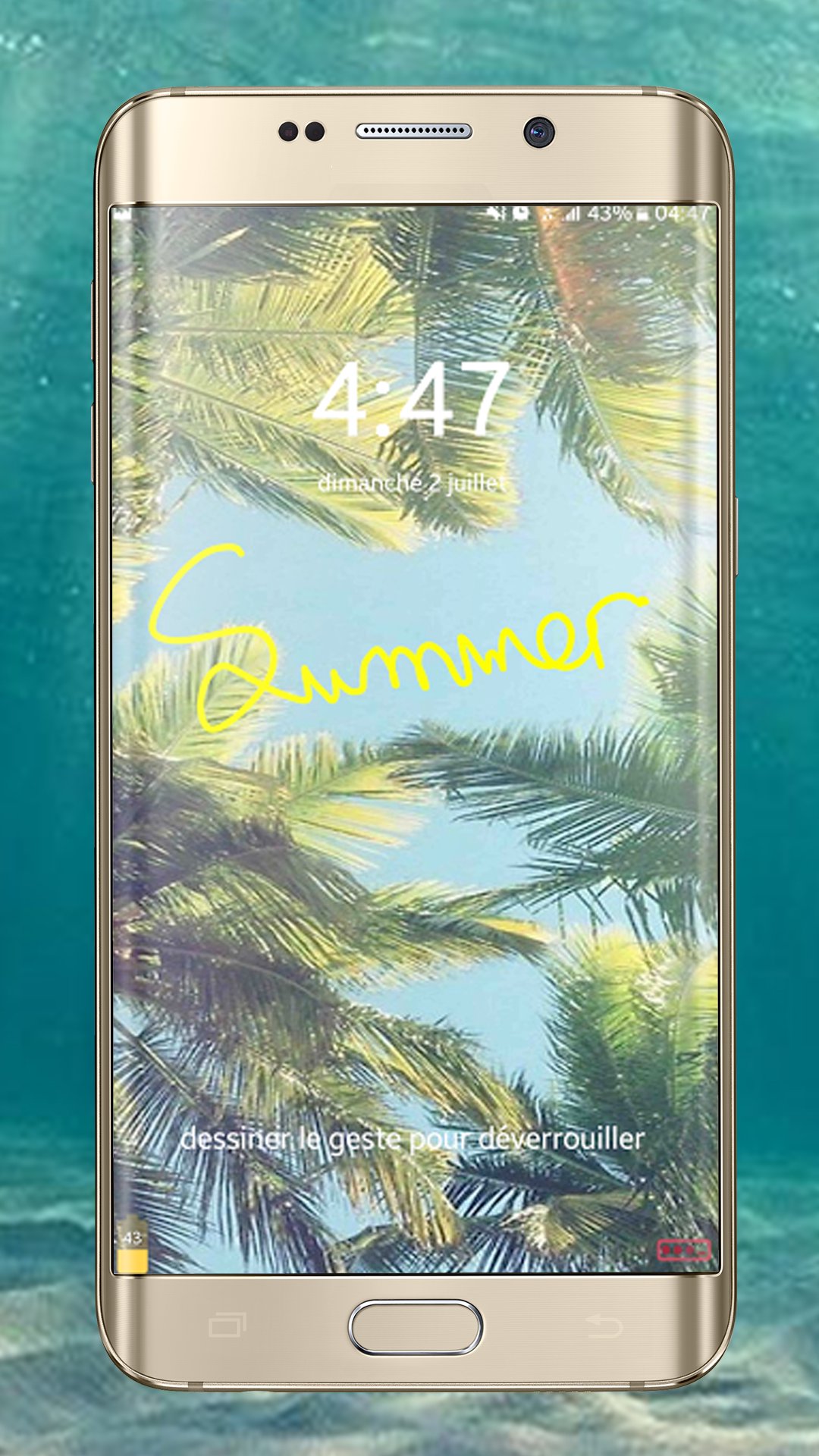
Unlock your phone with gesture or password with Gesture Lock Screen
★ Gesture Lock Screen is a cool and secure lock screen app with various Beautiful Wallpaper.
★ With Gesture Lock Screen, draw shapes, numbers, letters, signatures and contextual gestures to unlock your phone.
★ You don’t like the old patterns and Password Lock to lock your mobile and you search for an application to unlock your phone with a password or a finger gesture, then you need Gesture Screen Lock, it’s an amazing application, it’s free.
★ Gesture Lock Screen Presentation for those who open the silence by locking the annoying password or pattern of their favorite applications and for those who lock some creative application you want to launch the application. With his finger on a shortcut.
★ Gesture Lock Screen Features ★
✔ Draw letters, numbers, shapes to remove the plug.
✔ Very simple and easy to use to unlock your screen with gesture or password.
✔ Stealth / Invisible Mode: hide gesture stops when drawing.
✔ Add, delete and edit your gesture.
✔ Custom colors gesture unlock your phone.
✔ Draw gesture or recovery password to disable the locker.
✔ Hide gesture effect when drawing.
✔ Supports both stroke (one touch) and multi stroke.
✔ Enter the password to change gesture.
✔ Utilize as your screen lock password your signatures, shapes, contextual gesture, etc.
✔ Password create a letters, numbers, signatures or shapes. provided that. In single stroke without picking up your finger or stylus.
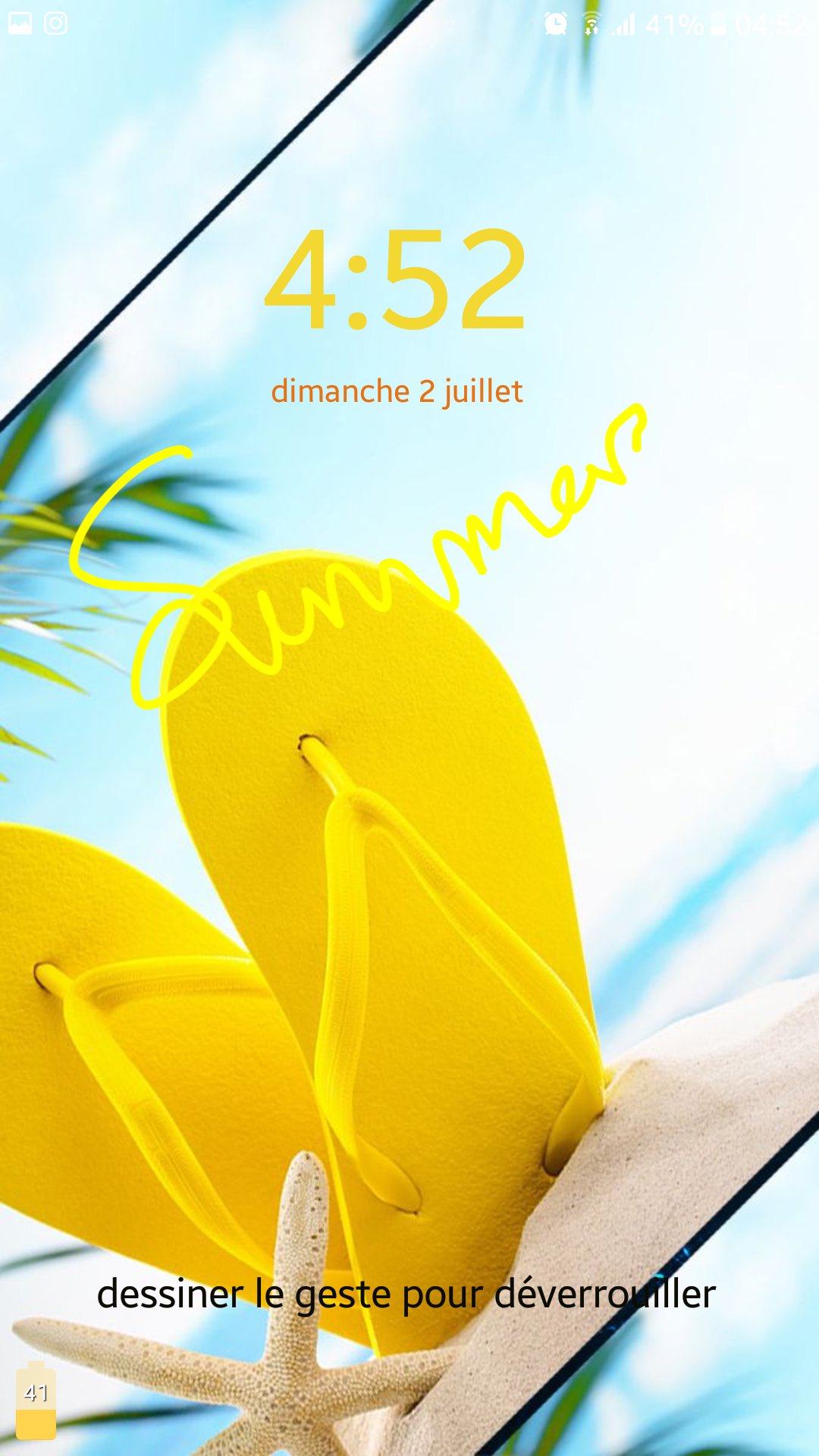
✔ 5 HD backgrounds for the lock screen or set your favorite background from the gallery.
✔ Set your own text with font and color adjustment on screen lock.
✔ Show the date and time on the lock screen with your favorite font and color.
✔ Customize the recovery password (4 to 8 digit passwords)
✔ Edit / Draw gesture on password.
✔ unlock draw gesture.
✔ Enter your backup password or recovery password to unlock the phone.
★ How to use Gesture Lock Screen application ★
1- You need to install Gesture Lock screen on your phone
2- Create your gesture (numbers, letters or any shapes…) to unlock your phone.
3- Enter your password (4 to 8 digit passwords) for security.
4- Gesture Screen Lock is very easy and free to use.
★ Other Features of Gesture Lock Screen ★
✔ 5 HD theme backgrounds, and you can choose any background from the phone gallery.
✔ Battery % indicator.
✔ Variety of time and date formats.
✔ Set a customer ringtone as unlock, lock, error sounds.
★ Notes ★
✔ The Lock screen detects when the signature on the lock screen with your signature to be created and saved. You can set each element as the symbol of the star, Triangle, scribble, Heart, Square, Circle (etc.) record and save, or you can create a signature or a number as a password to unlock your phone.
✔ Imagine that only once before, start your application only by alphanumeric or character or any form displayed on your mobile phone, This is cool!
✔ Draw letters, numbers, shapes, signatures and contextual gestures you unlock the phone.
✔ Gesture App Lock presentation silence for those who by locking the annoying password pattern or open your favorite applications and for those who have some creative lock application will start the application. With the finger on a link, the navigation from one program to another by simply a gesture with one finger on your Android device.
✔ This gesture lock screen has all of this amazing functionality free of charge, install it, it’s free.
★Download Gesture Lock Screen for Android now! You’ll never regret downloading Gesture
★ You’ll never regret downloading Gesture Lock Screen, Enjoy it, it’s free!
★ Please don’t forget to review our application and give us 5 ★ Stars.





Basta un clic per installare i file XAPK/APK su Android!

Grazie per la tua valutazione e feedback!
Hai già valutato.