
Download APK sicuri e veloci su APKPure
APKPure utilizza la verifica delle firme per garantire download di APK Lock Screen for iPhone 7 Style senza virus per te.

E 'stato bruciato nei nostri ricordi muscolari: scivolo per sbloccare il telefono.
Lock screen serves two contradictory purposes: It provides fast, convenient access to a ton of features like the camera, Control Center, and more, and it also prevents unauthorized access to the private contents of your Android phone 7. You can absolutely swap your wallpaper to make it your own, but you can also disable many of the conveniences if you'd prefer your Lock screen for iPhone 7 to be on lockdown.
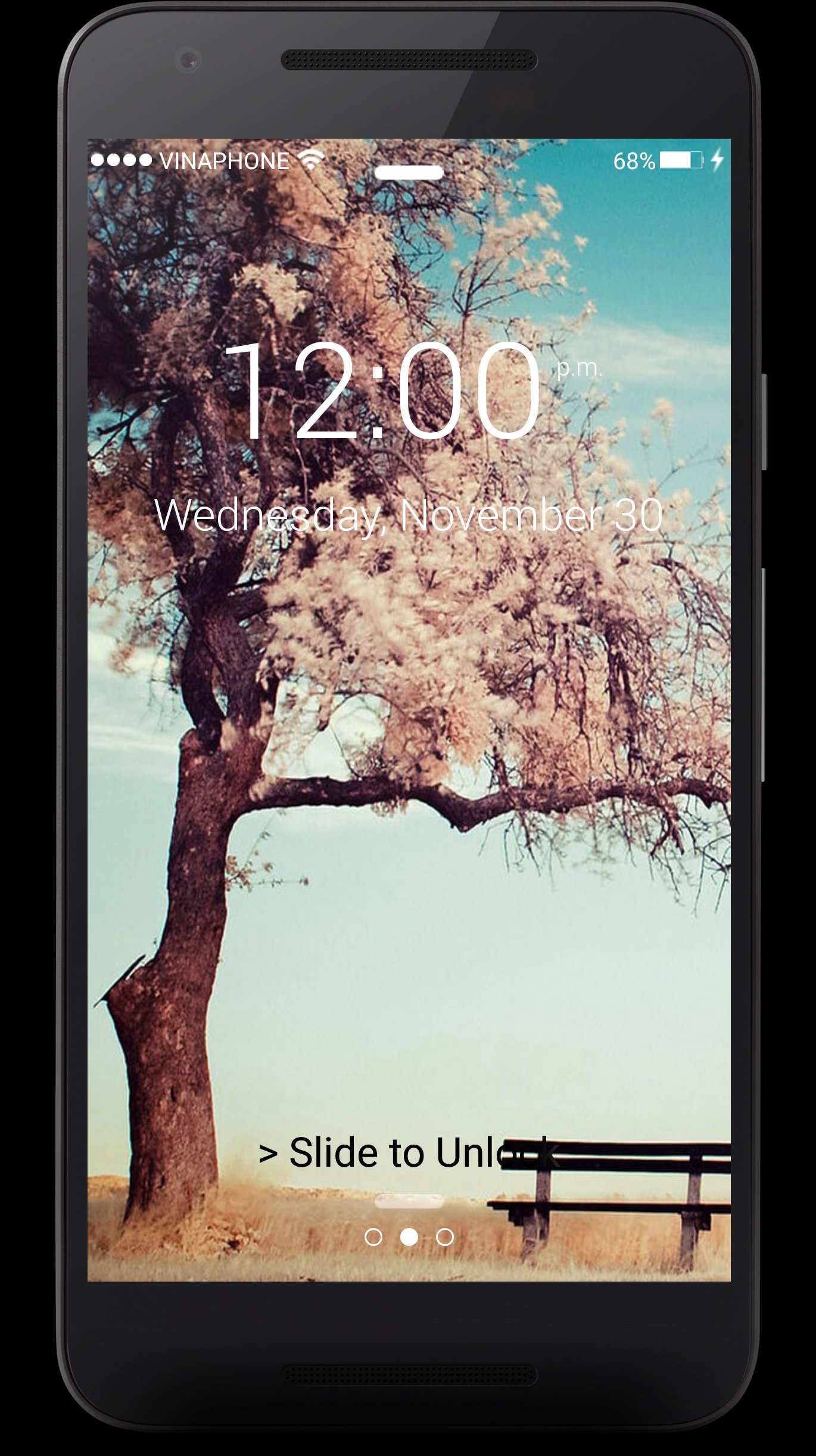
The new lock screen for Phone 7 removes the 'slide-to-unlock' option
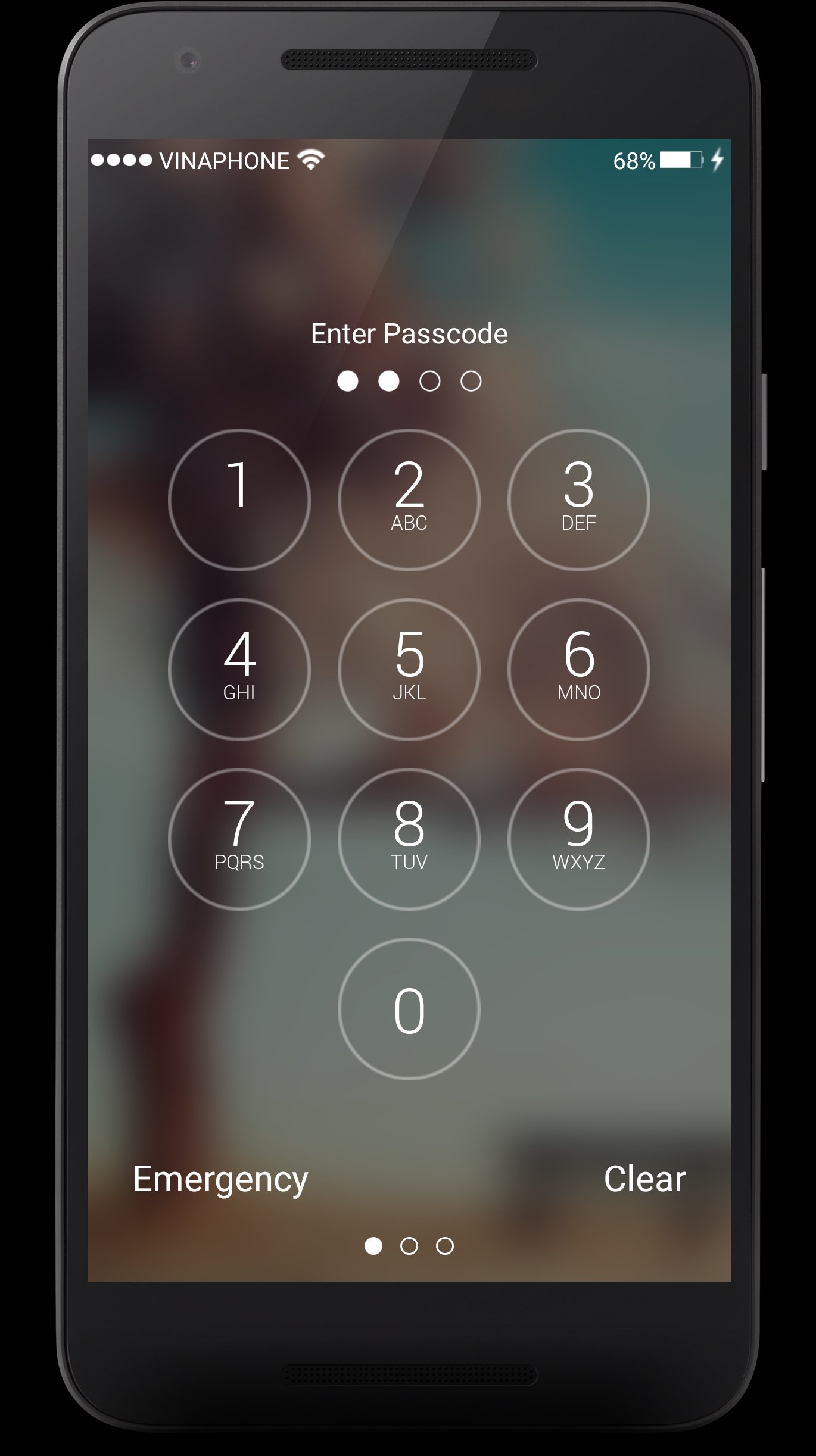
We’ll start where you do: unlocking your phone. Phone 7 has done away with the famous “slide to unlock” function. Now, you have to either press the home button and enter a passcode. While this may be annoying for some people who prefer sliding, it forces you to have additional security on your device, which is ultimately a good thing for protecting your data.
Raise to wake, then unlock
When picking up an Phone 7 running OS 10, the screen will automatically turn on. You can then view your notifications lockscreen, swipe to open the camera (more on that in a minute), or swipe to view your widgets.
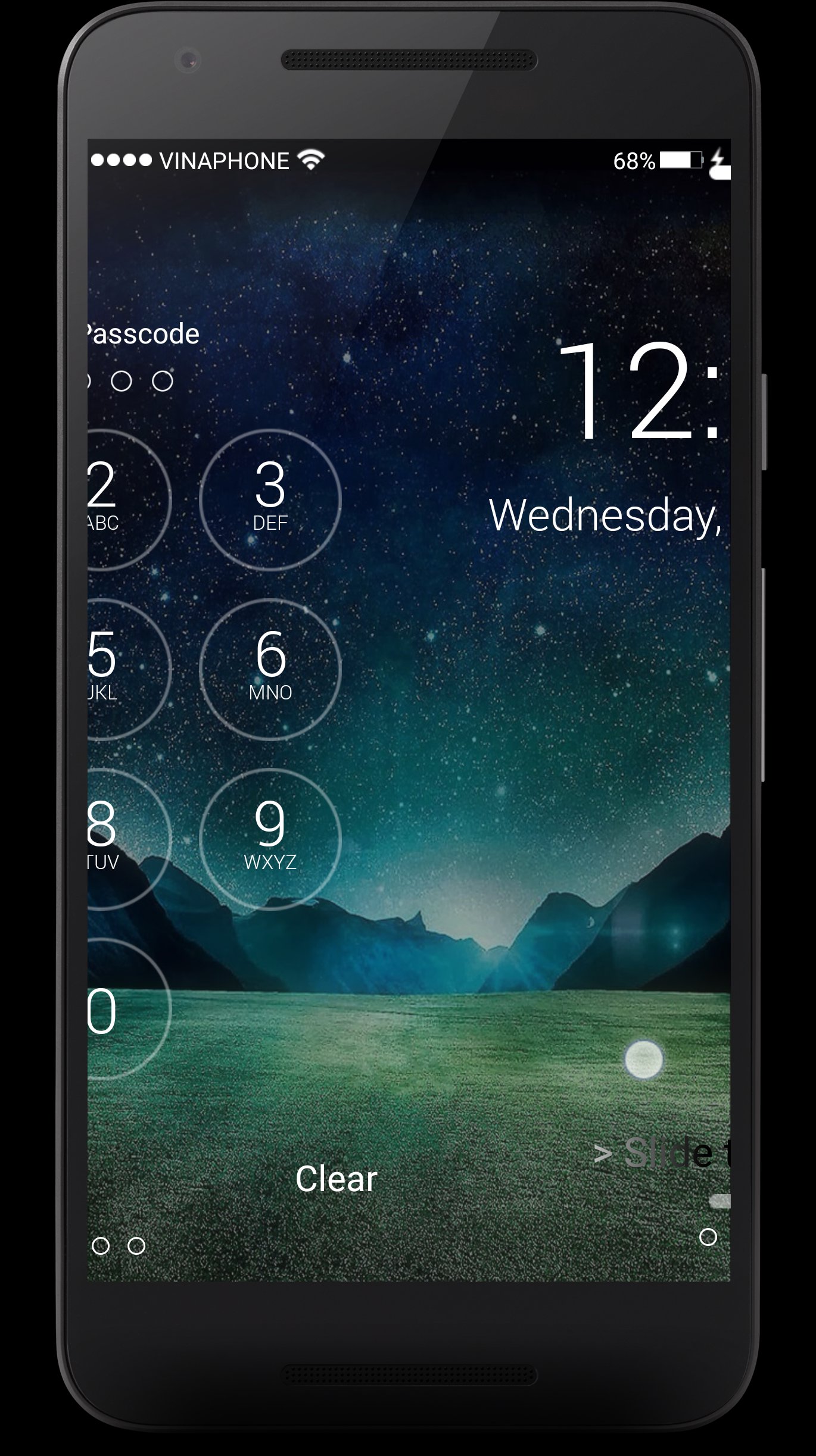
Slide to view widgets
Swiping to the right on the lock screen will reveal the Today view. This is where you can interact with widgets, ranging from what's next on your calendar, Activity app stats or sports scores. As developers begin to update apps for OS 10, the real magic of widgets on OS 10 will be revealed.
Where's the camera shortcut?
The camera icon that used to sit in the bottom-right corner of the lock screen is no longer present on OS 10. However, you can still access the camera with a swipe to the left. Combined with Raise to Wake, accessing the camera on OS 10 is surprisingly quick once you get used to it.
★ Features:
1. Simulate the best Phone 7 Lock screen
2. Slide To Unlock
3. Show Unread SMS/Missed Call counter on screen locker
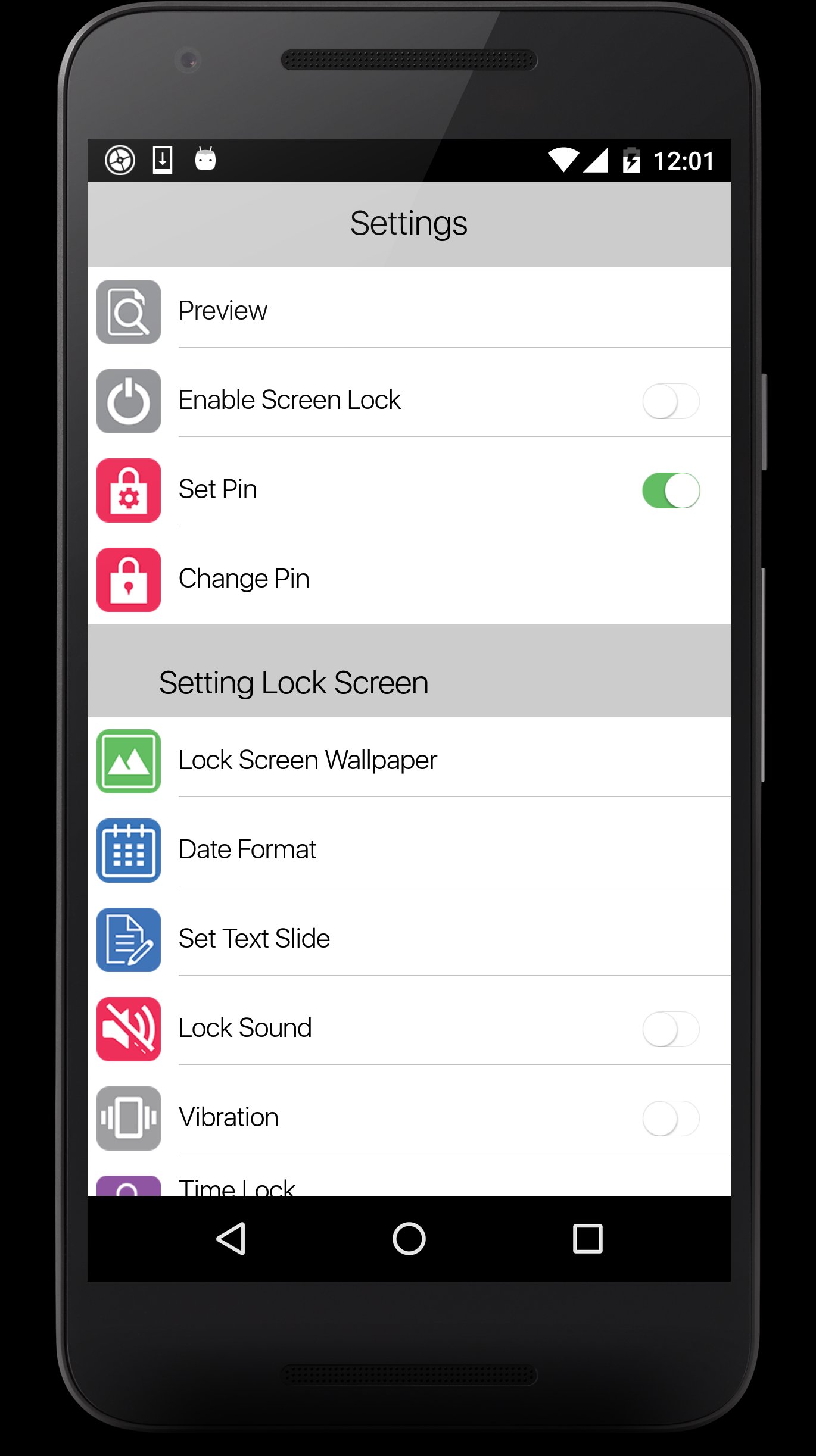
4. Multiple OS10 HD Wallpaper to choose, you can choose your own HD wallpaper from gallery too
5. Set PIN to enhance screnn lock security, block HOME/MENU/BACK key,no one can access your phone without correct password
6. Keypad lock screen, Simulate OS 10 keyboard password,work as Phone 7 password
7. quick launch camera from lockscreen
Any Lock screen app questions?
If you have any trouble setting up your Lock screen just the way you like it, or you need more help, Just contact us!

Basta un clic per installare i file XAPK/APK su Android!

Grazie per la tua valutazione e feedback!
Hai già valutato.