
Download APK sicuri e veloci su APKPure
APKPure utilizza la verifica delle firme per garantire download di APK Talking Phone senza virus per te.

Will put a smile on your face with a sense of artificial intelligence.
How does it work?
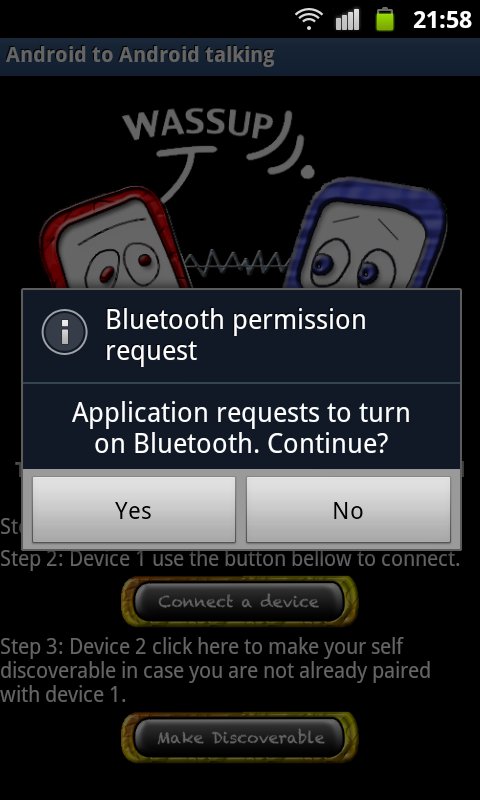
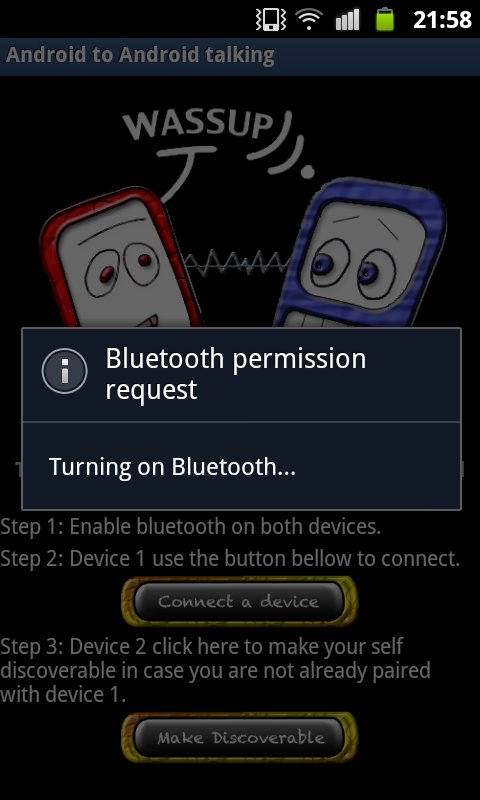
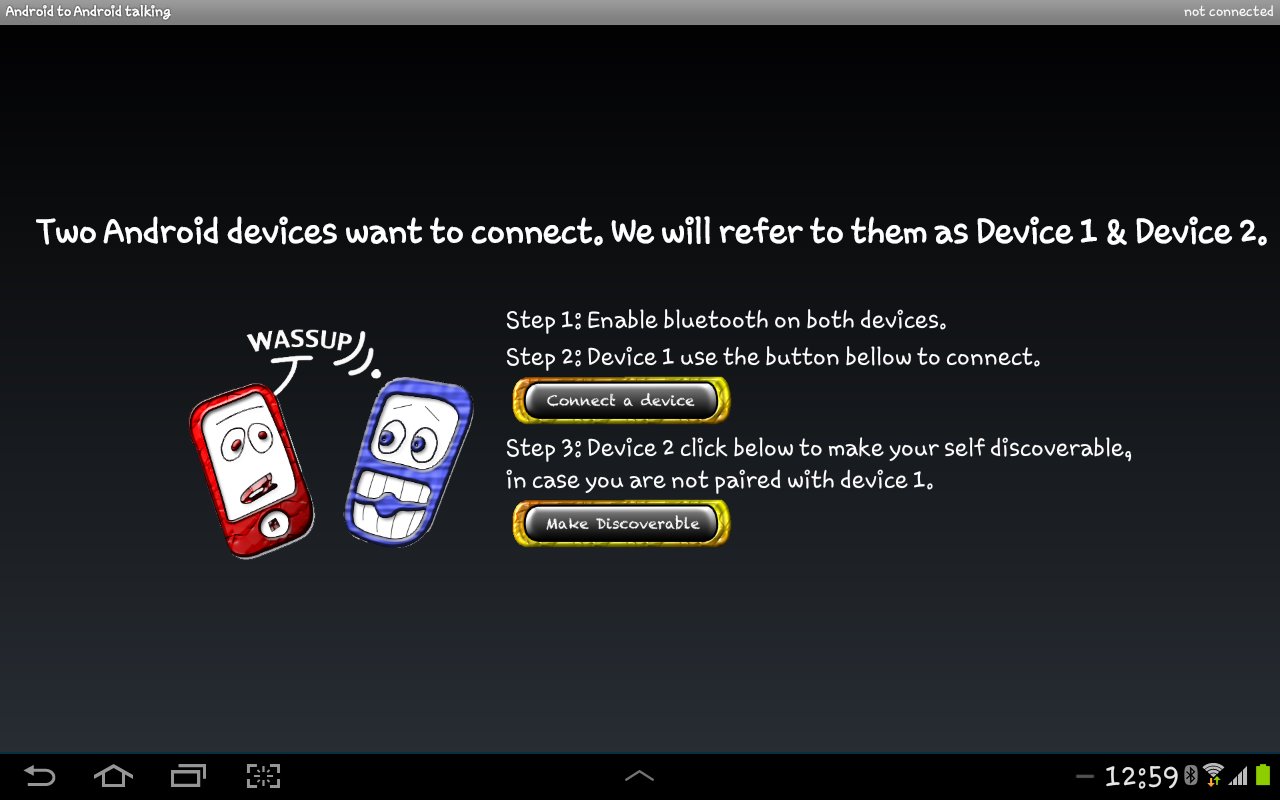
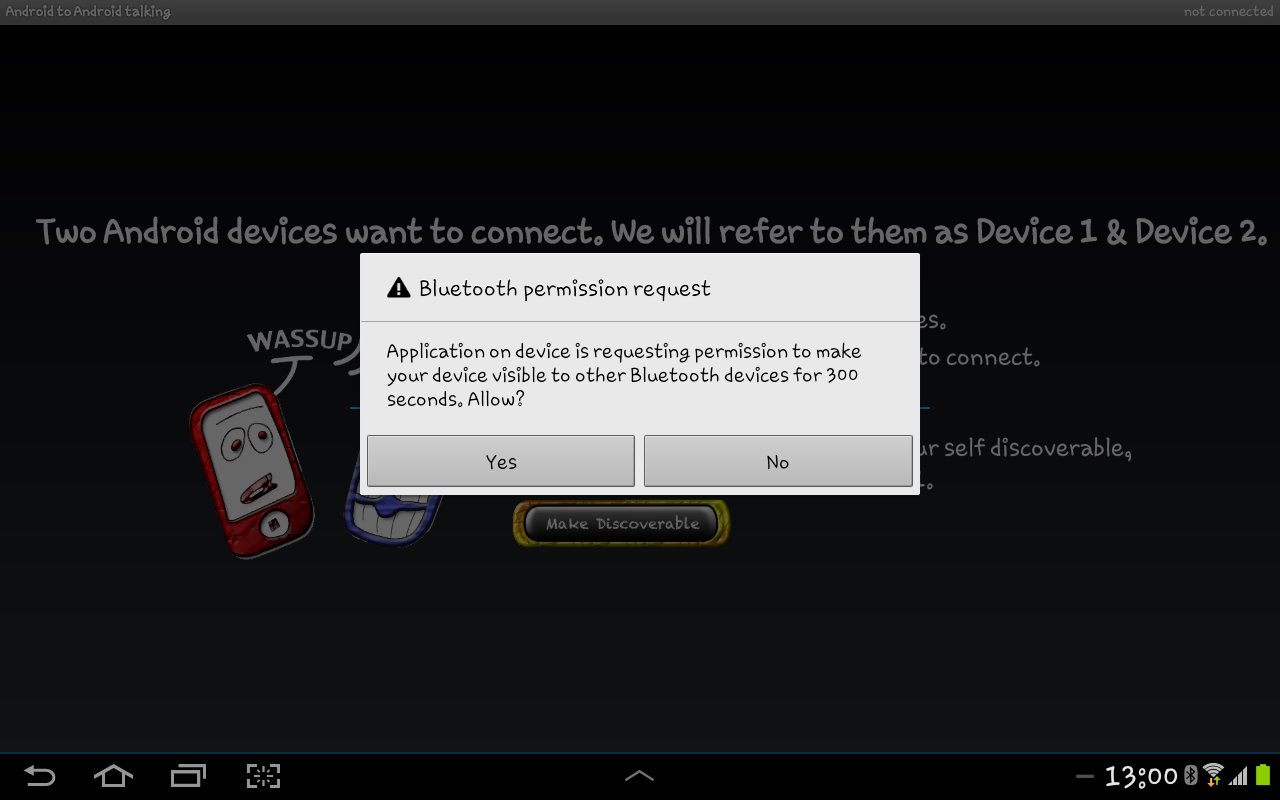
Two android devices are needed for the app to work. Load the app (Talking Phone) on both phones and then follow the on screen instructions to connect the devices using bluetooth. The same way you pair two devices via bluetooth. Once the Talking Phone is launched it will start talking, asking you to connect it to a friend.
Once connected the devices are talking to each other by having a “human” like conversation based on the current weather conditions, calendar entries and call lists.
Smartphones have been in our lives for the last few years and changed the way we communicate.
We use smartphones to set reminders, to share calendar entries, to check and send emails, to access the web, the weather and many more. One would say that smartphones have become an extension of ourselves.
That was my initial thinking when I first began to develop the Talking Phone app and that is how two android devices can have a "human" like conversation based on the call lists, the weather condition and calendar entries.
Talking Phone is an android app that will put a smile on your face.Talking Phone is an app that uses two android devices and a sense of "Artificial Intelligence" that makes these devices talk to each other. It uses bluetooth for the two devices to communicate and it checks the weather, the calendar entries and the call lists.
*WARNING* if you do not want your phone speaking out loud your call lists or calendar entries or your last known location please do not use Talking Phone application.
For the app to be able to check the weather there must be either a wireless connection or cellular data connection.In addition to that your location services should be enabled.The app checks the current weather conditions based on the last known location used by Google Play Store. Please bear in mind that this is optional. You don’t have to enable location services if you don’t want to.
Calendar Entries. The Talking Phone app checks the calendar entries. It searches for keywords such as: appointment, interview, date, travel to, holidays, name day and birthday. If there is such an event within the current week then it will be added to the conversation of the two devices.
Call lists. The Talking Phone app uses the call lists or calls log in order to search for calls that have been made mostly to family members. The keywords used to search for calls are: brother, sister or sis, dad or daddy or father, aunt, uncle, boss, mum or mummy or mother, doctor, son and daughter.
*WARNING* if you do not want your phone speaking out loud your call lists or calendar entries or your last known location, please do not use Talking Phone application.
It is recommended that your device's media volume is set to high in order to be able to clearly listen to the two devices talking.
Thank you for using the Talking Phone app.




Basta un clic per installare i file XAPK/APK su Android!

Grazie per la tua valutazione e feedback!
Hai già valutato.