Nome del pacchetto:com.toolboxesai.onscreenqr
Mostra di più

20.4 MB
Dimensione
Everyone
Android 7.0+
Android OS
Scanner istantaneo di codici QR e a barre sullo schermo con funzione integrata "Cerca con un cerchio".
ToolBoxesAi OnScreen QR — Scansiona codici QR e codici a barre direttamente dallo schermo.
Nessuna fotocamera. Nessuno screenshot. Nessuna connessione internet. Basta toccare la bolla fluttuante e scansionare istantaneamente qualsiasi codice QR o codice a barre visibile sul display, da qualsiasi app, su qualsiasi schermata e in qualsiasi momento. Inoltre, la funzione opzionale "Cerca con un cerchio" richiede una connessione internet per interrogare in modo sicuro Google e Google Lens.
🔍 COME FUNZIONA
Quattro semplici passaggi. Risultati in meno di un secondo.
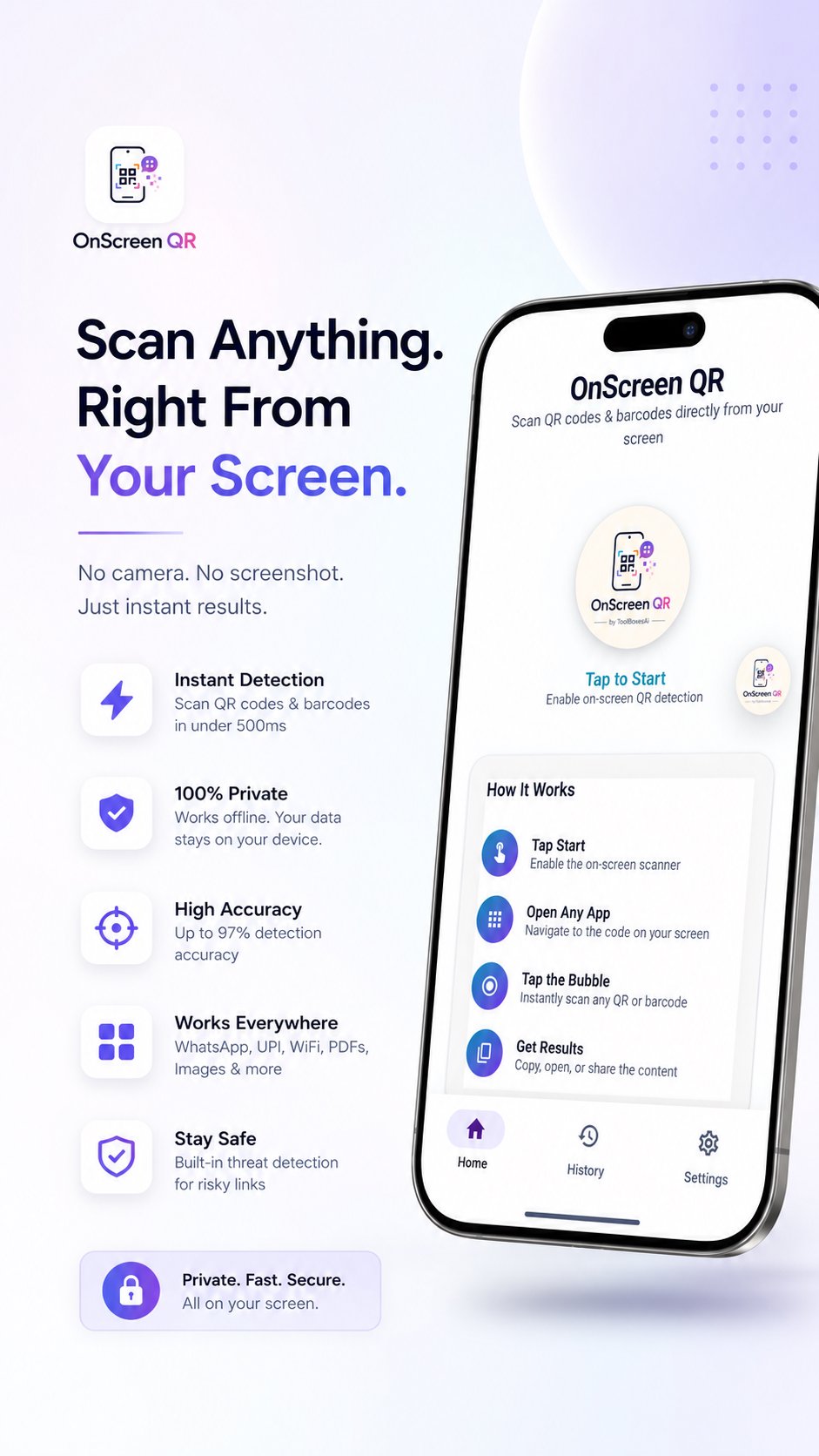
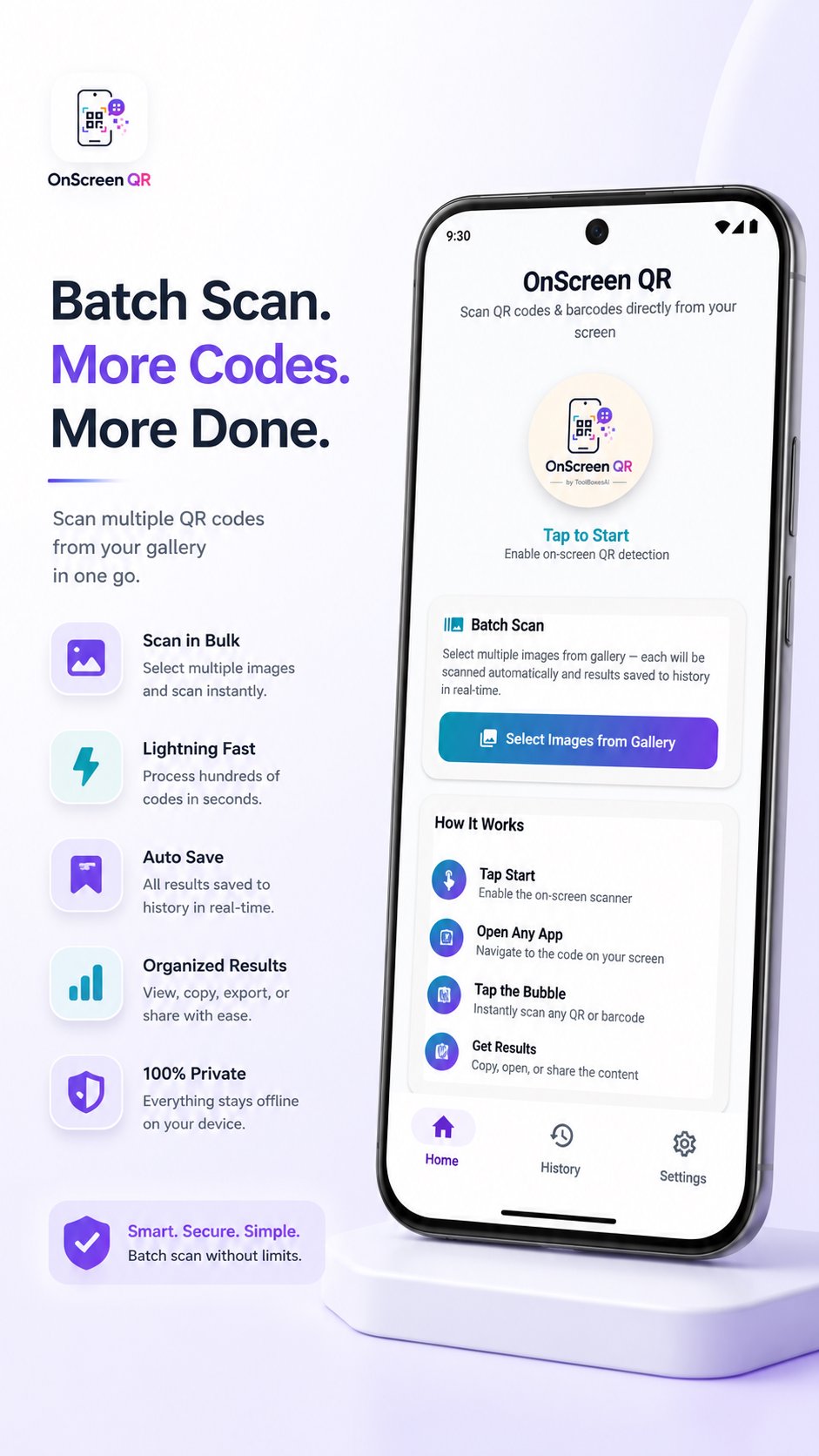
1. Concedi l'autorizzazione — Consenti "Visualizza sopra altre app" in modo che la bolla fluttuante possa apparire sullo schermo.
2. Tocca Avvia — Abilita lo scanner dall'app o dal riquadro delle Impostazioni rapide.
3. Apri un'app qualsiasi — Vai alla schermata che visualizza il codice.
4. Tocca la bolla — Il pulsante fluttuante cattura, rileva e fornisce istantaneamente il risultato.
⚡ CARATTERISTICHE
🎯 Rilevamento universale
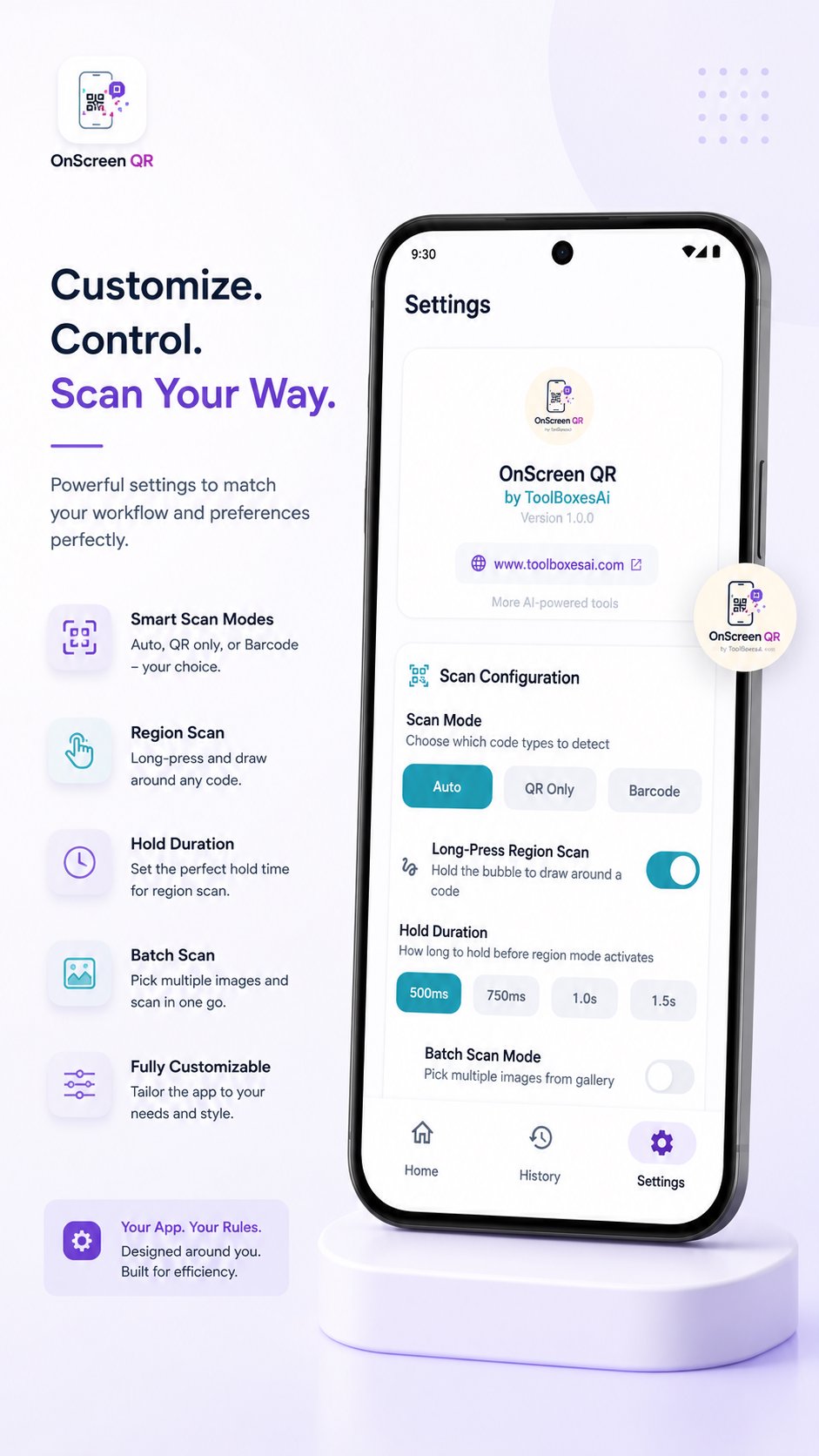
Modalità di scansione: Rilevamento automatico, solo QR o solo codice a barre. Precisione fino al 97% con velocità di scansione inferiore a 500 ms.
🔎 Analisi intelligente
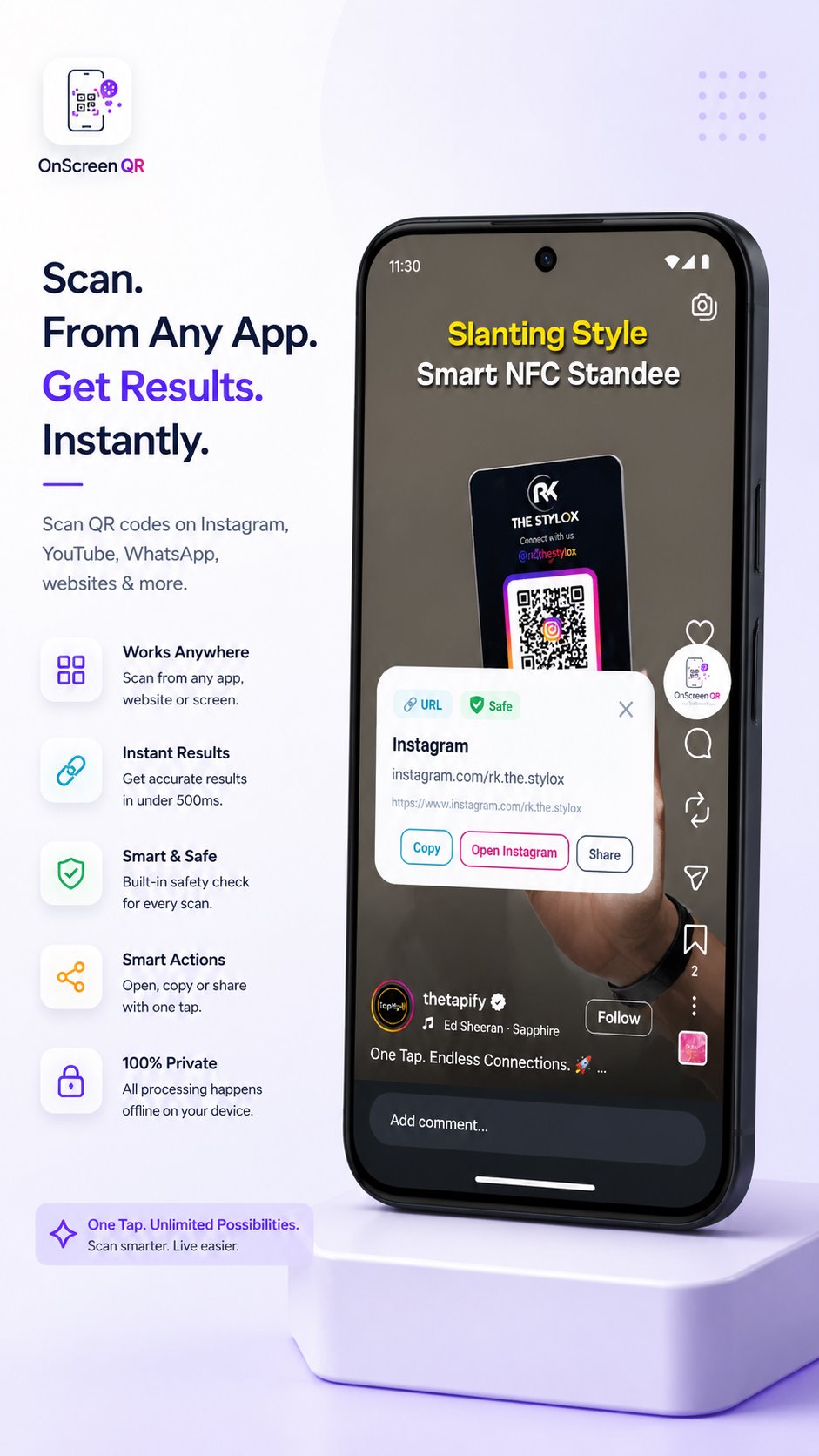
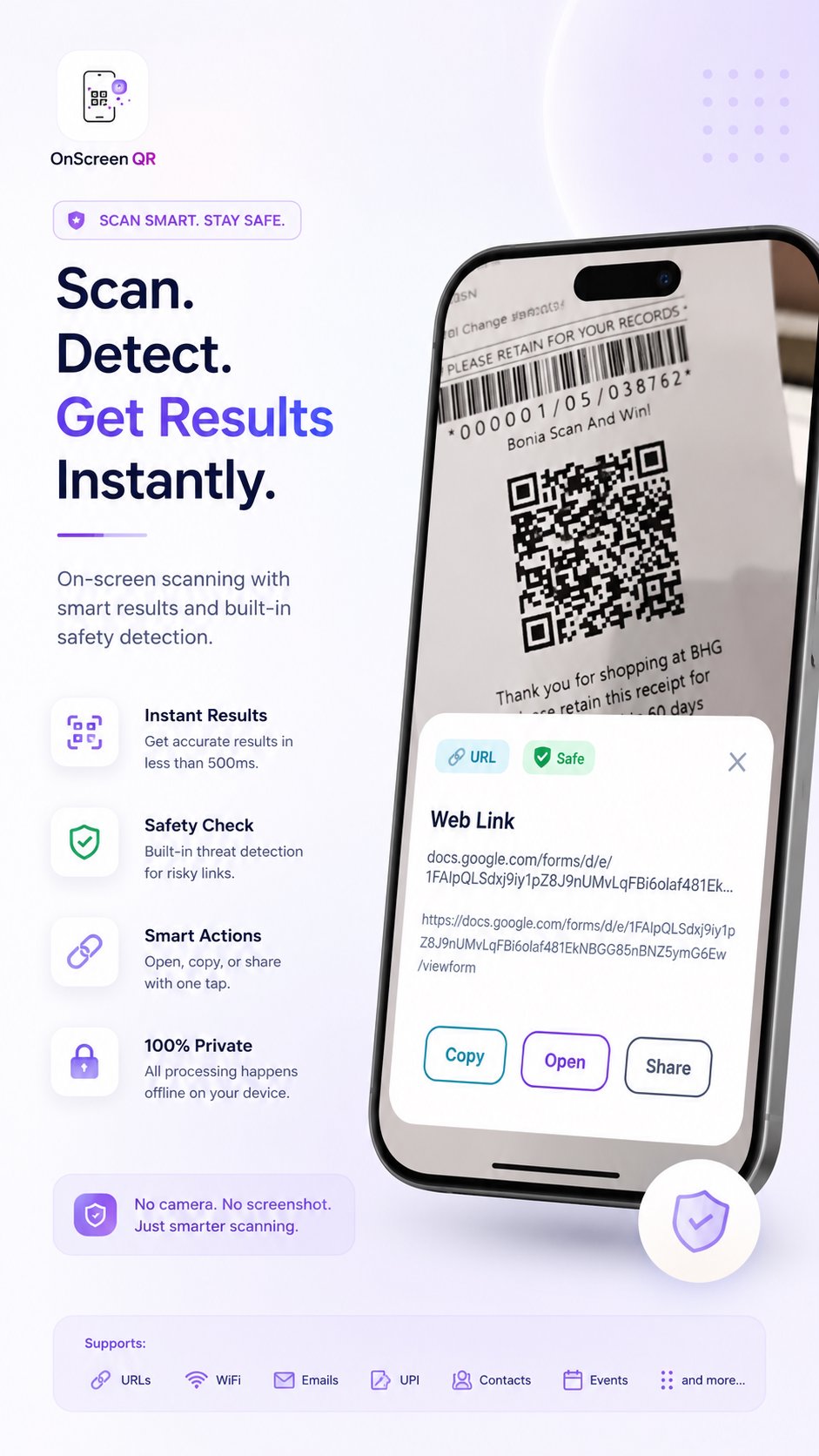
Identifica e categorizza automaticamente URL, reti Wi-Fi, pagamenti UPI, email, numeri di telefono, eventi del calendario e contatti da ogni scansione.
🛡️ Analizzatore intelligente delle minacce
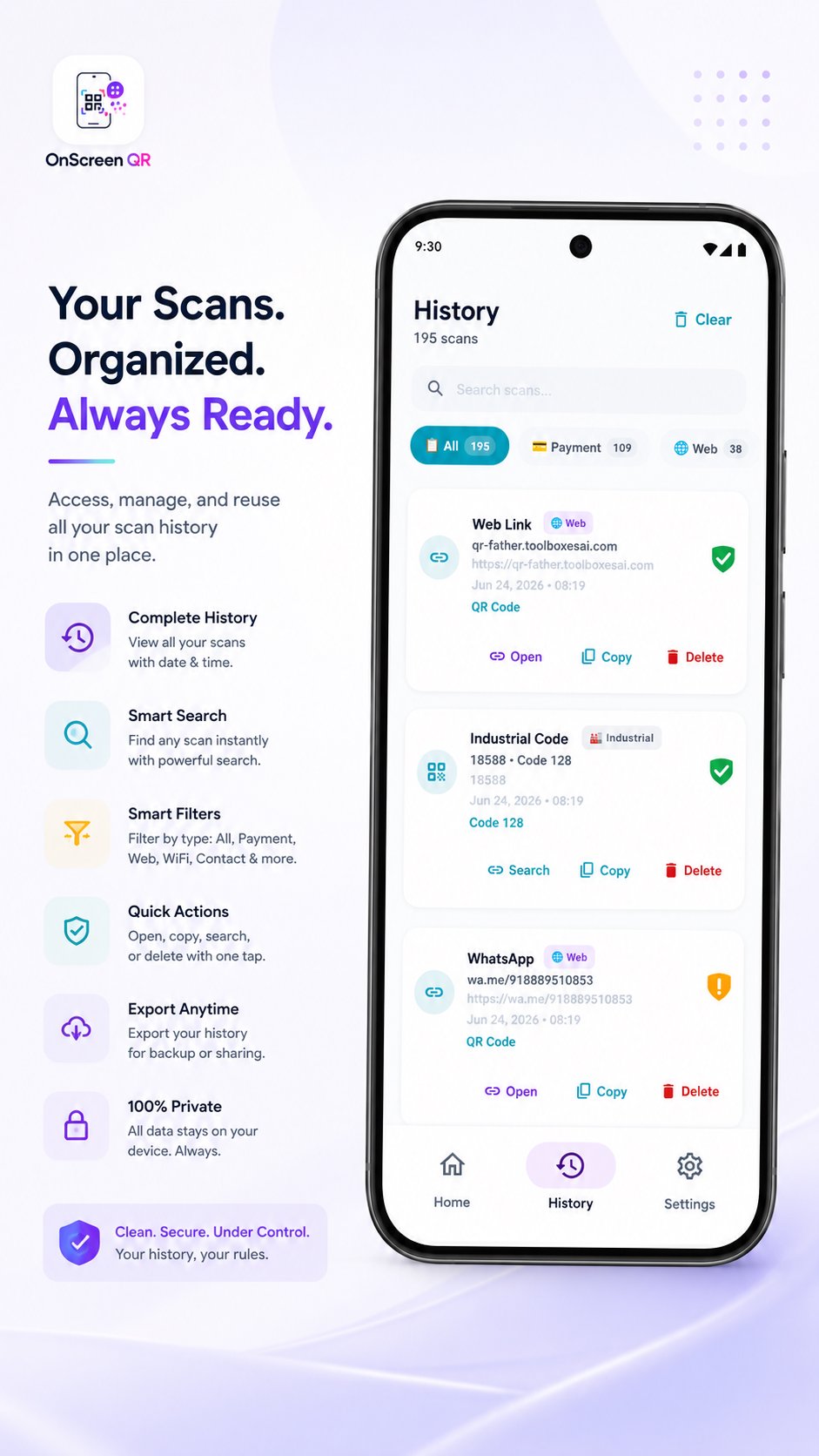
Ogni scansione viene valutata automaticamente per individuare link di phishing, domini sospetti e truffe di pagamento utilizzando il riconoscimento di pattern offline integrato, con indicatori di sicurezza visivi immediati:
🟢 Sicuro: nessuna minaccia rilevata
🟡 Attenzione: verificare prima di procedere
🔴 Pericoloso: potenziale minaccia rilevata
⚙️ Completamente personalizzabile
Feedback aptico, copia automatica, notifiche dei risultati e timer di chiusura automatica (5s, 10s, 15s o illimitato): personalizza tutto in base al tuo flusso di lavoro.
📦 Scansione in batch
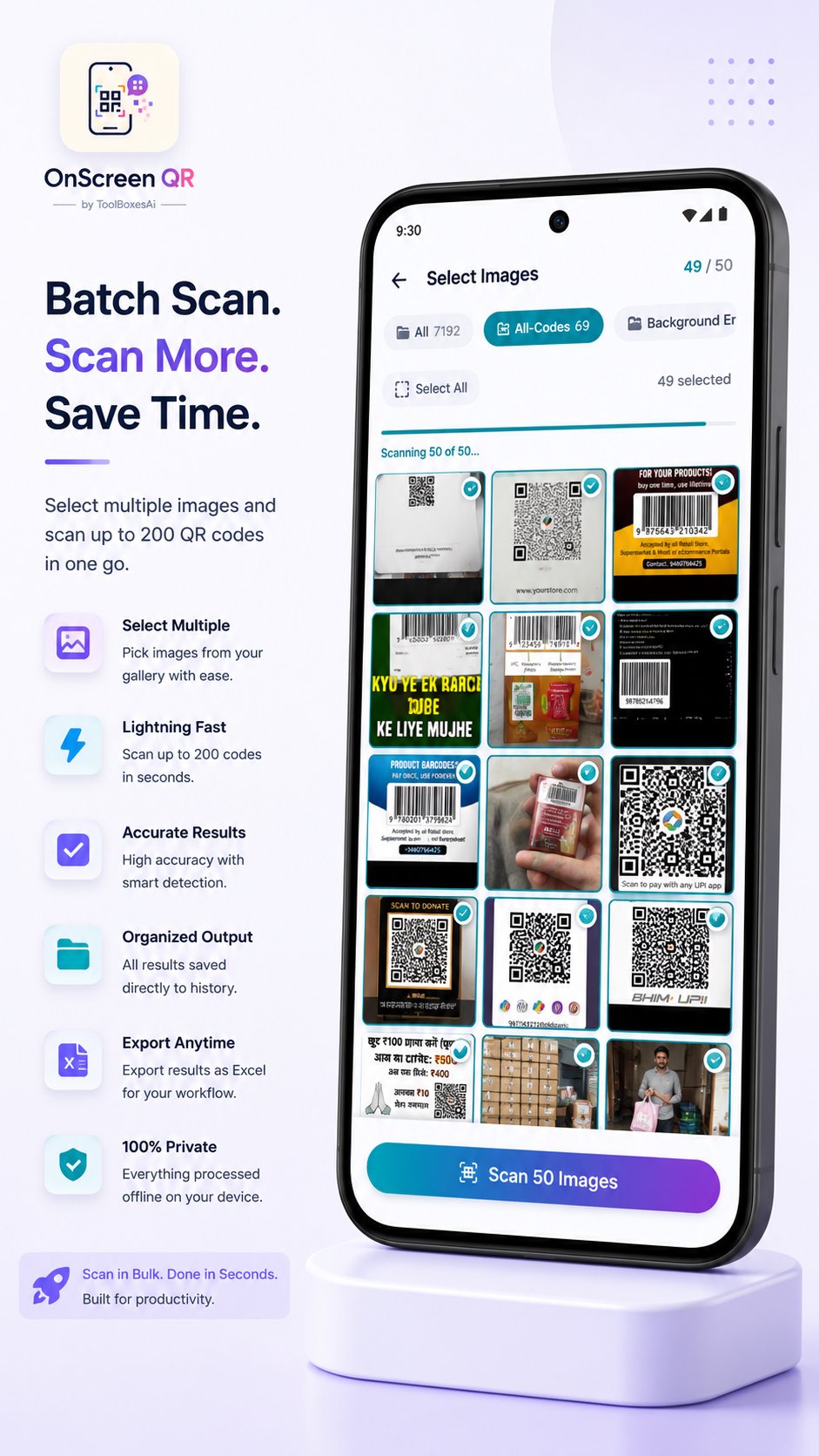
Scansiona più codici contemporaneamente: scegli tra 10, 25, 50, 100 o 200 codici alla volta. Perfetto per inventario, logistica e flussi di lavoro di elaborazione in blocco.
📊 Esportazione in Excel
Esporta la cronologia delle scansioni in un file Excel (.xlsx) ben strutturato, completamente categorizzato per tipo (URL, Wi-Fi, UPI, contatti, ecc.) o come semplice elenco. Ideale per i professionisti che necessitano di registri organizzati.
🔵Cerca con un cerchio (opzionale)
Cerca istantaneamente qualsiasi elemento sullo schermo in base a ciò che cerchi. Ottimo per cercare qualsiasi cosa in qualsiasi app, sito web o punto dello schermo.
🕑 Cronologia locale
Tutte le scansioni vengono salvate esclusivamente in un database locale sul dispositivo. Puoi rivedere, copiare o eliminare le voci in qualsiasi momento. Puoi disattivare completamente la cronologia se preferisci: il controllo completo rimane nelle tue mani.
⚡ Riquadro Impostazioni Rapide
Avvia le scansioni direttamente dal pannello delle notifiche Android, senza bisogno di aprire l'app.
📱 Ampia compatibilità
Supporta Android 7.0 (Nougat) e versioni successive, su oltre 7 versioni di Android. Fluido ed efficiente su smartphone e tablet.
🔒 PRIVACY: NON UNA FUNZIONE, MA IL FONDAMENTO.
✓ Elaborazione 100% offline: non richiede autorizzazioni per la connessione a Internet. Nessuna ricerca su server. Tutto viene eseguito nativamente sul dispositivo, ad eccezione della funzione opzionale "Cerca con un cerchio".
✓ Nessuna raccolta dati: nessun dato personale, analisi di utilizzo, report di arresto anomalo o telemetria di alcun tipo viene raccolto, archiviato o trasmesso per la scansione di codici QR e a barre.
✓ Nessuna attività in background: completamente inattivo quando non si esegue la scansione. Non monitora né registra continuamente lo schermo.
✓ Solo API ufficiali: utilizza esclusivamente le API ufficiali di Android. Nessun servizio di accessibilità. Nessuna API con restrizioni.
🖥️ AUTORIZZAZIONI — COMPLETAMENTE TRASPARENTI
- Accesso ai contenuti dello schermo — Rileva i codici visibili sullo schermo quando tocchi il pulsante di scansione
- Visualizzazione sopra le app — Autorizzazione richiesta la prima volta che consente alla bolla di scansione fluttuante di apparire sopra qualsiasi app sullo schermo. Questo è l'unico passaggio di configurazione necessario: concedila una volta e la bolla sarà sempre pronta
- Notifiche — Visualizza i risultati della scansione e lo stato dello scanner
- Vibrazione — Feedback aptico al rilevamento. Attivabile/disattivabile nelle impostazioni.
- Internet — Necessario per eseguire la ricerca circolare su Google/Google Lens.
Nessuna autorizzazione per la fotocamera. Nessuna posizione. Nessun contatto. Nessun microfono. Niente di invasivo.
OnScreen QR di ToolBoxesAi sfrutta la tecnologia di nuova generazione per potenziare la tua produttività mantenendo la massima privacy. Nessun tracciamento. Nessun compromesso.
🌐 onscreen-qr.toolboxesai.com

Basta un clic per installare i file XAPK/APK su Android!

Grazie per la tua valutazione e feedback!
Hai già valutato.