Download APK sicuri e veloci su APKPure
APKPure utilizza la verifica delle firme per garantire download di APK Weblock - Manage PAC And Proxy senza virus per te.


10.6 MB
Dimensione
Everyone
Android 5.0+
Android OS
Weblock enables you to filter online content while you're using Wi-Fi
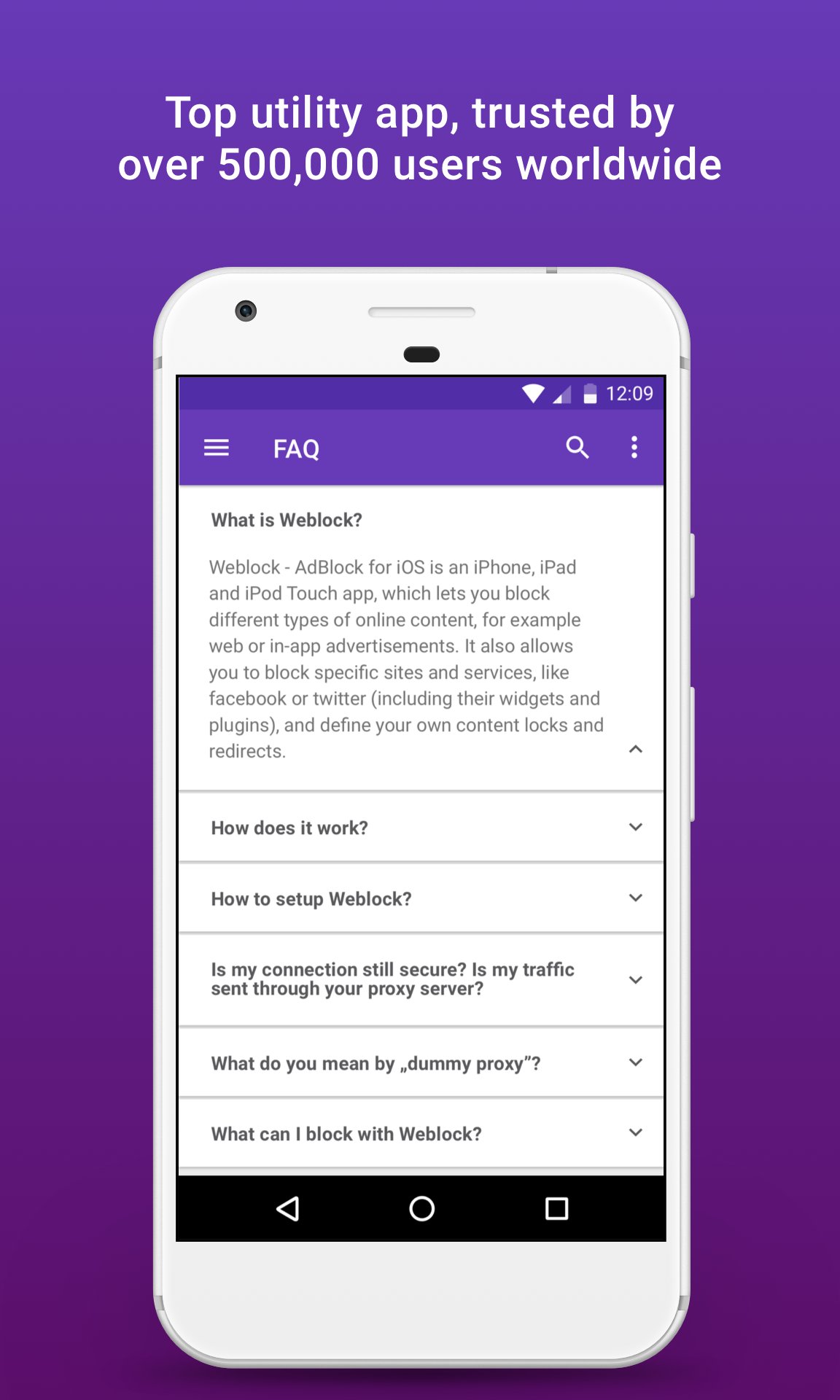
Weblock enables you to filter different types of online content while you’re using Wi-Fi. You can create filters to block specific sites and services, like facebook or twitter (including their widgets and plugins), and define your own content restrictions and redirects.
Every time you visit a website or launch an app, your device connects to multiple locations over the Internet to download online content. That includes configuration, media, text, scripts, advertising, etc. In most cases and by default all these connections are made directly with different servers. All modern operating systems (including Android 6.0 and newer) allow you to configure a PAC script. It defines which proxy servers you use to connect with different parts of the Internet. The PAC file (Proxy Auto Configuration) tells your device how to connect to different locations on the Internet based on the URL or IP address of the destination server. Weblock creates, manages and hosts locally your personalised PAC file. Every time you connect with some network location, it's address is compared with your PAC file rules. If the location is listed as blocked - your connection will be automatically routed through a dummy/black-hole proxy server (non-existent proxy which kills the connection, by default Weblock uses "localhost:35008” as the black-hole proxy). This makes the connection impossible and the undesired content inaccessible. Configuring PAC gives you the possibility to block only unwanted parts of websites/apps while allowing everything else. Weblock allows you to route requests for the undesired content through the dummy proxy, while keeping the connection with everything else direct and secure.
To fully use Weblock, take a look into the Filters section. Add your own rules and define Blacklists, Whitelists and Redirects. All locations and resources matching Blacklist rules will be inaccessible from your device. All resources matching Whitelist rules will always be accessible (regardless of the Blacklist rules). You can also define Redirects and access domains and URLs using proxy servers you choose. To activate Weblock you'll need to configure the connection with your Wi-Fi network properly (no need to change your router settings, everything is done right on your Android device). Follow a simple 5-step tutorial to change your connection settings and enjoy the Internet fine-tuned to your preference!
Get rid of content which annoys you the most today!
Please note: Weblock is a tool you can use to fine-tune your online experience by allowing/blocking/redirecting selected content. Due to Google Play policies, we do not include any predefined rules in the app. It's entirely up to you to define filters in our app. You can look online for ready to use lists maintained by third parties. You can also contact our support for advice on how to configure Weblock to suit your needs.



Basta un clic per installare i file XAPK/APK su Android!

Grazie per la tua valutazione e feedback!
Hai già valutato.