
APKPure で安全で高速な APK のダウンロード
APKPure は署名検証を使用して、ウイルスフリーの Cheat codes for Minecraft APK ダウンロードを保証します。

Cheat code guide for Minecraft for PC, fan made app
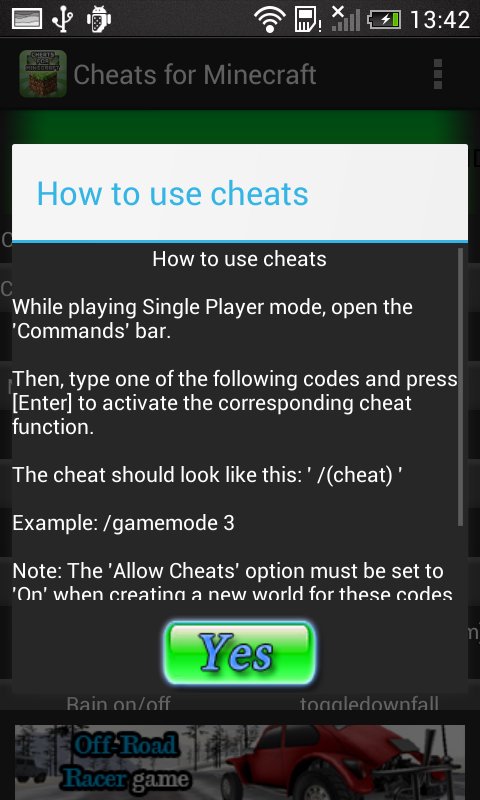
Unofficial cheat code guide for Minecraft for the PC version. For players of Minecraft , the PC codes have to be entered trough the console.
While playing the game in Single Player mode, press C or T to display the "Commands" bar. Then, type one of the following codes and press [Enter] to activate the corresponding cheat function. Note: The "Allow Cheats" option must be set to "On" when creating a new world for these codes to work. Additionally, some codes may not work any longer due to updates and patches to the game. The cheat codes should start with '/'
*This is an ad supported versions. Advertisements are located at the bottom of the screen, away from any buttons
LEGAL
This app is an UNOFFICIAL cheat guide to the game Minecraft. It is not affiliated to the games' publishers or developers. It is meant to help the player. All game content is the property of their respective owners, and usage in this guide falls within guidelines of "fair use".



あなたの評価とフィードバックをありがとう!
すでに評価しました。