
APKPure で安全で高速な APK のダウンロード
APKPure は署名検証を使用して、ウイルスフリーの Image Shrinker APK ダウンロードを保証します。

それらをオンラインで共有する前に、簡単にあなたの写真のサイズと解像度を削減!
Image Shrinker lets you shrink/resize your photos easily before sending them over by Email or sharing them on Twitter, Facebook and similar platforms for faster uploads and lesser data consumption.
FEATURES:
• Various size options to choose from.
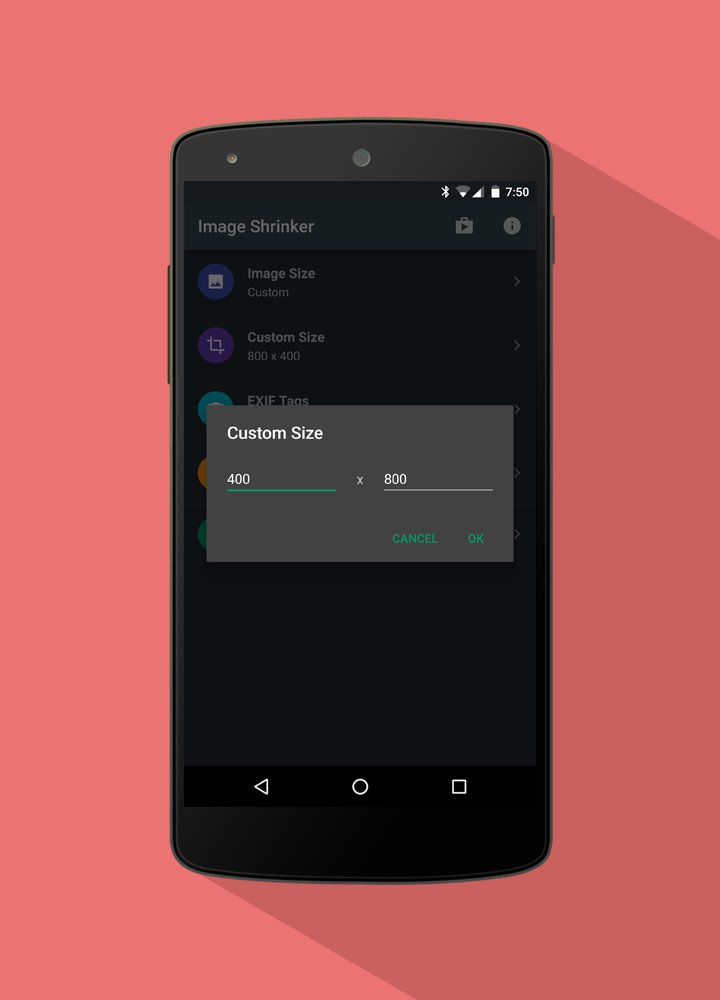
• Custom size option where you can define any height and width.
• Option to keep or discard Exif tags (image data like time, location, aperture size, etc.) of images.
• Maintains image orientation.
• Shrunk photos are stored in a separate folder in SD card. Original images are kept intact.
• Delete all shrunk images to free up memory with just one tap.
• Resize multiple photos in one go (Full Version)
HOW TO USE:
1. Goto Gallery application
2. Select one or more images and tap on Share
3. Select 'Image Shrinker'
4. Select app to share shrunk image with
OR
1. Goto Email application (or any other app like WhatsApp, Facebook, Twitter, etc.)
2. Select attach file or attach image option
3. Select 'Image Shrinker'
4. Select one or more images
For assistance, bugs and suggestions kindly drop us a mail at [email protected].



あなたの評価とフィードバックをありがとう!
すでに評価しました。