
APKPure에서 안전하고 빠른 APK 다운로드
APKPure는 바이러스 없는 Android Cleaner Plus APK 다운로드를 위해 서명 확인을 사용합니다.

This app allows you to make your phone great again.
Caution: this app require valid license key.
The performance of your Android device slows does over the time and your Android device is not as fast as it used to be and you may get RAM over usage and low storage errors. Is it true for you? If so, you need to install Android Cleaner Plus, the all-in-one optimization tool, to free up storage, clear cache, remove junk files, optimize RAM usage, and make your phone function like the first days.
Let’s see what Android Cleaner Plus:
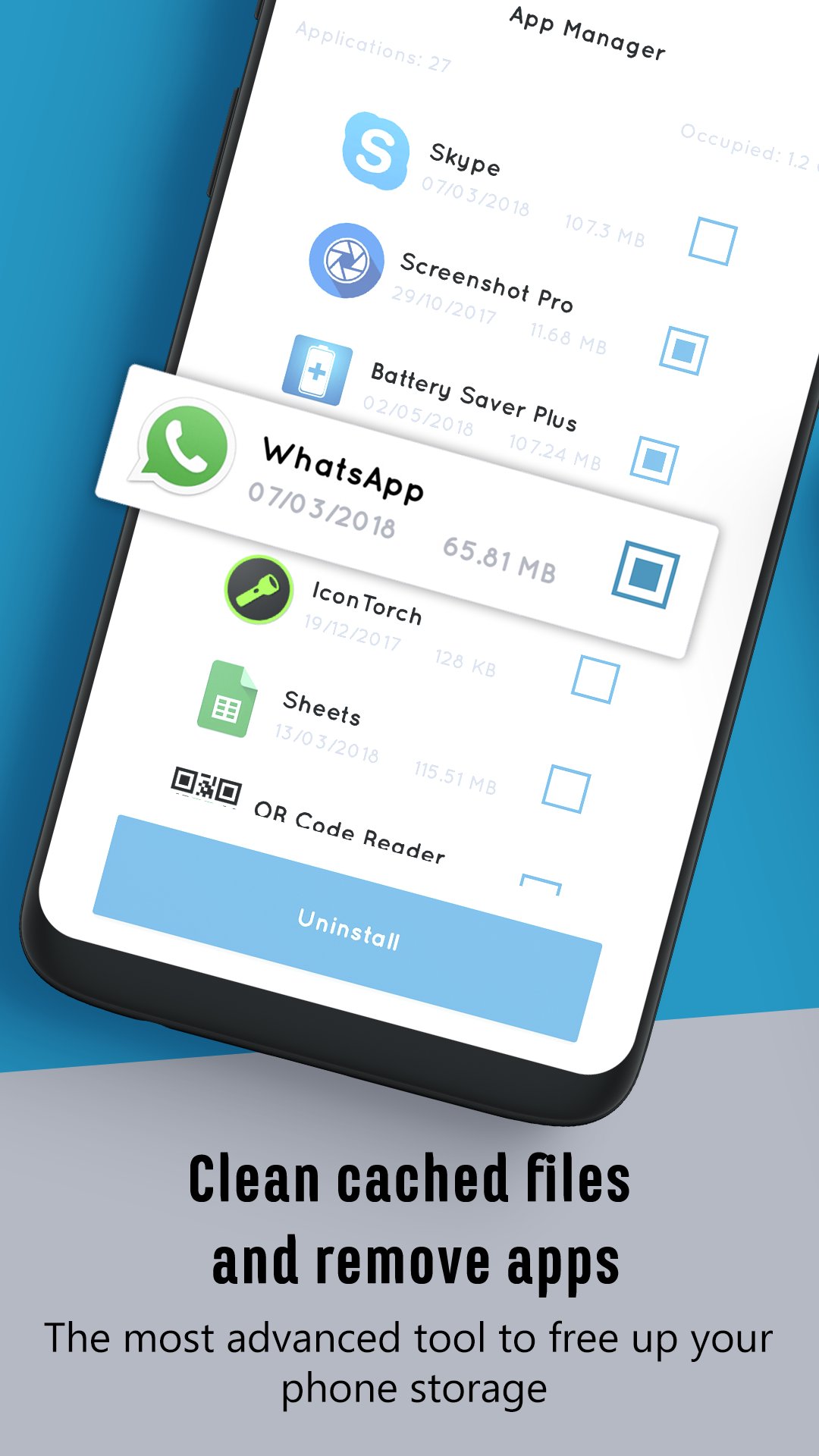
Clean cached files and remove junks: Applications tend to keep data on your local storage to perform faster. Some of the cached files may not be deleted even after uninstall the respective apps. The cache cleaner and junk remover feature deletes the entire cached files for both install apps and default apps to make sure there are no unnecessary files on your device. It’s a perfect tool to free up storage and have some fresh space for installing new apps.
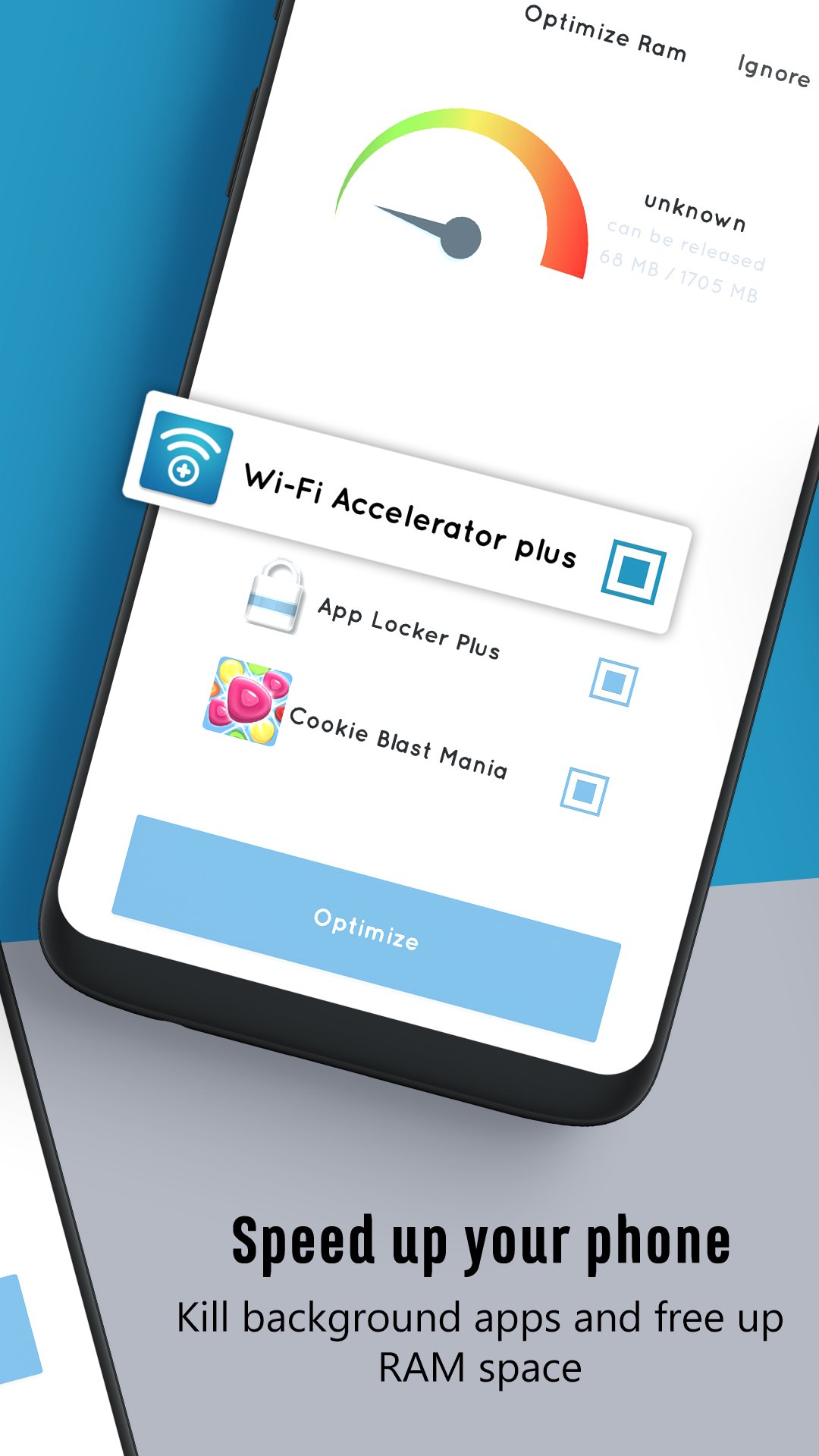
Optimize RAM (kill background apps): Most low-end and mid-end Android devices come with low RAM capacity and once you open several apps at the same time, your device performs poorly. The optimize RAM feature kills background apps and free up RAM space. Once the RAM memory is related, the speed of your Android phone increases significantly.
Clear Log of calls/message: How often do you delete your call logs as well as message logs? The clear log feature deletes all call history from your device’s storage to free up storage.
Clear browser history and downloads: Looking for another way to free up some storage? Well, try cleaning browser history and downloads.
App Uninstaller: Uninstalling apps in batch have never been easier with this performance optimizer tool. Just select as many apps as you want and hit the uninstall button.
Optimize Battery: If you are always complaining about battery drain issues and you always get the low battery error, this battery optimizer tool is a perfect choice for you. Just let the battery saver assistant run in the background, track apps and services with high battery usage, and optimize the battery usage for you automatically.
We’ve got a great news for you
All the mentioned optimizing tasks are done either automatically in the background. So, instead of browsing through different menus and performing tasks manually one by one, we do it for you in a simple process.
So, download this all-in-one optimizer tool and start to clean cached files, remove junk files, uninstall apps in batch, free up storage as well as RAM memory, and boost the performance of your Android device.
Android Cleaner Plus main features at a glance:
• Clean and neat design with fresh and intuitive interface
• All-in-one optimizer tool to boost the performance of your Android device
• Lightweight with optimized RAM usage
• Clear cache and remove junk files
• Kill background tasks and optimize RAM usage
• Powerful battery saver assistant
• Uninstall apps
• Clear call logs, message logs, downloads, and browser history
Download Android Cleaner Plus and let us know about any bugs, questions, feature requests or any other suggestions.




등급과 피드백에 감사드립니다!
당신은 이미 평가했습니다.