APKPure에서 안전하고 빠른 APK 다운로드
APKPure는 바이러스 없는 GetContact Delete Contact APK 다운로드를 위해 서명 확인을 사용합니다.

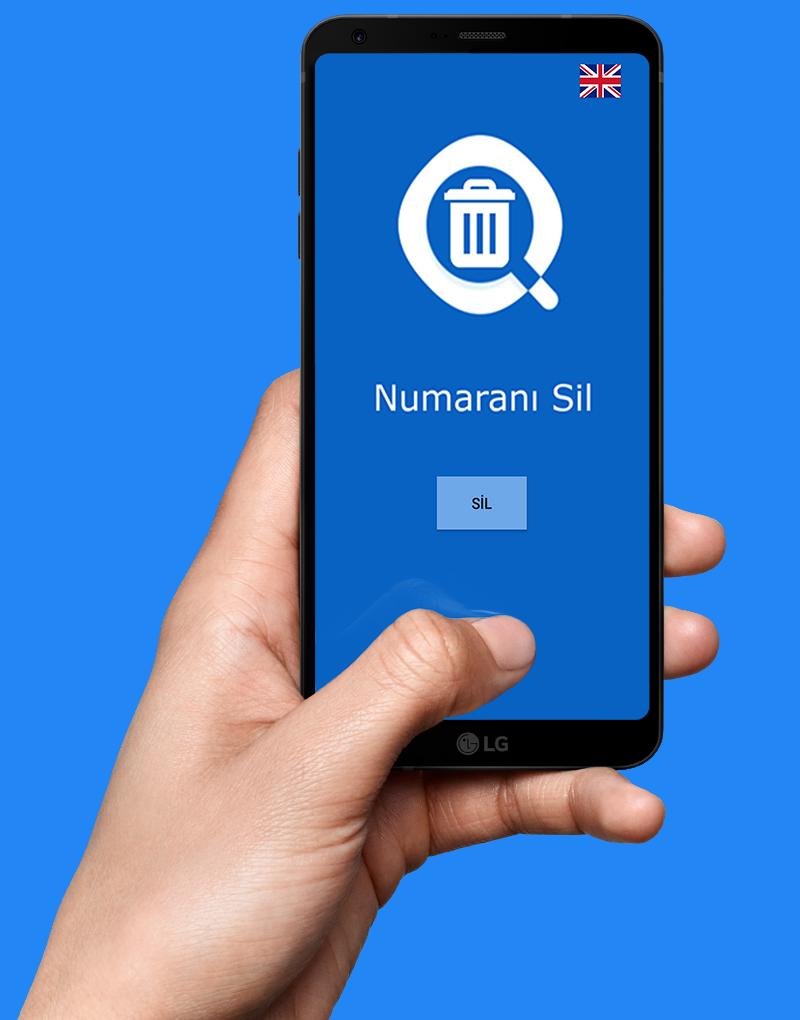
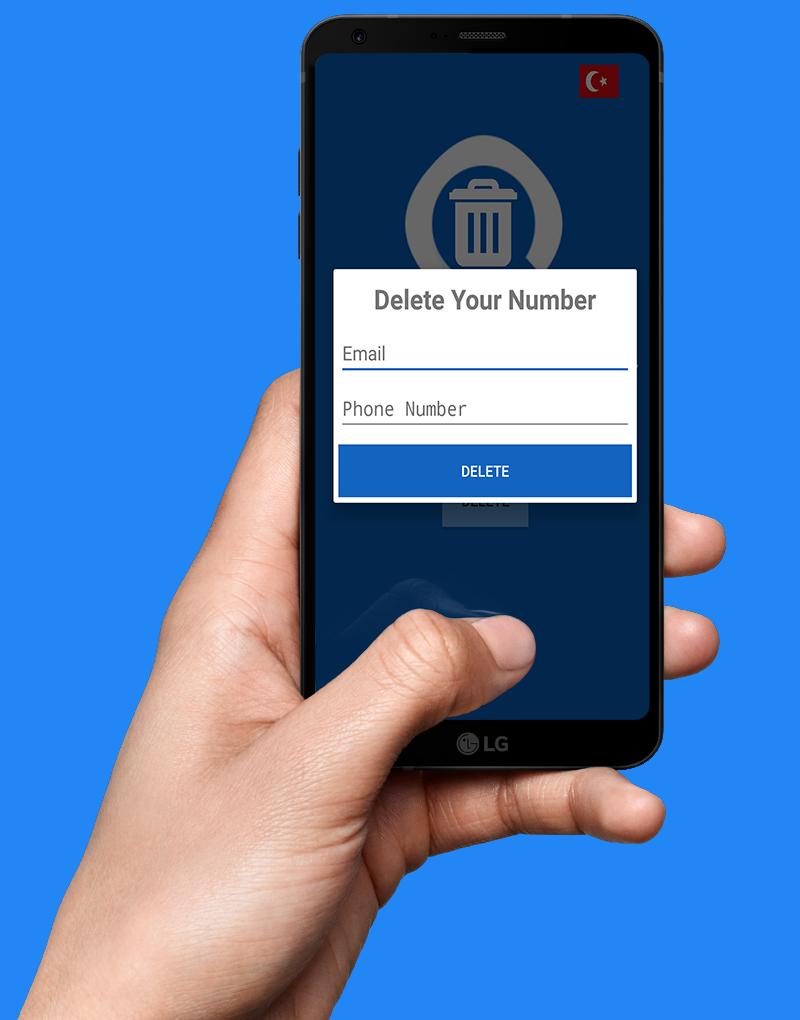
Delete your number from getcontact
The practice of showing who you are calling numbers and how people have saved you in the gherkin is very popular in recent days. How do I delete the GetContact number? Why is it important to delete GetContact? How to delete the GetContact account? Come to your questions and answer them together.
How to delete GetContact?
The practice of showing who you are calling numbers and how people have saved you in the gherkin is very popular in recent days. How do I delete the GetContact number? Why is it important to delete GetContact? How to delete the GetContact account? Come to your questions and answer them together.
What is GetContact? How to use GetContact? What is GetContact? How to use GetContact?
After the applications you know who are calling numbers, you can also learn how people saved you in the guards with GetContact. What is GetContact? How to use GetContact? How to delete GetContact? What is GetContact? How to use GetContact? These types of applications, which generally receive your contact information, are highly recommended for data security, but users like these types of applications. Specifically, GetContact, another ...
Why is it important to delete GetContact?
It is also important to note that the telephone number in the application markets is as bad as the goodness of the inquiry applications
When you log in to the phone number interrogation applications such as GetContact, the application automatically saves your phone number along with who you are. If you allow the application to access your directory, it also transfers all the numbers in your directory to the system.
Here is the GetContact account deletion!
We use the Unlist feature which is added to the system for the easy GetContact number deletion. First of all, you have to delete your account from within the application.
Step 1: Enter the settings tab in the application.
Step 2: Log in to the GetContact About tab.
Step 3: Login to the Account Settings tab.
Step 4: Select the option Delete account.
After these actions, you have deleted your GetContact account. But your number is still in the system. We use the Unlist feature to delete your number from the GetContact directory.
Step 1: Open the GetContact Unlist page.
Step 2: Type your number in the corresponding blank in the page that opens.
Step 3: Complete the operation by pressing the Unlist button.
You can easily complete your deletion from the GetContact directory on this vault. The GetContact number deletion will be completed within the next 24 hours after you follow these steps.


등급과 피드백에 감사드립니다!
당신은 이미 평가했습니다.