
APKPure에서 안전하고 빠른 APK 다운로드
APKPure는 바이러스 없는 Winpower APK 다운로드를 위해 서명 확인을 사용합니다.

APP installed on phone for device monitoring.
APP should be used with Winpower software version 5.1.0.0 at least or newer version.
With APP, user can view device status, current alarm, the latest history event, and operate battery test via mobile phone.
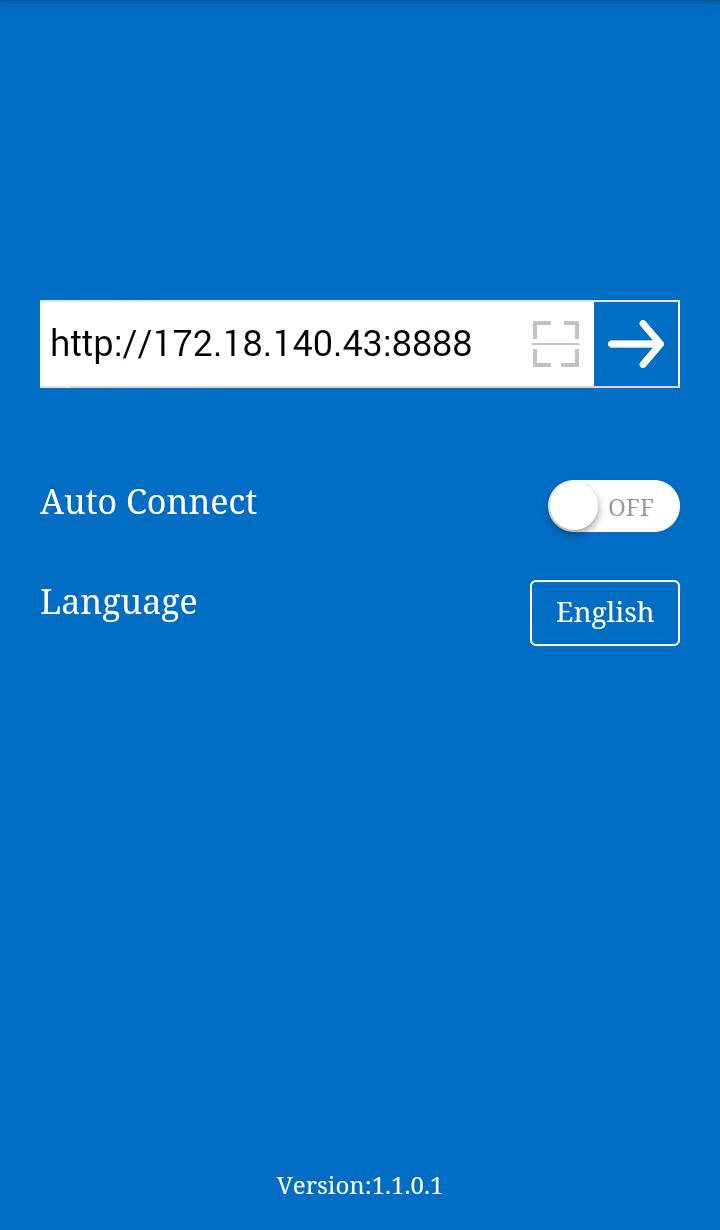
Input the Winpower server address: http://IP address:8888 in APP, such as http://172.18.140.43:8888. Once APP connects the server OK, all the UPS communicating with Winpower will be shown in the list.
User also can scan the QR code of Winpower server adderss to connect server, user can get the QR code by clicking “View Server URL” item of “Monitor” menu of Winpower.
The default server port is 8888, if the port is in use by other software, user should click “Web Server Control” item of “Monitor” menu to open “Web Server Control” dialog, and change port to make sure APP function work normally.
If user sets “Auto Connect” as “ON”, the server address won’t be re-input after the first time. If “Auto Connect” is “OFF”, the server address should be re-input when user wants to use APP again.
Click the “Language” item to change the language.
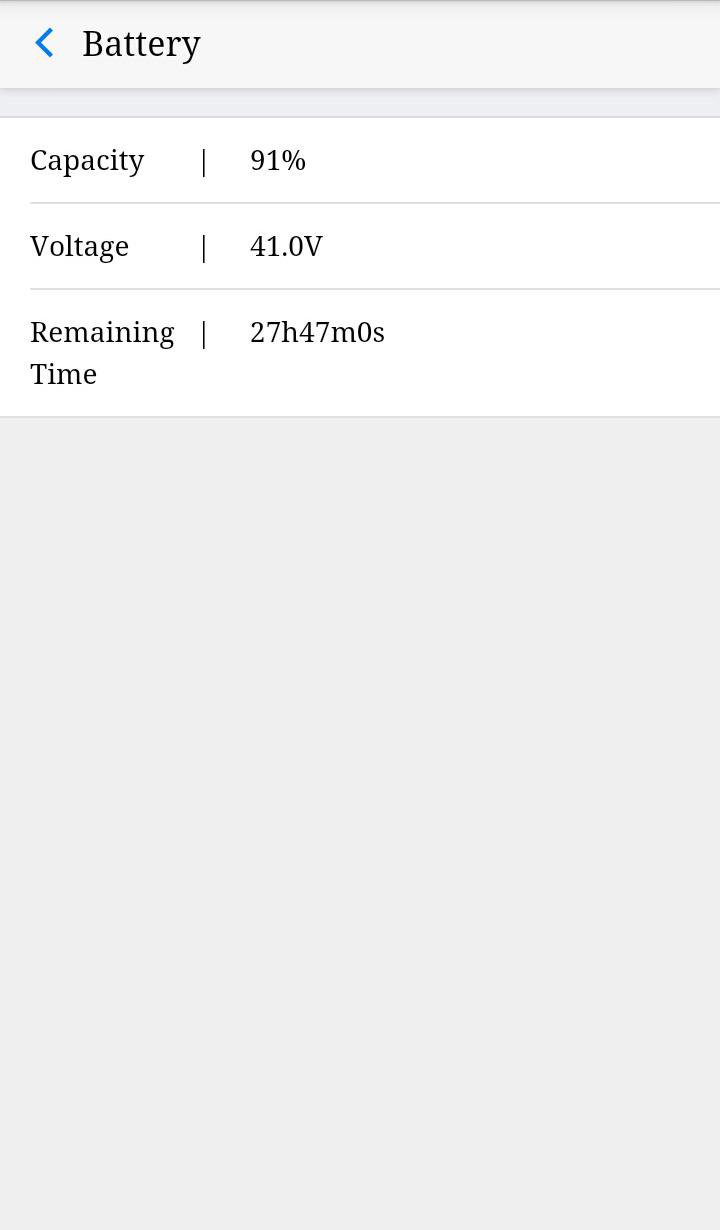
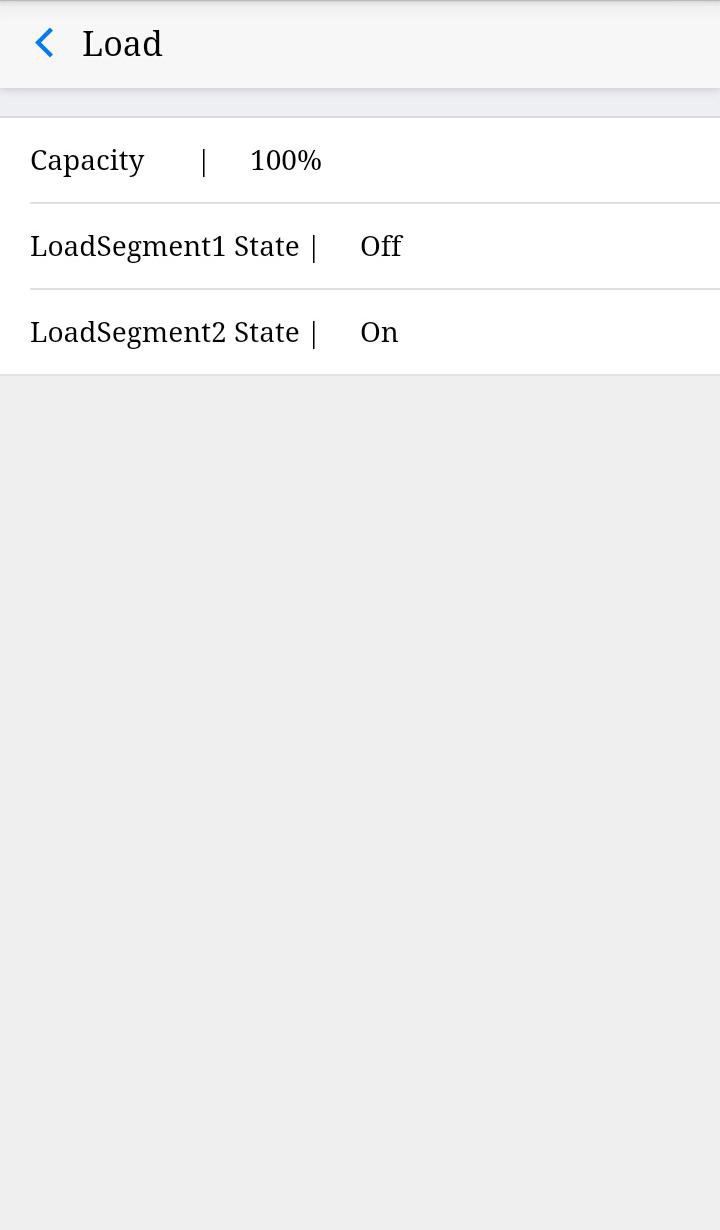
Click UPS name in the UPS list, the real-time data about the UPS will be shown. The detail information includes UPS input, output, battery parameter and UPS status. User can click “Load” or “Bat” button for detail information about load or battery.
Click the “Alarm” item, current alarm information will be shown.
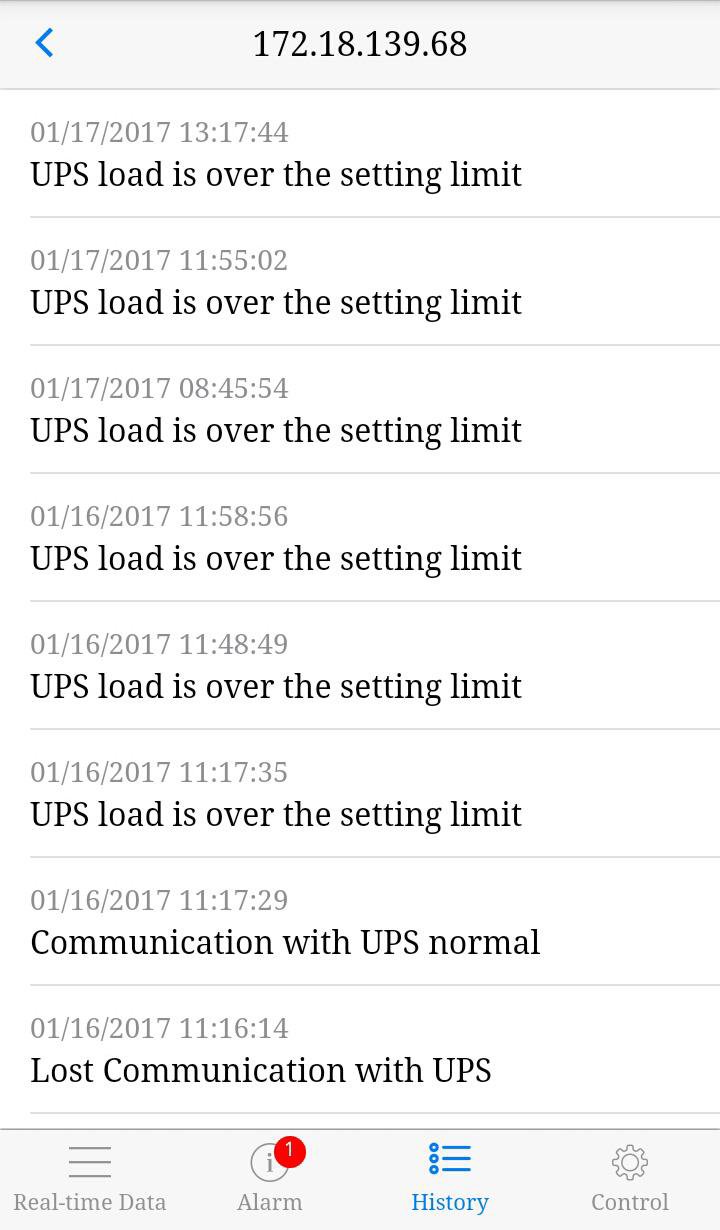
Click the “History” item, history event will be shown. The number of all the events is no more than 50 in APP. For more history, user should refer to the event log of software installed on server.
Click the “Control” item to operate battery quick test. For local UPS, user should input the password of agent and then set battery test, please refer to Winpower user manual to get the default password. For SNMP UPS, APP will link to the SNMP test page for setting battery test.
When the UPS event occurs, there will be APP message notification pushed on user phone. About APP message notification function, user needs to set the phone to enable notification message sent and allow the APP software to run in the background.




등급과 피드백에 감사드립니다!
당신은 이미 평가했습니다.