







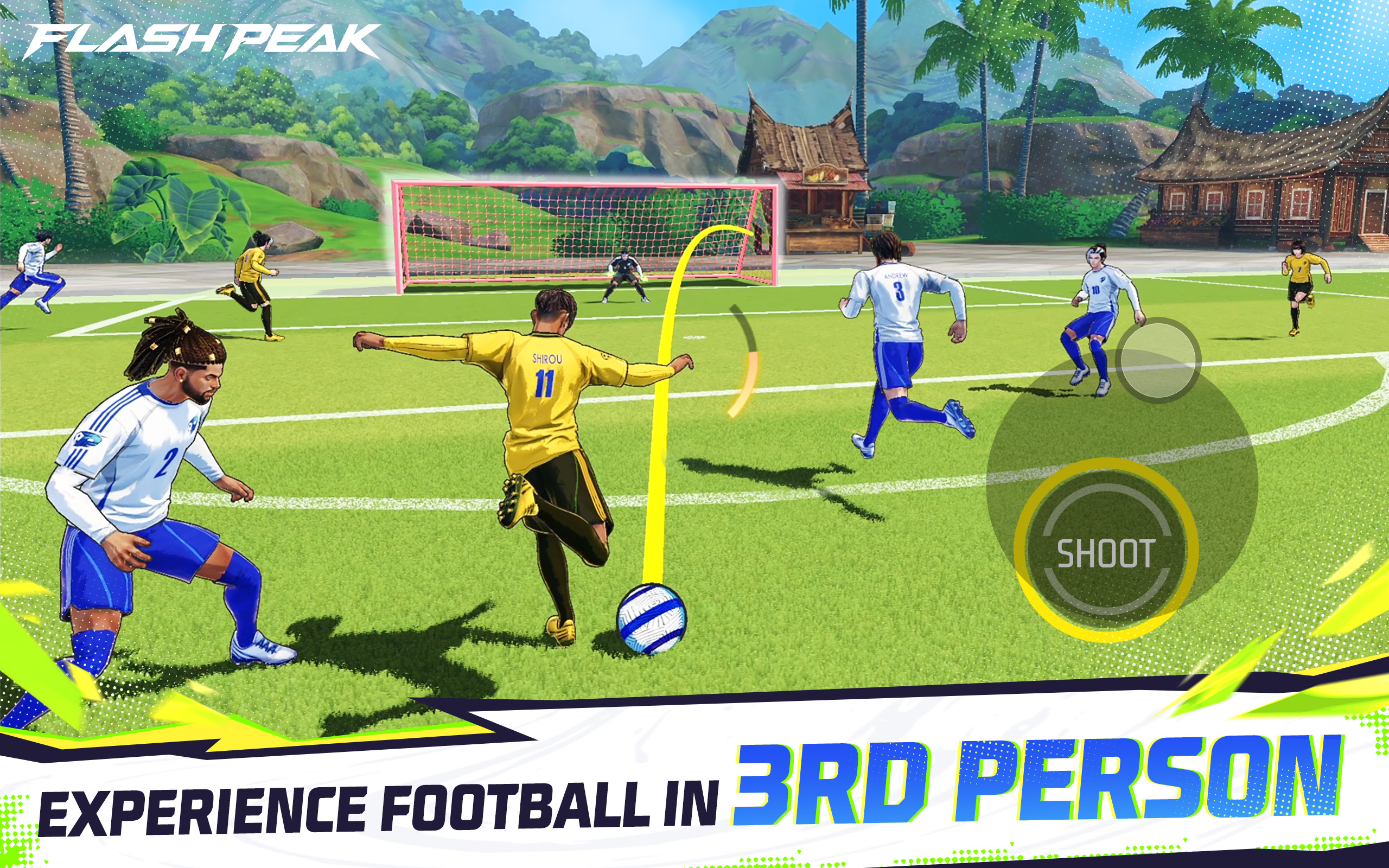
Flash Peak is a 4v4 mobile soccer game that prioritizes an arcade experience over a simulation, featuring a third-person camera and quick online matches. It recently entered early access, with no confirmed global release yet. This approach makes it interesting because it doesn't attempt to replicate traditional soccer with all its rules, but rather offers a more direct, competitive, and action-oriented experience.

Flash Peak: Gameplay and Features
In Flash Peak, the player directly controls their character during real-time matches, completely changing the experience compared to classic soccer games. The third-person camera makes every movement, pass, and shot more dependent on the user's reaction.
According to the analyzed materials, the game eliminates typical pauses such as fouls, offsides, and constant interruptions, maintaining a consistently active pace. This transforms each match into a continuous battle for possession and goals.
Flash Peak: Characters, abilities, and strategy
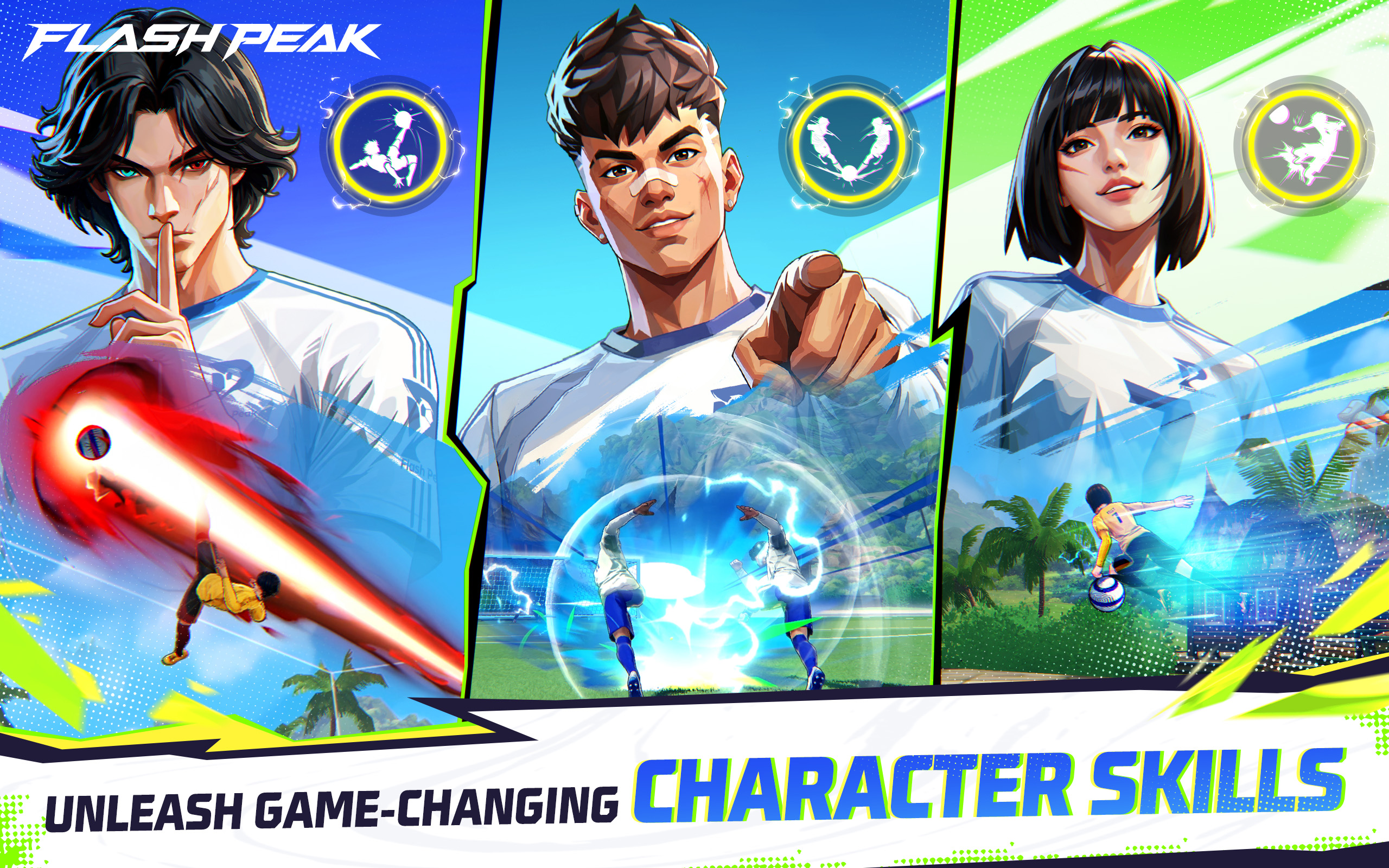
One of the most striking aspects of Flash Peak is its use of characters with unique attributes and abilities, rather than treating all players as identical. Characteristics such as speed, passing, shooting, defense, and strength are mentioned, suggesting a significant tactical layer.
This means that team composition does matter: a fast player can create space on the wings, a defensive player can break up counter-attacks, and a more attacking player can decide key plays. In other words, it's not enough to just chase the ball; you have to build a balanced team.
Flash Peak opens early access in Indonesia
The published information indicates that Flash Peak appeared in Early Access on the Indonesian Play Store, featuring 4v4 matches, a third-person camera, online PvP, and characters with abilities. This confirms that the game is still in the testing phase and may change before a wider release. For now, Indonesia is the only region where the game is known to be officially available at this early stage.
There is no confirmation yet of a global release date or a schedule for expansion to other countries. You can pre-register for Flash Peak on APKPure to receive a notification when the game is released.
Will it reach Brazil and Latin America?
As of now, there is no official confirmation of its availability in Brazil. The most reliable information points to a limited trial in Indonesia, so any reports circulating outside of that region should be taken with a grain of salt.
No public details have been confirmed regarding servers for Latin America, a regional release date, or an international rollout schedule. In these types of games, such information is usually determined after the testing phase.
Why Free Fire fans might like it
Flash Peak may appeal to Free Fire fans because it combines several things that this audience usually values: short matches, online PvP, characters with abilities, and an easy-to-understand competitive style.
Although there's no official confirmation of a direct relationship with Free Fire or Garena, its structure resembles the logic of games where character choice influences gameplay. This gives it the potential to attract mobile players accustomed to fast-paced action.
FAQs
Q: Is Flash Peak a football simulator?
Not exactly. Their approach is more arcade-style and action-oriented, with 4v4 matches and a third-person camera.
Q: Is it available in Brazil?
There is no official confirmation of a launch in Brazil so far.
Q: Does it have Free Fire characters?
There is no official confirmation of that link. It's more accurate to say that it resembles competitive mechanics familiar to the community, but without asserting a direct connection.
Q: How is it different from other mobile football games?
Primarily in the combination of football, PvP action, characters with skills, and traditional non-stop rhythm.
Q: Where can I play Flash Peak now?
All that is known is that it is in early access on the Indonesian Play Store.
Flash Peak has launched its early access in Indonesia with a unique take on mobile football: fast-paced, competitive, and designed for intense 4v4 matches. While still in beta, it already has enough going for it to pique the interest of mobile sports and action game fans.