



The Free Fire OB54 Advance Server is Garena's official test environment for Android players to try out new features before their global release. This limited server allows you to explore new weapons, character adjustments, limited-time modes, and map changes, and report bugs to earn rewards like diamonds on your main account.
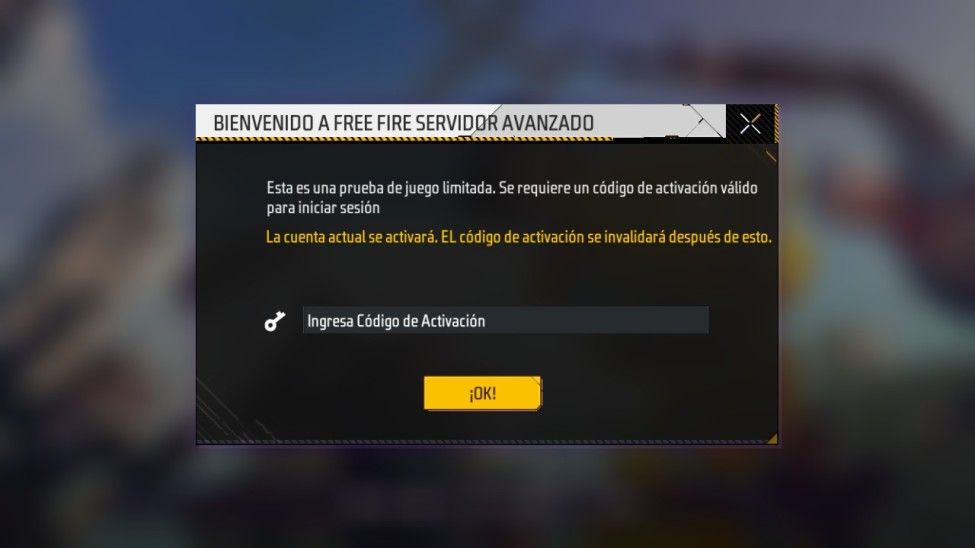
Access is exclusive to Android and requires a unique activation code that Garena provides after registration. Only a limited number of users can enter, on a "first-come, first-served" basis.
Unlock new skins and weapons in Free Fire Advance Server
Free Fire OB54 Advanced Server: Release Date
According to official information from Garena, the Free Fire OB54 Advanced Server will be available from June 5th to June 18th.
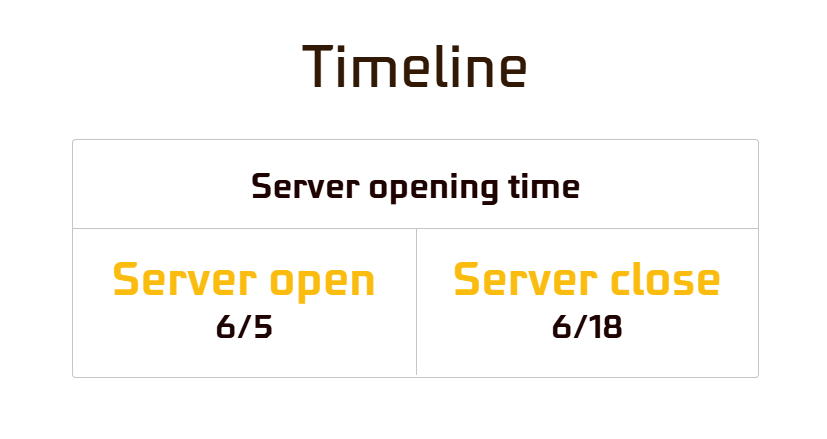
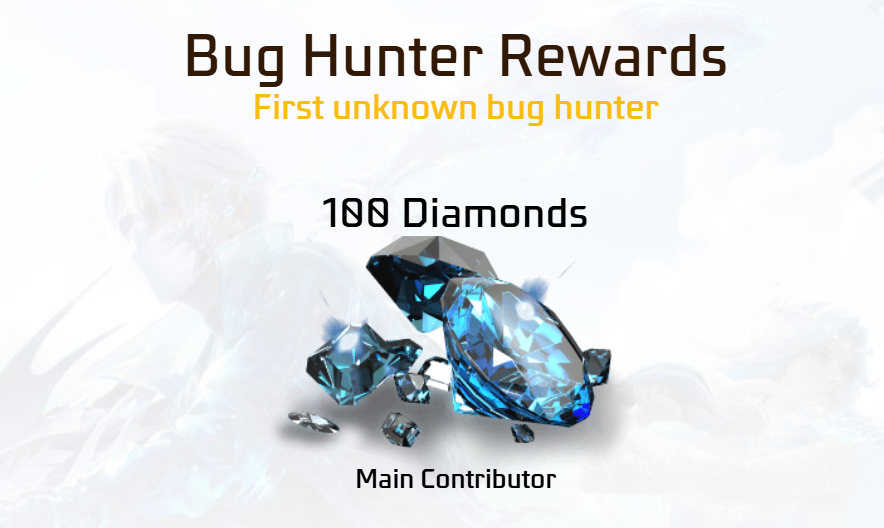
During this period, players can explore all the new features and submit bug reports. Garena rewards those who report bugs during the test: the so-called Bug Hunters can earn up to 1,000 diamonds, the game's premium currency. To qualify for this reward, it's essential to describe the bug in detail, explain how it occurs, and, if possible, attach screenshots or a video as evidence. At the end of the period, the improvements and changes will be integrated into the official game update.
Free Fire OB54 Advanced Server: News and Changes
OB54 isn't just a technical tweak: it brings a complete thematic change to the game. Among the features expected on the Free Fire Advance Server are:
New weapon
A new weapon is coming to the arsenal. Although Garena hasn't confirmed whether it's an AR, SMG, or sniper rifle, leaks suggest it will be balanced to shift the current meta. Data miners often discover these additions first on the Advanced Server.
Booyah Pass June 2026: "Outer Space" theme
The June Booyah Pass is rumored to be titled "Outer Space," featuring intergalactic cosmetics. Leaked rewards include:
| Level | Leaked reward |
|---|---|
| 50 | Exclusive Desert Eagle skin (rumored to include: ++Reload Speed, +Magazine) |
| 90 | Unique Gloo Wall with an "Outer Space" theme |
| 100 | Iconic male character bundle with cosmic animations |
| Others | Motorcycle skins, skyboards, and other space-themed items from |
Themed event and potential collaborations
OB54 launches alongside Free Fire's 9th anniversary, with a new themed event — possibly a crossover or "Summer" event — that will include limited-time modes and map adjustments.
An event called "Eclipse Event" is expected, along with rewards such as a Free Magic Cube and a revamped gold shop.
Character, weapon, and map settings
The full list of character reworks, weapon balancing, and map changes will be confirmed by Garena as soon as the Advance Server launches. Typically, teasers are released on social media or a "Talk to the Devs" video a week before the global launch.
How to register on the Free Fire OB54 Advanced Server?
Registration for the Free Fire OB54 Advanced Server is now open. There are only a limited number of slots available, so it's recommended to register as soon as possible to increase your chances of getting an activation code and free rewards (diamonds) for reporting bugs.
Steps to register
1. Open your browser and search for the official Free Fire Advance Server website.
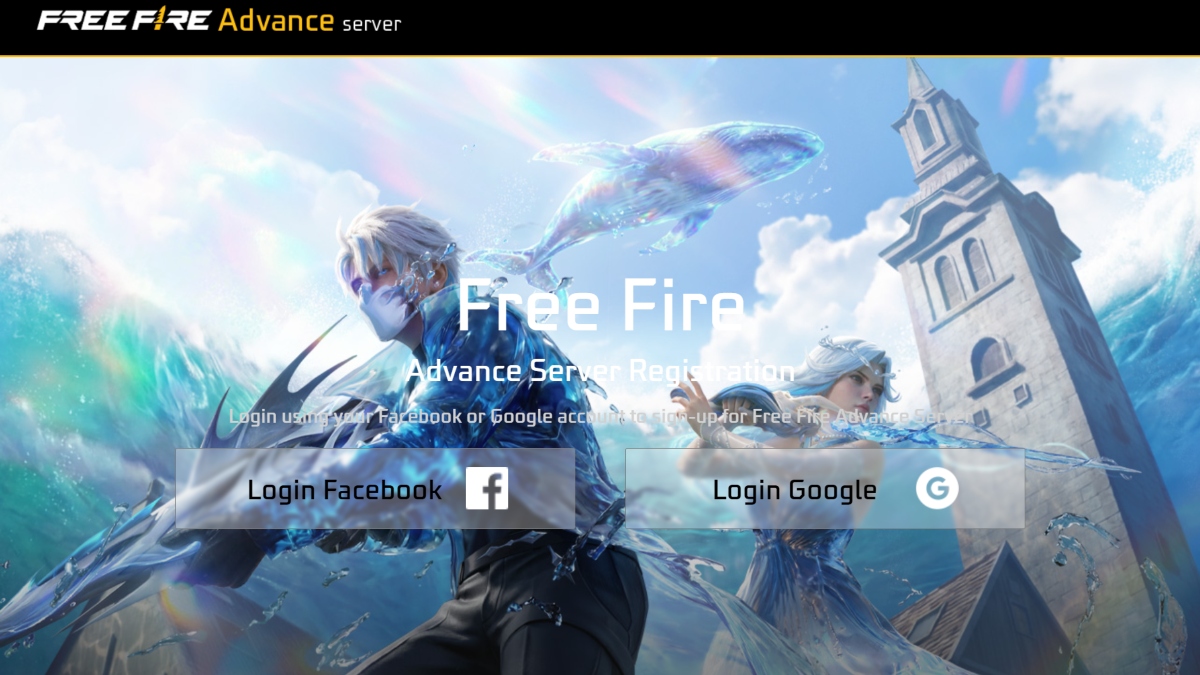
2. Log in with your Facebook or Google account linked to your Free Fire profile.
3. Enter your active email address.
4. Complete the requested information (this may include your phone number).
5. Click on "Join Now" (or "Register").
6. Wait for selection. If you are selected, you will receive a unique activation code in your website account. The code will appear in the account information section on the official website.
7. When the advanced server is live, download the APK from the same site.
9. Install the Free Fire OB54 Advanced Server APK, open the app, and enter your activation code.
How to download Free Fire OB54 Advanced Server?
Method 1: APKPure
If you haven't installed the Free Fire Advance Server on your phone and want to download it to ensure a smooth OB54 beta test, try a trusted source like APKPure.
Unlock new skins and weapons in Free Fire Advance Server
- Download Free Fire OB54 Advanced Server APK now:
https://apkpure.com/es/free-fire-advance-server/com.dts.freefireadv
Method 2: Free Fire Advance Server official website
Once you have your activation code:
1. Go back to the official Advance Server website.
2. Download the Free Fire OB54 Advanced Server APK.
3. Save the file to your Android device (not available for iOS).
4. Install the Advance Server OB54 APK and, when starting the game, enter your activation code.