Bezpieczne i Szybkie Pobieranie APK na APKPure
APKPure używa weryfikacji podpisu, aby zapewnić bezpieczne pobieranie plików APK Rapid Scan bez wirusów dla Ciebie

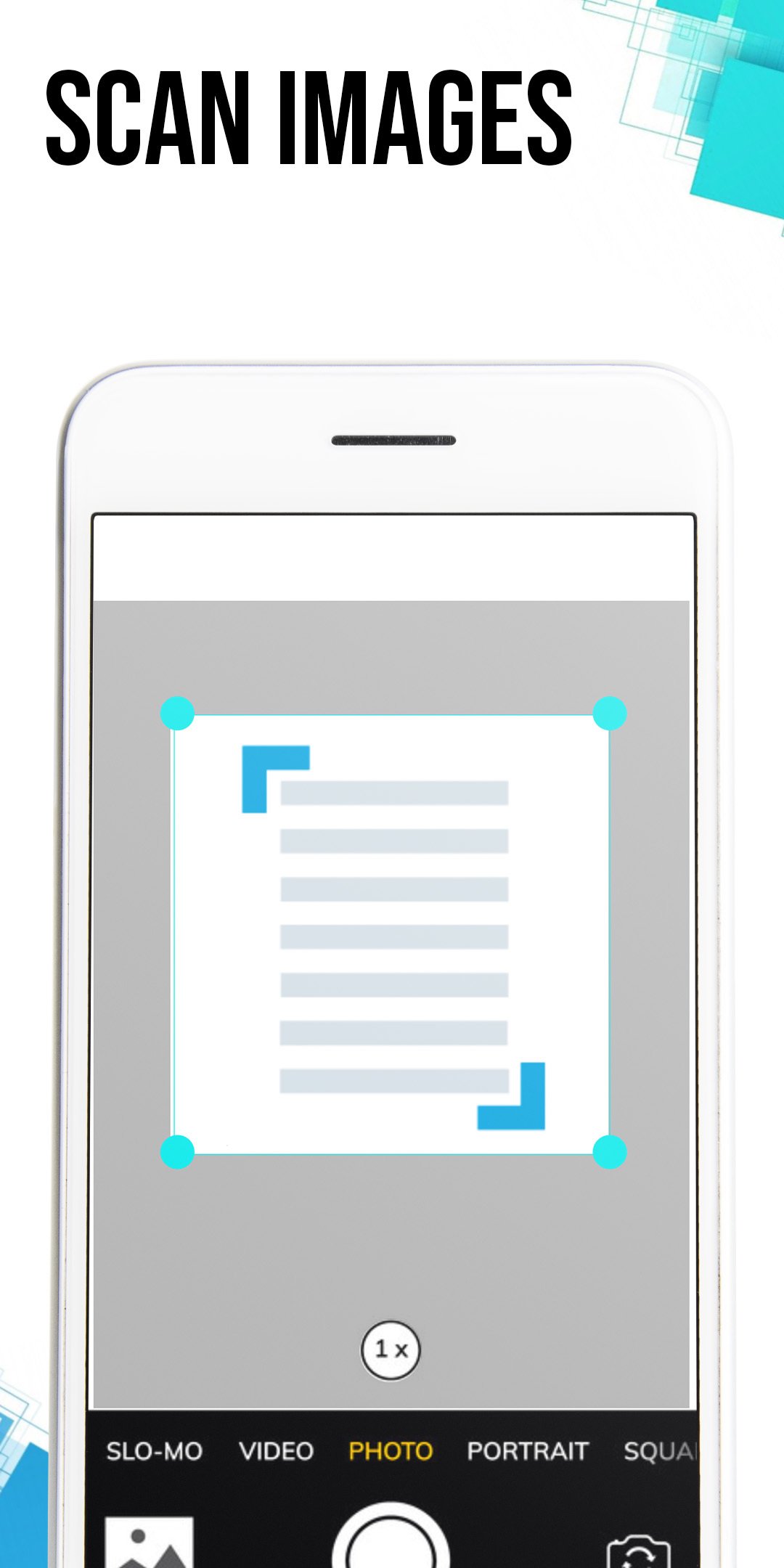
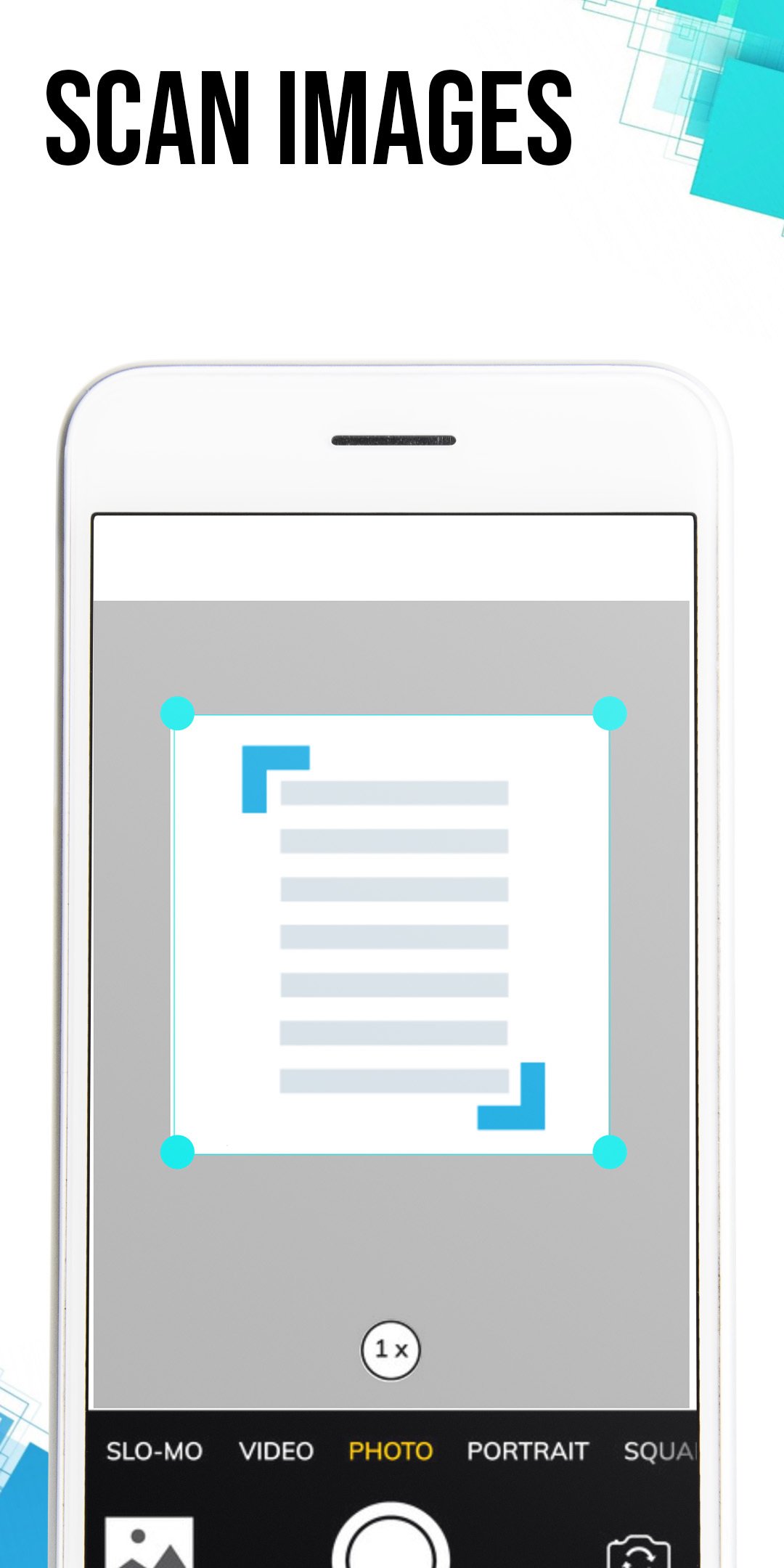
Rapid Scan helps you to scan paper documents in seconds and export as PDF files.
You cannot get a simpler cam scanner than this! With Rapid Scan, you rapidly and conveniently produce professional-looking PDF documents from your digital photos. Forget about over-complicated apps that have plenty of useless features. You will be at the peak of productivity if you use Rapid Scan.
Among the mobile scanning apps available in the Google Play Store, Rapid Scan is the fastest and most secure. Create high-quality PDF scans or JPG scans using your mobile device in a matter of seconds and with only one tap. For any Android smartphone user, it is a must-have application. It's completely free to use!
Let us take a look at what all you can do with Rapid Scan:
● Everything is safely kept on your device, and the conversion takes seconds.
● Manage your PDF documents with folder management and file naming. Keep the app uncluttered when you have a lot of PDFs.
● Allow you to import images and convert them into PDF.
● Share PDF or JPEG documents via social media, email, etc.
Best features of Rapid Scan:
- Quickly scan the documents.
- Provide Ads-free scanning.
- Completely free to use.
- Free from the watermark.
- Allow sharing PDF files.




Jedno kliknięcie, aby zainstalować pliki XAPK/APK na Androidzie!

Dziękuję za ocenę i opinie!
Już oceniłeś.