
ดาวน์โหลด APK ได้อย่างปลอดภัยและรวดเร็วบน APKPure
APKPure ใช้การตรวจสอบลายเซ็นเพื่อประกันการดาวน์โหลด APK ของ Bulk Uninstall Pro ที่ปลอดไวรัสสำหรับคุณ

Bulk uninstall,force uninstall,uninstall spyware,uninstall,full uninstall,clean
** Bulk uninstall Pro V3 **
Bulk uninstall : How To Bulk Uninstall Android Apps You Don’t Use ?
If you’re like us, there’s a good chance you install lots of Android apps to try them out. From the latest popular mobile games to new and potentially useful utilities, these apps build up over time. They eventually begin to clutter your app drawer with icons you never tap and fill your storage with app data you’ll never use. Removing these apps normally requires initiating an uninstall operation for every app, tapping a button, waiting for the app to fully uninstall, and then repeating — this can get tedious and may take a while, particularly if you have a slower phone. Luckily, there’s a faster way to uninstall multiple apps at once.
To do this, you’ll need the popular Bulk Uninstall Pro , its a free android app— you dont need to have a rooted device to do this. If you’re not rooted, Bulk Uninstall app will dramatically speed up your app-uninstalling process anyway.
Easy & Fast & Handy uninstall tool for android, remove apps by several taps. Clean up storage and free up more spaces.
■ FEATURES ■
• App remove
• Batch / Bulk uninstall
• Storage Usage Tracking
• Batch uninstall
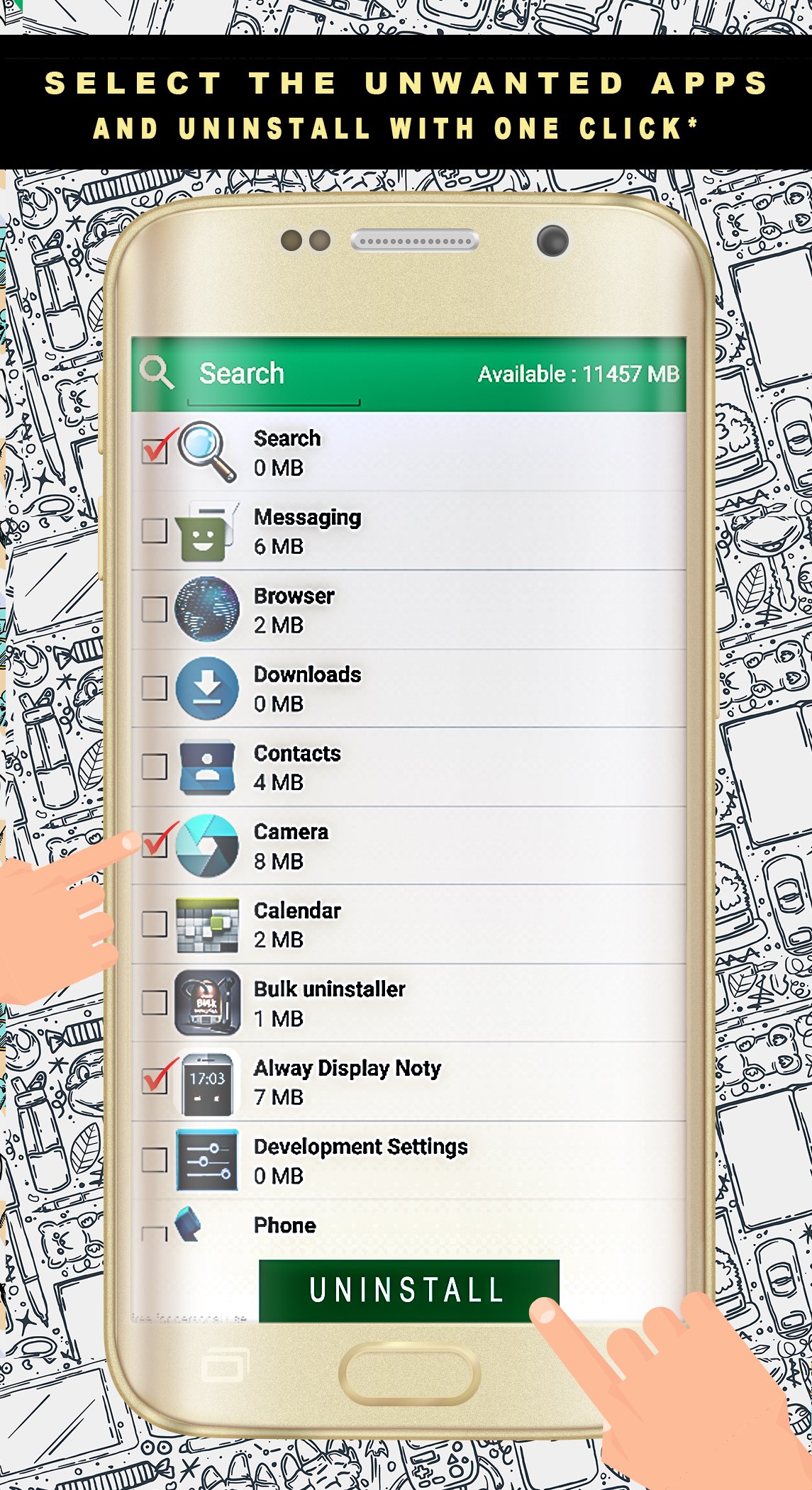
• Fast uninstall by one click
• List all installed apps
• Show app name,version,update
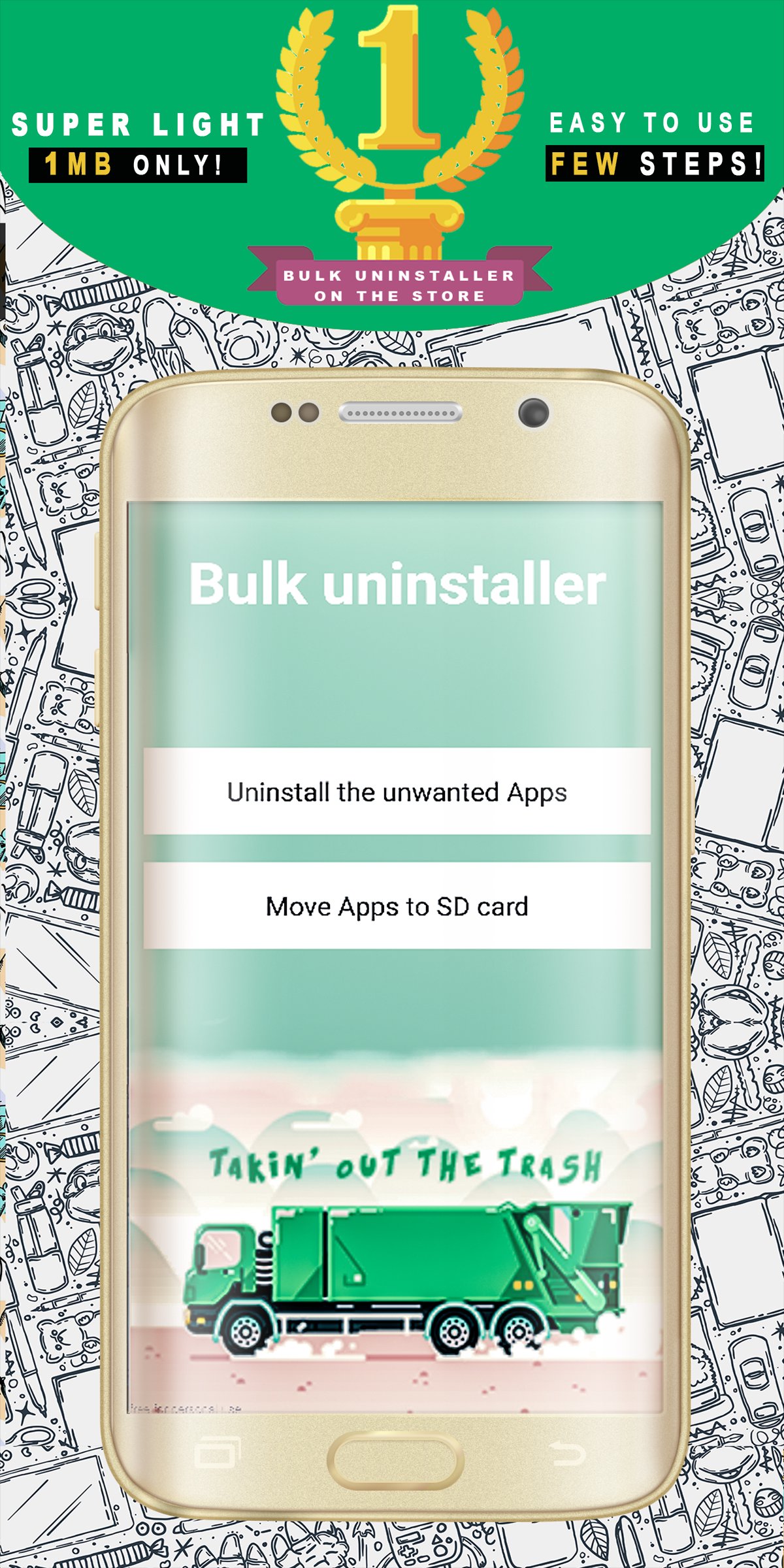
* Light application : only 1mb !
Clean user interface Easy to use and extremely fast uninstall app
Allows you very easy and fast, uninstall applications from your phone.
This requires the below permissions.
-Full Internet access and View network state for Ads
-Measure application strorage space for showing apps size
uninstaller,remover,cleaner,bulk uninstaller, uninstall spyware,uninstall android,
* Product updates and customer support are free forever. We have you back from now on.
So you want to uninstall apps. 10, 20, 30 of them. What do you do, drag each of them to the Bulk Uninstall icon or go into app manager in settings?
* This is the real Bulk Uninstall Android
Trying out new apps is a lot of fun. Uninstalling apps, when you're running low on space, is a horribly tedious affair. Apps Uninstall brings bulk application removal to Android phones.
It's a huge pain to install an application and then get an alert that you're low on disk space. Android, natively, doesn't include any easy way to nuke a bunch of apps at one time. Bulk Uninstall Pro fills that void by bringing simple bulk removal to the Android platform.
Fire up the app, star the items you want to remove, and then batch uninstall them.
Bulk Uninstall Pro is a freeware and works wherever Android does. Have a favorite utility for tending your Android phone? Let's hear about it in the comments.
-- Update V3 :
We added the utility " Move to sd card " so its easy to clean your low storage device wuthout bulk uninstall ..
Move to sd card is a one click fast solution to move your apps from internal memory to SD card in your phone.
This application Card is useful for devices with small internal memory and which do not allow saving your apps directly to SD card.



คลิกเพียงครั้งเดียวเพื่อติดตั้งไฟล์ XAPK/APK บน Android!

ขอบคุณสำหรับการให้คะแนนและข้อเสนอแนะของคุณ!
คุณได้ให้คะแนนแล้ว