
ดาวน์โหลด APK ได้อย่างปลอดภัยและรวดเร็วบน APKPure
APKPure ใช้การตรวจสอบลายเซ็นเพื่อประกันการดาวน์โหลด APK ของ Fb Video Editor ที่ปลอดไวรัสสำหรับคุณ

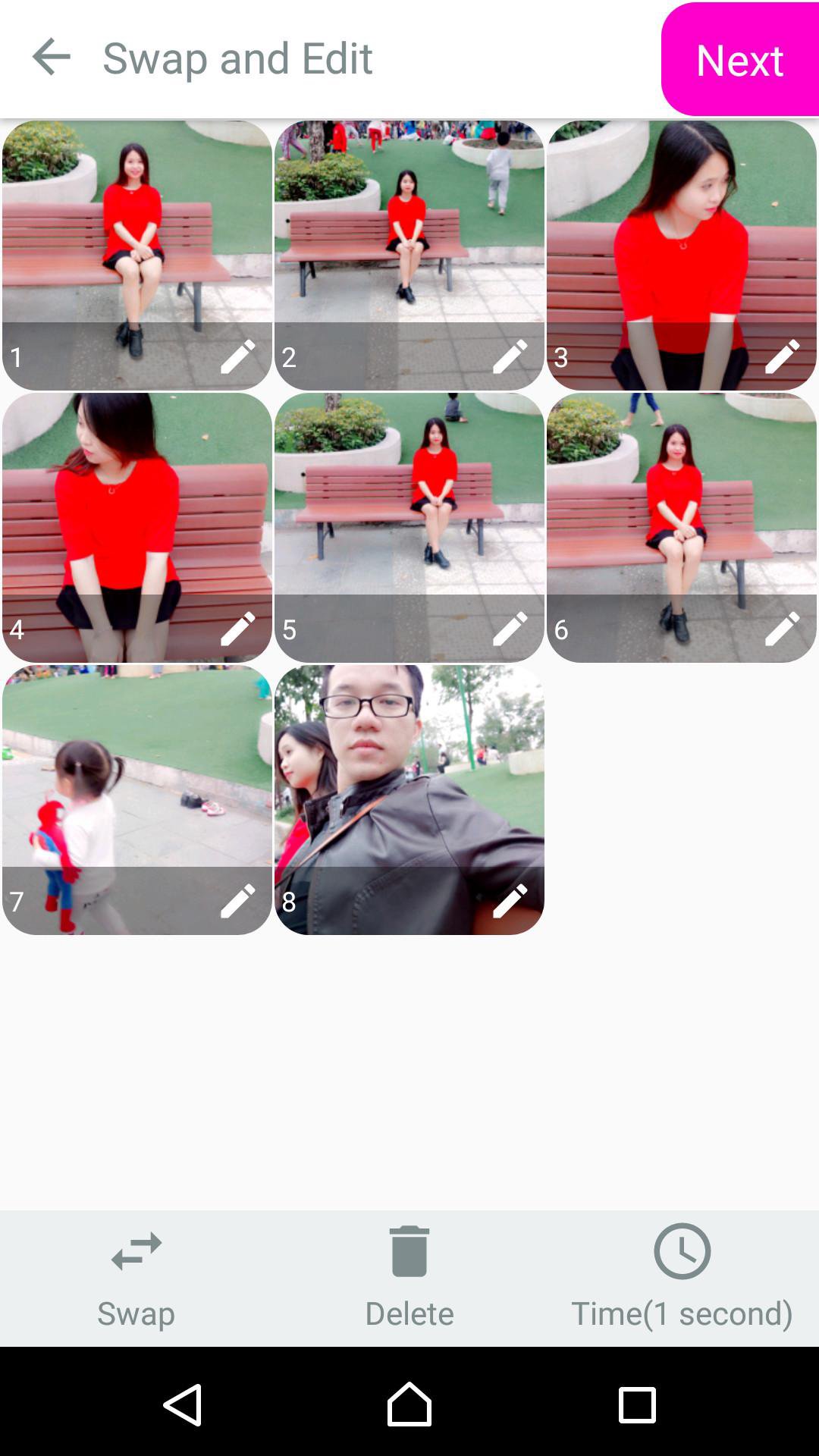
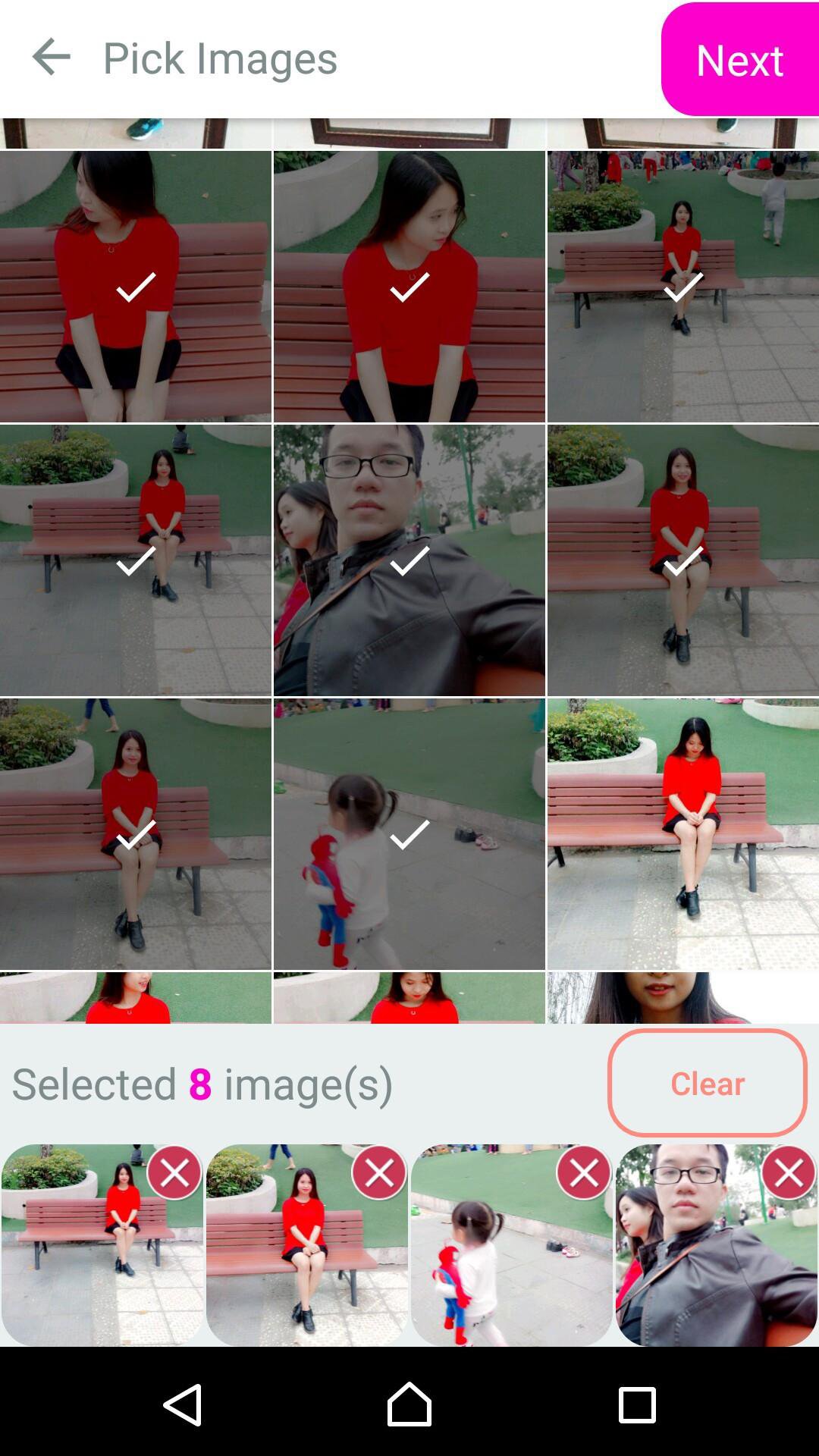
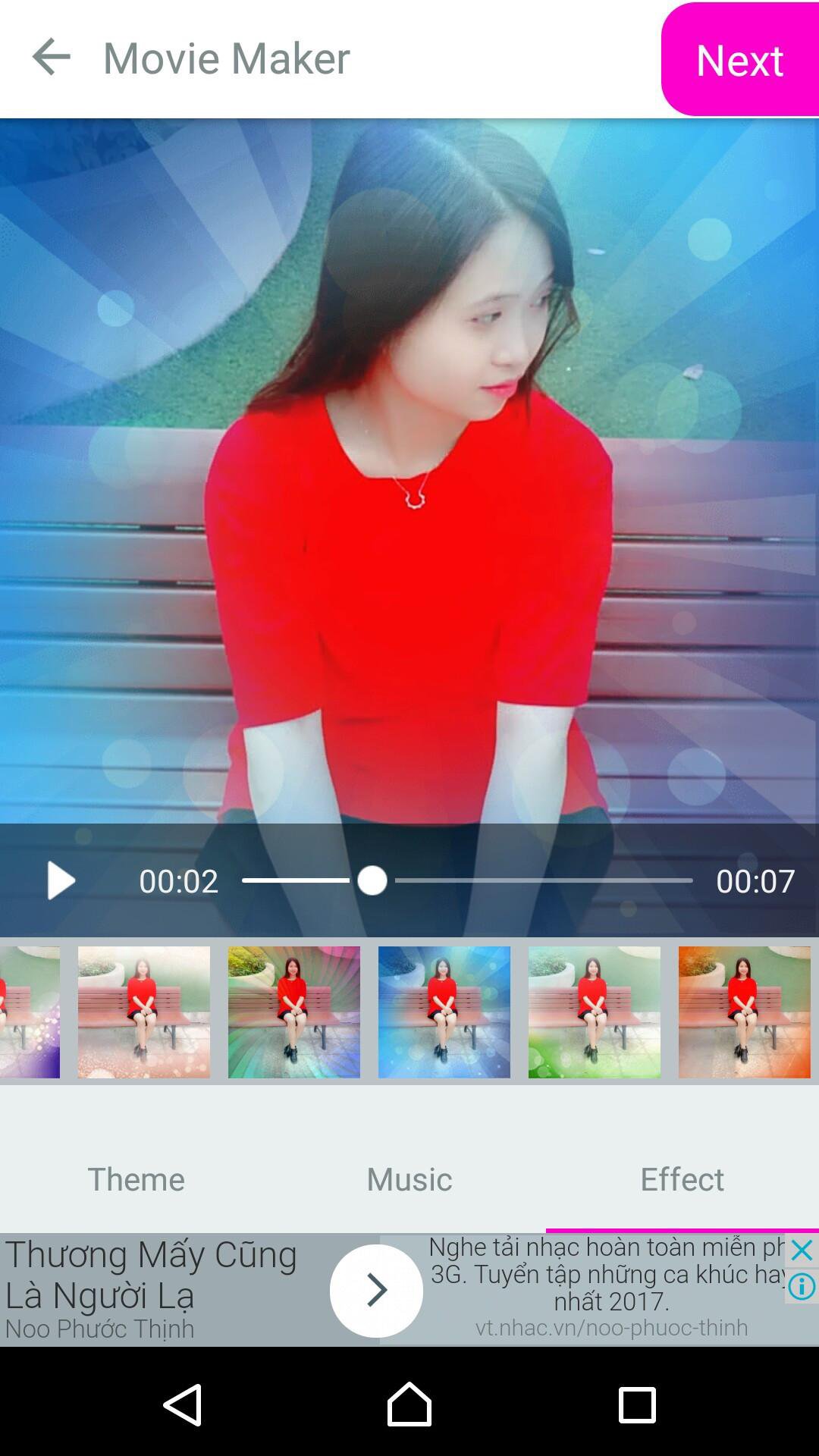
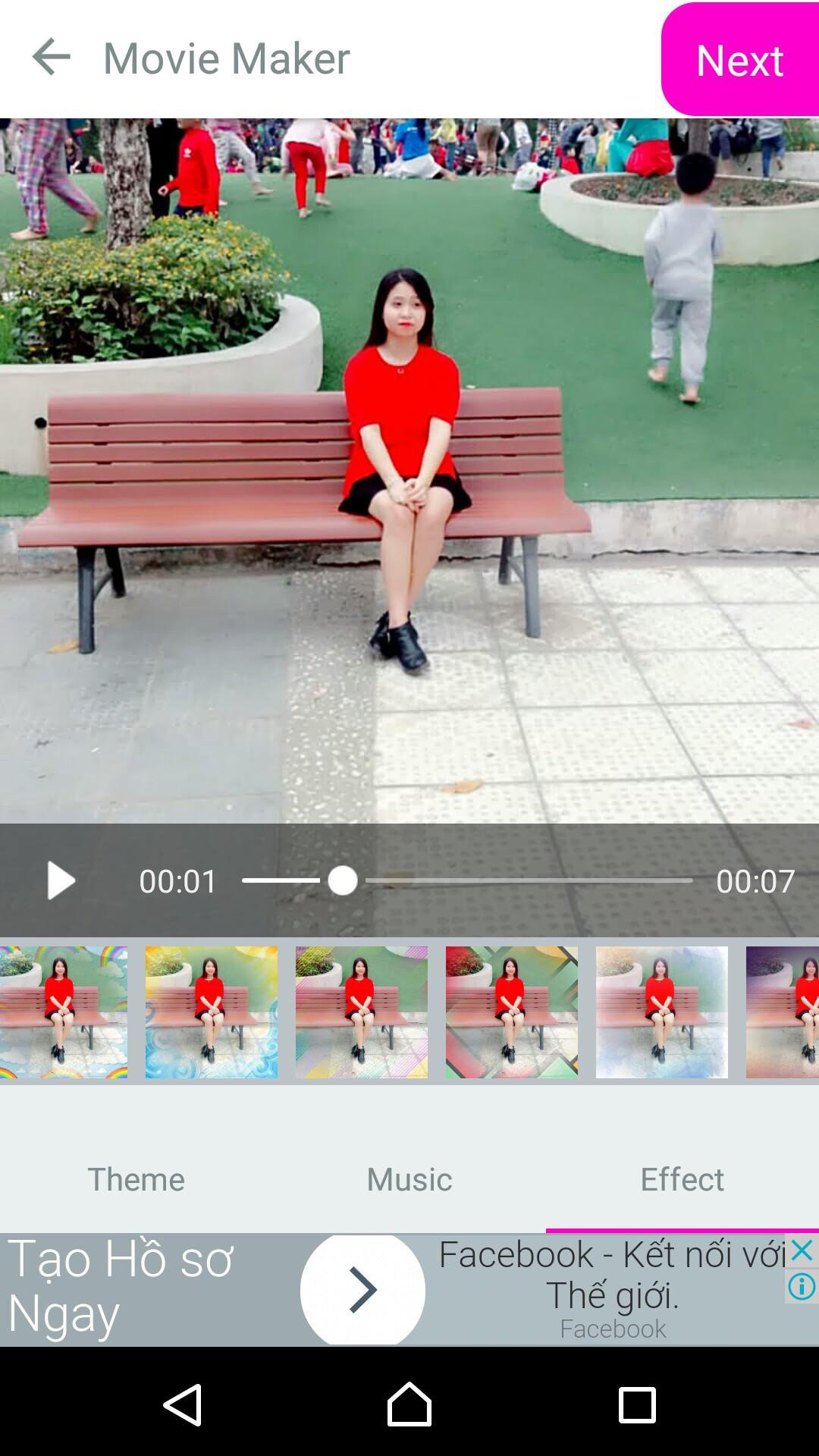
Fb video editor from photo with song is the best movie slides
Fb video editor With your pictures and tons of free tunes , online video editor you can easily create a creative story with shimmering effects.
You can edit your video using the following steps:
1. Start Professional Video Editor.
2. Select an image or video from your photos collection .
3. Choose the songs you love .
4. Choose the effect in a variety of beautiful effects of movie slides
FEATURES
1. Easy add pictures + video clip.
2. Make video clips absolutely free.
3. Excellent image filter.
4. Set the video speed as fast as you want.
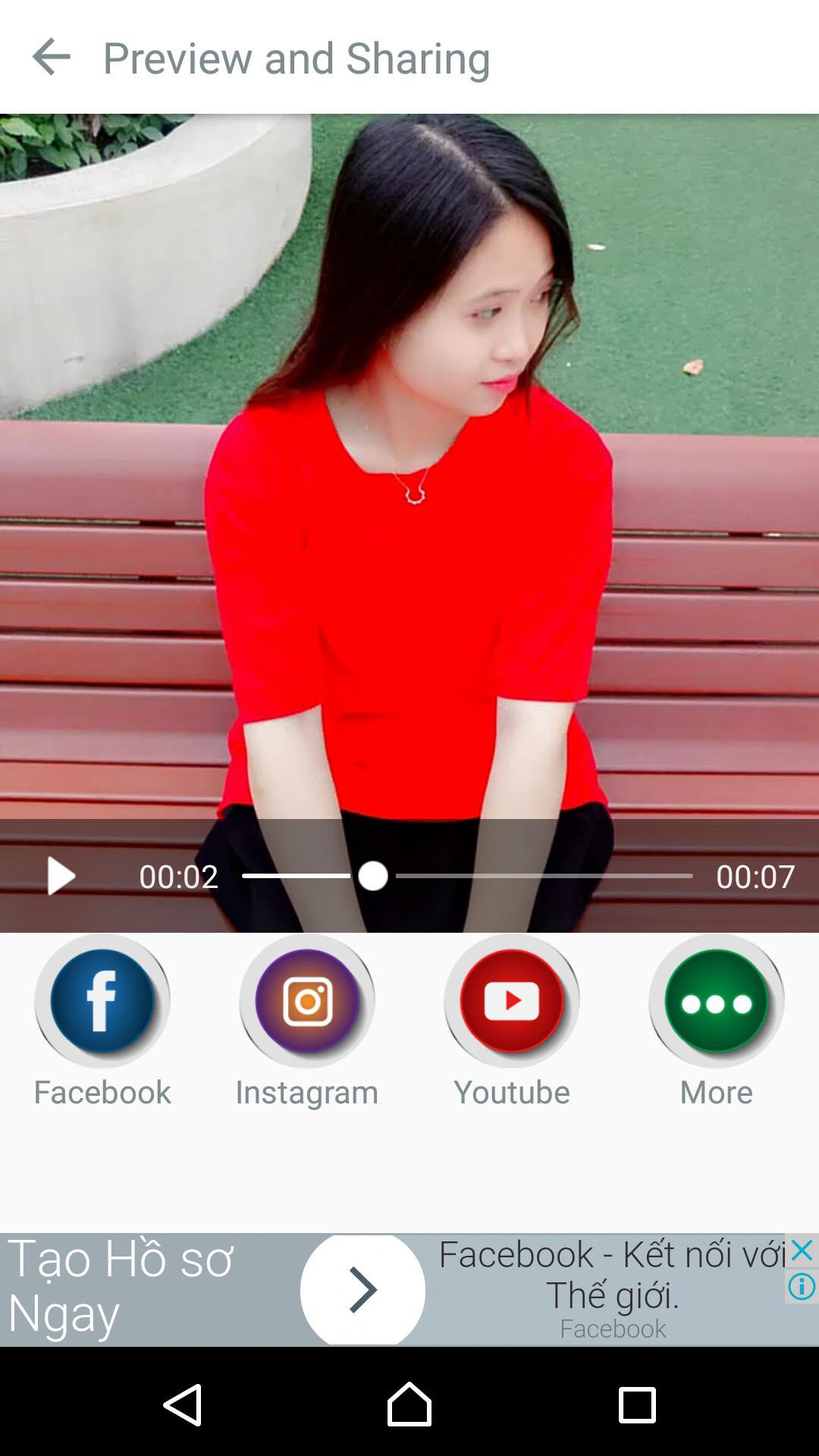
5. Share apps that create video with your friends and family right away.
7. Easy to use interface with simple operation.
If you have any questions to our Professional Video Editor, please feel free to comment below or email us.








คลิกเพียงครั้งเดียวเพื่อติดตั้งไฟล์ XAPK/APK บน Android!

ขอบคุณสำหรับการให้คะแนนและข้อเสนอแนะของคุณ!
คุณได้ให้คะแนนแล้ว




