ดาวน์โหลด APK ได้อย่างปลอดภัยและรวดเร็วบน APKPure
APKPure ใช้การตรวจสอบลายเซ็นเพื่อประกันการดาวน์โหลด APK ของ GFX Tool ที่ปลอดไวรัสสำหรับคุณ

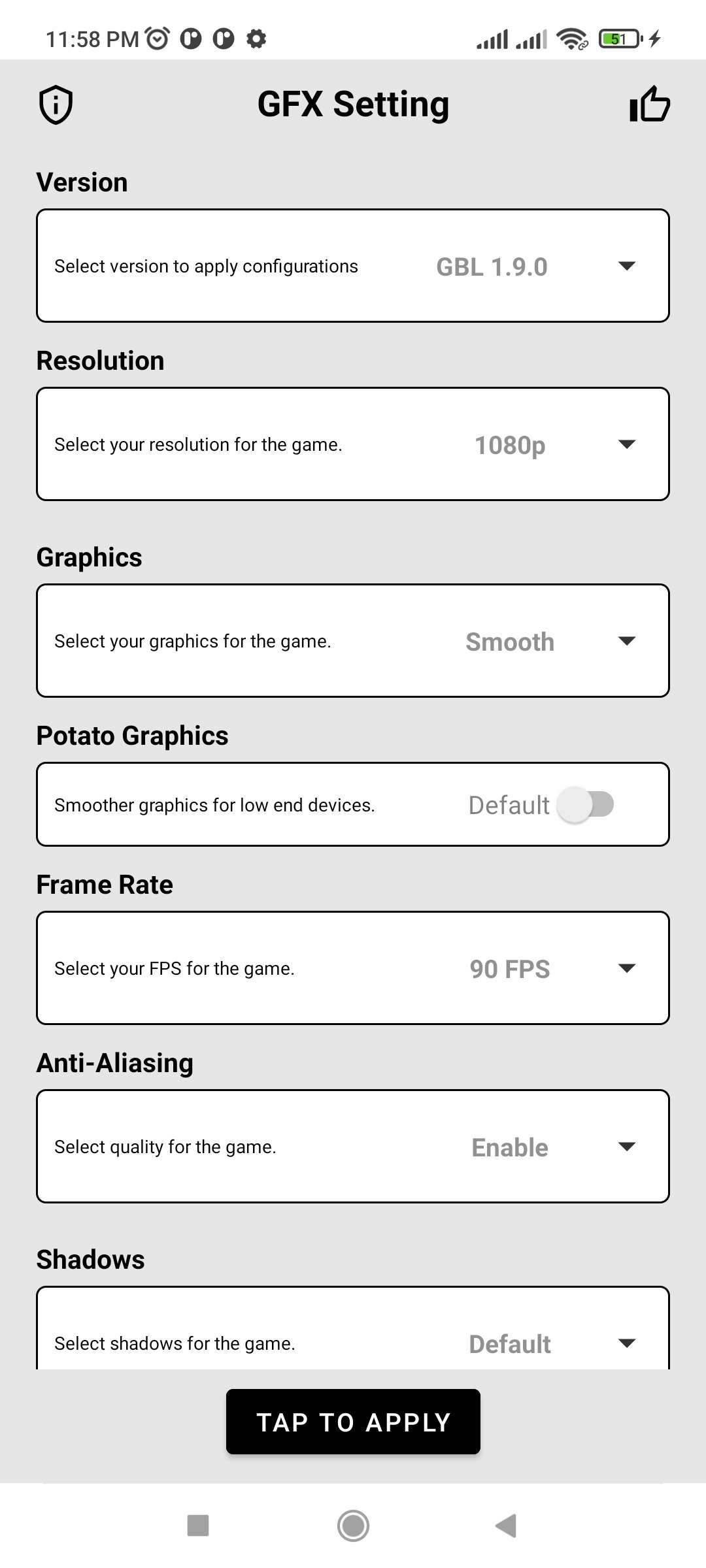
เครื่องมือ GFX เกมที่ราบรื่น 90 fps รองรับ Android 11, 12 และเวอร์ชันอื่น ๆ ทั้งหมด
It is a free tool for specific games where you can fully customize the game's graphics to get smooth gameplay and beautiful pictures .
Main features
• 90 fps
• Smooth gameplay
• Unlock all FPS levels
• Select Ultra HDR graphics
• Change shadows and Anti-aliasing
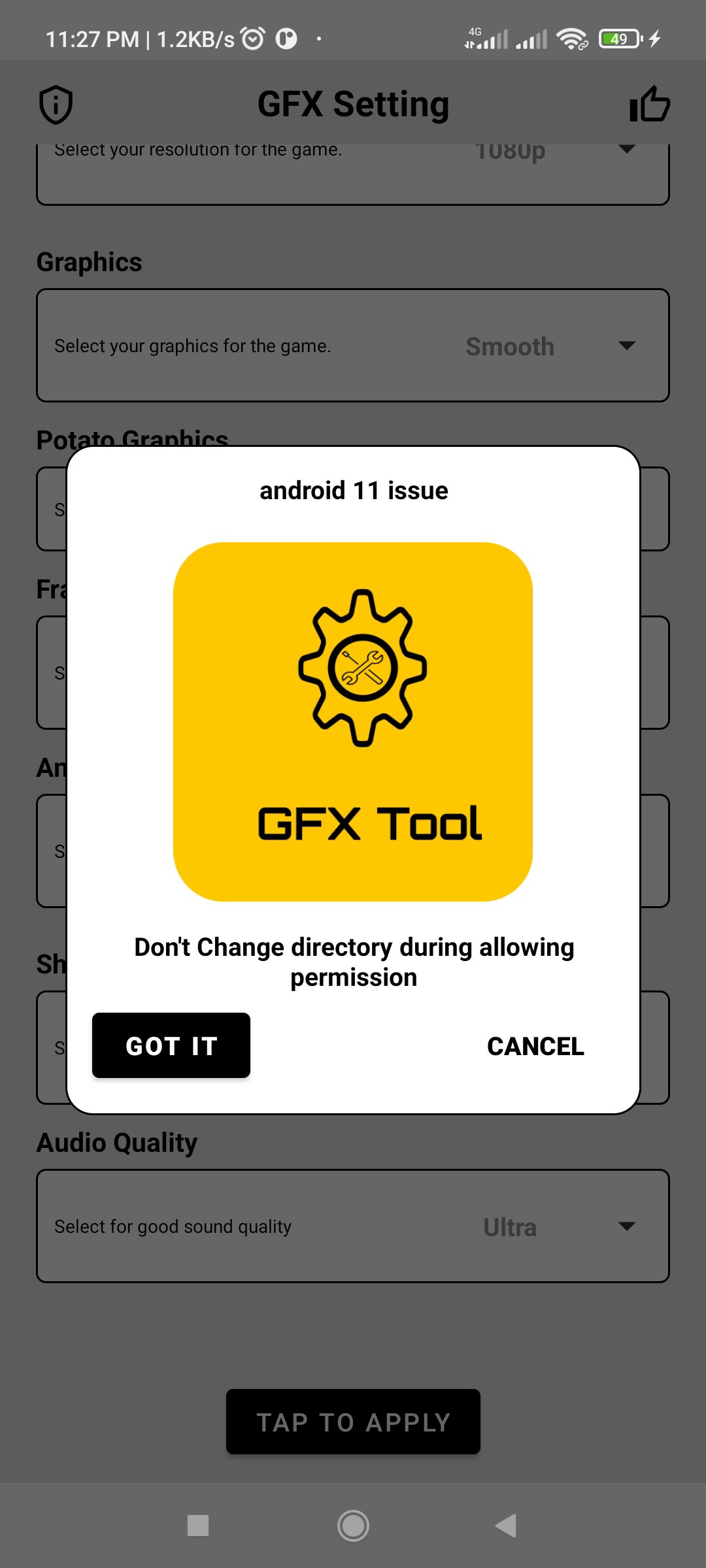
• Android 11, 12 and lower versions support.
How to use GFX Tool
• If you are currently running the game then close it before starting this app
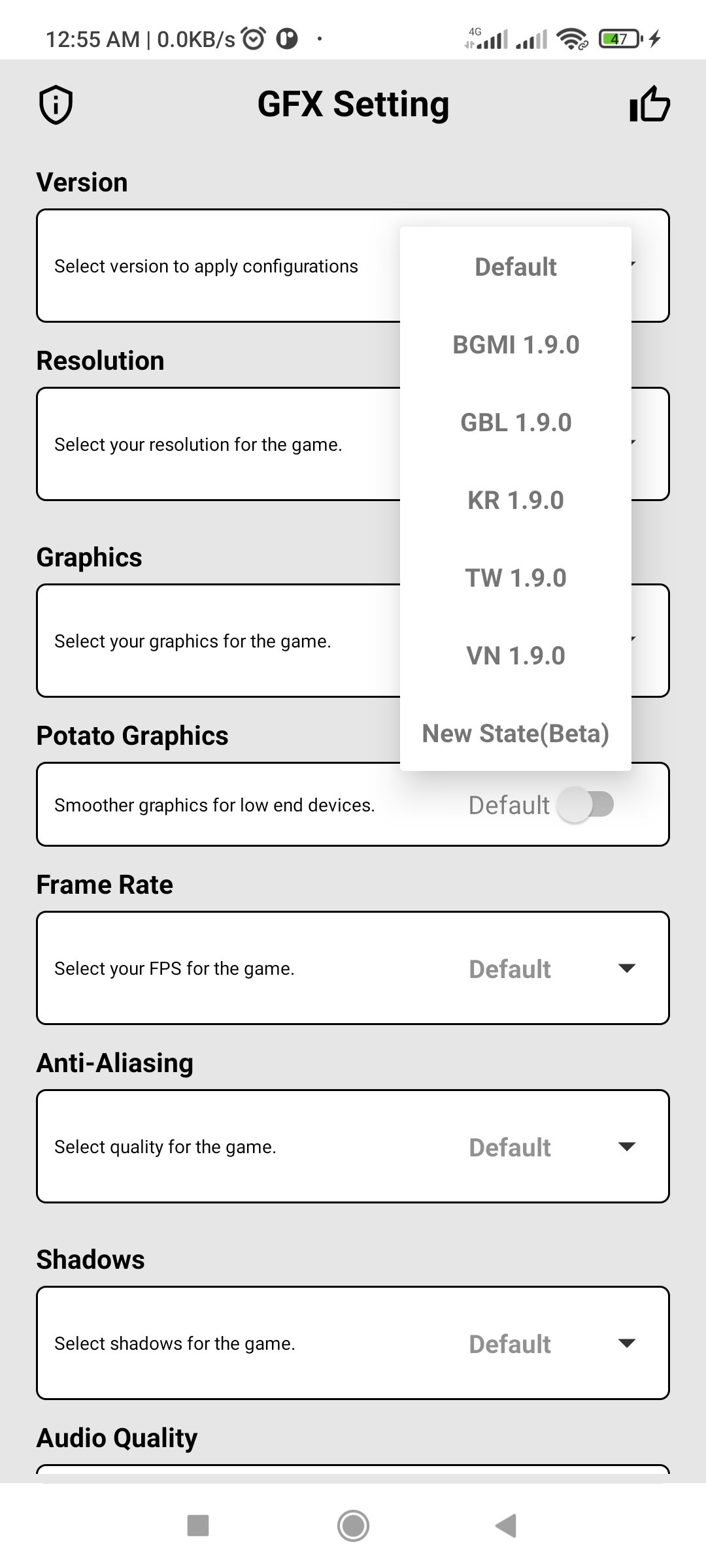
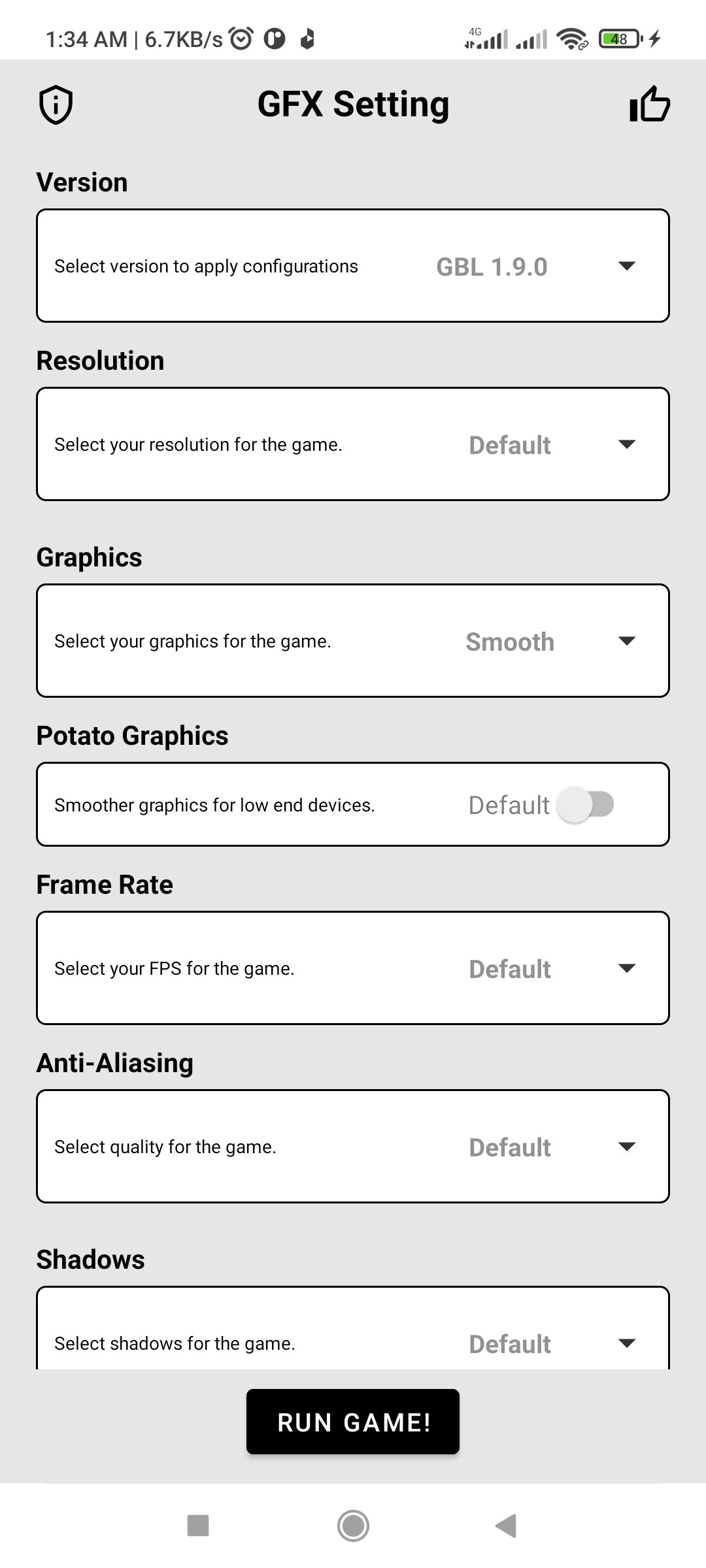
• Open GFX Tool and select version of your game
• Select the FPS and other options as you desire
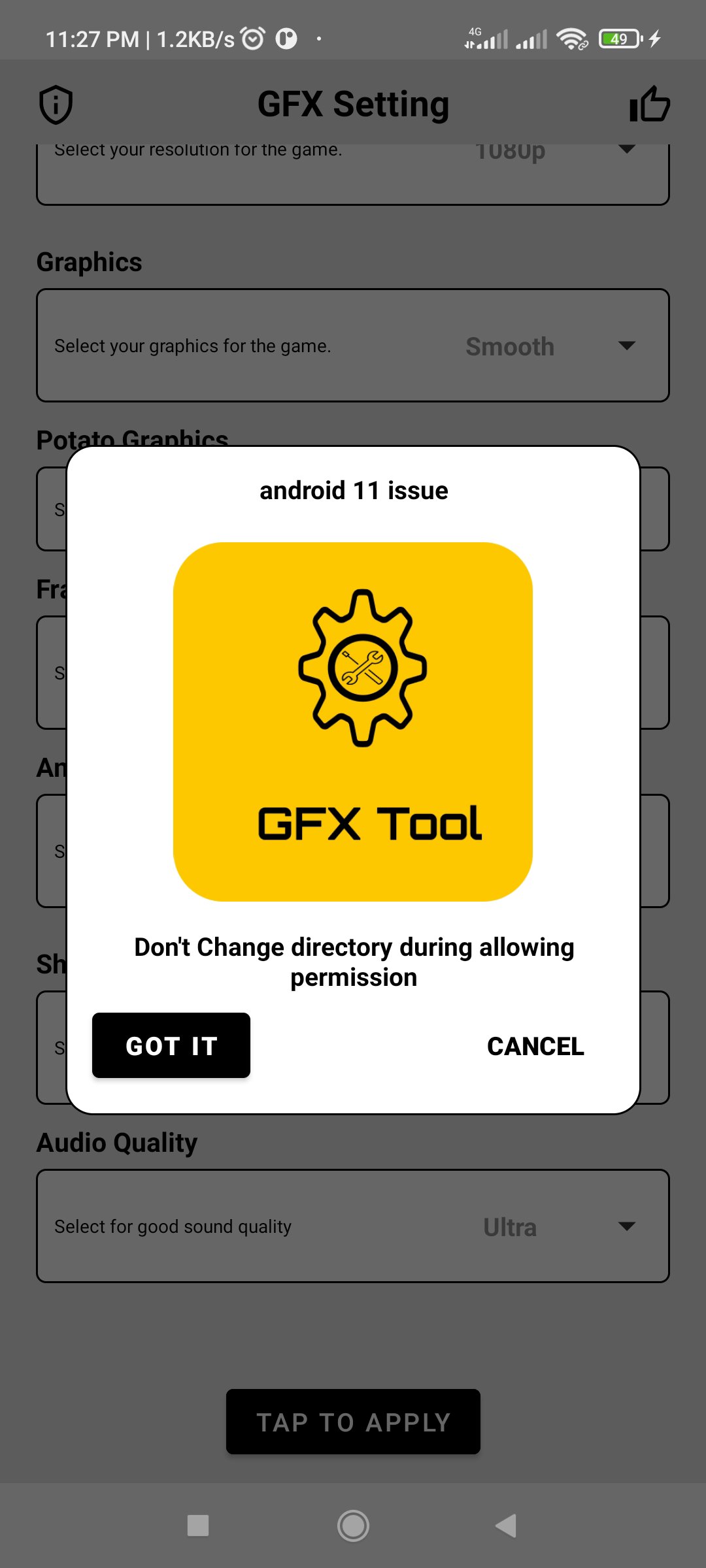
• Tap on Apply button
• Once every thing is done then tap on 'Run Game!' to launch the game.
DISCLAIMER: This is an UNOFFICIAL application for specific games. This app is not associated in any way with other developers and brands.



คลิกเพียงครั้งเดียวเพื่อติดตั้งไฟล์ XAPK/APK บน Android!

ขอบคุณสำหรับการให้คะแนนและข้อเสนอแนะของคุณ!
คุณได้ให้คะแนนแล้ว