
ดาวน์โหลด APK ได้อย่างปลอดภัยและรวดเร็วบน APKPure
APKPure ใช้การตรวจสอบลายเซ็นเพื่อประกันการดาวน์โหลด APK ของ my Secure Notes ที่ปลอดไวรัสสำหรับคุณ

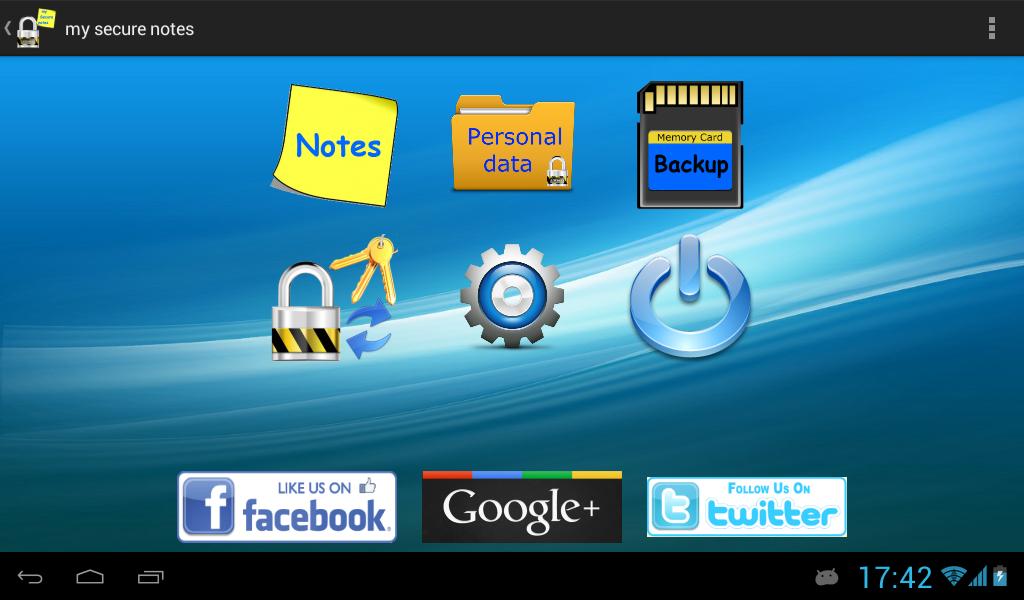
Protect your personal data fast and easy with "my Secure Notes"
Protect your personal data fast and easy with "my Secure Notes"
Why "my Secure Notes":
* Is fast
* Is simple
* Is secure
For users with Samsung with Android 6.0+
You must enable "use SD card" or else backup function will fail to write on SD card.
This option is at Phone settings -> Applications -> my Secure Notes -> Use SD card
Keep all your personal data, even simple notes, protected (encrypted) with just one master password.
It's very simple and fast.
Default password is 1234
The application uses as a second key the IMEI from your device. So, if data copied to another device, to decrypt them you must know the IMEI of the device that they encrypted.
In case you want to transfer your data to another device use backup / restore method.
Keep the IMEI from the phone that you create the backup,
Goto to settings and set "Use different IMEI" to TRUE
At the next option "Select your own IMEI number" write the IMEI of the device that you make the backup
WARNING: After Restore, Do NOT open any note or personal data before write the correct IMEI number.
Translations: Arabic, English, French, German, Greek, Japanese, Spanish, Italian, Chinese, Korean, Dutch, Portuguese, Russian, Turkish, Czech, Hindi





คลิกเพียงครั้งเดียวเพื่อติดตั้งไฟล์ XAPK/APK บน Android!

ขอบคุณสำหรับการให้คะแนนและข้อเสนอแนะของคุณ!
คุณได้ให้คะแนนแล้ว







