
ดาวน์โหลด APK ได้อย่างปลอดภัยและรวดเร็วบน APKPure
APKPure ใช้การตรวจสอบลายเซ็นเพื่อประกันการดาวน์โหลด APK ของ OGWhatsApp ที่ปลอดไวรัสสำหรับคุณ

Use two telephone numbers with WhatsApp
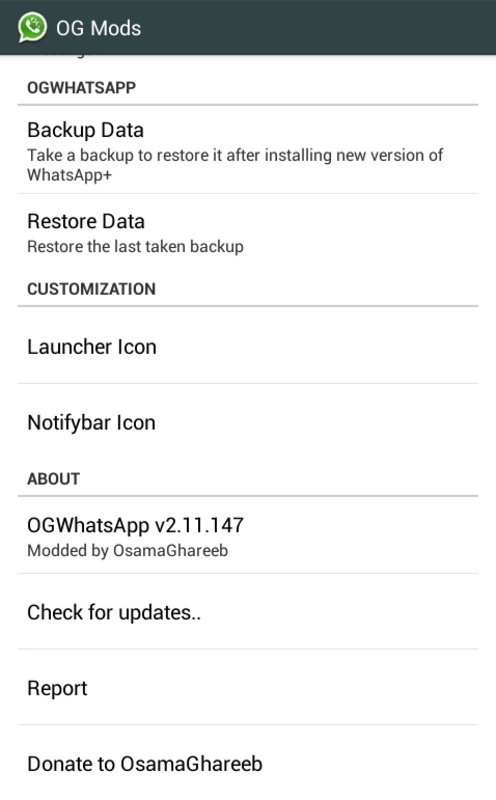
Once you install OGWhatsApp on your Android device, the app allows you to use two different telephone numbers with WhatsApp from the same smartphone.
It´s much easier to install OGWhatsApp than it might seem at first. You just have to follow these three steps:
-The first step is to make a backup copy of all of your messages (if you want to save them) and then delete all of the user information for the app (or you can just reinstall the app)
-The second step is to rename the /sdcard/WhatsApp directory to /sdcard/OGWhatsApp. You can do this using any file manager for Android, though it is easier to do this from Windows.
-The third and last step is to verify your old number in the OG version of WhatsApp, and then verify your new number in the normal version of WhatsApp. That's it.
OGWhatsApp is a very useful tool for users who want to have two WhatsApp telephone numbers on their Android device.



คลิกเพียงครั้งเดียวเพื่อติดตั้งไฟล์ XAPK/APK บน Android!

ขอบคุณสำหรับการให้คะแนนและข้อเสนอแนะของคุณ!
คุณได้ให้คะแนนแล้ว





