ดาวน์โหลด APK ได้อย่างปลอดภัยและรวดเร็วบน APKPure
APKPure ใช้การตรวจสอบลายเซ็นเพื่อประกันการดาวน์โหลด APK ของ Pebble Custom Notifier ที่ปลอดไวรัสสำหรับคุณ

Enjoy millions of the latest Android apps, games, music, movies, TV, books, magazines & more. Anytime, anywhere, across your devices.
**** For Emoji Support, uninstall this version and then install the paid version ****
**** Version 2.0 with updated features & UI Refresh now Available, When upgrading to this newly overhauled version, system might warn about personal information access. but that's only to read calendar events ****
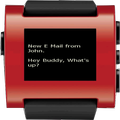
Do you own a pebble smart watch and want all your phone notifications on your watch? then this is the app for you.
A few highlights from the application are:
1) Simple and clean user interface.
2) Very simple/1-step set up. Takes less than 30 seconds to get it up and running.
3) Lets you customize which notifications you want to show up on your watch.
4) Does not depend on a watch face on your pebble watch. so you are free to use your pebble in any way you want.
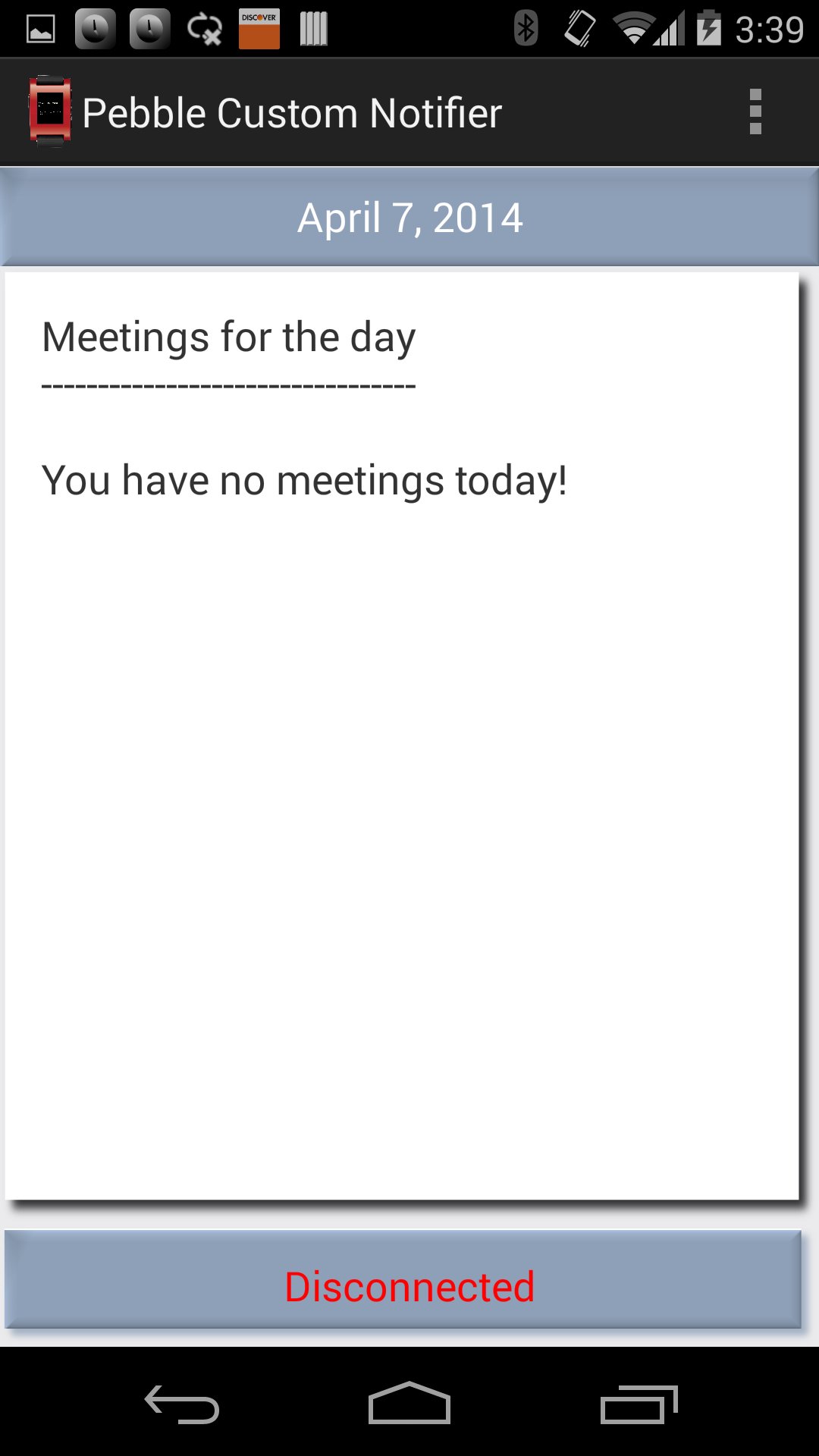
5) Wakes you up every morning with a notification that provides daily calendar schedule.
6) Works for all notifications starting from hang outs to whats app to your office email client.
7) Notifications on Kitkat are shown with complete detail and message content on the watch. for ex: Emails are shown with message content on your pebble watch.
8) For any issues, use the option menu within the application to contact the developer directly for support/new feature requests
By Default, the app is configured to send all notifications after installation, you can launch the new settings page from the options menu and un-check/configure the apps you are not interested.
**** Steps to set up the app on your phone. ****
1) Install the app, connect to your pebble.
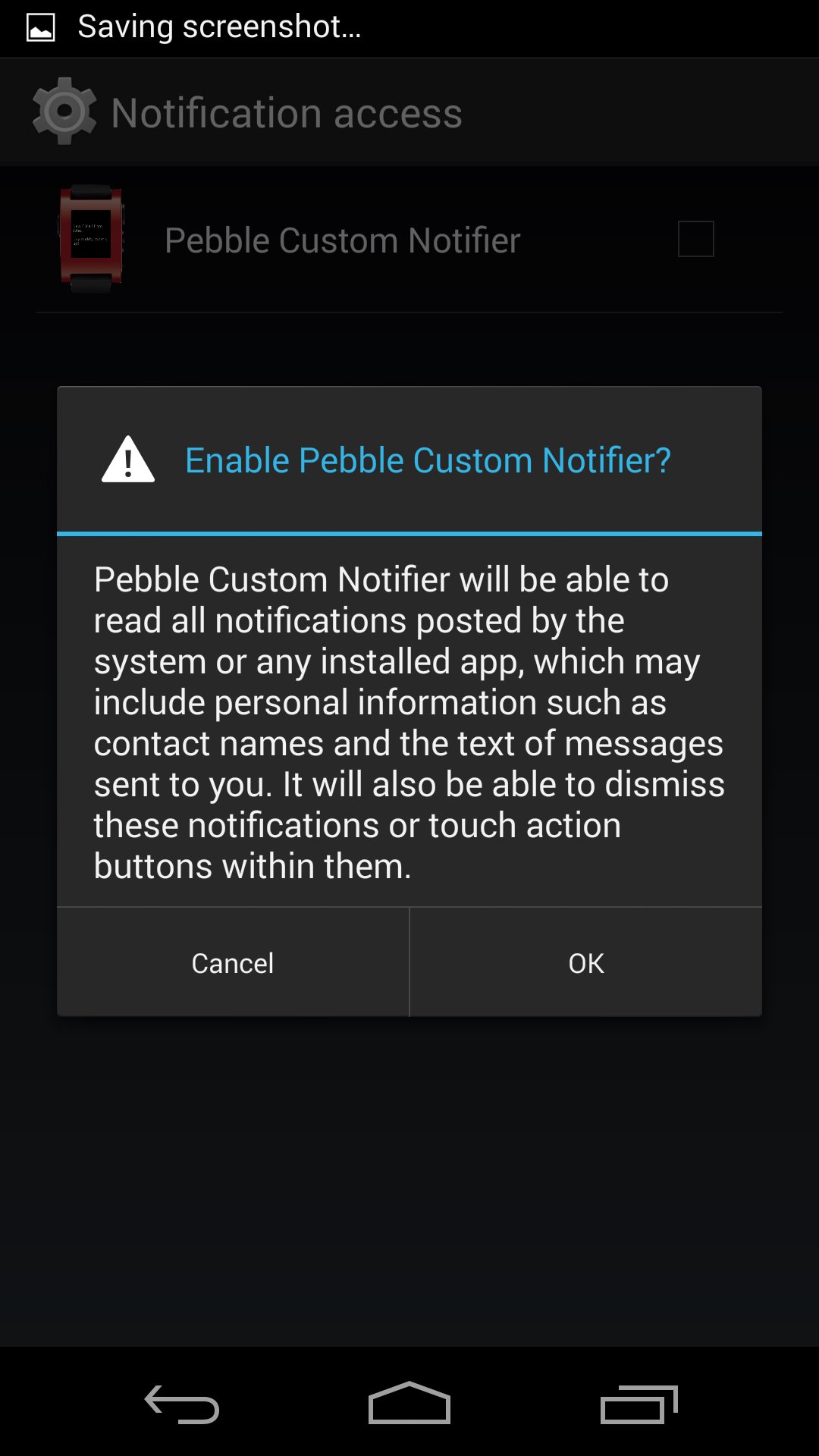
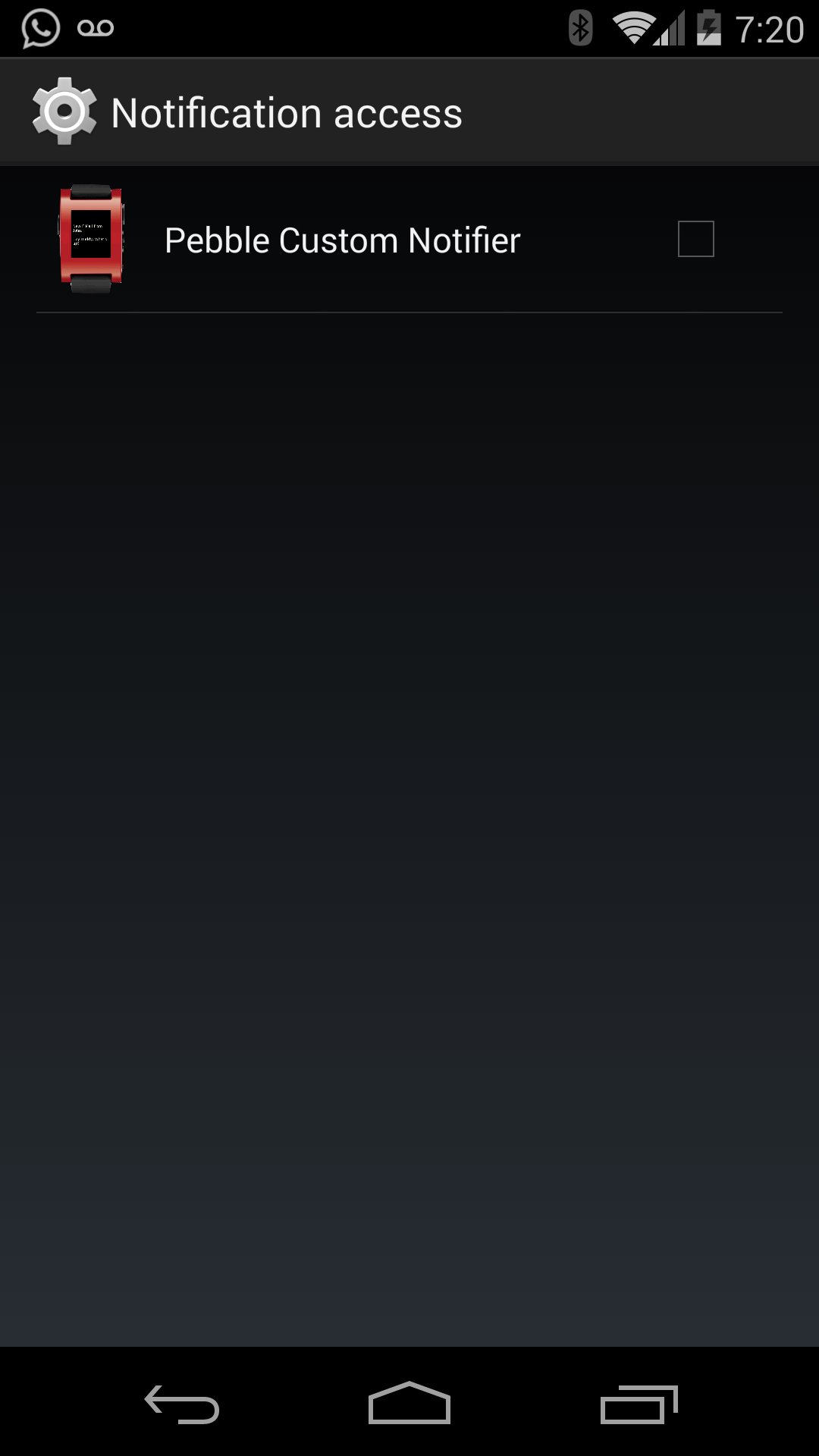
2) Open this android application. go to the app's settings menu and approve access to notifications. (select the Check-Box)
and Voila Don't miss any important meeting or message again !!!!
**** Important NOTE ****
1) To avoid duplicate notifications, make sure to disable all other notifications in the official pebble android application and just enable "Incoming call" & "3rd Party Notifications".
2) If you currently have any other notification related android apps installed for this same purpose, uninstall them totally to avoid any confusion with them sending duplicate notifications.
*** Known Issue ****
At times, if you see that notifications to the pebble watch are not coming in anymore, go and manually launch the pebblecustomernotifier app manually again and then go to the settings menu of the app.
you will find that the listener service is enabled (check box ticked), just uncheck the check box once and check it again to re-enable it.
this should fix the issue.





คลิกเพียงครั้งเดียวเพื่อติดตั้งไฟล์ XAPK/APK บน Android!

ขอบคุณสำหรับการให้คะแนนและข้อเสนอแนะของคุณ!
คุณได้ให้คะแนนแล้ว