
ดาวน์โหลด APK ได้อย่างปลอดภัยและรวดเร็วบน APKPure
APKPure ใช้การตรวจสอบลายเซ็นเพื่อประกันการดาวน์โหลด APK ของ Quick Pick ที่ปลอดไวรัสสำหรับคุณ

Quickly access your favorite apps, contacts, settings, or profiles.
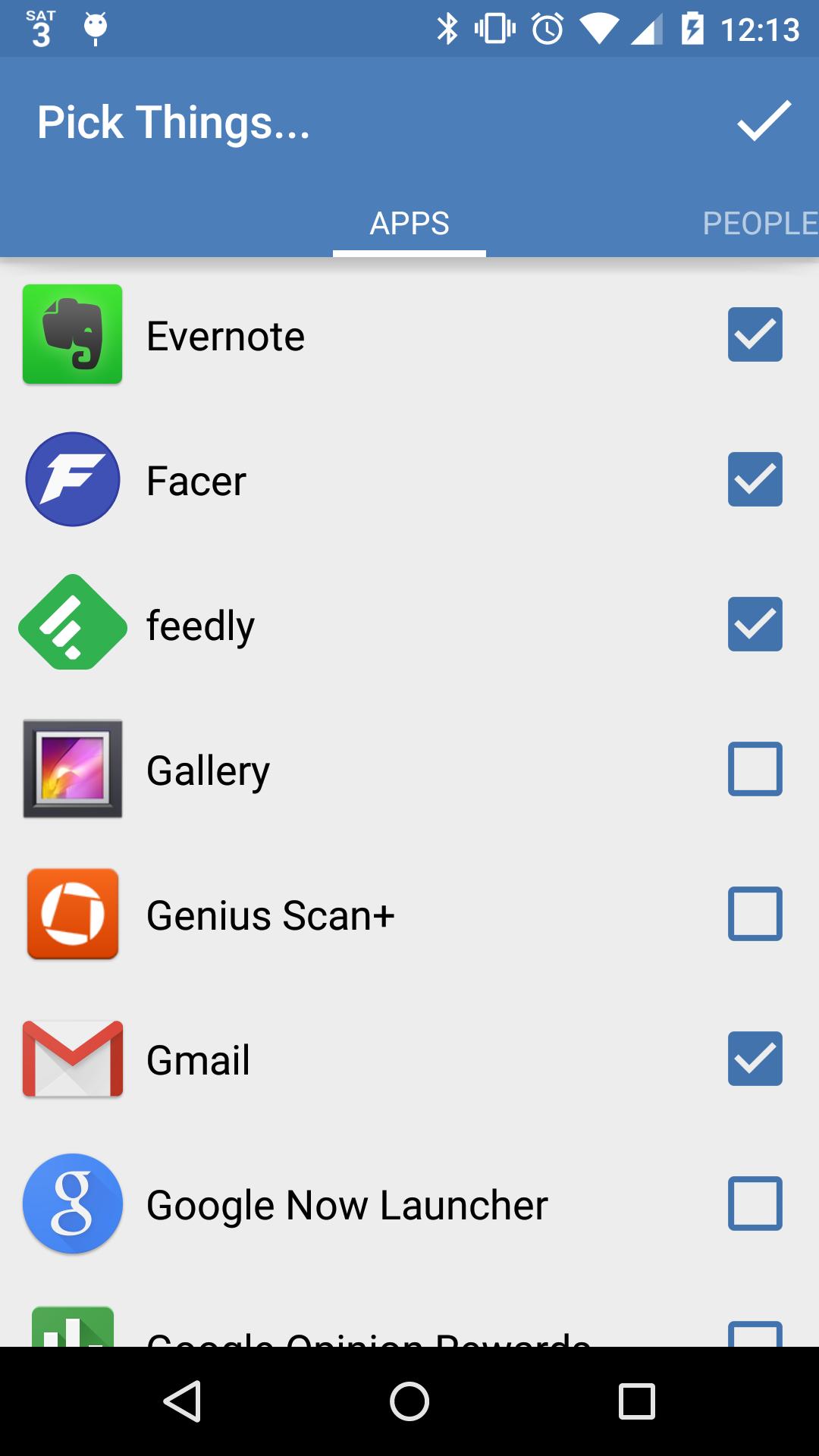
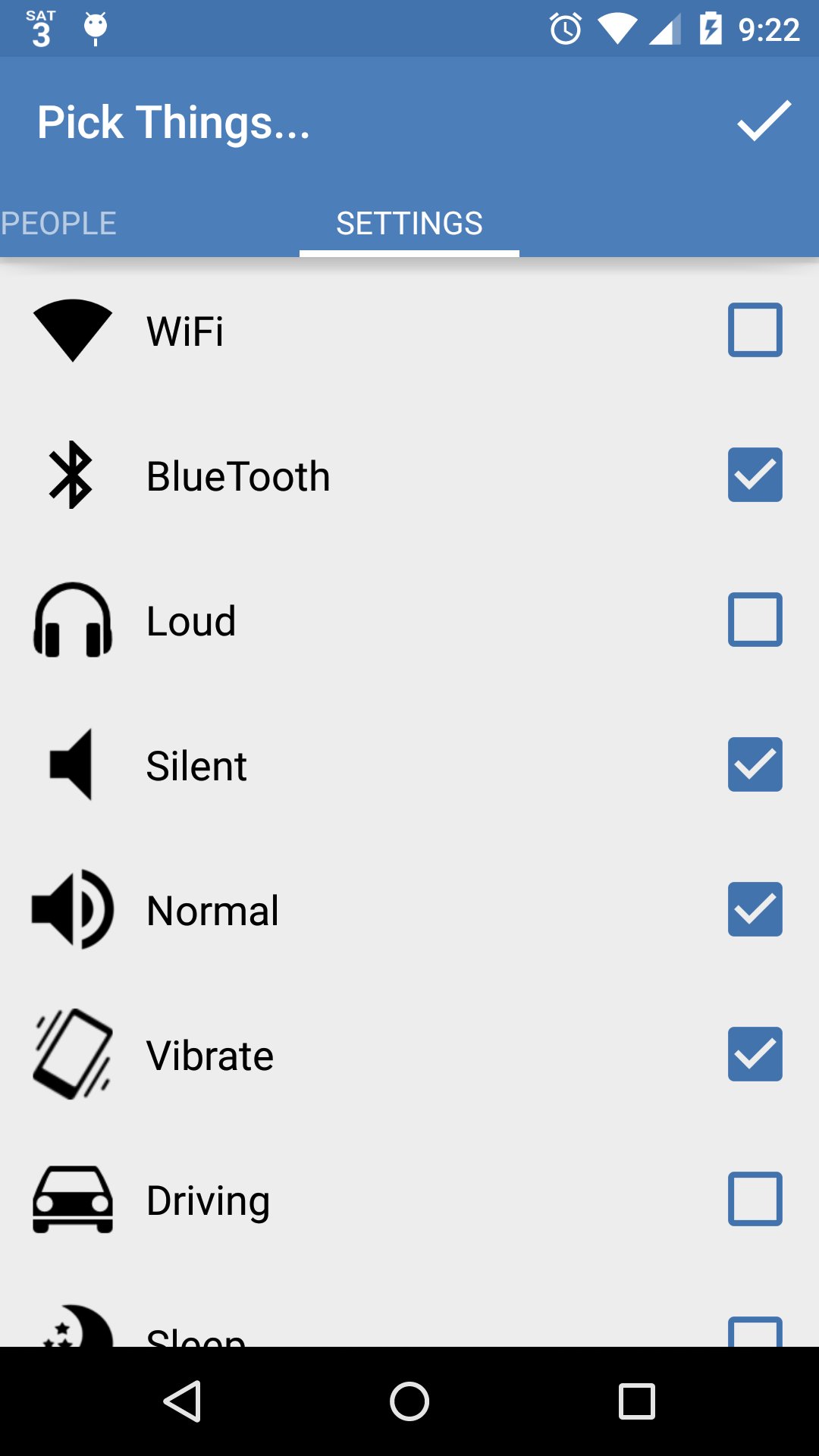
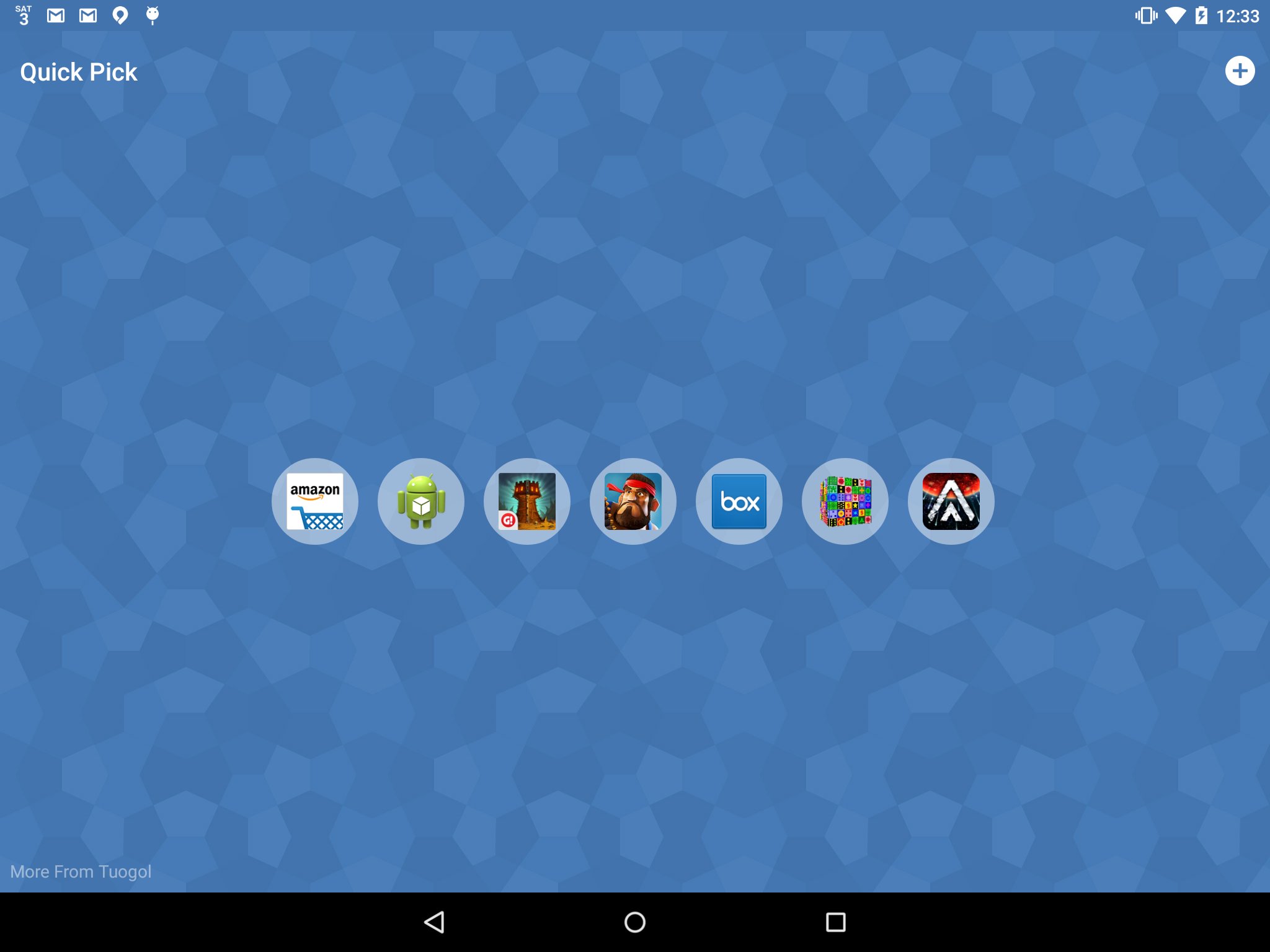
Quick Pick allows you to quickly access your favorite apps, contacts, and settings with one swipe. Just move your finger up from the home button and select Quick Pick. Then you can customize which apps, contacts, settings, or Volume Butler profiles you see. The next time you swipe up from the home button you'll have quick access to your favorite picks!
This application works best with devices that have a soft home button that is built into your screen. If you have a different device than this simply use the Quick Pick icon for similar functionality.
You can also apply your Volume Butler profiles right from Quick Pick! Install Volume Butler and create some profiles to have easy access to your volume settings.






คลิกเพียงครั้งเดียวเพื่อติดตั้งไฟล์ XAPK/APK บน Android!

ขอบคุณสำหรับการให้คะแนนและข้อเสนอแนะของคุณ!
คุณได้ให้คะแนนแล้ว