
Güvenli ve Hızlı APK İndirmeleri APKPure'de
APKPure, virüssüz APK Extractor - App Backup APK indirmelerini sağlamak için imza doğrulaması kullanır.

APK Extractor for extracting APK files from installed Apps and App Backup Tool.
APK Extractor is a complete tool for extracting APK files from installed apps and games. You can share the extracted APK file with anyone using any file sharing service and backup all your installed apps to your device. APK Extractor lets you to freely share and backup your installed Apps and hide or uninstall all those bloatware apps that slows down your smartphone.
★★★★★Features of APK Extractor ★★★★★
★ Extract APK
This is the key feature of APK extractor, you can backup the APK file of any installed application to your sd card by extracting it through APK Extractor. This allow you to use apk in future without the effort of downloading it again. APK Extractor will save the apk file in the internal storage of your phone. It supports the extraction of system apps, as well as user installed apps.
★ Share APK
Using APK Extractor, you cannot only extract APK files from any installed application but you can also share the extracted apps with your friends at the same time. APK Extractor also offers you to save the extracted APK file on your online drive for future use.
★ Application Manager
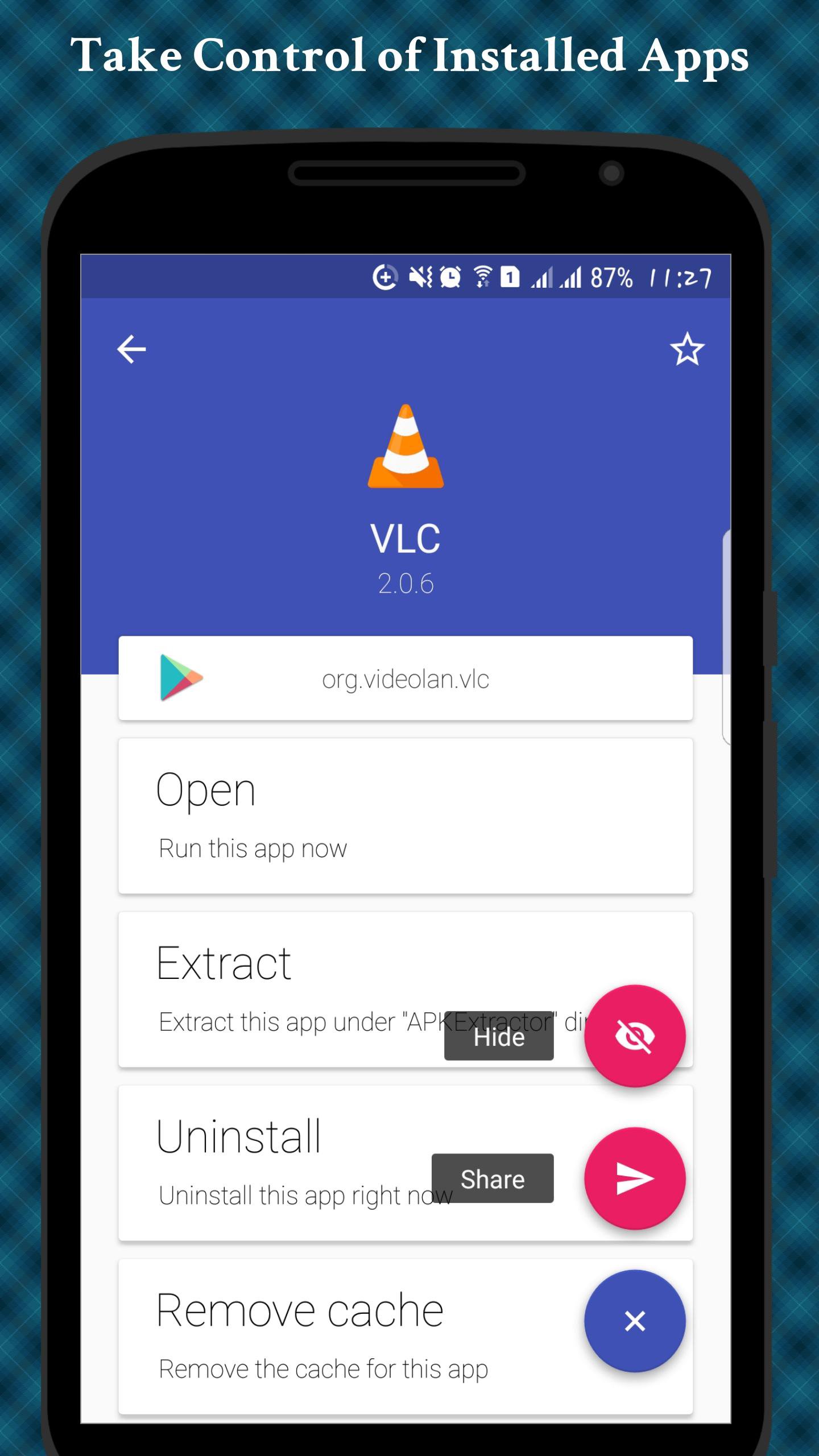
APK Extractor comes with a powerful APP Manager. You can use it to uninstall or clear data for any installed app. You can even uninstall system apps but this feature requires your phone to be rooted. You can also uninstall bloatware apps using APK Extactor.
★ Hide Apps (ROOT)
You can hide any app from your launcher by using APK Extractor. This will allow you to protect your personal apps from other. You can make hidden apps visible again by using APK Extractor. It also provide the complete application info. You can check availbilty of an on play store to find if it is from a trusted source or not.
Why we need Storage Access?
APK Extractor read data from installed applications and then write the apk file on your storage in APK Extractor directory, this is not possible without using storage permission therefore, grant the storage access when APK Extractor request for it.
This easy to use APK Extractor - APP Backup Application can extract any application you want, use this app and make your apps collection secure and available offline.
If you have any query regarding the app, feel free to mail us at provided email address.
Note:
Root is required to hide and uninstall System Apps.





XAPK/APK dosyalarını Android'e yüklemek için tek tıkla!

Derecelendirme ve geri bildiriminiz için teşekkürler!
Zaten derecelendirdin.