


















感謝您的評分和反饋!
您已經評分了。

Andacious - 在 Android 上運行 Audacity
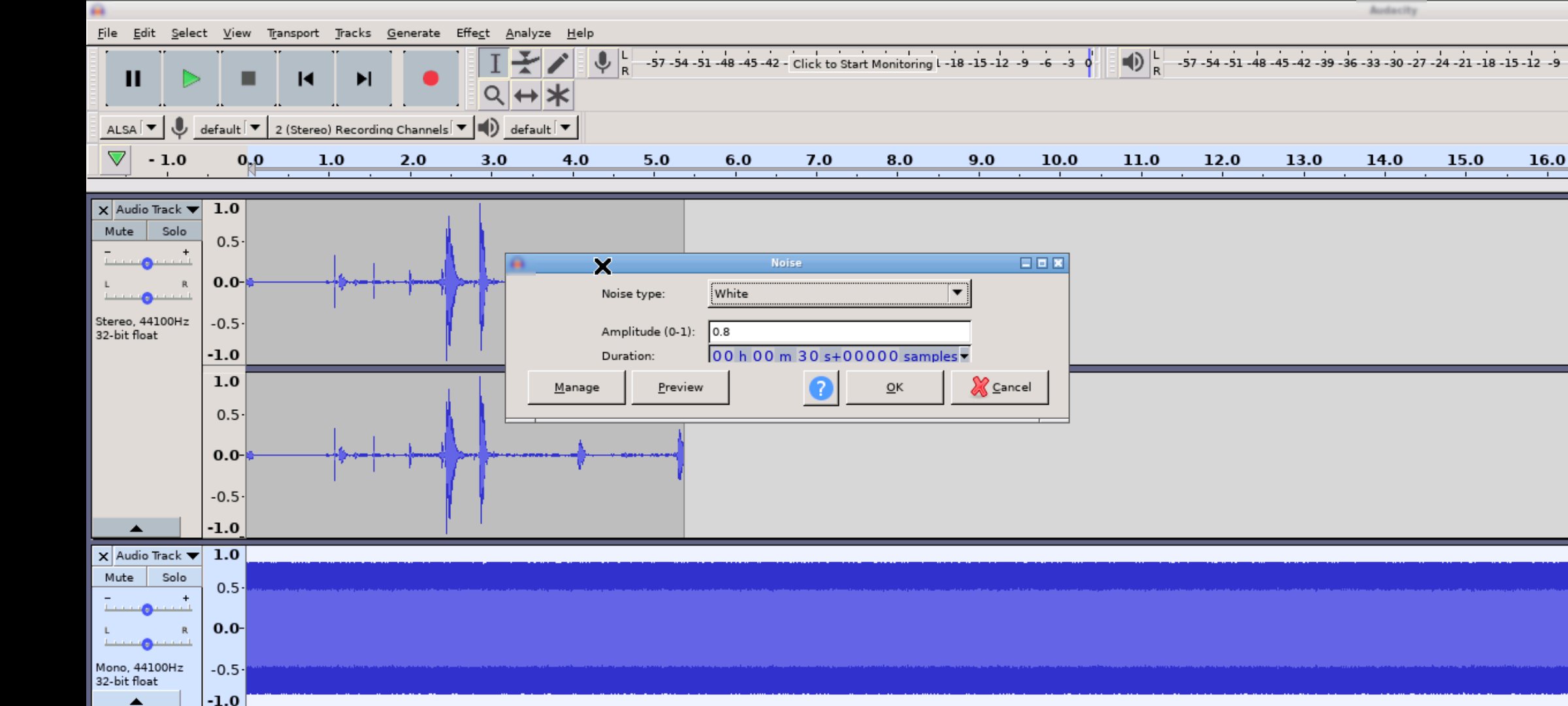
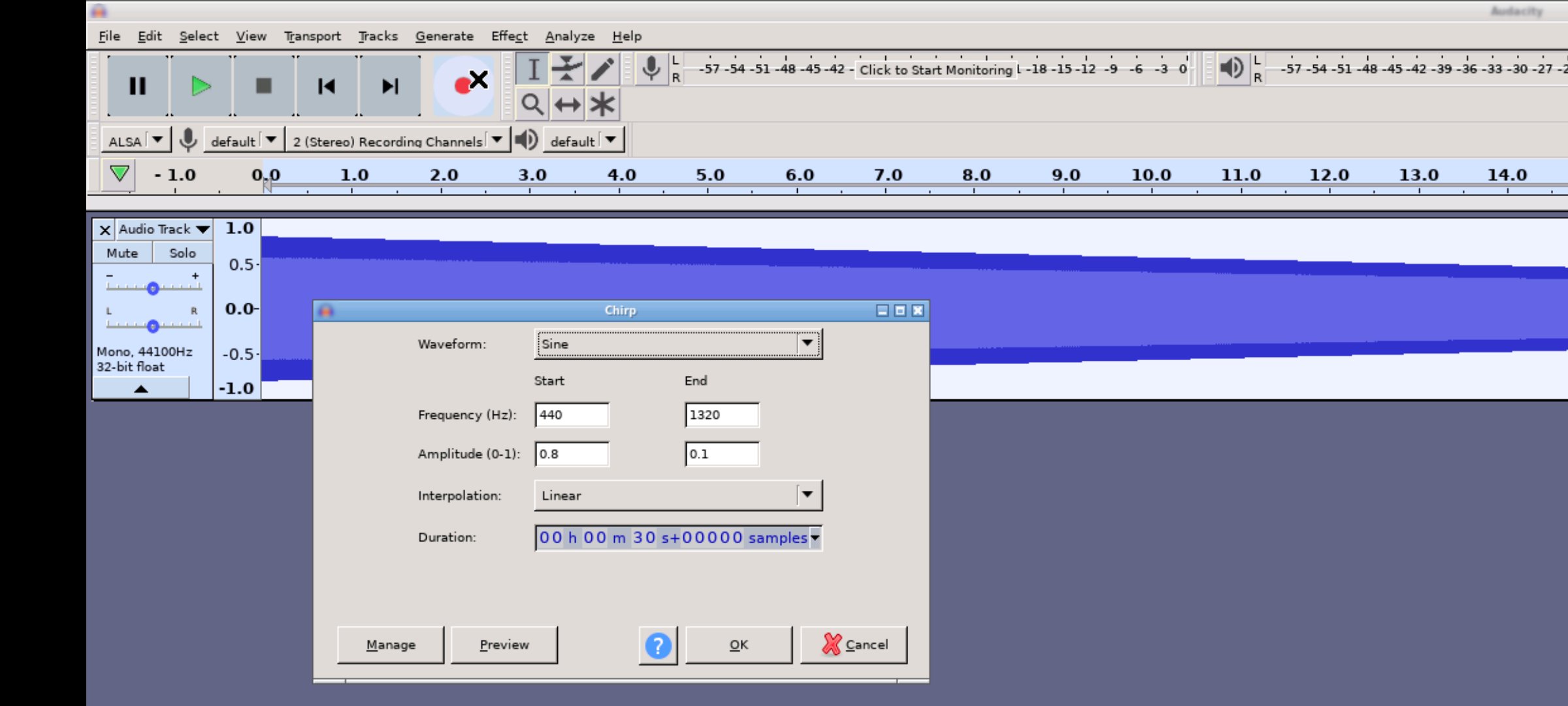
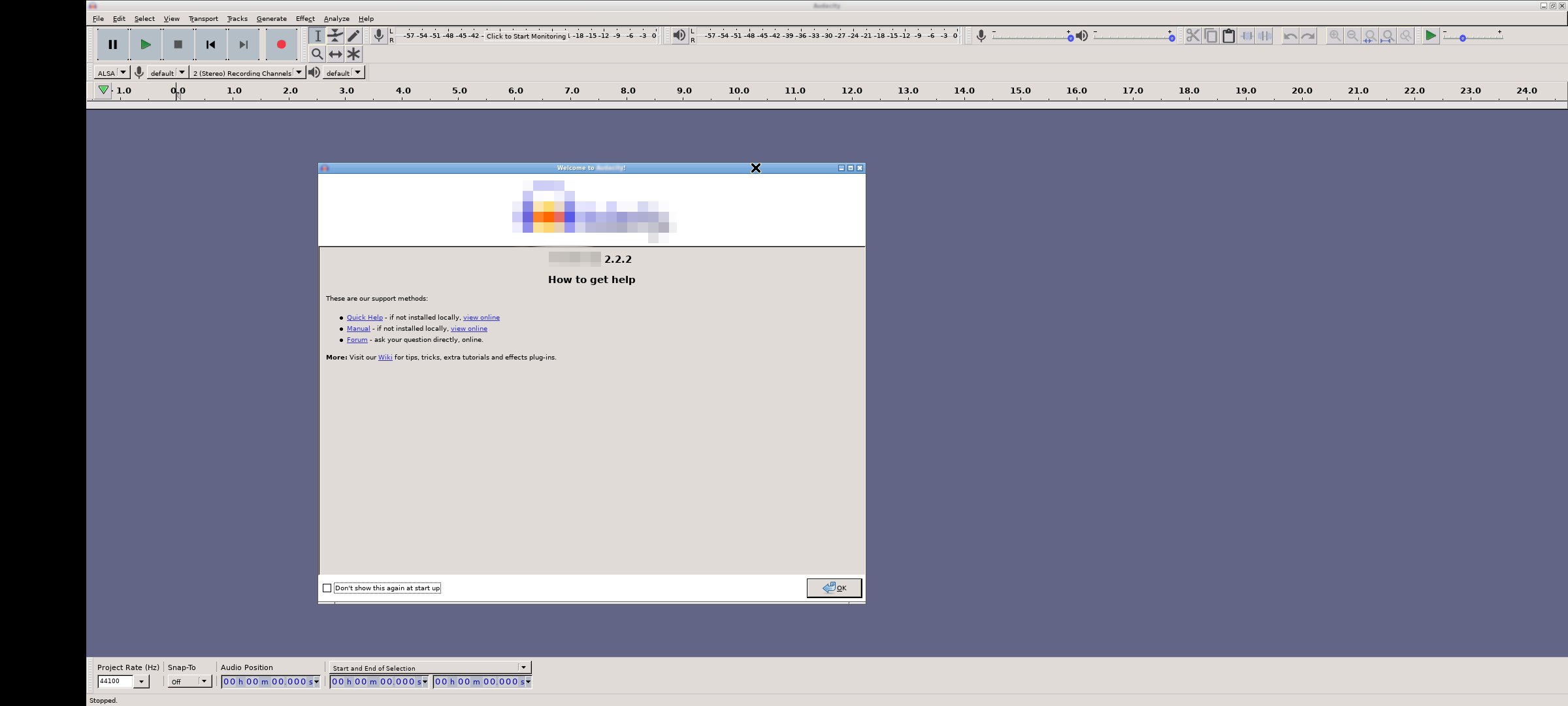
Andacious 讓您在 Android 裝置上執行 Audacity®。
Audacity 是一款功能強大且功能豐富的音訊錄製、編輯和混音軟體。
什麼是 Andacious?
Andacious 並非 Audacity 本身,也並非由 Audacity 團隊或 Muse Group 開發或維護。它是一個相容層,用於設定 Linux 桌面版 Audacity,啟動並渲染它,並提供與之互動的方式。
運行 Andacious 有哪些功能?
簡而言之,您可以使用 Andacious 執行 Audacity 的所有常規操作,包括:
* 使用麥克風或混音器進行即時錄音。或將導入的錄音數位化。
* 使用直覺的工具快速編輯音軌,包括剪下、貼上和流暢的音量混合。
* 使用更進階的效果完善您的音訊:
* 使用降噪工具減少背景噪音。
* 調整速度而不改變音調,反之亦然。
* 使用均衡器、高通和低通濾波器等調整頻率。
* 降低或分離立體聲軌道中的人聲。
* 使用失真、迴聲、殘響等效果增強音訊衝擊力。
* 匯入、匯出和轉換所有主流音訊格式的文件,包括 mp3、m4a、AIFF、FLAC、WAV 等。您甚至可以將多種格式的音訊片段合併到同一個專案中。
* 透過由充滿熱情的 Audacity 開源社群設計的豐富的第三方效果插件,將您的編輯提升到一個新的水平。
* 在頻譜圖視圖中視覺化和分析您的音訊片段。
* 等等
描述基於 CC-by 4.0 授權協議提供:https://creativecommons.org/licenses/by/4.0/
您可以在這裡閱讀更多詳細資訊:https://www.audacityteam.org/FAQ/
如何使用 Andacious?
使用方法與普通應用相同。以下是一些應用的具體使用技巧:
* 單指點擊。
* 雙指點擊。
* 雙指捏合縮放。
* 單指滑動平移。
* 雙指滑動即可捲動。
* 如需調出鍵盤,請點擊螢幕,螢幕上會顯示一系列圖標,然後點擊鍵盤圖標。



感謝您的評分和反饋!
您已經評分了。




