在APKPure安全快速地下載APK
APKPure 使用簽章驗證功能,確保為您提供無病毒的 McAfee® SpyLocker Remover APK 下載。

掃描,檢測和從Android設備中刪除惡意軟件SpyLocker
McAfee SpyLocker Remover for Android helps detect and remove SpyLocker (SpyAgent) malware. To stay protected from a variety of mobile malware, including SpyLocker, download the McAfee Mobile Security App: http://m.onelink.me/2e8bcef1
Q&A
What is SpyLocker (SpyAgent) malware?
SpyLocker (SpyAgent) is a new Android threat that collects data on your device and sends it to a server. It targets customers of large banks in Australia, New Zealand and Turkey. This banking malware steals login credentials from 20 mobile banking apps using fake login screens. This information is sent to a command and control server to be used at a later time for profit.
How does SpyLocker (SpyAgent) malware work?
1. SpyLocker (SpyAgent) generates an overlay to cover the launched banking application login screen, which can’t be skipped unless you enter your mobile banking credentials.
2. If you enter your banking credentials, your information will be recorded and passed to the server of cybercriminals.
3. SpyLocker can even bypass two-step authentication by intercepting all texts (SMS) from the bank and immediately remove them from the client device, so as not to attract any suspicion.
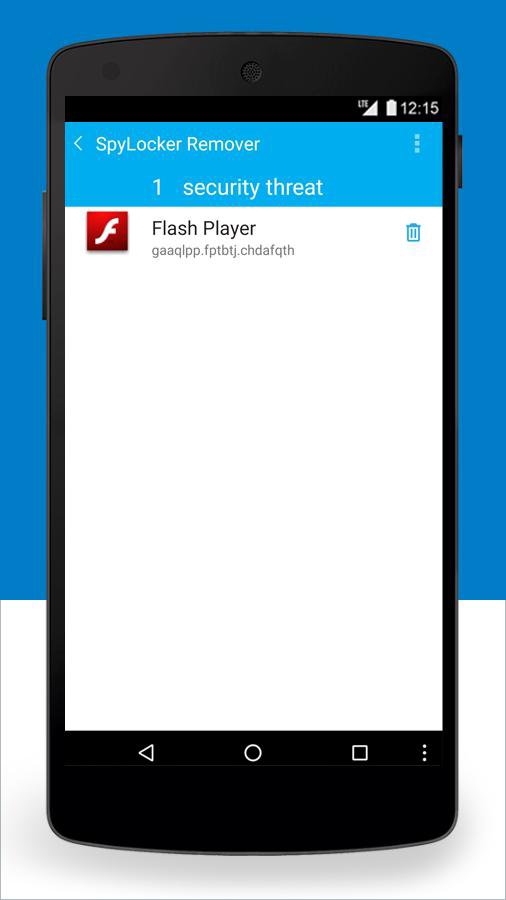
4. If you attempt to delete the fake Flash Player, a false overlay message will claim that the “Administrator will be deactivated”. This false warning blocks access to deactivate the device administrator privilege so you will not be able to complete the uninstall.
Note: In addition to targeting mobile banking apps, SpyLocker also tries to obtain your Google, Skype, eBay, and PayPal account credentials.
Will McAfee SpyLocker Remover fix the SpyLocker vulnerability?
Yes, the McAfee SpyLocker Remover is designed to scan your Android device and remove SpyLocker malware if detected. Here’s how it works:
1. If the fake Flash Player is found, you will be redirected to the Device Administrators privilege where you will see Flash Player listed.
2. McAfee SpyLocker Remover will prevent the malware from blocking access to the Device Administration list.
3. Once you successfully deactivate the malware from the list, you can uninstall the malware via Settings > App/Application Manager > Flash Player > Uninstall.
How do I know whether or not my Android device is infected with SpyLocker malware?
There are few ways to confirm if your Android device is infected with SpyLocker malware:
1. Download McAfee SpyLocker Remover and initiate a device scan. The scan will alert you if your device is infected.
2. Check Device Administrators found under Settings > Security >Device Administrators and look for Flash Player. If you can’t remove it from the administrators list and you are blocked by an overlay screen, your device is infected.
How do I prevent SpyLocker malware from attacking my Android device?
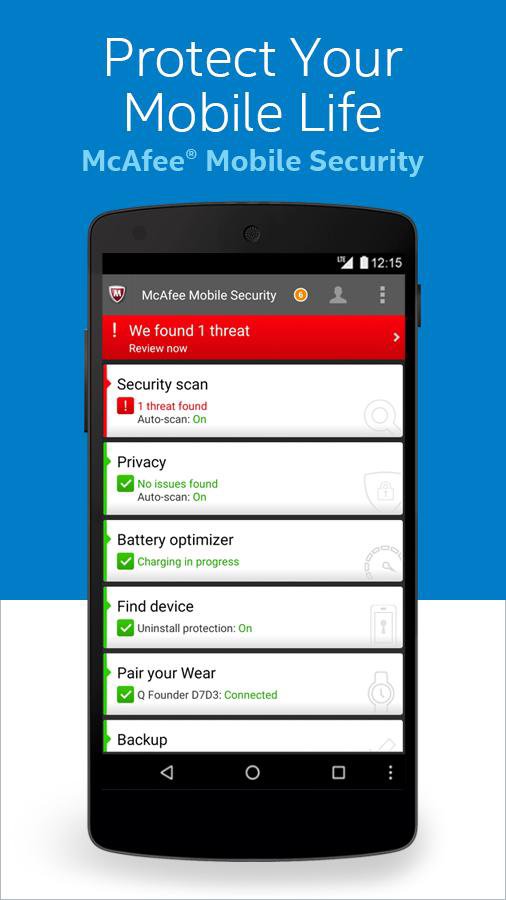
SpyLocker (SpyAgent) malware is only available from untrusted third party sources. Avoid installing apps from any unknown sources, especially those seeking device administration privileges. For real-time safeguard of your device, McAfee Mobile Security provides proactive protection to SpyLocker malware, alerting you if you need to remove the malware.
Do I need to install this app if I am currently a McAfee Mobile Security user?
McAfee Mobile Security provides real-time protection to detect malware and its variants and alerts you if you need to remove the malware. If your device is not affected by SpyLocker malware, McAfee Mobile Security is all you need to keep you free from malware. However, if your device is already infected, you will need to download and install McAfee SpyLocker Remover in order to remove the malware.
Learn More about SpyLocker: https://blogs.mcafee.com/consumer/spylocker-malware-what-you-need-to-know/
►Download McAfee Mobile Security: http://m.onelink.me/2e8bcef1
►Like us on Facebook: https://www.facebook.com/Intelsecurity
►Follow us on Twitter: https://twitter.com/Intelsecurity



感謝您的評分和反饋!
您已經評分了。