
在APKPure安全快速地下載APK
APKPure 使用簽章驗證功能,確保為您提供無病毒的 QR Code Wifi Generator APK 下載。

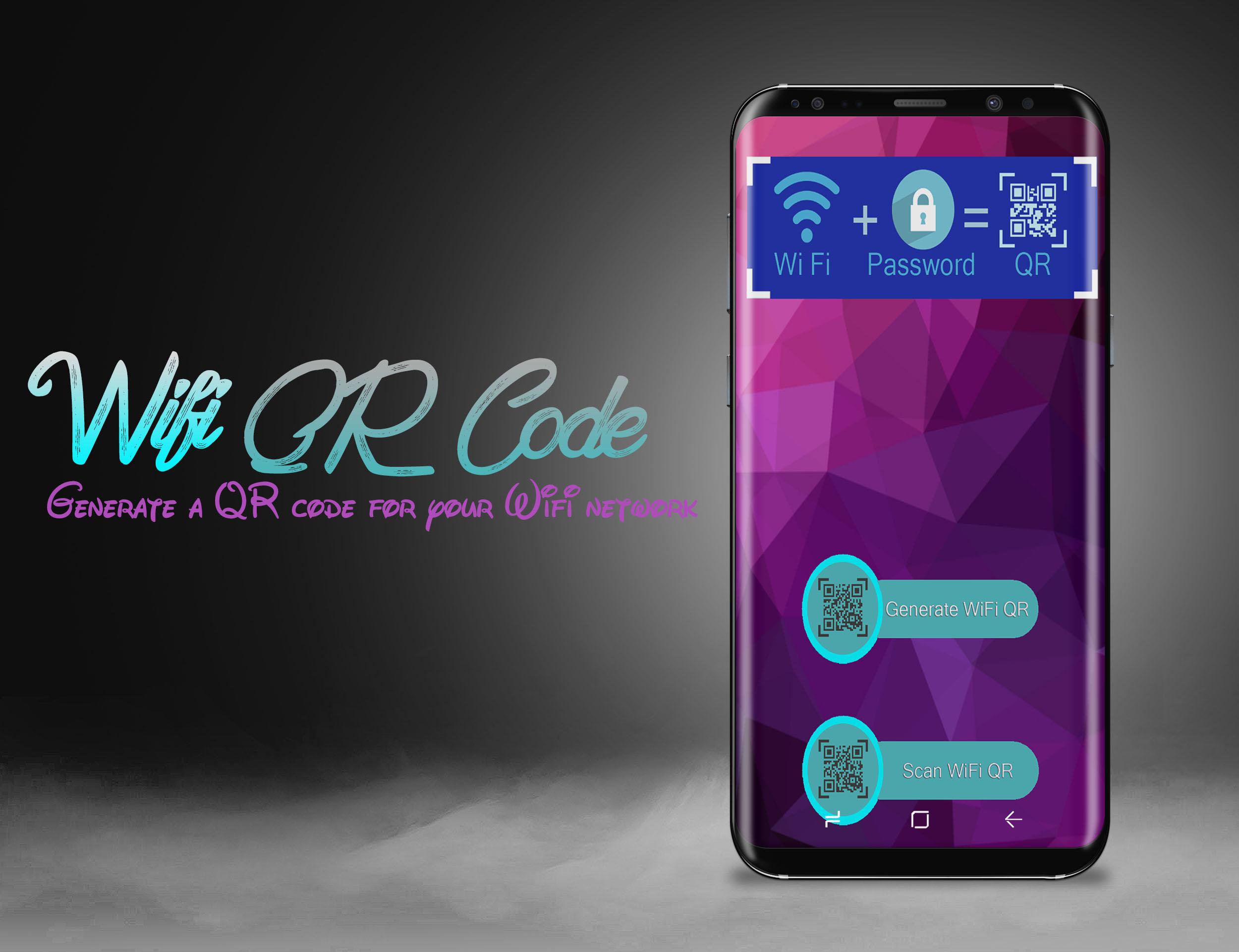
The easiest way to share your wifi's password without telling your password!
The easiest way to share your wifi's password with your friends and family without telling your password!
Wifi QR Code Generator enables you to easily share your WiFi network with others by using WiFi QR code images.
Your friends and family can scan these QR codes (with the app "Barcode Scanner" or QR Code Reader) right off of your phone's display to let them join your network without having to type anything at all, no matter how long or complicated your password is.
qr code generator allows you to generate a QR code for your wifi network.
Its using is so easy , you'll just generate , scan then connect, a QR code will generate once you open the application, or you can just select a network and a QR code will be created!
The steps to use this app:
Steps:
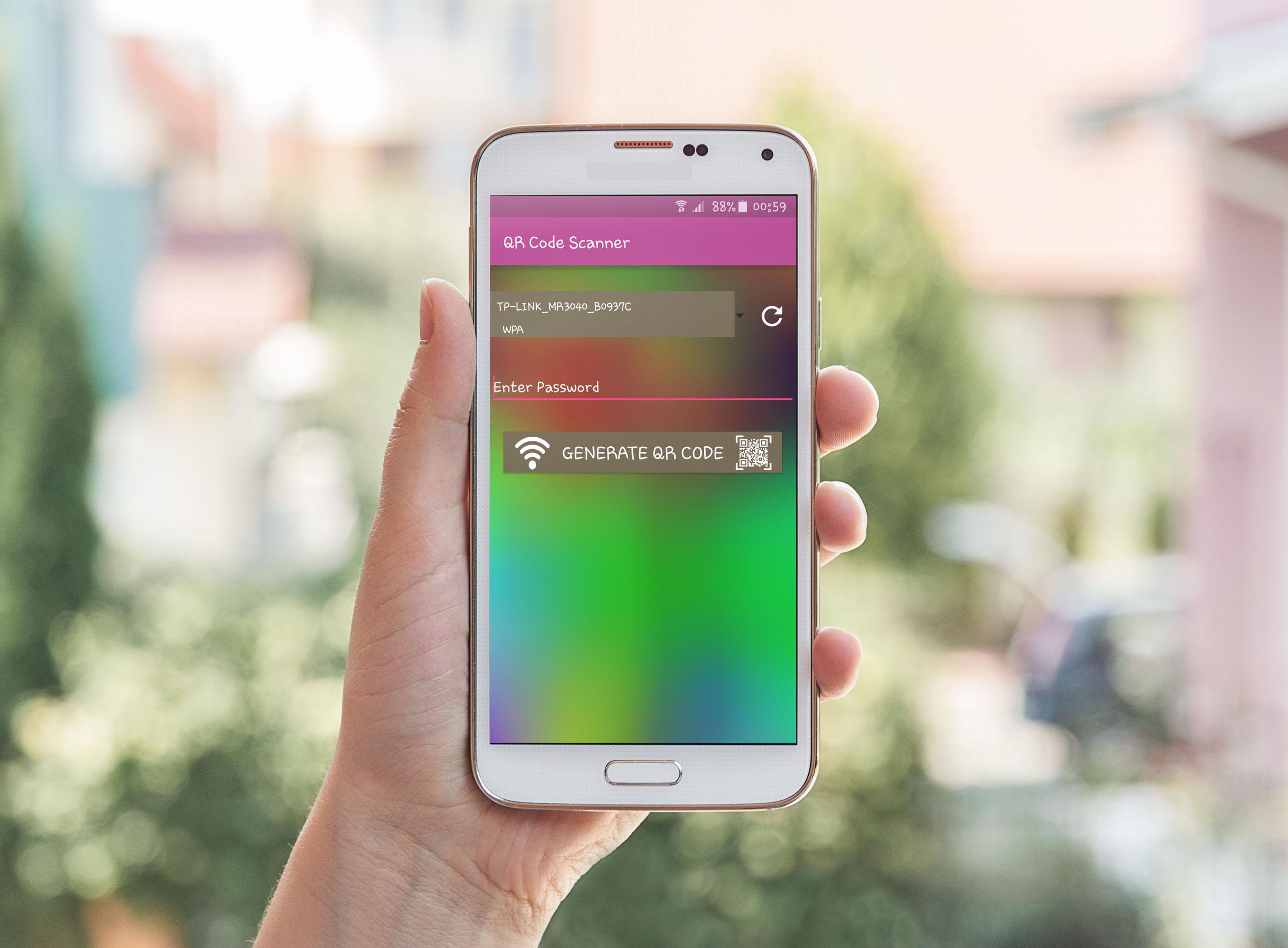
☞ Enter your network name (SSID)
☞ Enter your network password (if you have one)
☞ Select your network security type (WPA, WEP, or Open)
☞ Show another person the QR or save/send it, using email, Dropbox, printing it, etc.
or
☞ Select a network Android remembered or you saved.
☞ Show another person the QR or save/send it, using email, Dropbox, printing it, etc.
This is by far the easiest and most convenient way to connect to a Wifi network.


感謝您的評分和反饋!
您已經評分了。