
掃描日期:2026年05月10日
套件名稱:com.qnap.qvrproclient
SHA-256:06c31de946572b1ac5a8ae6ede24cbd8f99ca5a4bf8857dac98b5b5bc83a3bc9
SHA-1:ca4beb81ad3b2c04c6869fd6cf27f3d98d0f1d8f
顯示更多

Simple navigation and easy access to your QNAP QVR Pro
QVR Pro Client provides an intuitive interface for your QVR Pro server, helping you manage IP cameras, monitor live views, and play back previous recordings using your mobile devices.
Minimum system requirements:
- QVR Pro installed and initialized on the QNAP NAS running QTS 4.3.0
- The latest version of QTS 4.3.4 is required for enabling push notifications and activating licenses.
- QVR Pro 1.1.0 is required for querying event logs.
Key Features:
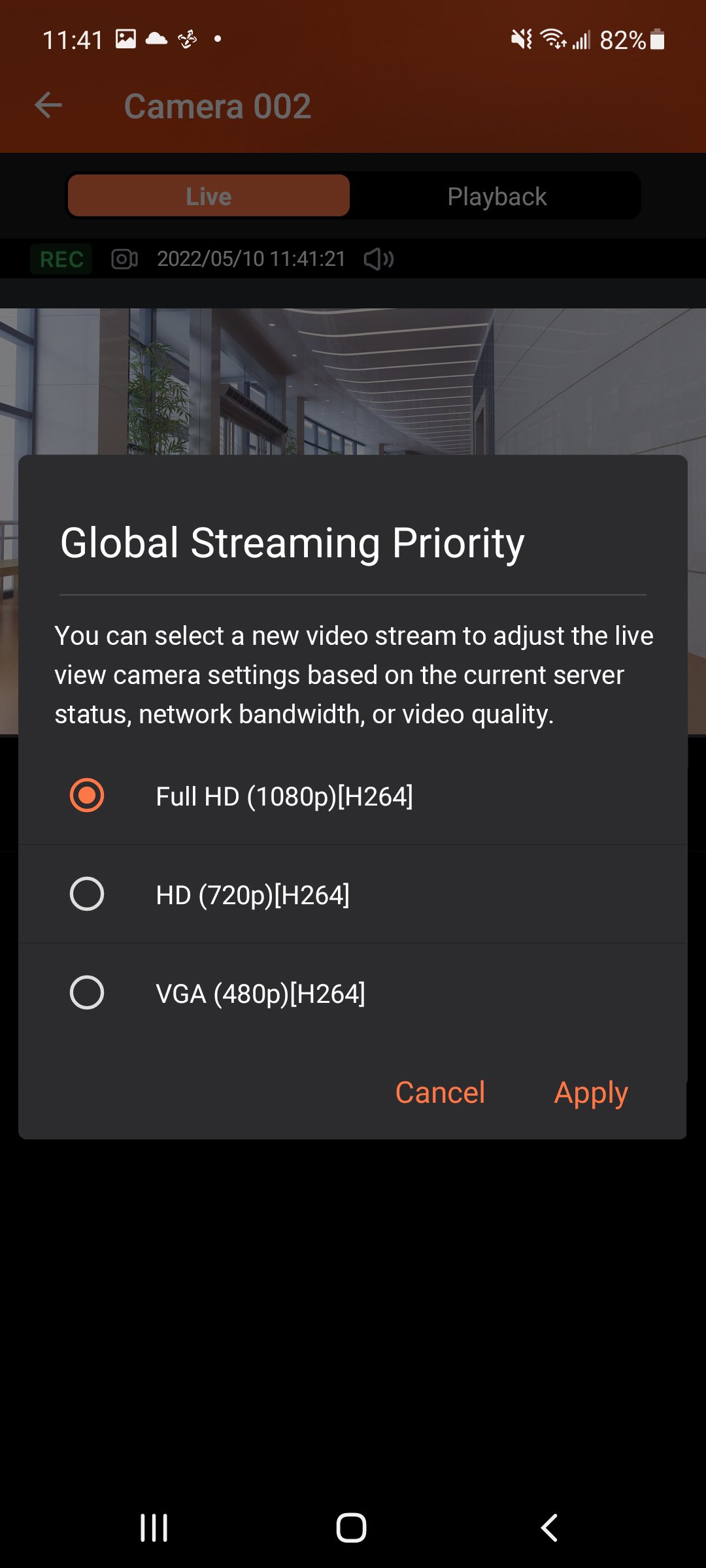
- Supports viewing multiple IP cameras connected to QVR Pro.
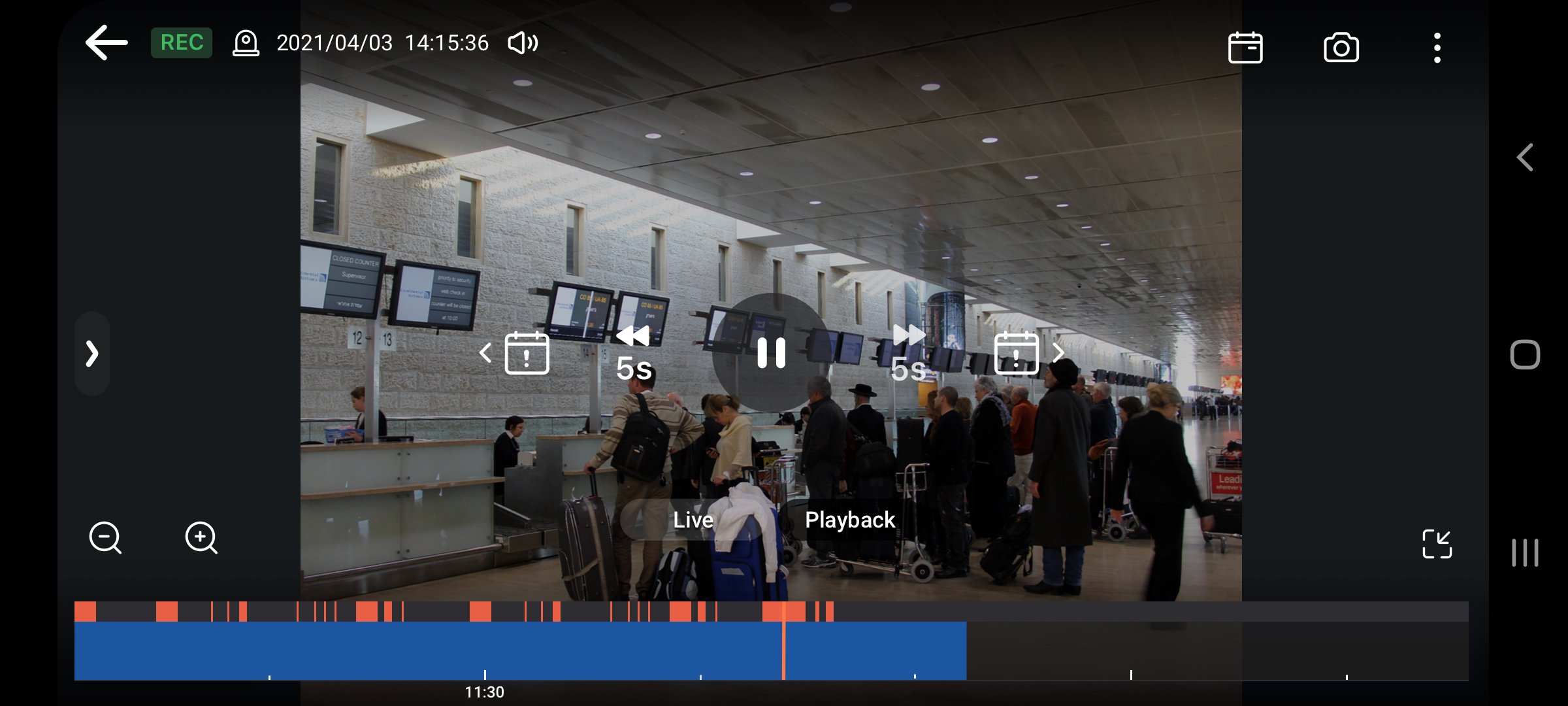
- Supports switching instantly between the Live and Playback modes and clicking the timeline to play back recordings from a specific moment.
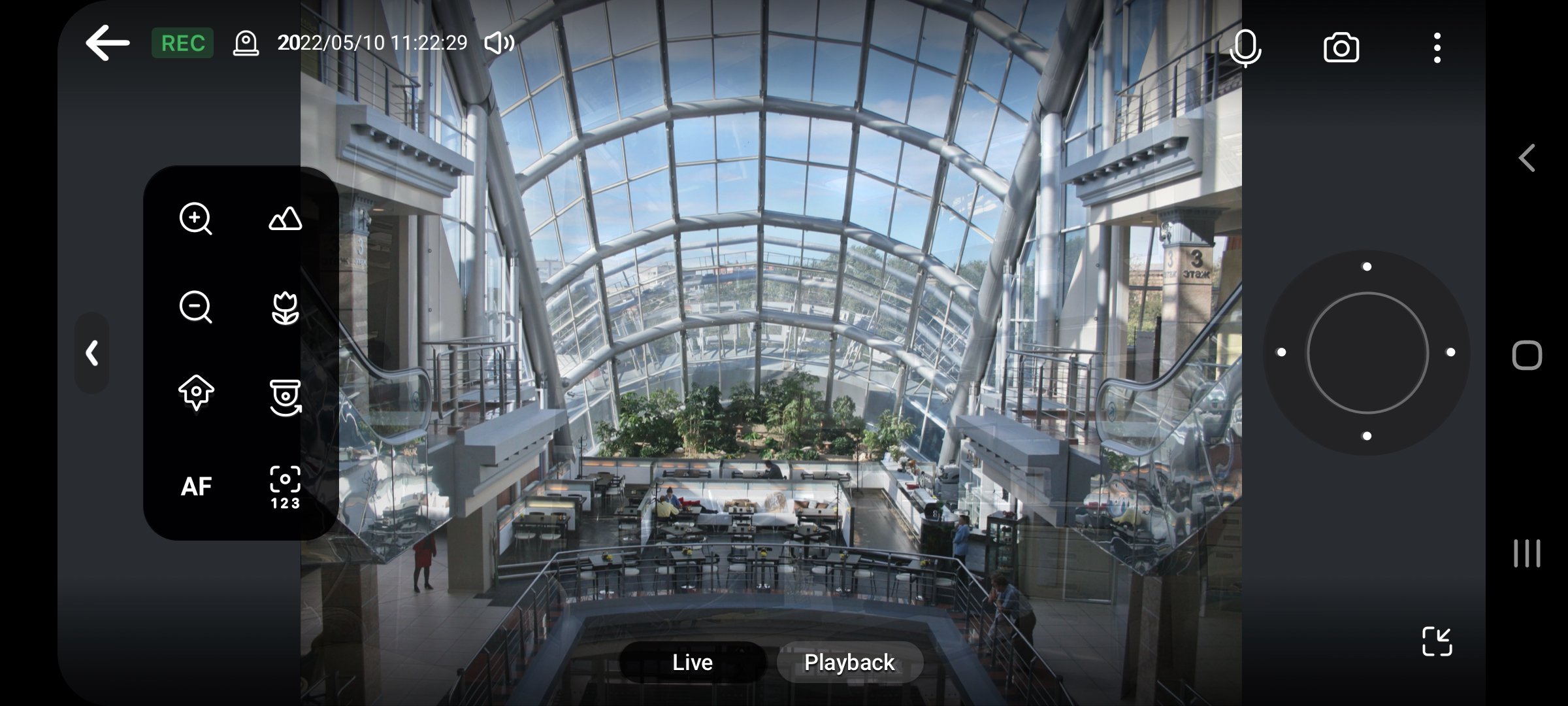
- Provides various advanced monitoring options: Sequential mode, PTZ control, auto cruising and preset point control.
- Supports sending instant push notifications.
- Provides the option to click snapshots in event logs to play back previous events.
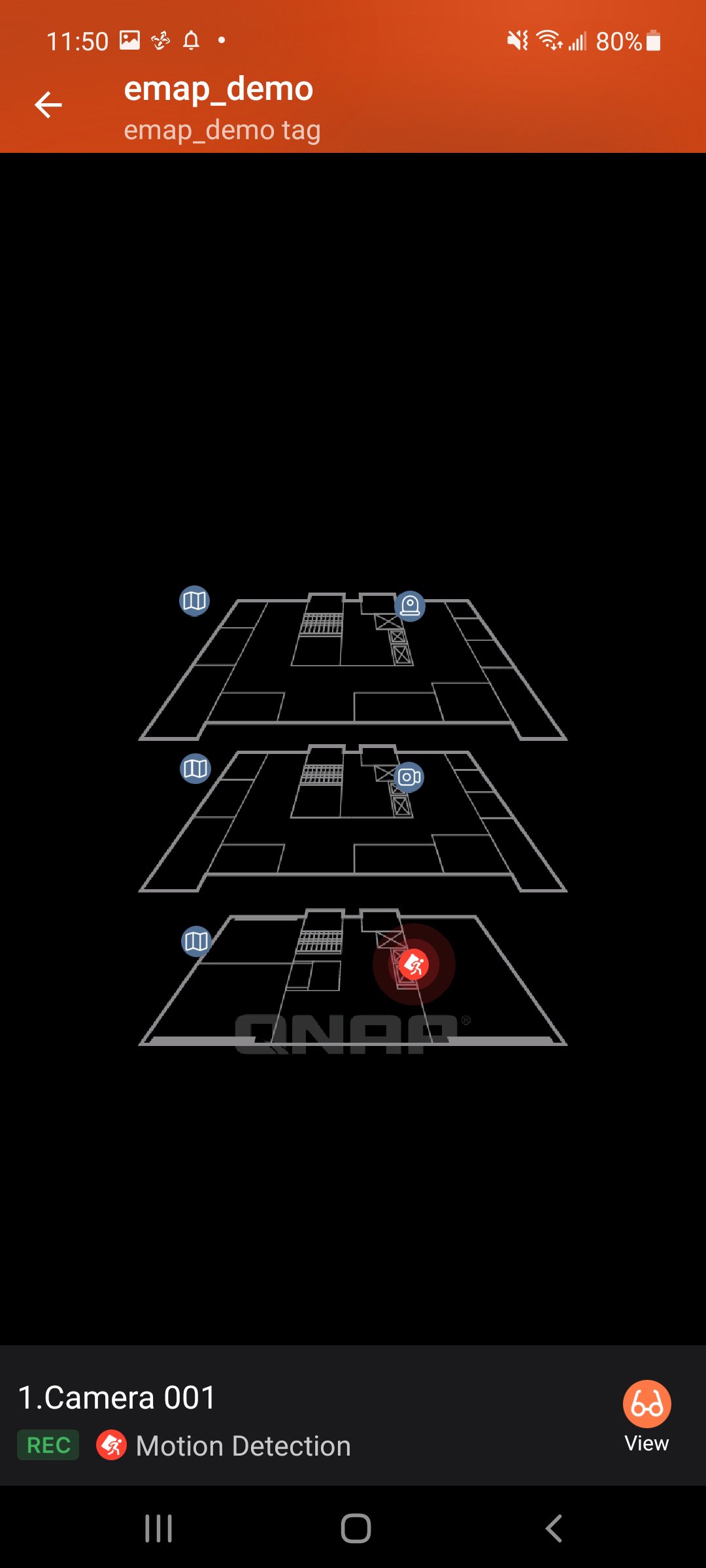
- Displays camera locations and event icons on E-maps to allow for comprehensive monitoring.



感謝您的評分和反饋!
您已經評分了。